Camera Image Slideshow is a Joomla module that allows you to create customizable image slideshows with various animation effects, loader settings, and mobile support. This documentation covers the installation, configuration, and usage of the Camera Image Slideshow module.
Version: 3.7
Get Started
Introduction
Camera Image Slideshow is a Joomla module that allows you to create customizable image slideshows wi...
Installation
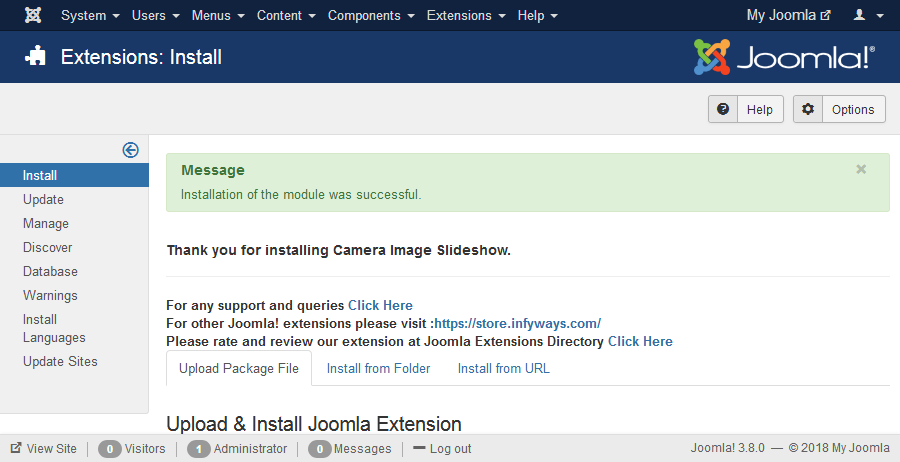
Downloading the Extension Email: After you purchase the extension from our store, you will receive ...
Setup
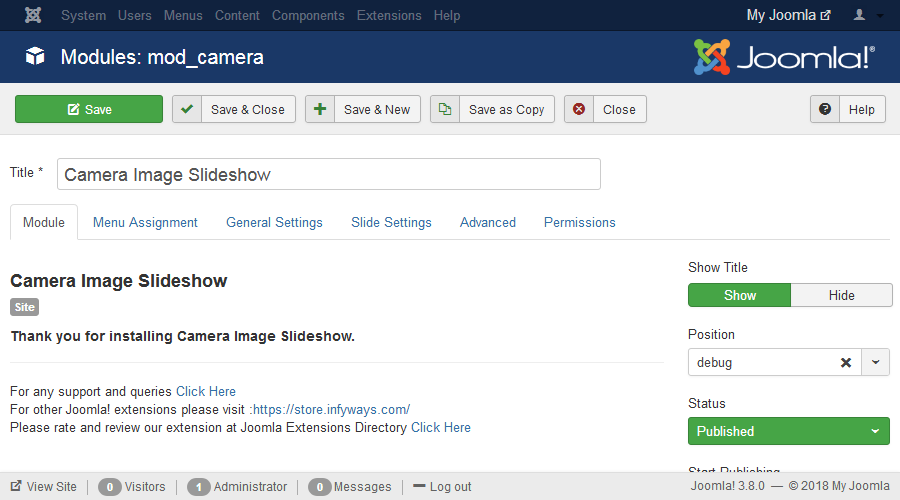
After successful installation of the module, go to Extension > Modules and Search for Camera Slideshow.
General Settings
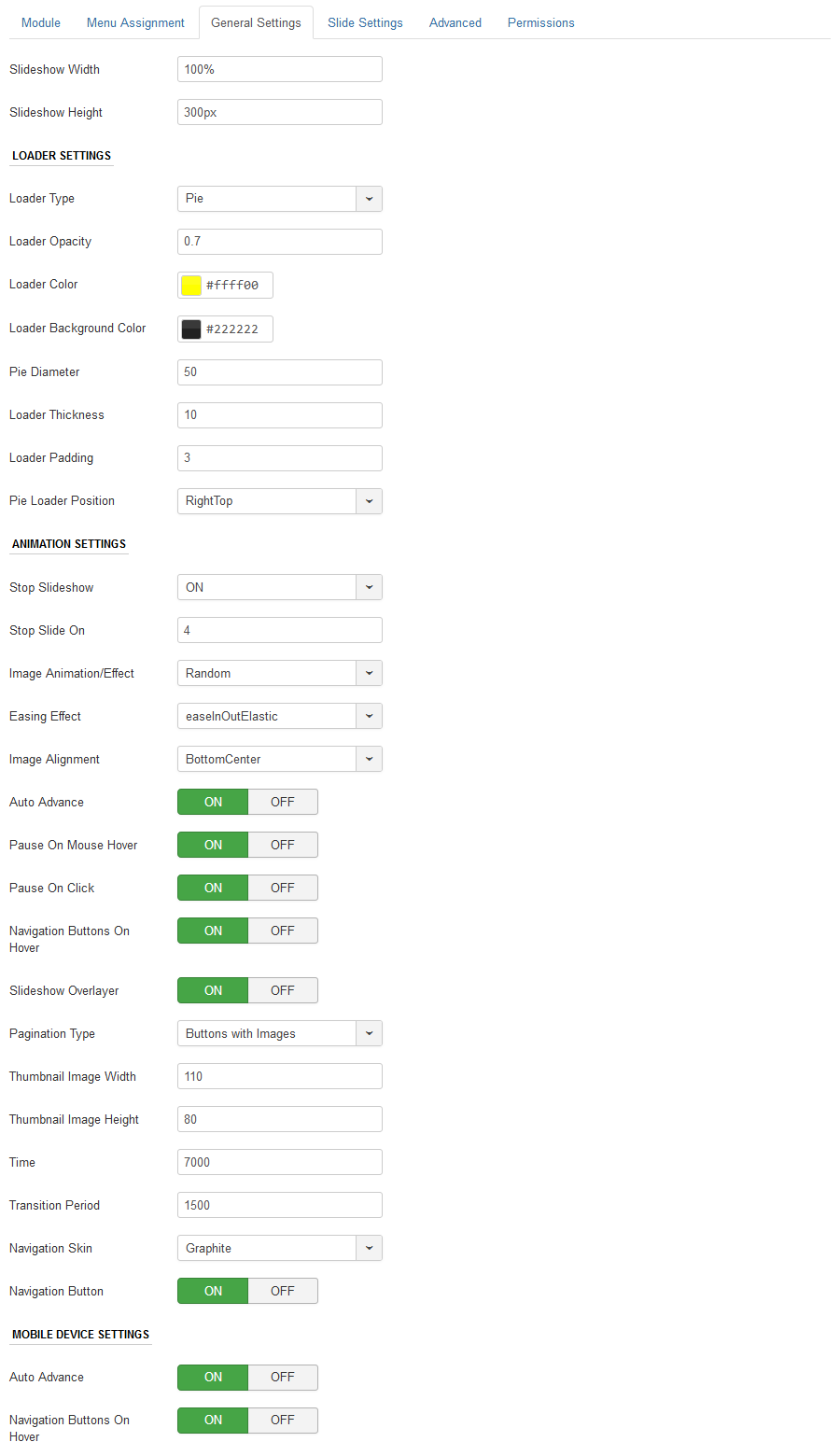
In general settings tab you can set the dimension, slideshow effects and other navigation settings.
Slide Settings
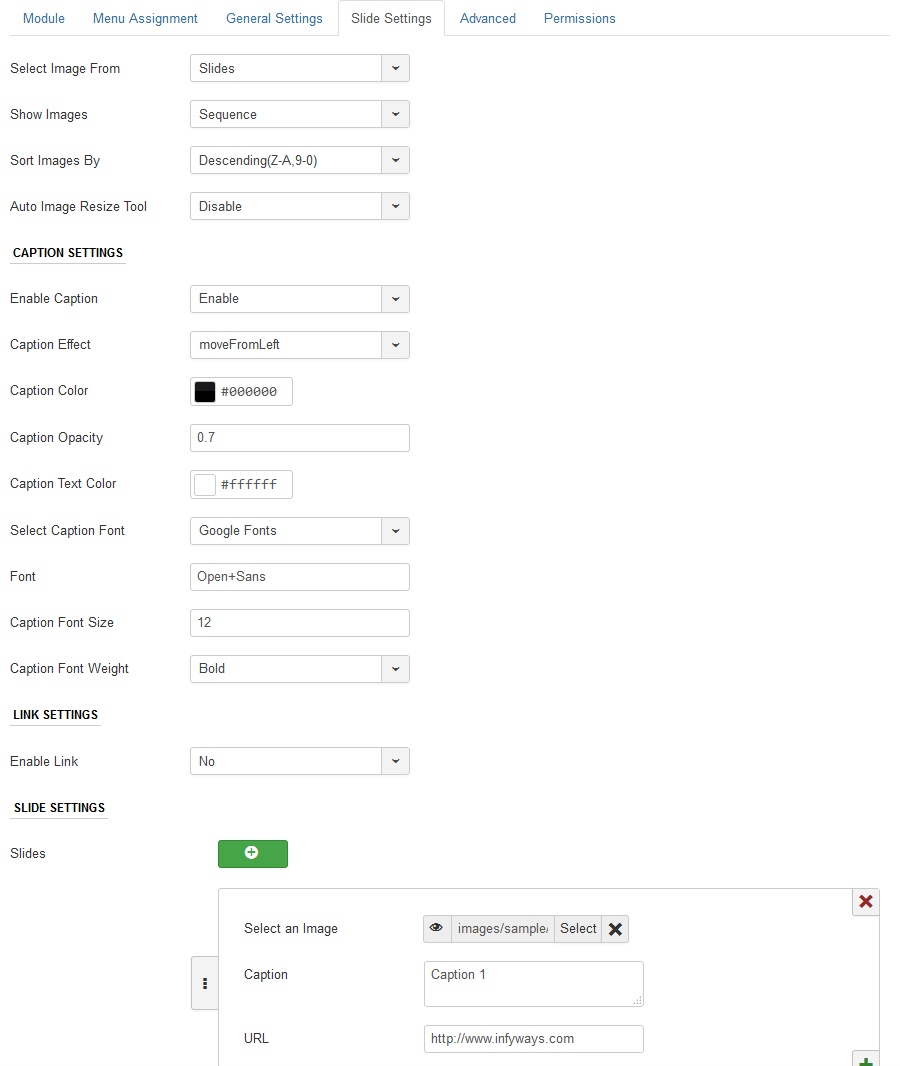
In Slide Settings you can either fetch images from folder or add images individually into the module...
Advanced Settings
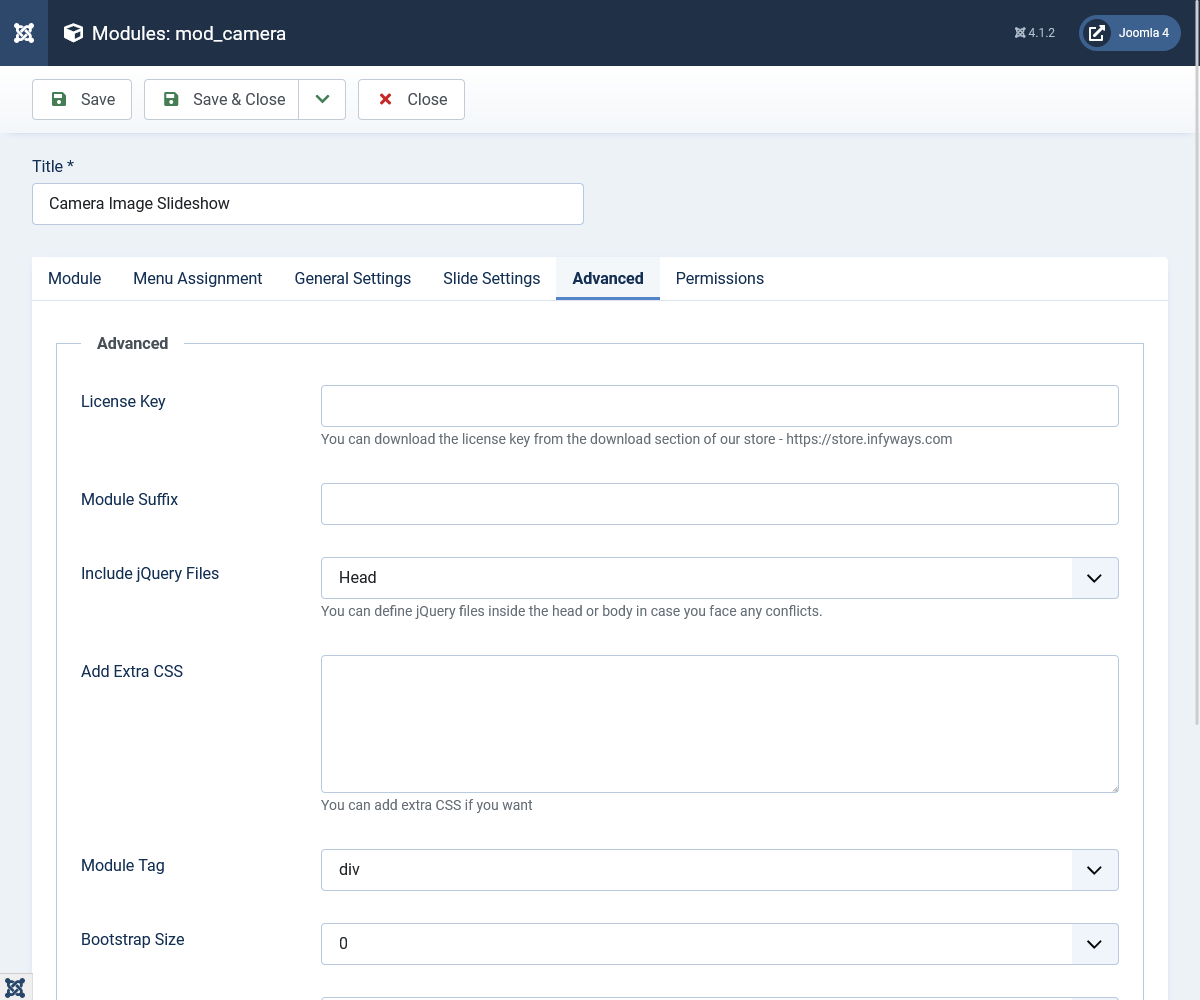
Extra CSS: You can add extra CSS into the module parameters easily without modifying any template CSS files.
How To
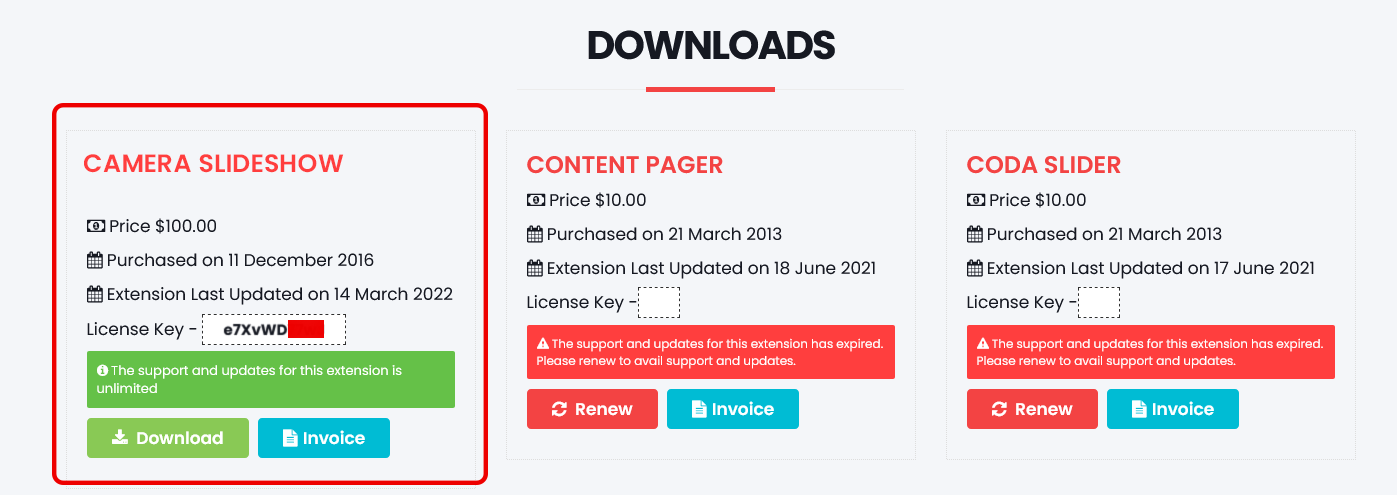
How to get the license key for the extension?