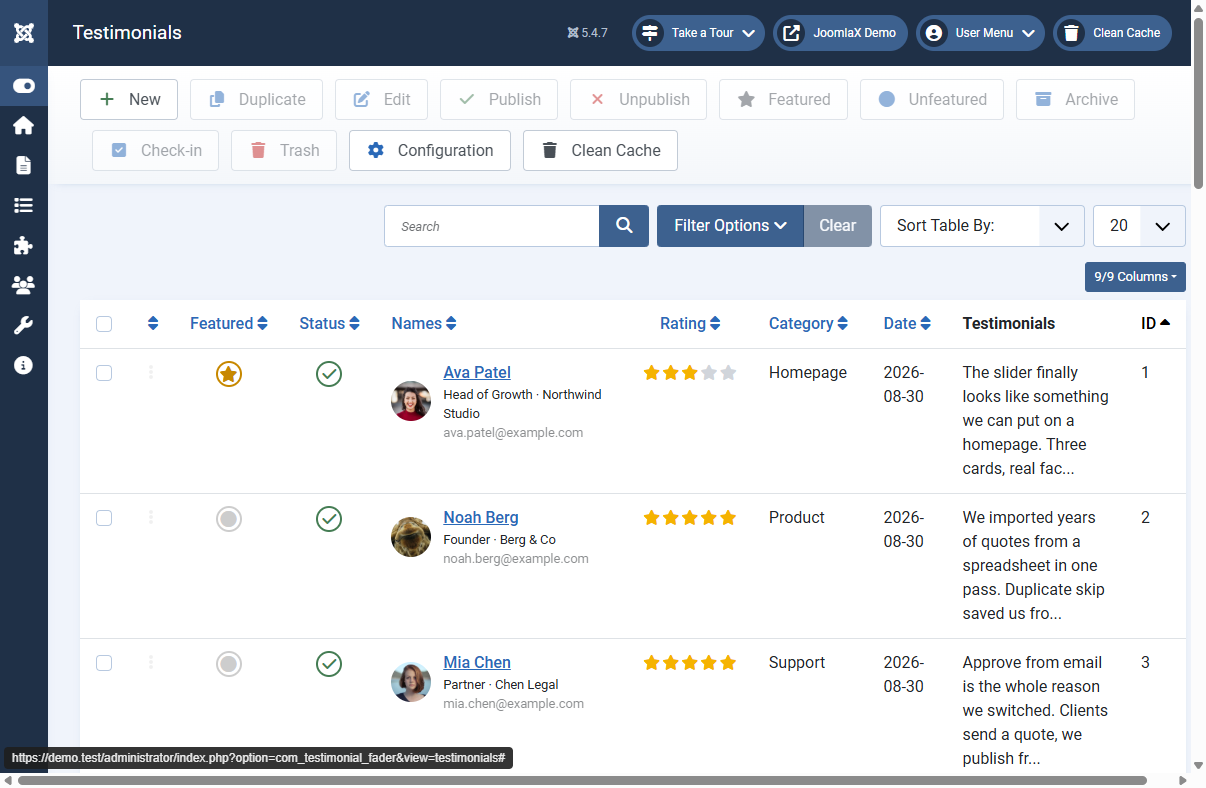
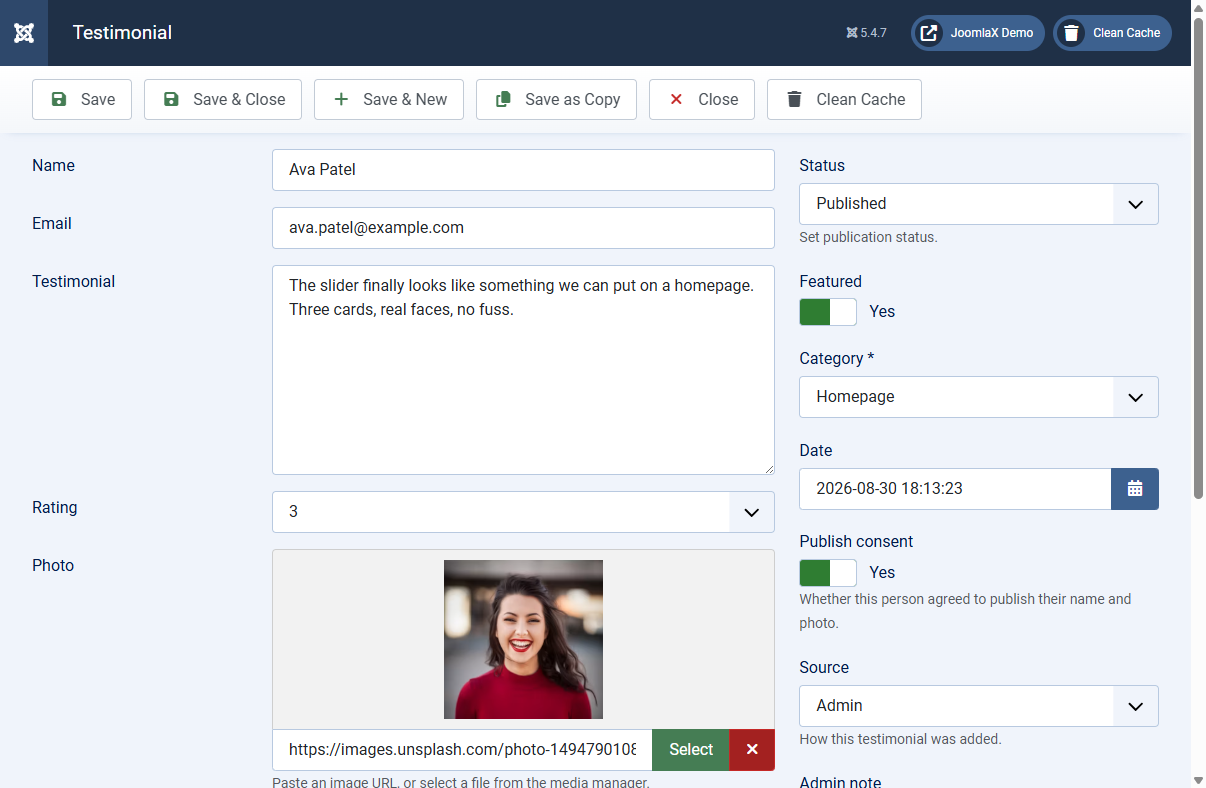
Testimonial Fader 9.0 helps you collect customer reviews and show them beautifully on a Joomla site. Think of it as one shared inbox of testimonials that you can display in many places: a homepage slider, a reviews page with a submit form, a sidebar badge, or inside any article.
Live demo: demo.joomlax.com/TestimonialFader
What you can do
- Collect reviews with an Ajax form (fixed, toggle button, or popup modal)
- Show a slider, grid, masonry wall, or star rating badge
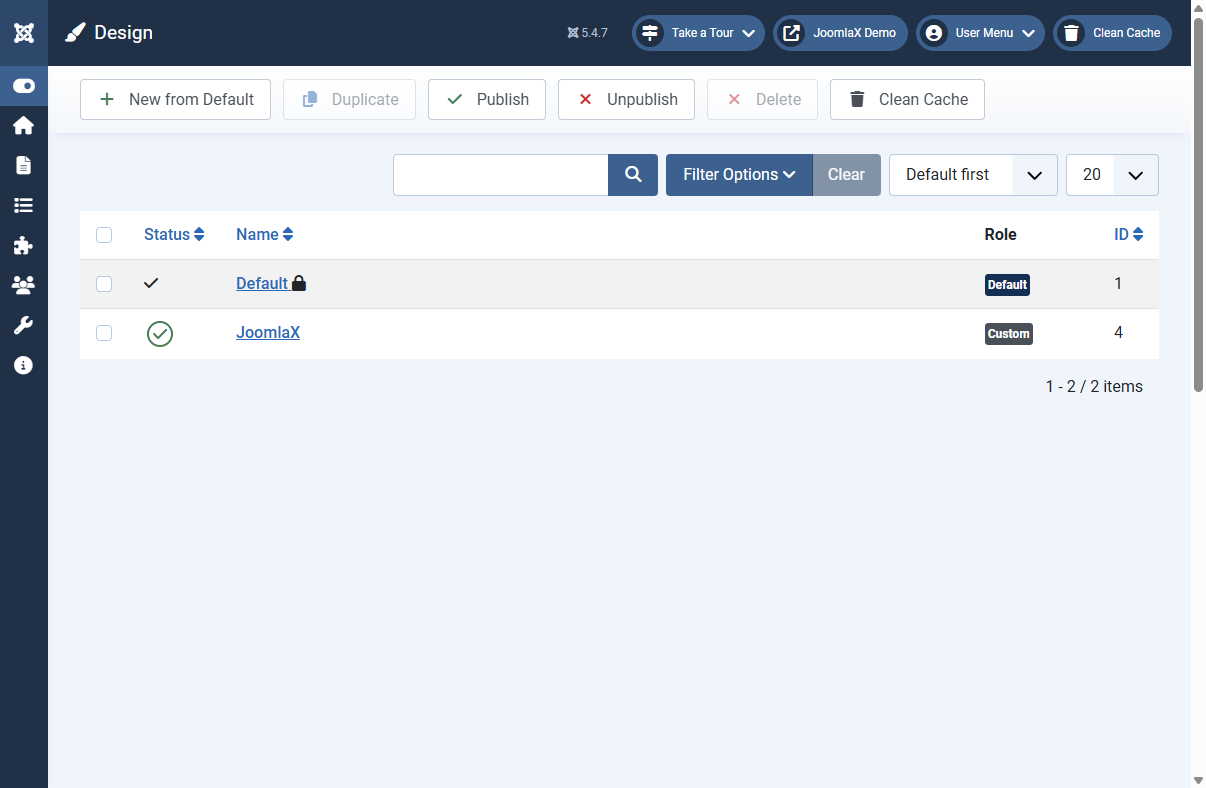
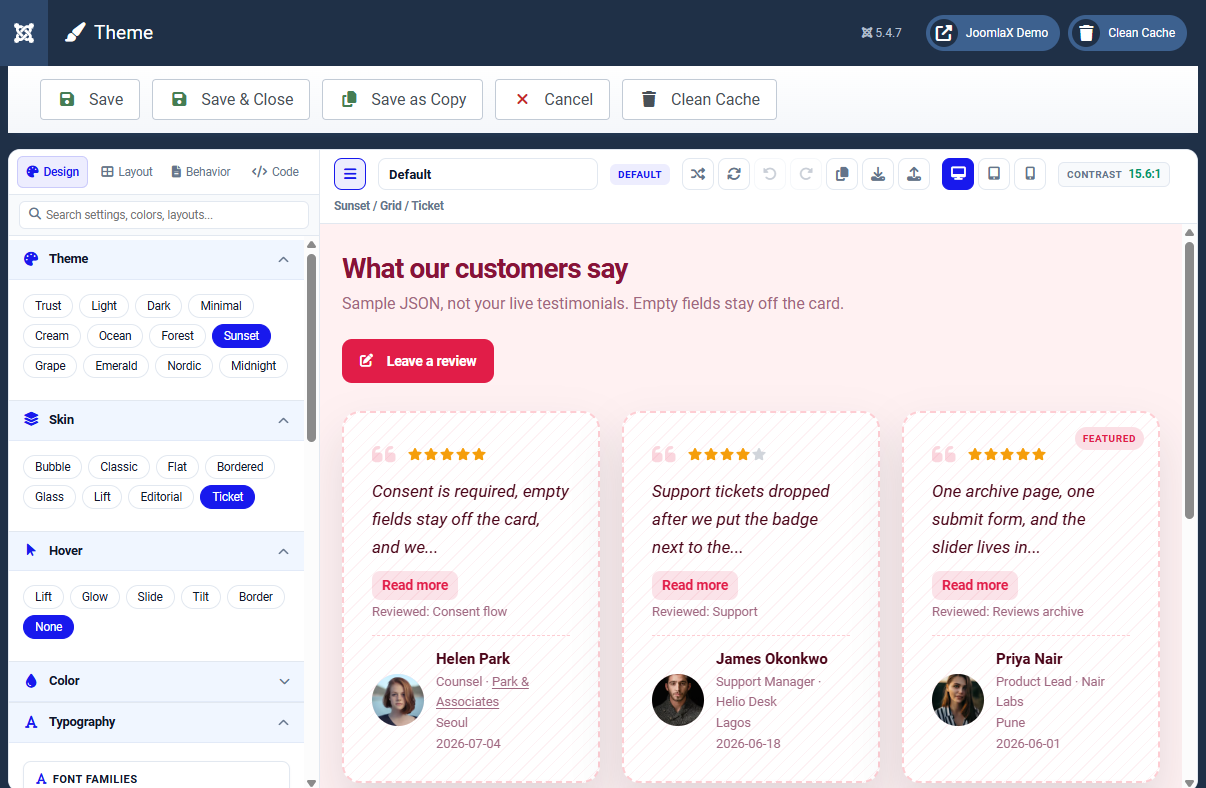
- Design everything in Theme Studio with live preview (no CSS coding required)
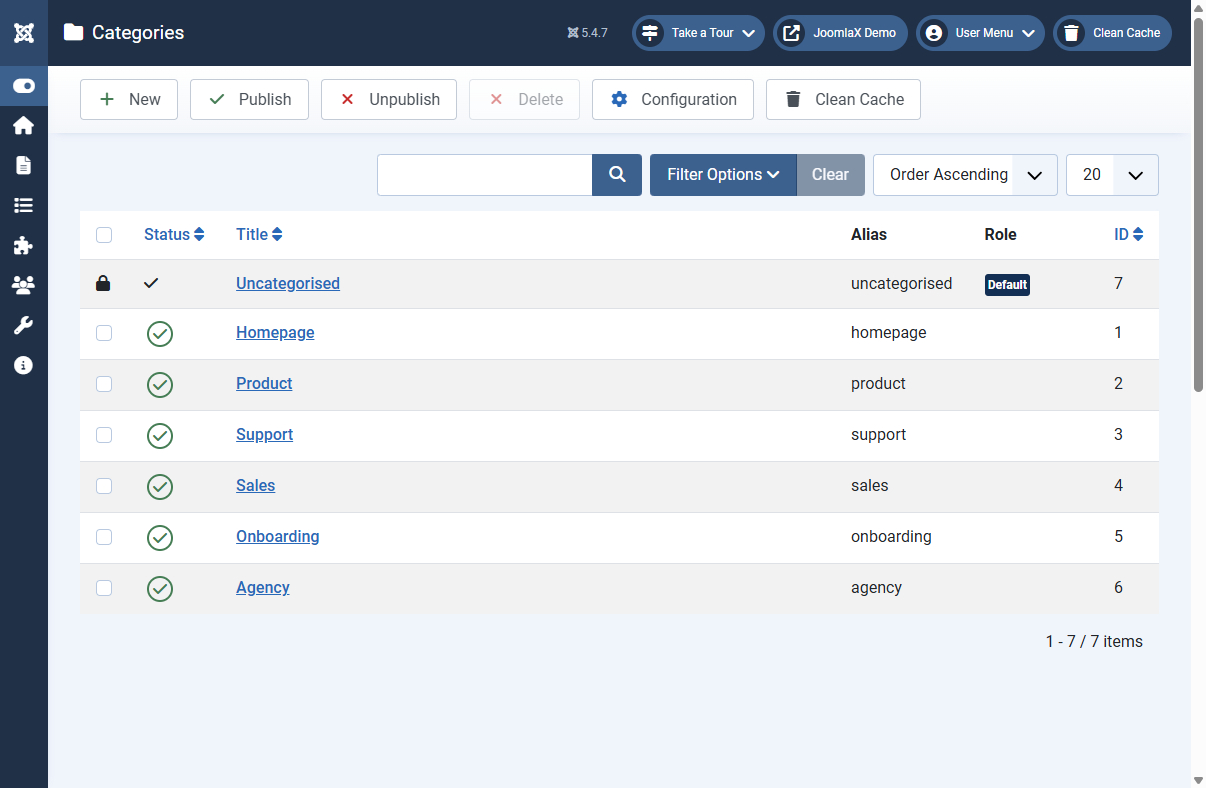
- Add photos, star ratings, company details, categories, and featured quotes
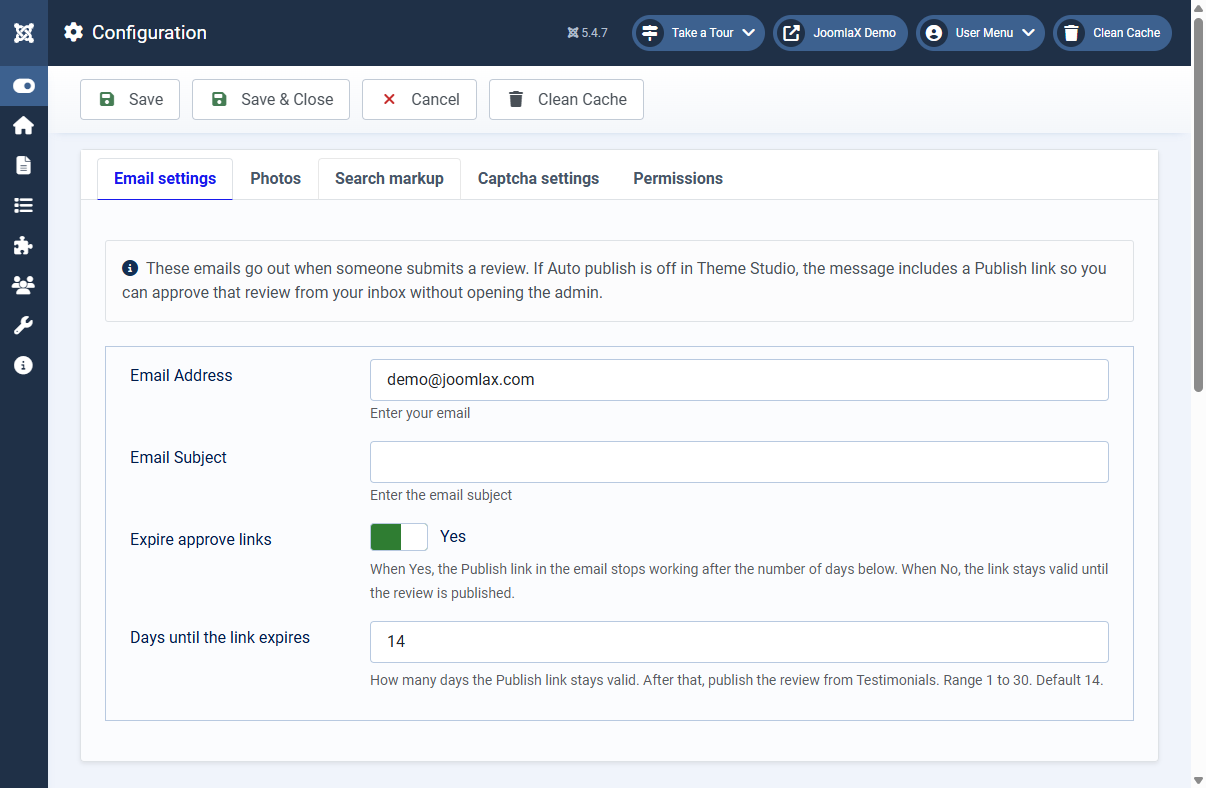
- Approve new reviews from email with one click
- Block bots with three captcha choices: customizable built-in image captcha, Google reCAPTCHA v2, or invisible reCAPTCHA v3
- Insert testimonials into articles with shortcodes or the editor button
Built for modern Joomla
- Joomla 4, 5, and 6
- PHP 8.1 or later
- Native JavaScript (no jQuery)
- Upgrade safe from version 8.x (your existing quotes stay)