Installation
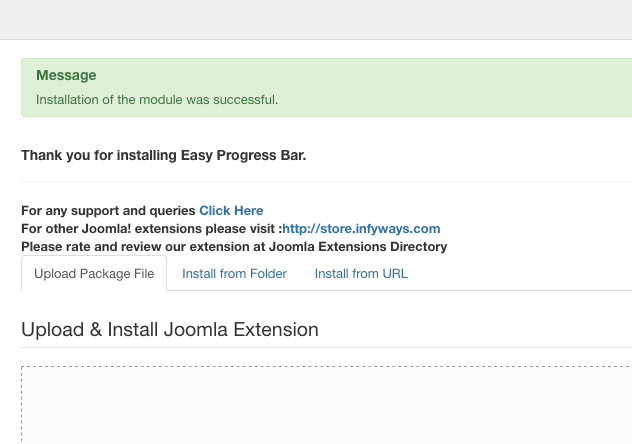
Easy Progress Bar 1.5 is a modern Joomla site module for Joomla 4, 5, and 6. PHP 8.0 or newer is recommended.
- Sign in to the Joomla administrator.
- Open System > Install > Extensions.
- Select Upload Package File.
- Upload
mod_easy_pbar_1.5.zip. Do not unzip the module package. - After installation, open Content > Site Modules.
- Create or open an Easy Progress Bar module.
- Choose a template position, assign the required menu pages, publish the module, and save it.
When updating an existing installation, install version 1.5 over the current module. Joomla retains existing module instances. Review and save each instance because version 1.5 introduces new layouts, themes, item fields, and animation controls.