

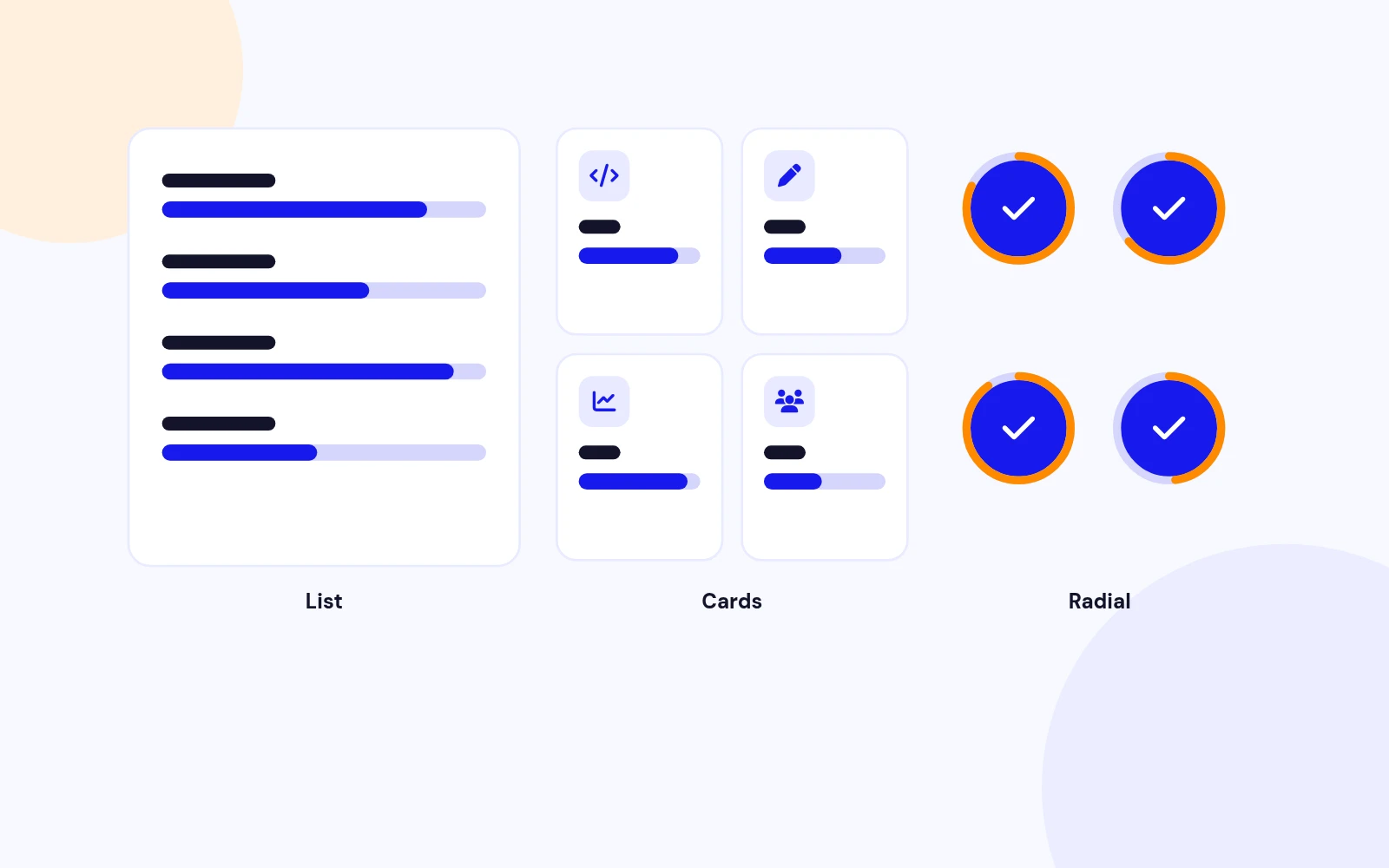
Three Layouts
Lists, Cards or Circles
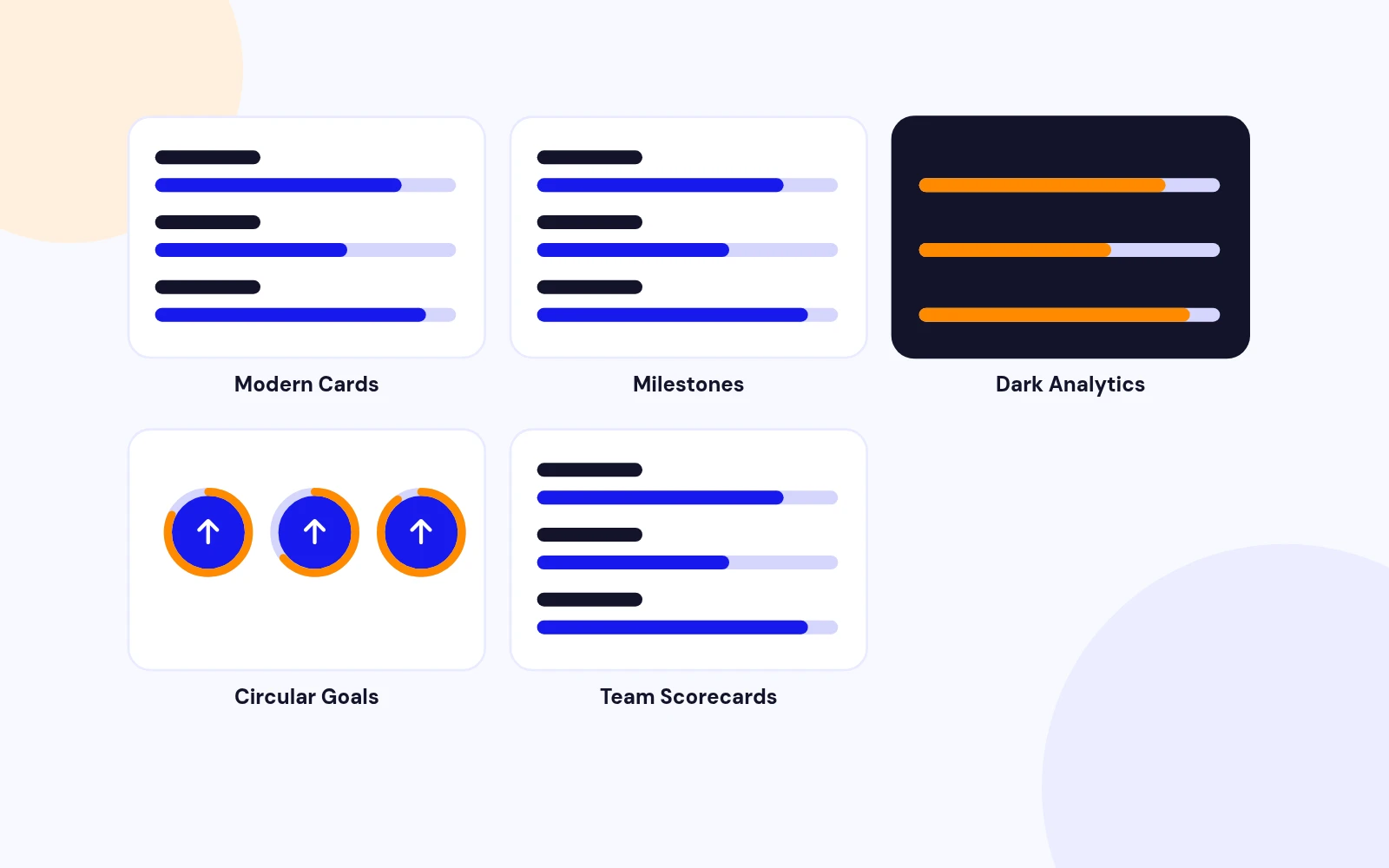
- Show skills, milestones and goals as a list, card grid or radial circles. Choose 1 to 4 columns that adapt to every screen.
Progress Bar Module for Joomla
Features
Ten feature areas, one install package for Joomla 4, 5 and 6.
Three Layouts
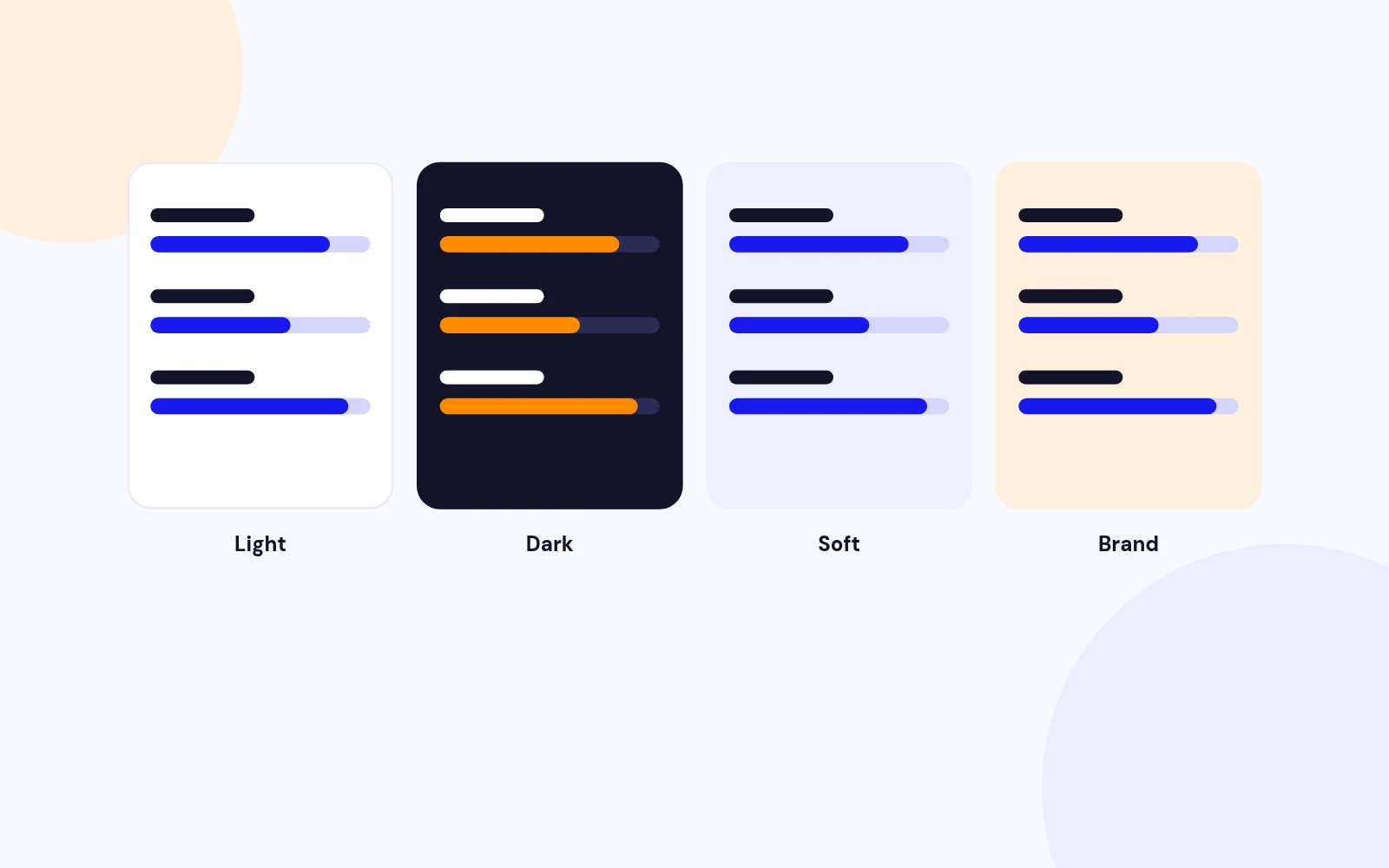
Four Themes
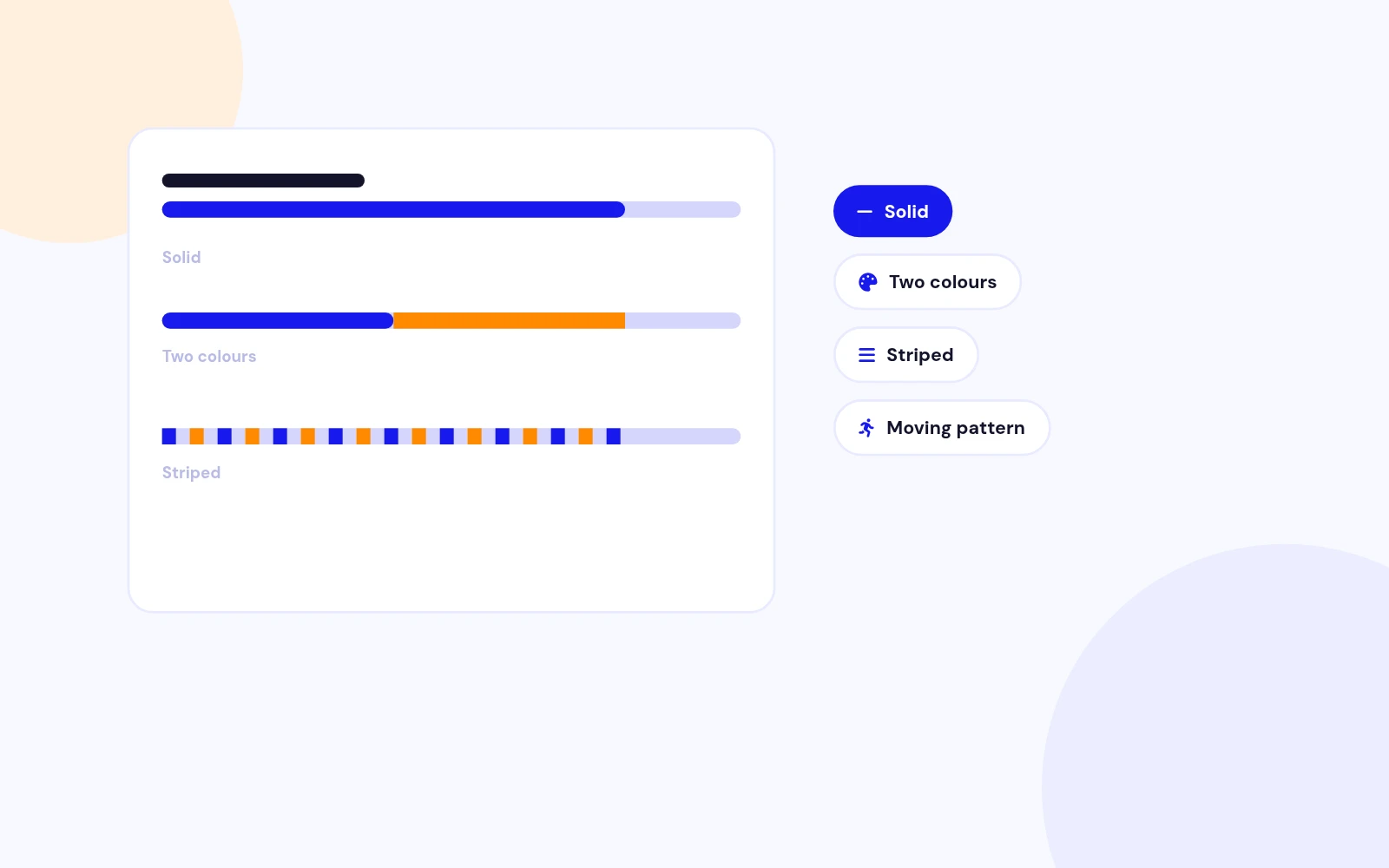
Bar Styles
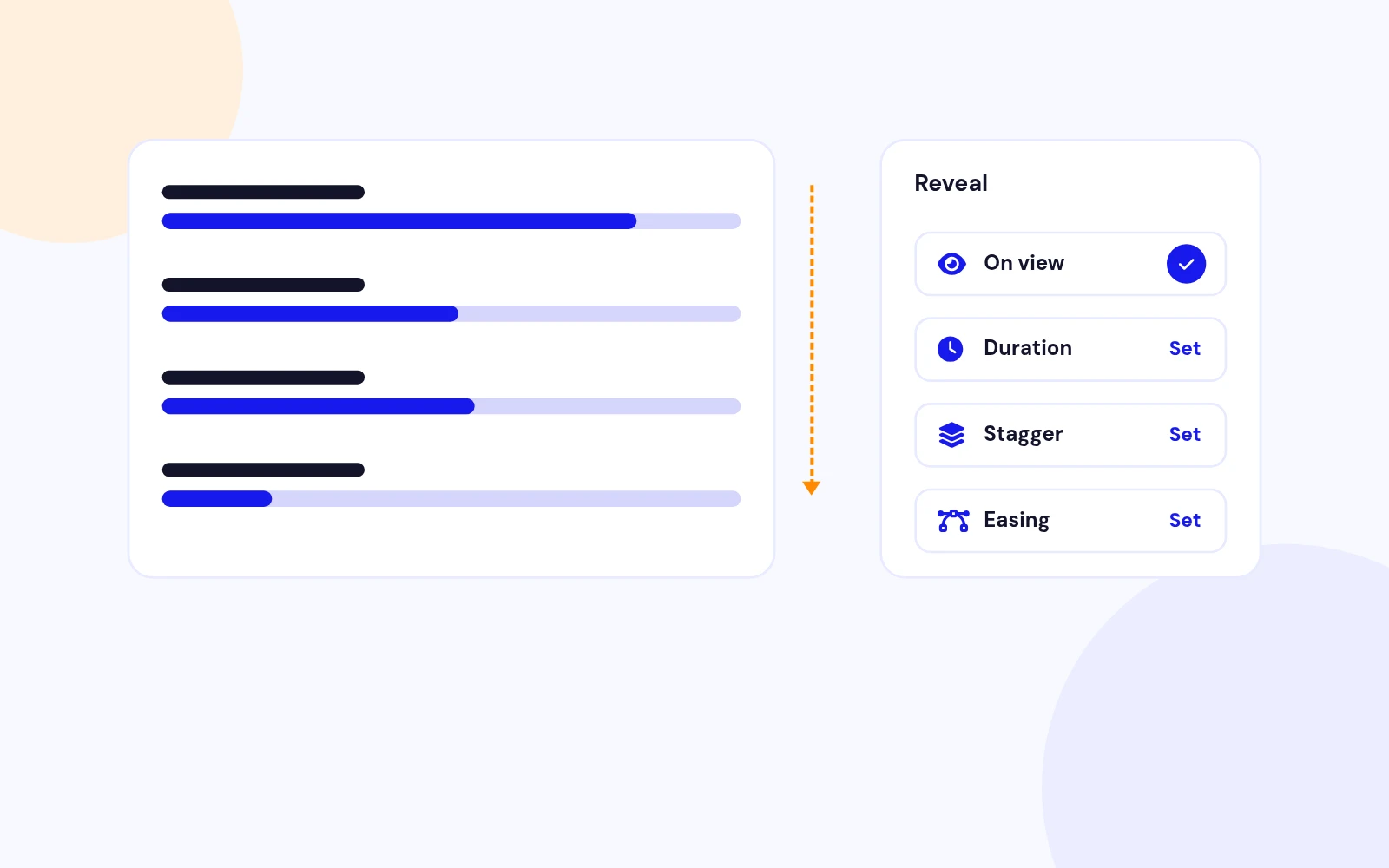
Smooth Reveal

Your Data
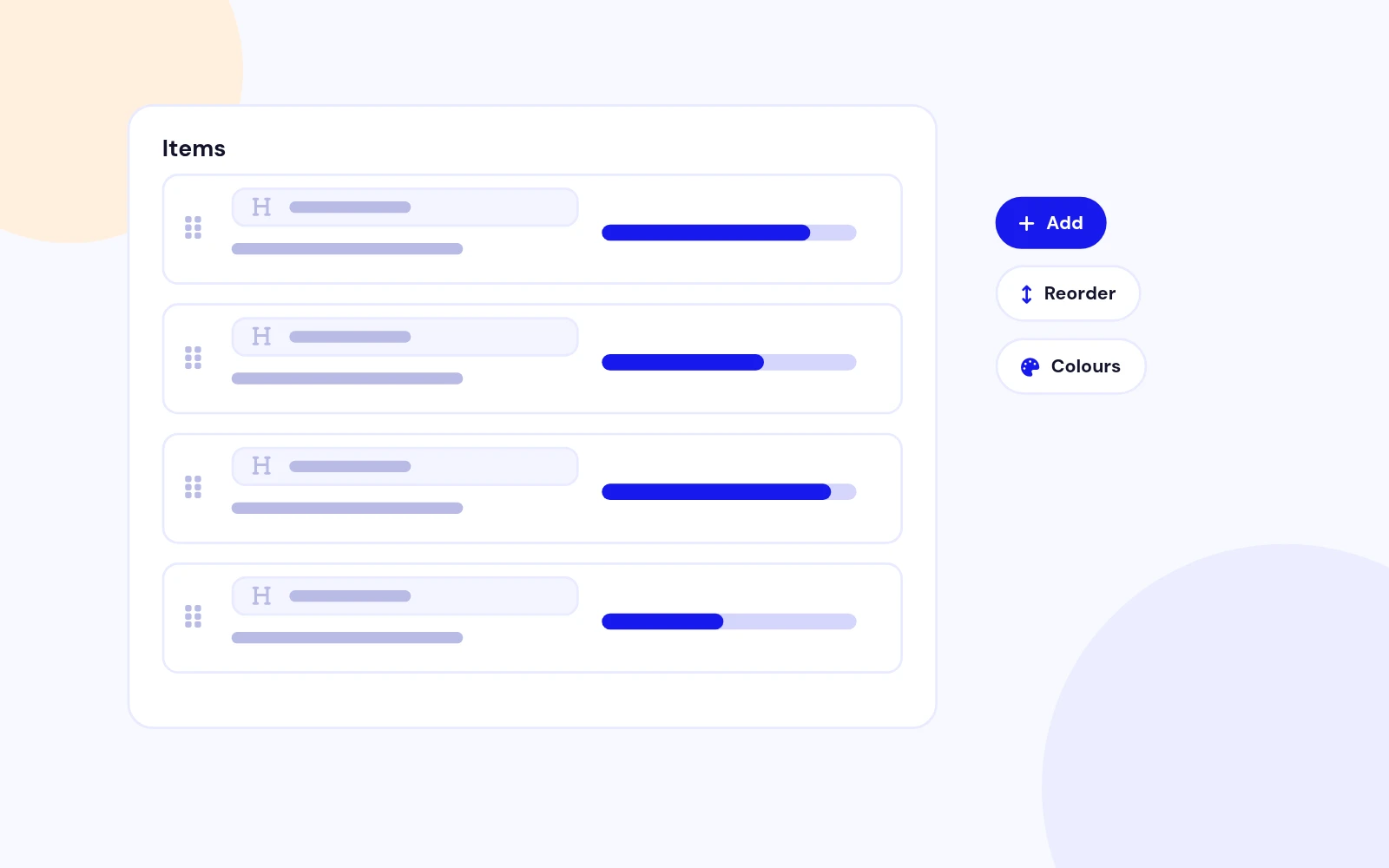
Any Scorecard

Responsive
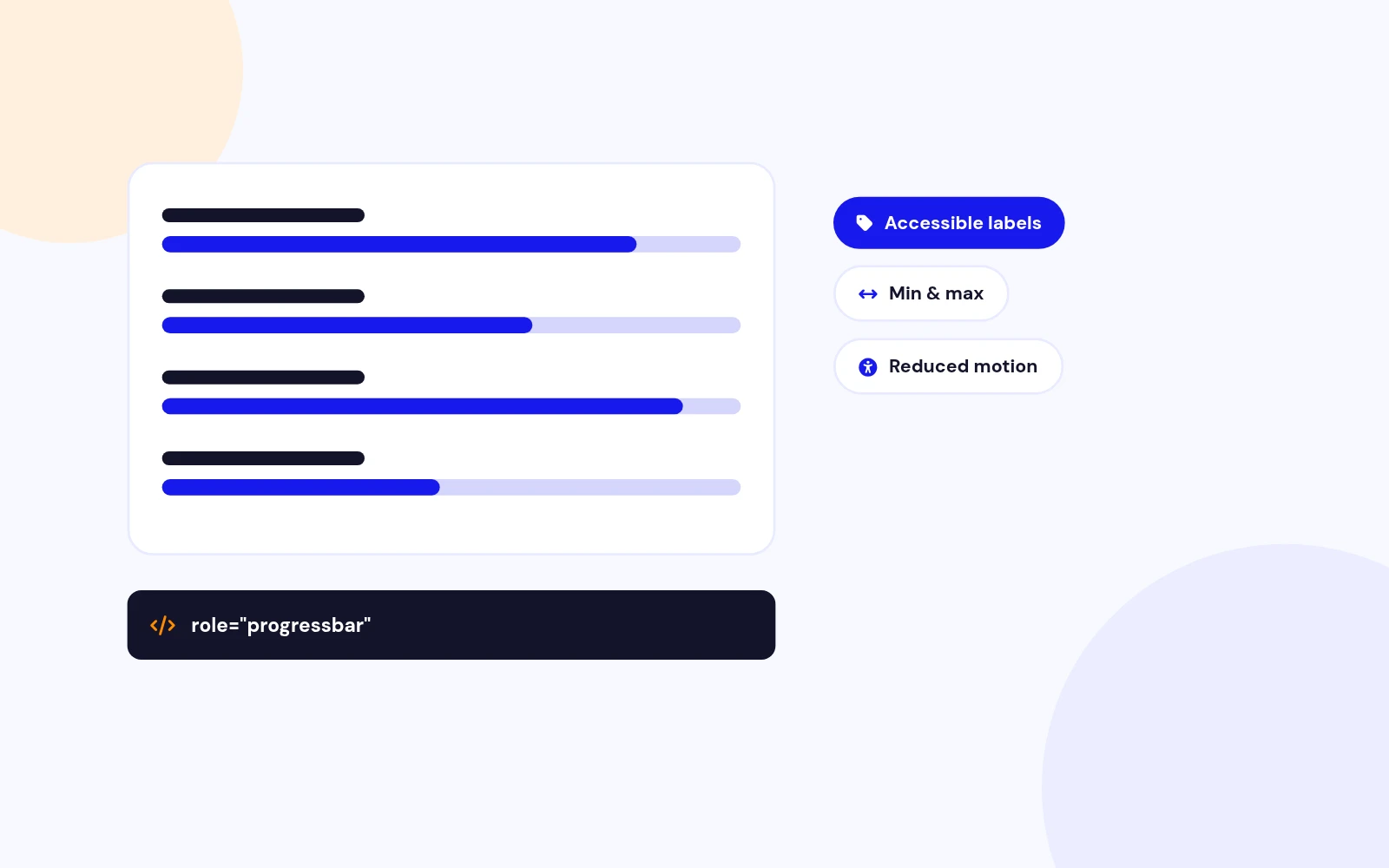
Accessible
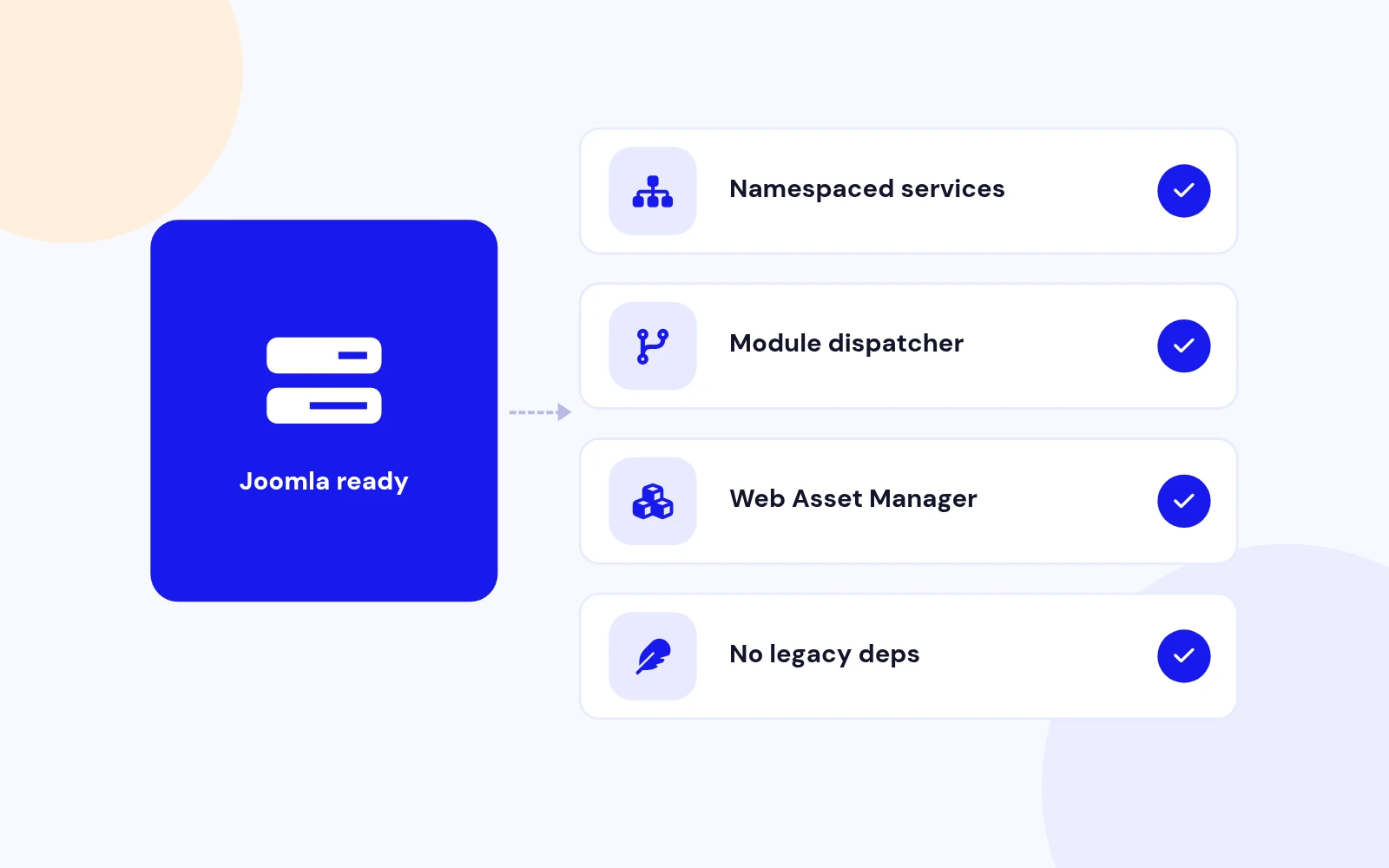
Lightweight
Quick Start
Changelog
5 releases since version 1.1. Updates install from the Joomla admin with a valid licence.
Docs & setup
Written guides for installing and configuring Easy Progress Bar, from first setup to the options that matter.
Pricing
Save more as you scale — longer access means a bigger discount.
30-day money-back guarantee
30-day money-back guarantee
30-day money-back guarantee
Why buy here
All-access bundle
Get all 126 extensions, new releases, ongoing updates and full-time support. Bought one by one, a year of updates for every extension costs over $4,700.
Ideal for small projects and personal sites
$249/ 6 months
Save 91% · $2,900+ value
30-day money-back guarantee
Best for growing businesses and web agencies
$349/ 1 year
Save 92% · $4,700+ value
30-day money-back guarantee
For professional developers and multi-client agencies
$749/ one-time
Pay once · keep forever
30-day money-back guarantee
FAQ
Still unsure? Our support team is one ticket away.
Easy Progress Bar supports Joomla 4, Joomla 5, and Joomla 6. It uses Joomla's namespaced services architecture and Web Asset Manager. PHP 8.0 or newer is recommended.
You can choose Compact List, Modern Cards, or Radial Circles. Card and radial layouts support one to four desktop columns and adapt automatically for tablets and phones.
Yes. Every item can have its own title, description, value, suffix, bar height, start colour, and gradient end colour. Items can also be added and reordered through the repeatable Content field.
Yes. The suffix is configurable for every item. You can use %, pts, /100, or another short label. Values may be whole numbers or decimals between 0 and 100.
For horizontal bars, place the value beside the title, inside the coloured fill, or after the track. You can also hide values completely. Radial layouts display the value inside the circle.
Animation can start when the module enters the viewport or when the page loads. You can configure duration, delay between items, easing, and count-up values. Each fill animation runs once and stops at its configured target.
The optional Move Stripe Pattern setting creates continuous movement for the Striped bar style. Disable that setting in the Animation tab when you want static stripes. Solid and gradient bars stop after their reveal animation.
Yes. Easy Progress Bar detects the browser's reduced-motion preference and displays the final values without animated movement. The content also remains visible at its configured values when JavaScript is unavailable.
No. Version 1.5 uses lightweight vanilla JavaScript, modern CSS, IntersectionObserver, and Joomla's Web Asset Manager. It has no jQuery or Waypoints dependency.
Yes. Every module instance receives a unique identifier and initializes independently, so you can use different layouts, themes, items, and animation settings on the same page.
The fill stops at the value configured for that item. For example, a value of 54 produces a 54% fill. Set the value to 100 when the bar should fill the entire track.
Clear the Joomla cache, template optimisation cache, CDN cache, and browser cache. Then open the module, review the new Content, Layout & Design, Animation, and Advanced tabs, and save it once.
More like this

Module + Plugin
Joomla Extension to Disable Right Click on Mouse
v2.6.1 6,022 downloads
From $9


Plugin + Component
Code Highlighter Plugin for Joomla
v2.2.1 3,537 downloads
From $9


Plugin
Plugin to Include Javascript or CSS files to Joomla
v2.1.1 10,538 downloads
Free


Module
Show Joomla Modules and Articles Randomly in a Position
v1.5.1 3,128 downloads
From $19


Plugin
Joomla plugin for typewriter text effect with adjustable speed and cursor.
v1.4.1 4,412 downloads
From $9

Plugin
Displays reading time and progress bar for Joomla articles.
v1.8.1 3,472 downloads
From $19