Publish the module
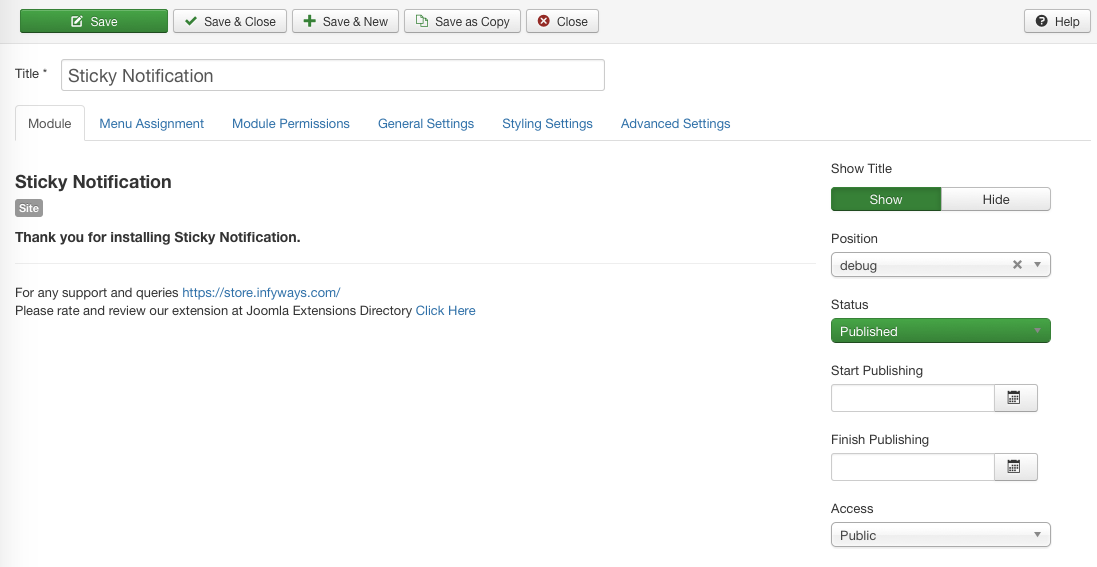
After install go to Content → Site Modules (or System → Site Modules) and open Sticky Notification (or create a new module of that type).
- Set Show Title to Hide
- Choose any existing template Position (debug, footer, or similar is fine — the toast portals to
body) - Set Status to Published
- Assign Menu Assignment as needed
You can publish several Sticky Notification modules on the same site; enable Queue so they stack instead of overlapping.