Basic Settings
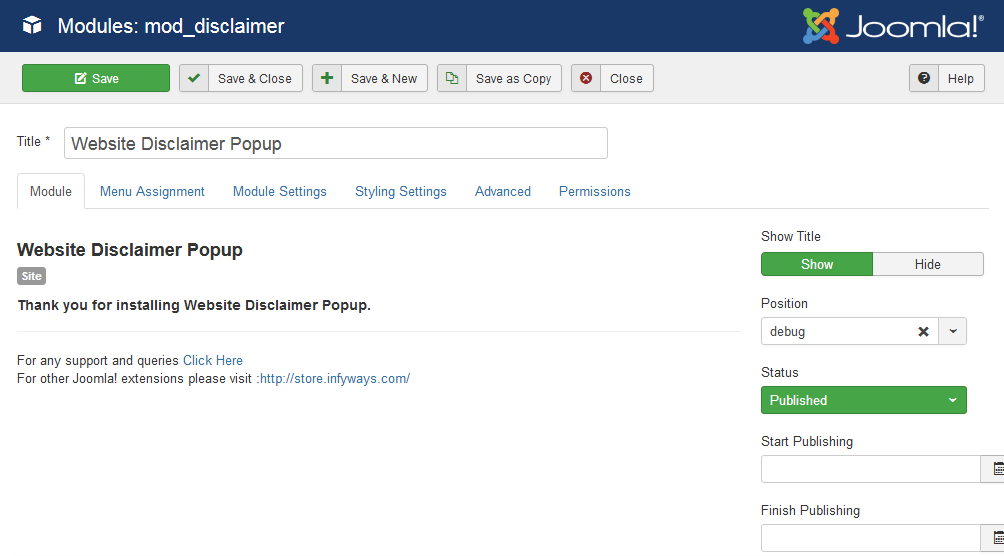
After installation go to Content > Site Modules and open Website Disclaimer Popup. Configure the module title, set Show Title to Hide, choose a template position, set Status to Published, and assign menu items.
Which position should you use?
Activate the module in any existing template position. The debug position is recommended when available.
Choose Modern (2026) under Module Settings for the new blur-overlay design, or Classic (Legacy) to keep the original Fancybox look.