Installation
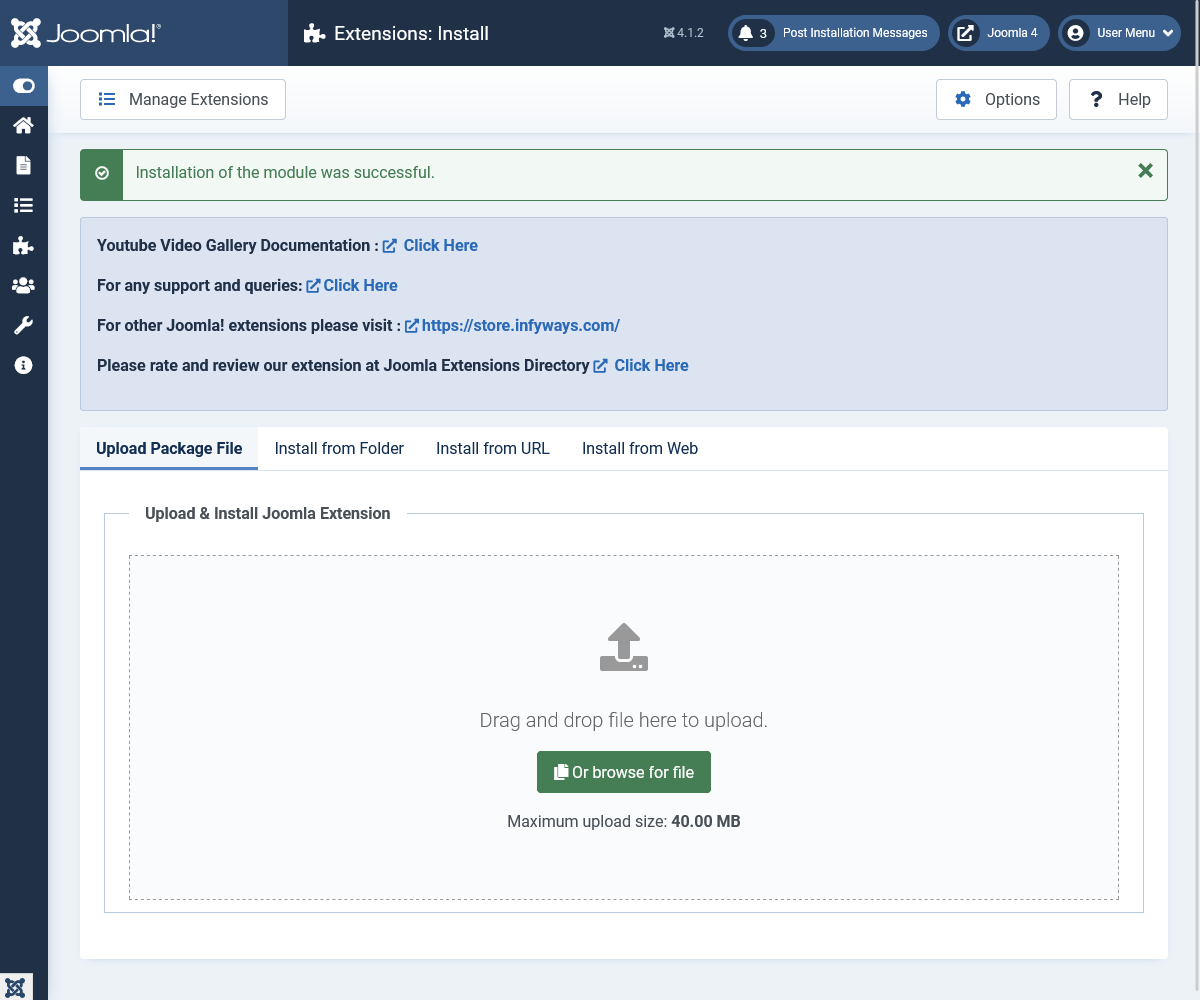
Install the Extension
- Log in to the backend of your Joomla website.
- Go to System > Install > Extensions.
- Drag and drop mod_youtube_gallery_3.3.zip or browse to select the file.
- Click Upload and Install.
- A success message appears when installation completes.
- Go to Content > Site Modules, click New, and choose Youtube VideoList Gallery.
Tip: For the authentic youtube.com look, set Gallery Layout to YouTube and Colour Theme to YouTube Dark on the Layout tab.
Note: This module is compatible with Joomla 4, 5, and 6 only.