Videos
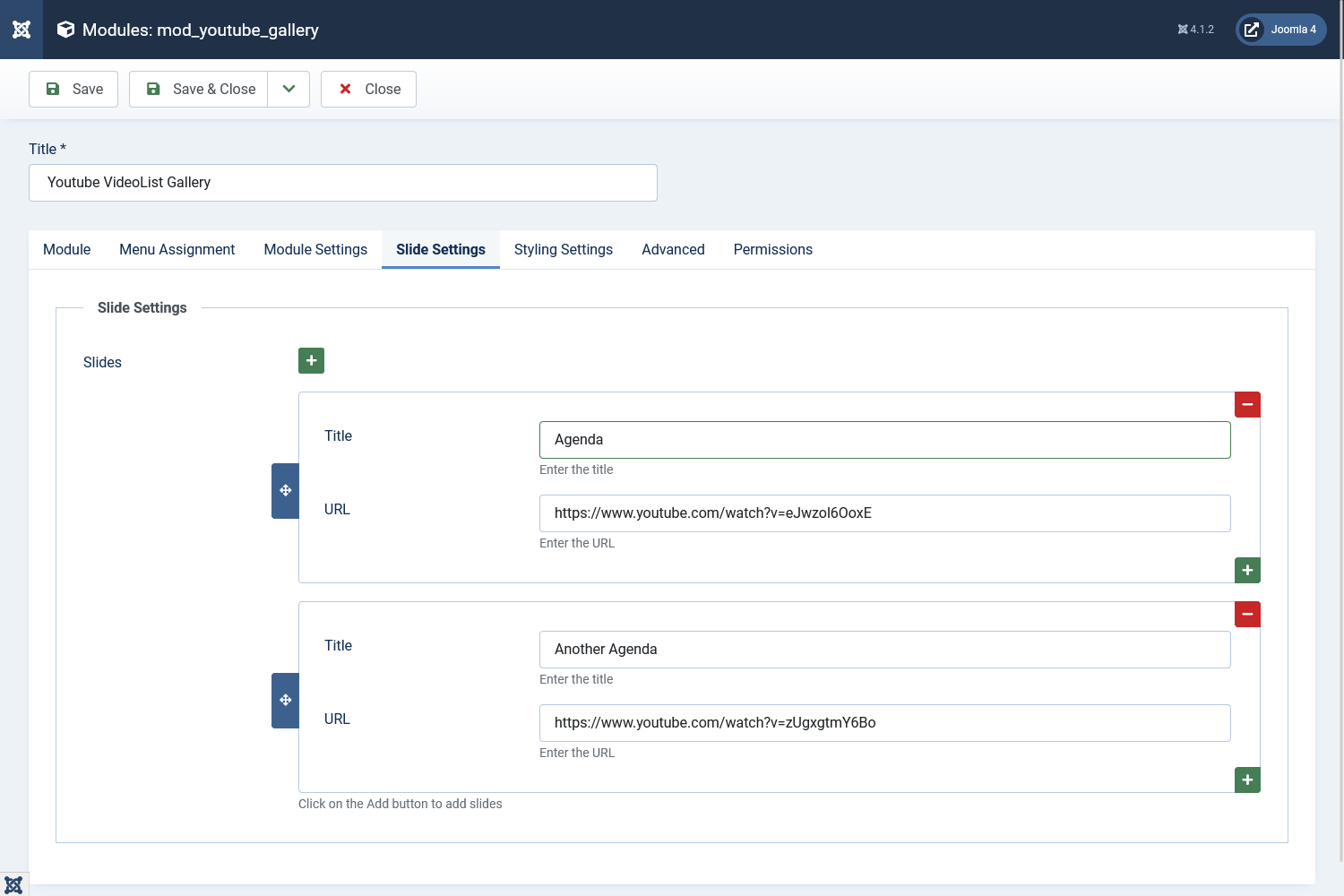
Video Playlist
On the Videos tab, click Add in the repeatable playlist field to add each video.
- YouTube URL: Paste a full watch, embed, Shorts, or youtu.be link. Example:
https://www.youtube.com/watch?v=dQw4w9WgXcQ - Auto-fill: After you paste a URL, the module fetches the title and thumbnail automatically and shows a preview in the admin.
- Title: Editable after auto-fill if you want a custom label in the playlist.
- Thumbnail: Filled automatically; used as the poster before playback.
- Start time: Add
?t=30or&t=30to the URL to start at 30 seconds. - End time: Add
&end=120to stop at 120 seconds.
Drag rows to reorder videos. Add as many entries as you need — there is no fixed limit.
Front end: Visitors see a poster and play button first. The YouTube iframe loads only when they click play or select a playlist item (unless Autoplay is enabled).