

Quick Start
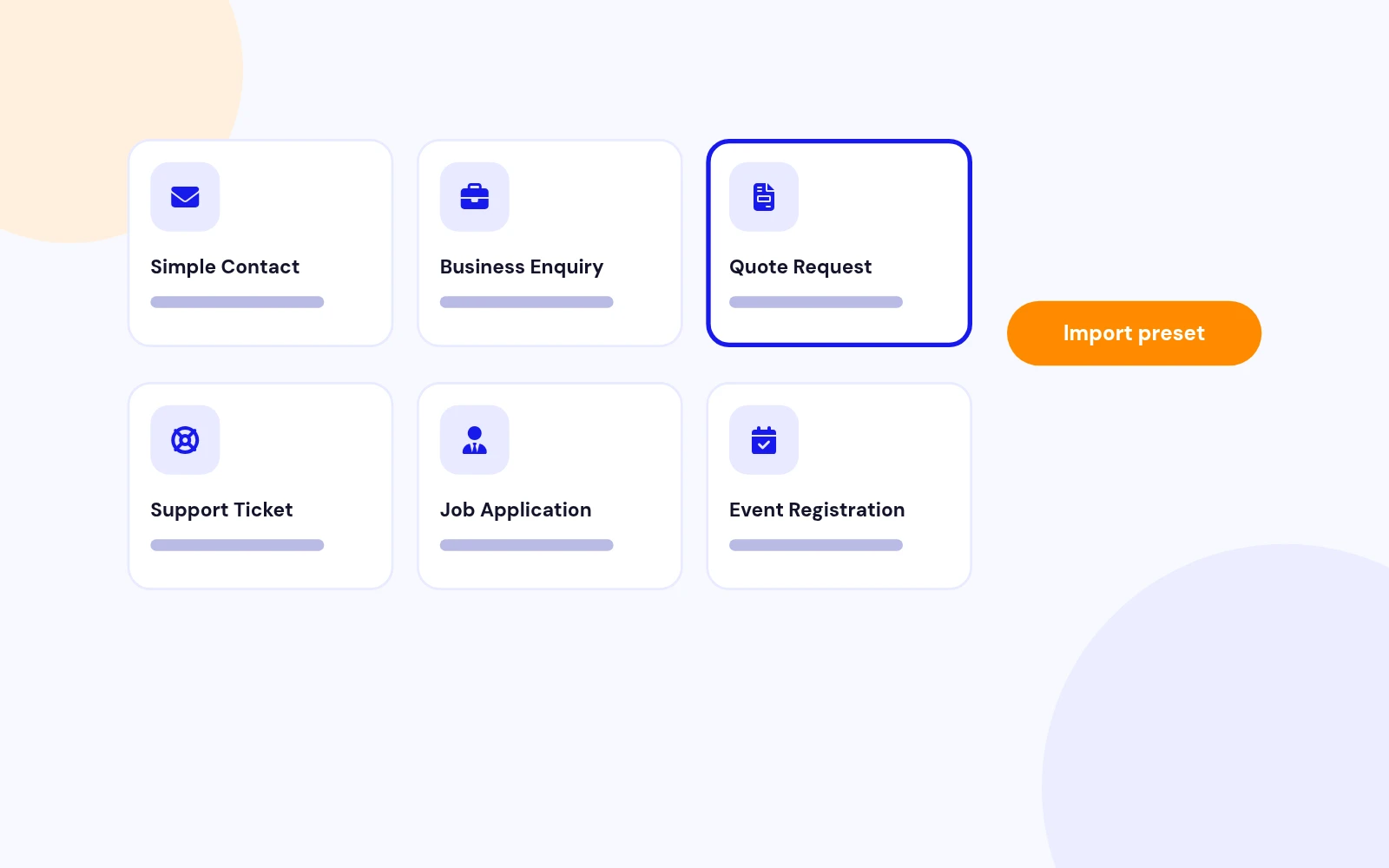
10 Ready-Made Forms
- Start from presets for contact, quotes, support, job applications, bookings, events, feedback, newsletters and callbacks. Launch a polished form in minutes.
Ajax Based Contact form Module for Joomla
Features
Ten feature areas, one install package for Joomla 5 and 6.
Quick Start
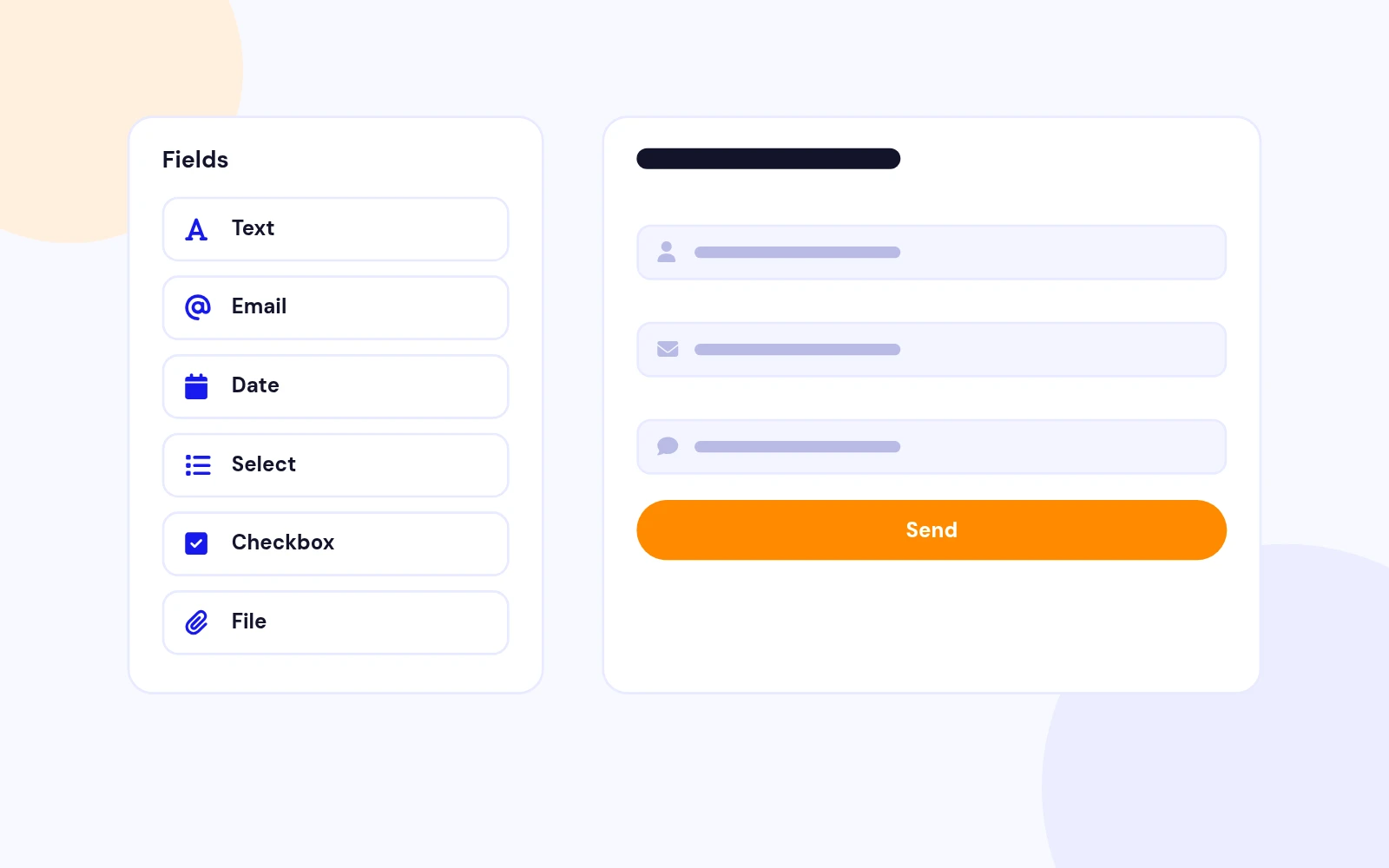
Form Builder
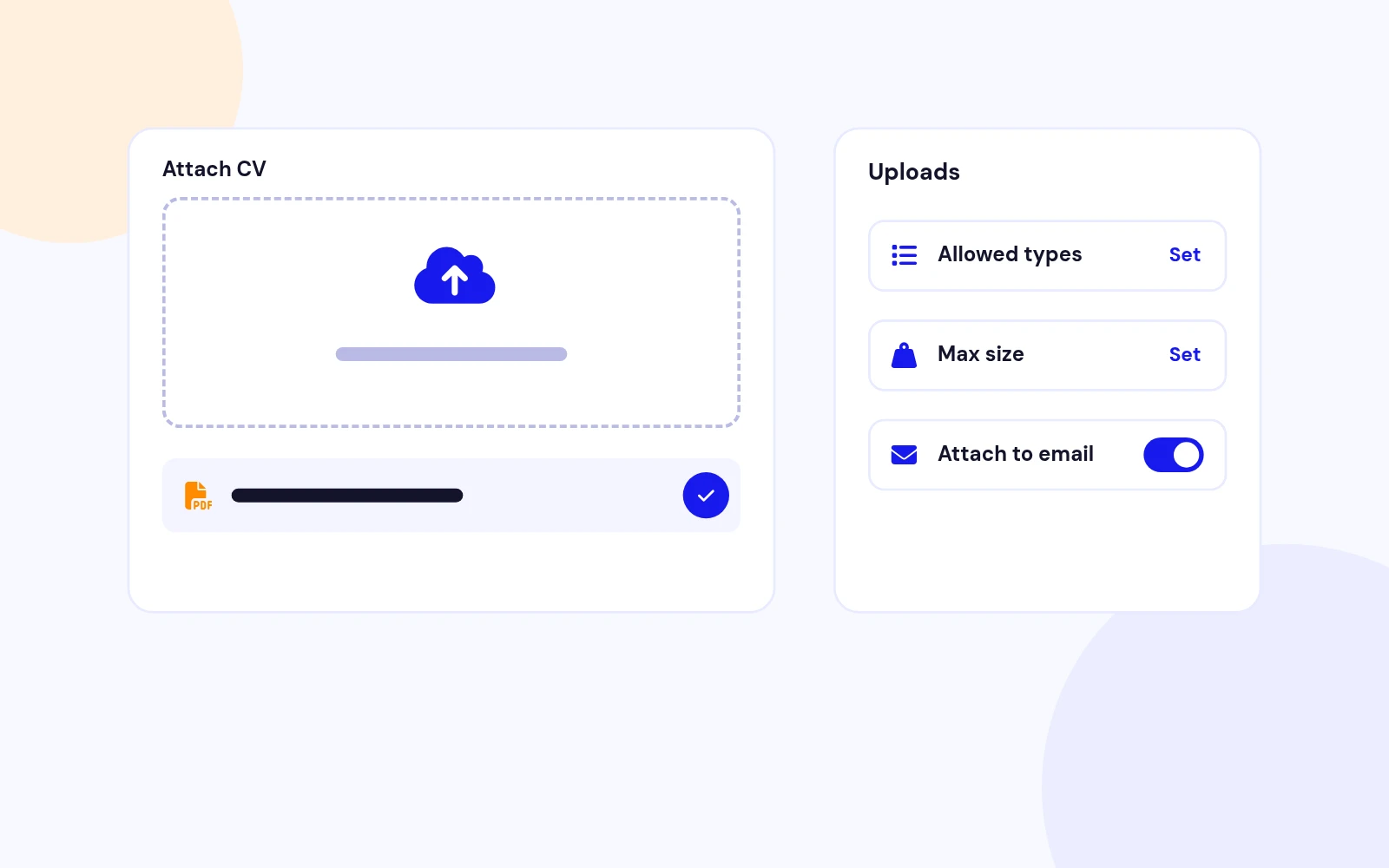
Secure Uploads
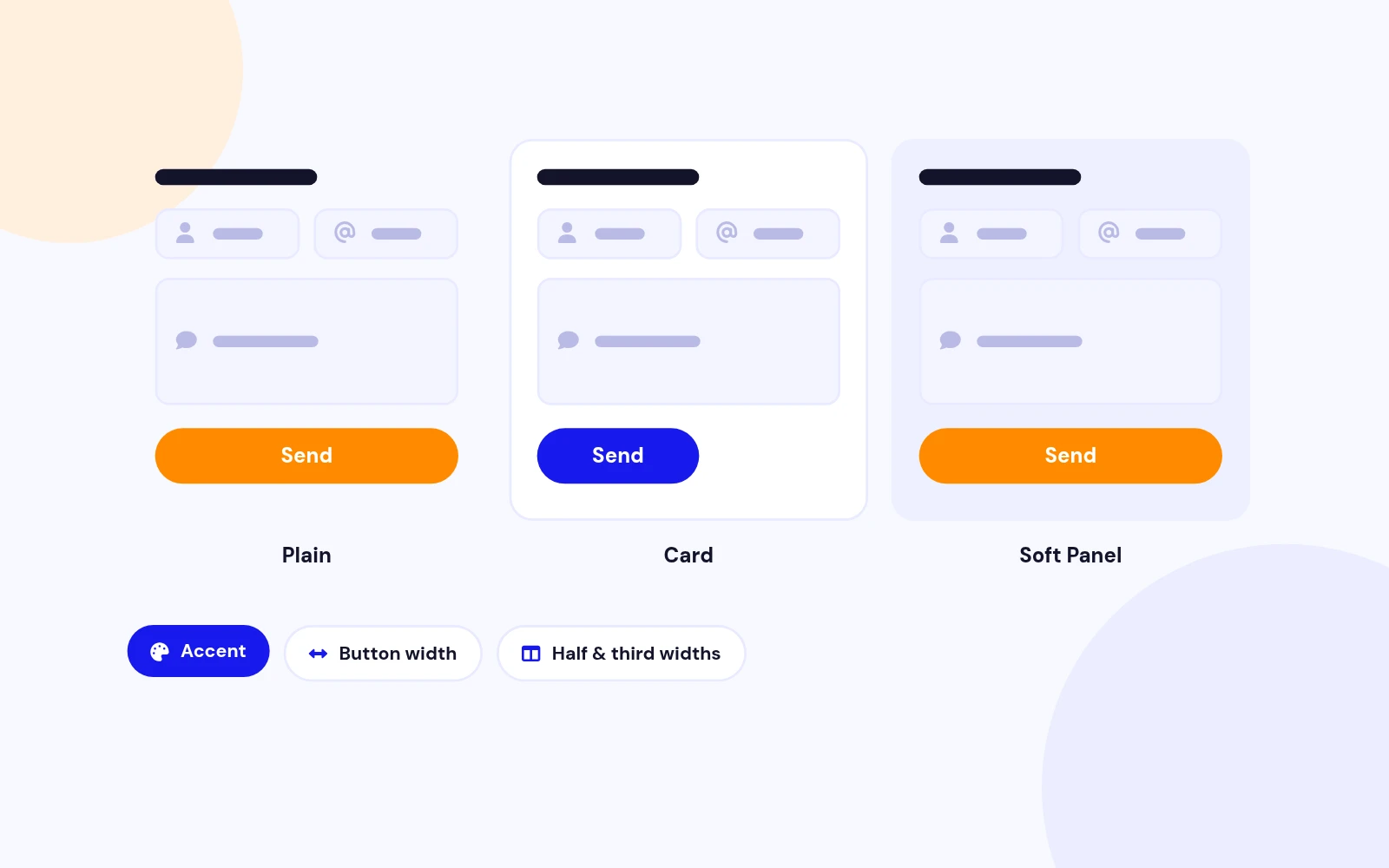
Your Layout
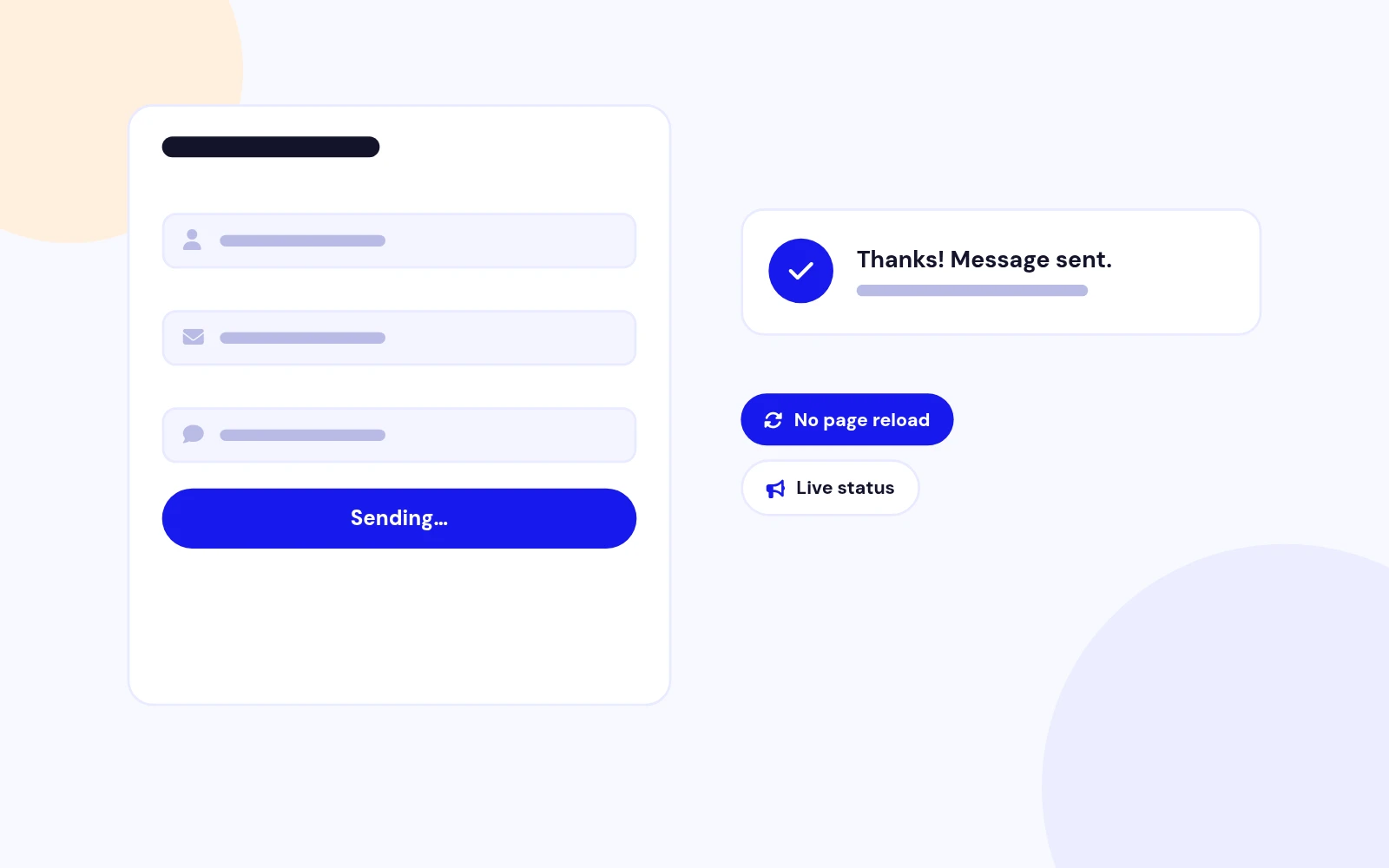
No Page Reload
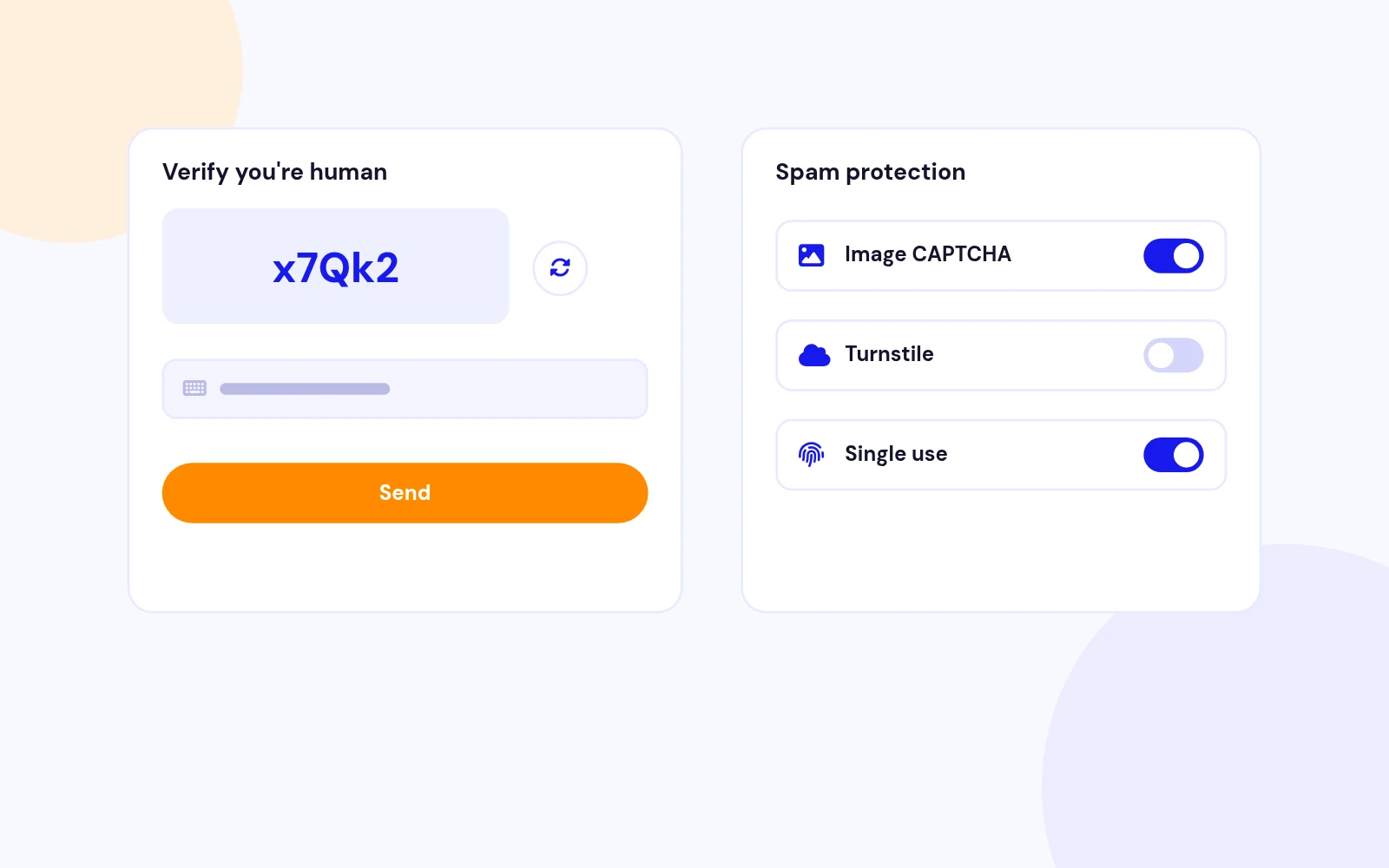
Spam Protection
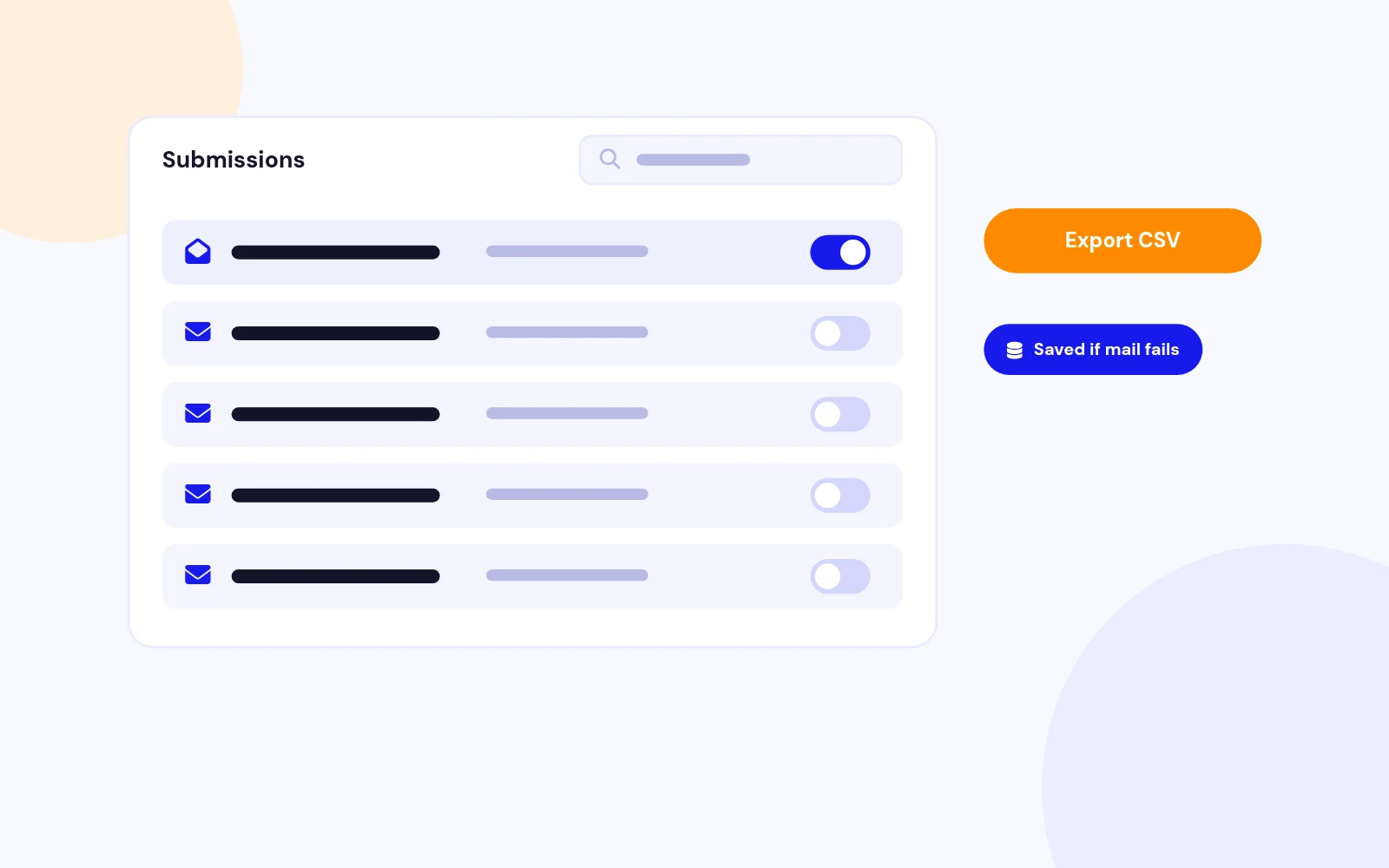
Every Lead Saved
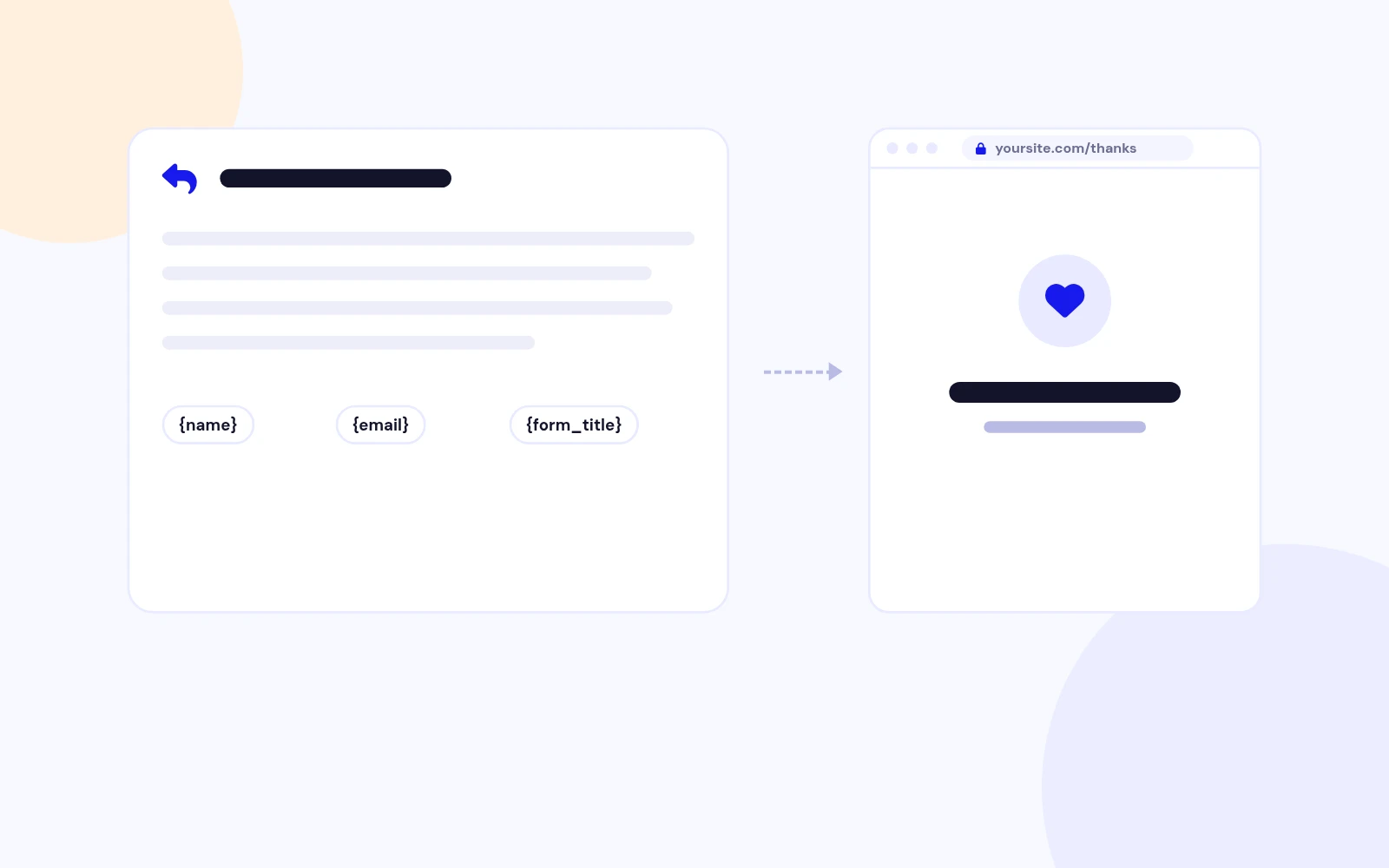
Pro Follow-Up
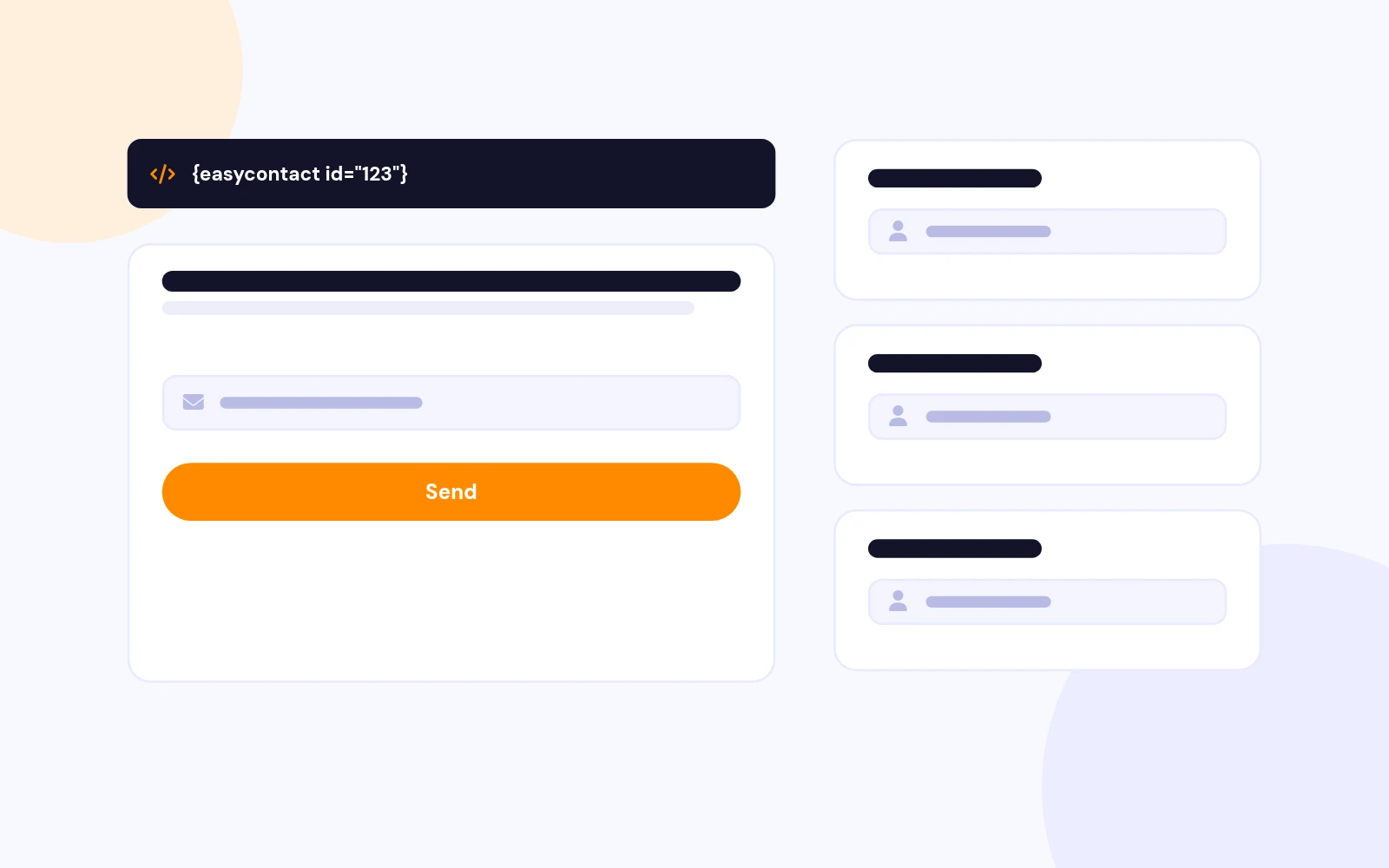
Embed Anywhere
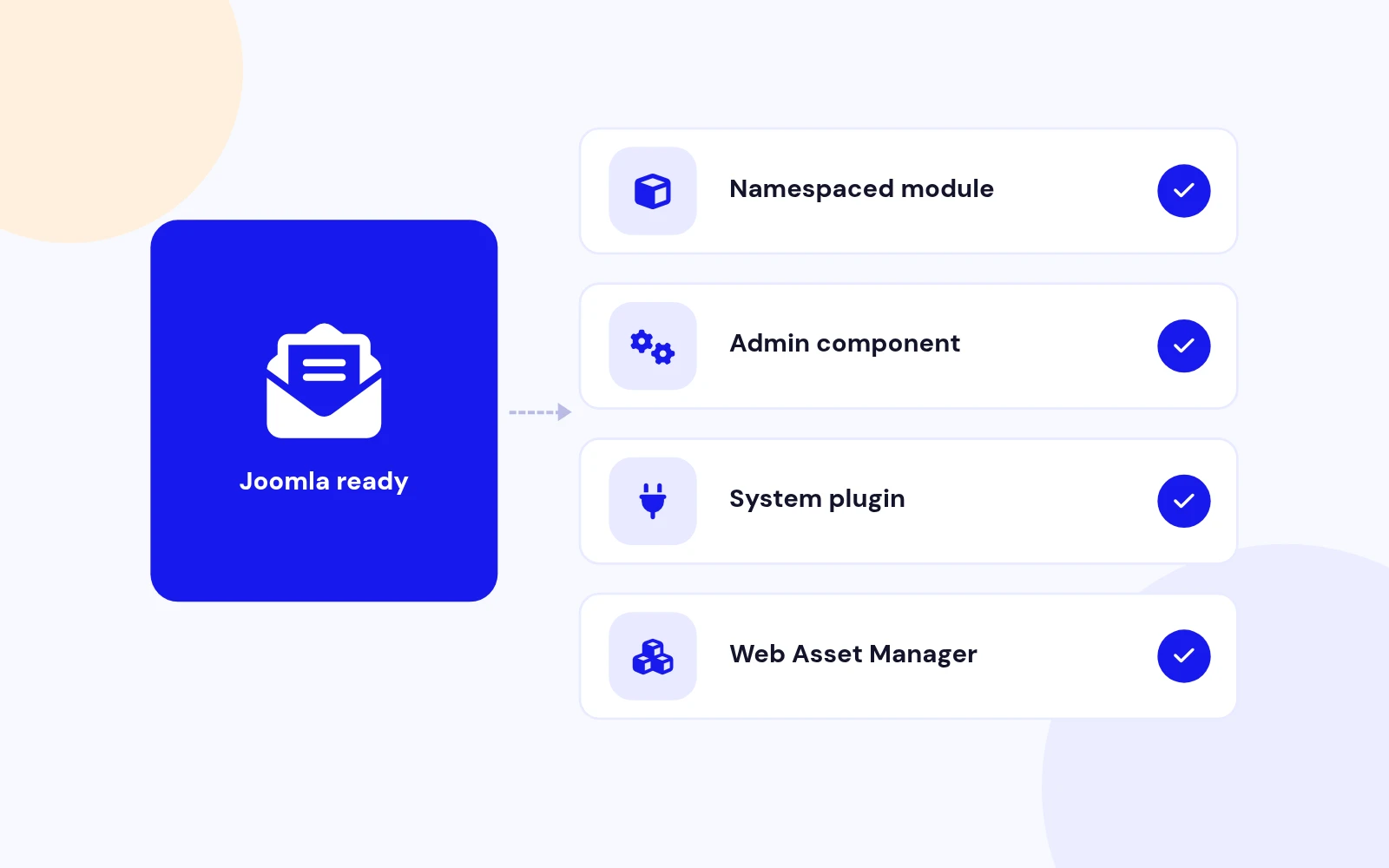
Future-Proof
Changelog
10 releases since version 1.2. Updates install from the Joomla admin with a valid licence.
Docs & setup
Written guides for installing and configuring Easy Ajax Contact, from first setup to the options that matter.
Pricing
Save more as you scale — longer access means a bigger discount.
30-day money-back guarantee
30-day money-back guarantee
30-day money-back guarantee
Why buy here
All-access bundle
Get all 126 extensions, new releases, ongoing updates and full-time support. Bought one by one, a year of updates for every extension costs over $4,700.
Ideal for small projects and personal sites
$249/ 6 months
Save 91% · $2,900+ value
30-day money-back guarantee
Best for growing businesses and web agencies
$349/ 1 year
Save 92% · $4,700+ value
30-day money-back guarantee
For professional developers and multi-client agencies
$749/ one-time
Pay once · keep forever
30-day money-back guarantee
FAQ
Still unsure? Our support team is one ticket away.
No. Version 2.1 uses native JavaScript and CSS. It does not load jQuery validation libraries.
Easy Ajax Contact 2.1 supports Joomla 4, 5, and 6 with a service provider, dispatcher, namespace, Web Asset Manager assets, and PHP 8.1 or later recommended.
The combined package installs the Easy Ajax Contact module, the Easy Contact administrator component for submissions, and the System - Easy Contact Shortcode plugin.
Easy Ajax Contact 2.1 supports 25 field and content types:
Each field can include label, required state, width, help text, default value, placeholder, and autocomplete where relevant.
Enable the shortcode plugin, then add {easycontact id="123"} where 123 is the published module ID. Optional style: {easycontact id="123" style="none"}.
When Store Submissions is enabled, validated submissions appear under Components > Easy Contact. You can filter, open, delete, and export them as CSV.
Use the built-in session-bound image CAPTCHA, or switch to Cloudflare Turnstile by entering site and secret keys in the module Security settings.
Enable Send Auto-reply and use tokens such as {all_fields}, {form_title}, and field labels like {name} or {email} in the subject and message.
Enable Send Webhook, enter the endpoint URL, and optionally set a secret for HMAC SHA-256 signatures in the X-EasyContact-Signature header. Failures do not block the visitor success message.
No. Uploads are validated, attached to the notification email when applicable, then removed. Only the uploaded file name is recorded with the submission.
No. Submission storage intentionally excludes IP address and user-agent fields.
Yes. Use the built-in preset importer for ten common forms such as Simple Contact, Business Enquiry, Quote Request, Support Ticket, and Job Application.
Visit support.joomlax.com. Include the Joomla and PHP versions, page URL, module settings, and any browser-console or log errors.