Installation
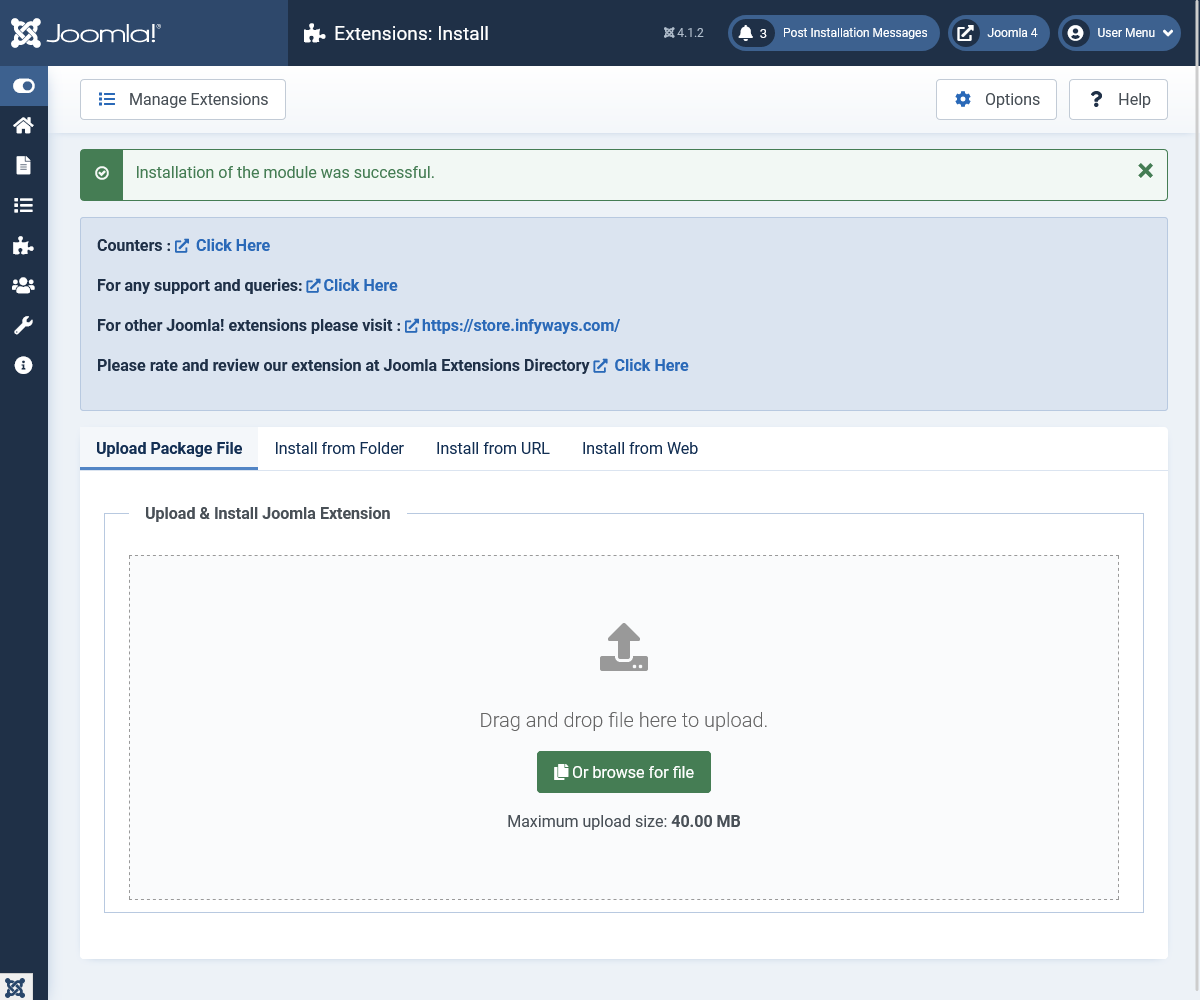
Go to System → Install → Extensions and open the Upload Package File tab.
Upload mod_counters_2.0.zip and click Upload & Install.
After a successful install:
- Go to Content → Site Modules
- Open Counters (or create a new module of type Counters)
- Add items under the Counters tab, pick a layout, publish, and assign a position
Note: Counters 2.0 supports Joomla 4, 5, and 6 only. Joomla 3.x is not supported. PHP 8.0+ required.