

Six Layouts
A Stats Section in One Click
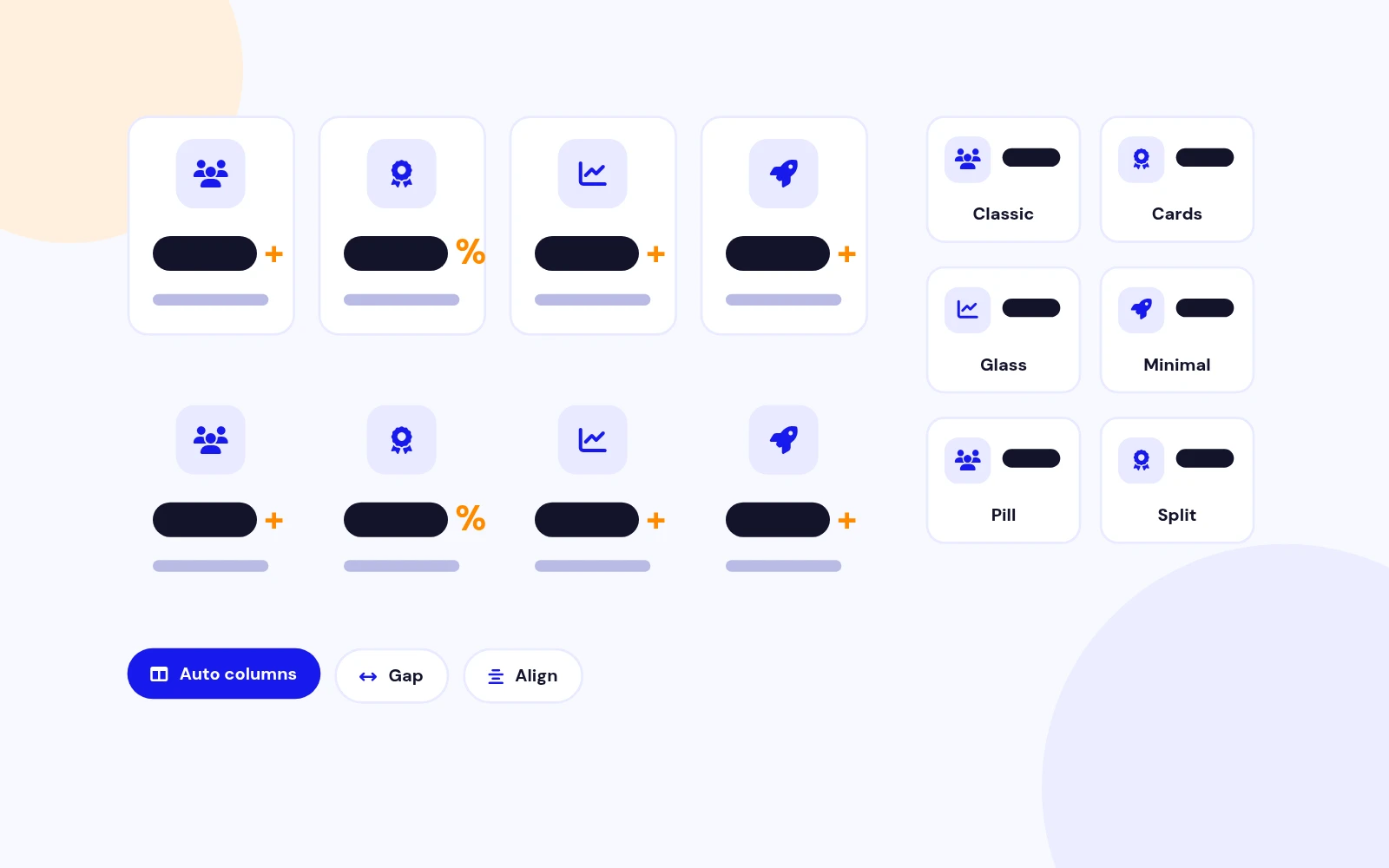
- Choose from six polished layouts, from clean numbers to glass cards and icon rows. Set columns automatically or pick 2 to 6.
Animated Number Counter Module for Joomla
Features
Ten feature areas, one install package for Joomla 4, 5 and 6.
Six Layouts
Smooth Count-Up

Built-In Icons
Add Context
Highlight
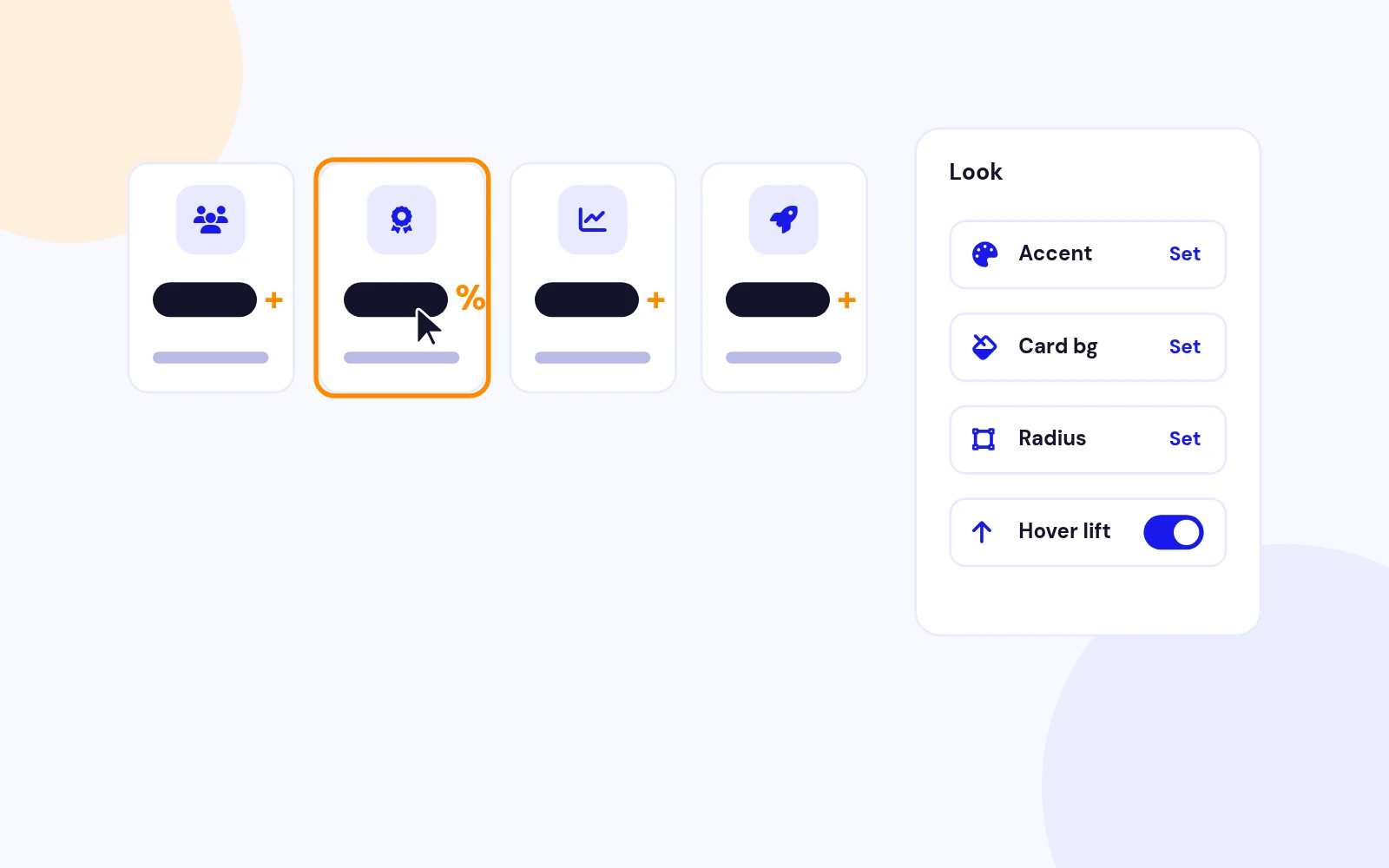
On-Brand
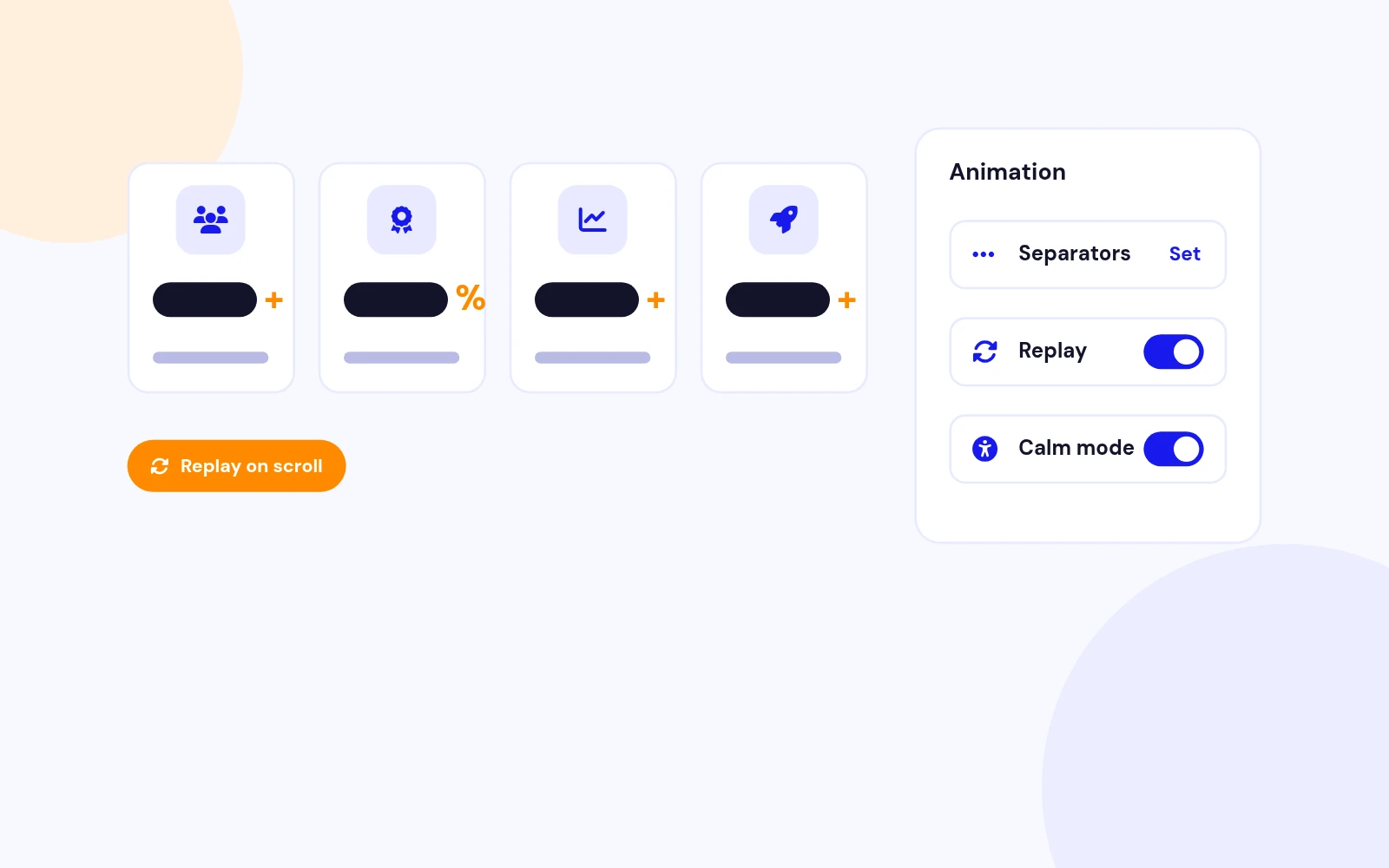
Animation Control
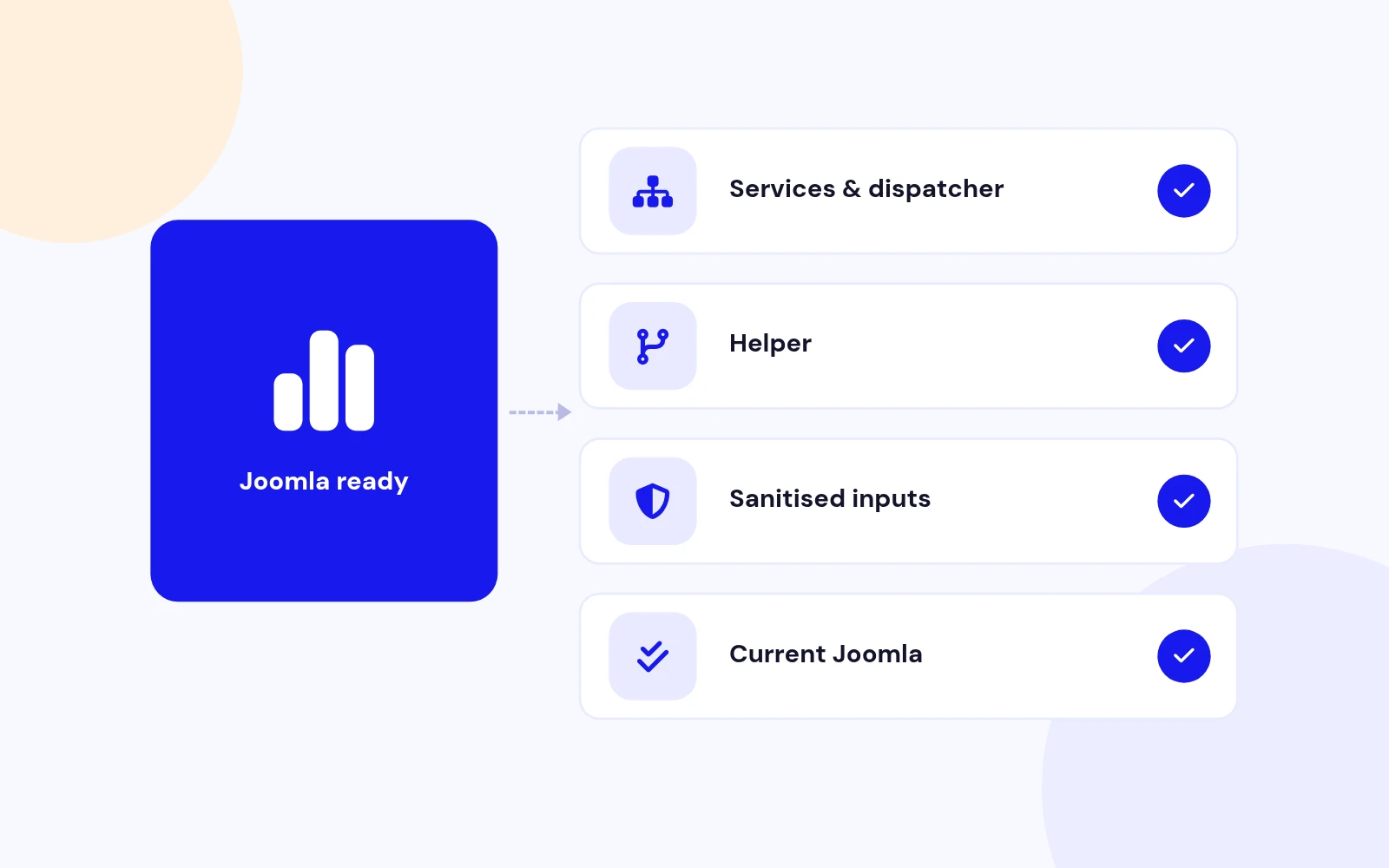
Future-Proof
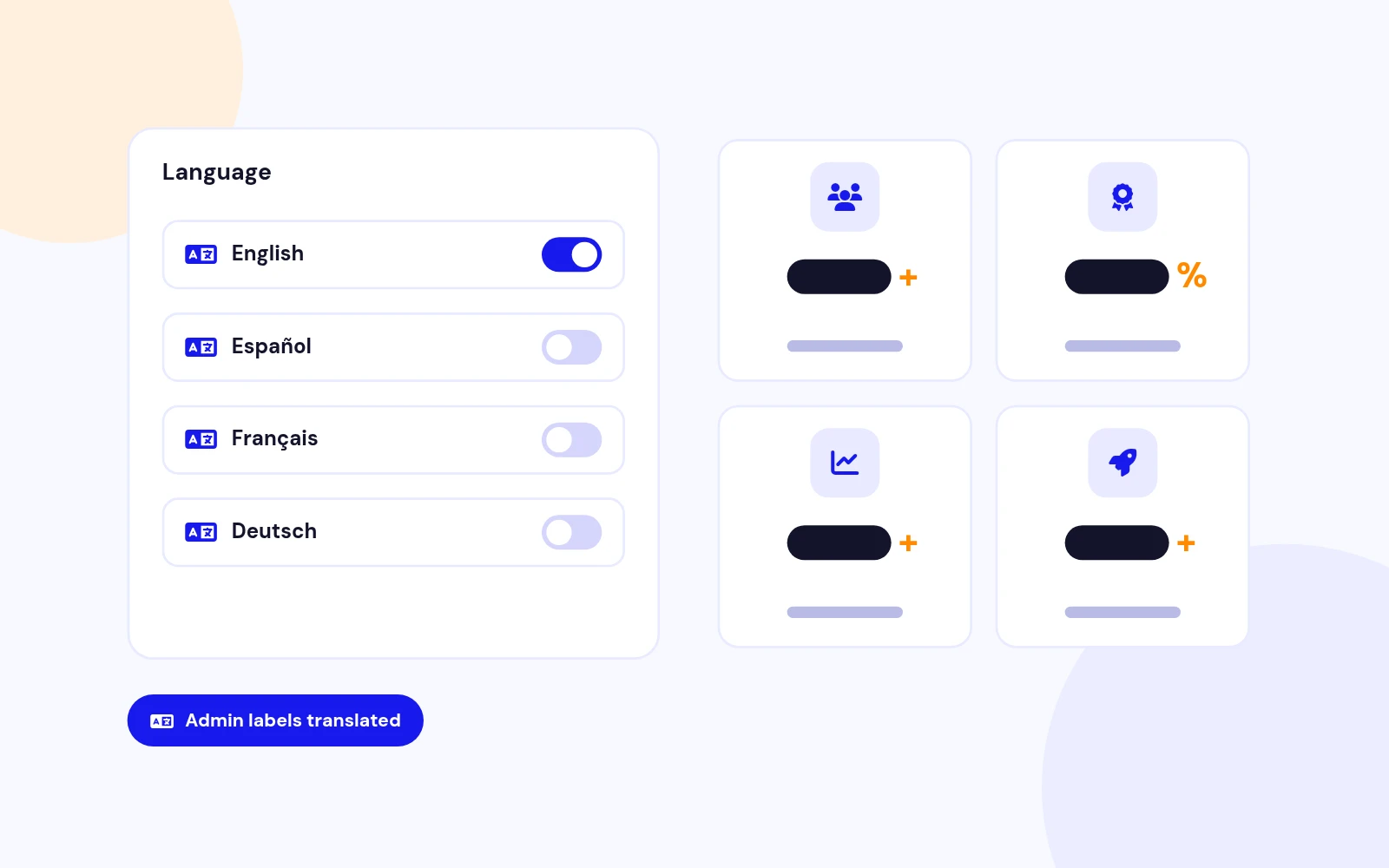
Multilingual
Any Business
Changelog
10 releases since version 1.1. Updates install from the Joomla admin with a valid licence.
Docs & setup
Written guides for installing and configuring Counters, from first setup to the options that matter.
Pricing
Save more as you scale — longer access means a bigger discount.
30-day money-back guarantee
30-day money-back guarantee
30-day money-back guarantee
30-day money-back guarantee
Why buy here
All-access bundle
Get all 126 extensions, new releases, ongoing updates and full-time support. Bought one by one, a year of updates for every extension costs over $4,700.
Ideal for small projects and personal sites
$249/ 6 months
Save 91% · $2,900+ value
30-day money-back guarantee
Best for growing businesses and web agencies
$349/ 1 year
Save 92% · $4,700+ value
30-day money-back guarantee
For professional developers and multi-client agencies
$749/ one-time
Pay once · keep forever
30-day money-back guarantee
FAQ
Still unsure? Our support team is one ticket away.
An animated stats module for Joomla 4, 5, and 6 with six modern layouts, built-in SVG icons, and a vanilla JS count-up (no jQuery).
Classic, Cards, Glass, Minimal, Pill, and Split. Pick one under the Layout tab and adjust columns, gap, and alignment.
No. Built-in SVG icons ship with the module. An optional Font Awesome class overrides the built-in icon when set.
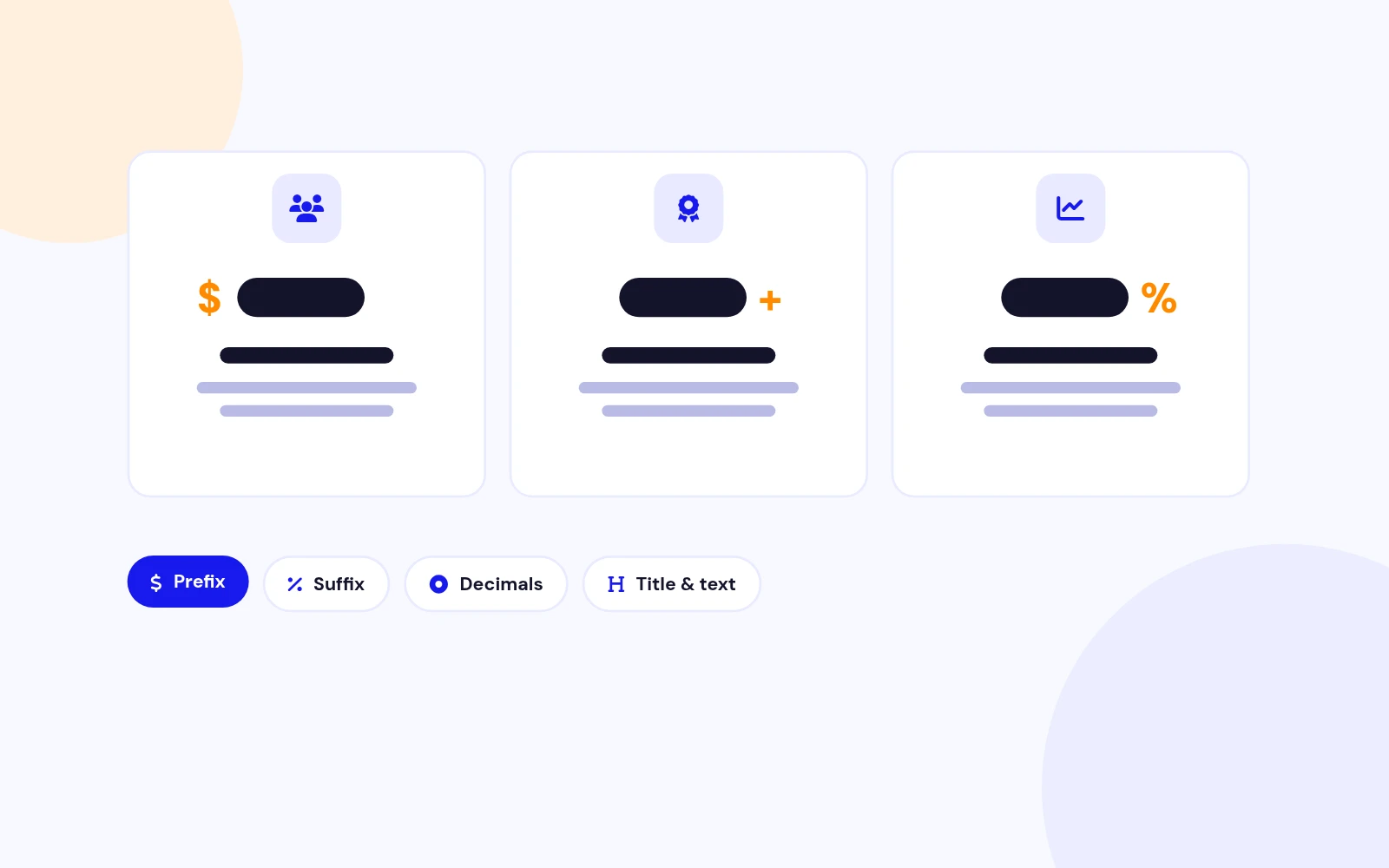
Yes. Set decimals (0–4) per item for values like 4.8 or 99.9. Enable thousand separators for values such as 125,000. Prefix and suffix are supported ($ , +, %, x).
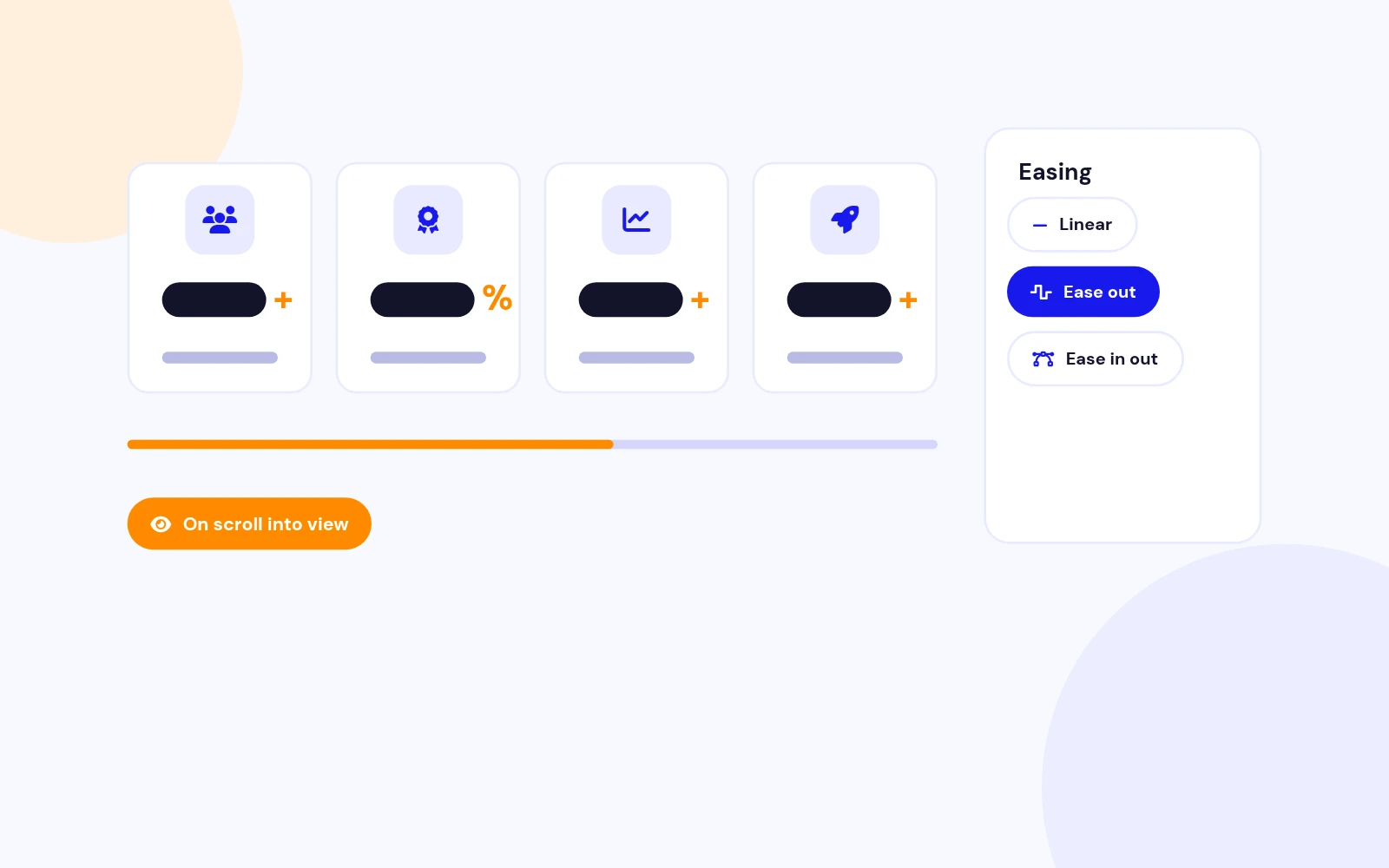
When the counter scrolls into view (IntersectionObserver). You can enable Replay On Scroll to re-animate when it leaves and re-enters the viewport. Reduced-motion preferences jump to the final value.
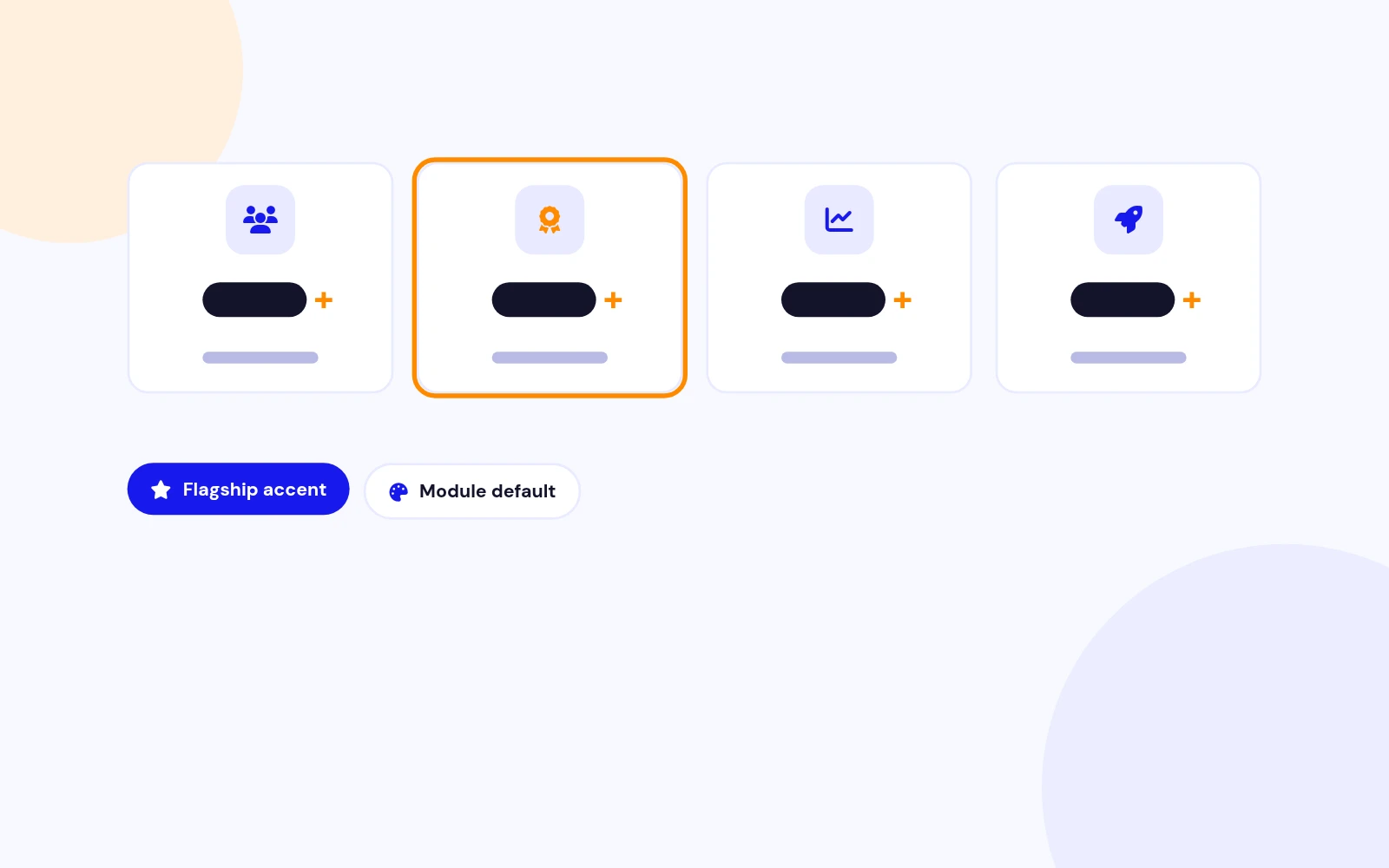
Yes. Appearance controls cover accent, number/title/description colours, card background, border, radius, sizes, weights, and padding. Extra CSS is available under Advanced.
As many as you need in the repeatable Counters list. Use columns (auto or 2–6) to control the grid on desktop; it reflows on tablet and mobile.
No. Counters 2.0 uses vanilla JavaScript only for better performance and fewer template conflicts.
Joomla 4.x, 5.x, and 6.x with PHP 8.0+. Joomla 3.x is not supported.
Publish the module, assign position and menu items, then clear Joomla cache (System → Clear Cache). Hard-refresh the browser after updating CSS/JS assets.
Yes, using Joomla’s loadmodule / loadposition methods. See the official Joomla docs for placing a module inside an article.
From the Downloads section of the JoomlaX store, logged in with your purchase email.
More like this

Module + Plugin
Joomla Extension to Disable Right Click on Mouse
v2.6.1 6,022 downloads
From $9


Plugin + Component
Code Highlighter Plugin for Joomla
v2.2.1 3,537 downloads
From $9

Plugin
Plugin to Include Javascript or CSS files to Joomla
v2.1.1 10,538 downloads
Free


Module
Show Joomla Modules and Articles Randomly in a Position
v1.5.1 3,128 downloads
From $19


Plugin
Joomla plugin for typewriter text effect with adjustable speed and cursor.
v1.4.1 4,412 downloads
From $9

Plugin
Displays reading time and progress bar for Joomla articles.
v1.8.1 3,472 downloads
From $19