Troubleshooting
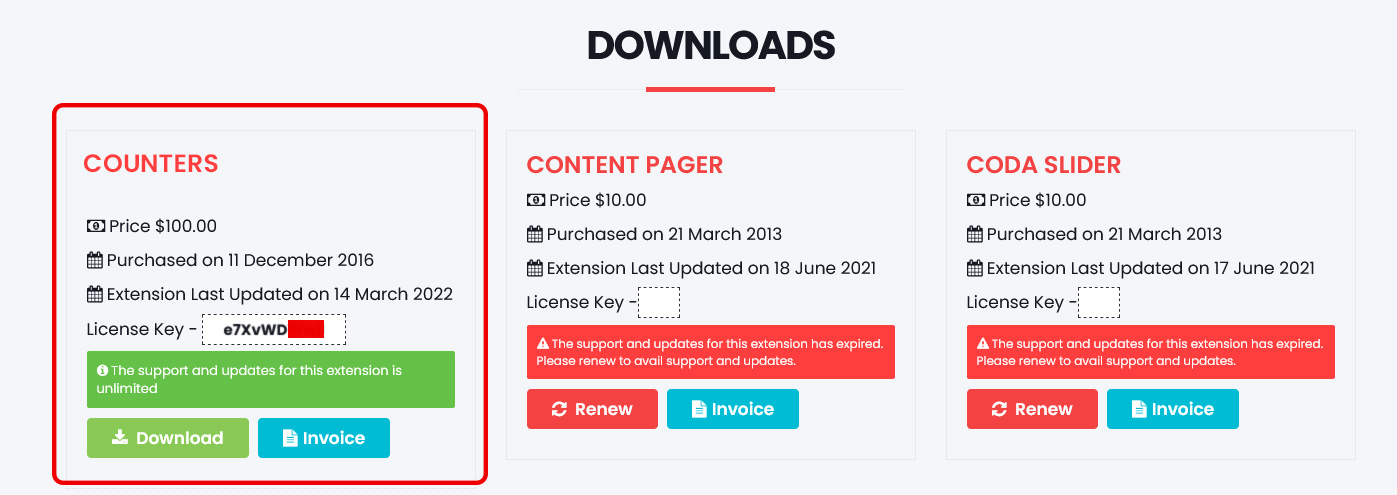
Download / update key
- Go to the Download Section
- Log in (or register) with the purchase email
- Copy the license / download key for Counters
Common issues
- Nothing on the page: Module published? Correct position and menu assignment?
- Not in page source: View source and search for
jx-counters. If missing, the module is not assigned to that page.
- Changes not showing: System → Clear Cache after saving.
- No animation: Scroll until counters are in view. Check the browser console for JS errors. Prefer a hard refresh after updating assets.
- Numbers look jumpy: Update to 2.0+ (width-locked count-up). Reduce Number Size in Appearance for large values like 125,000.
- Inside an article: See Joomla docs — module inside an article.