On the site
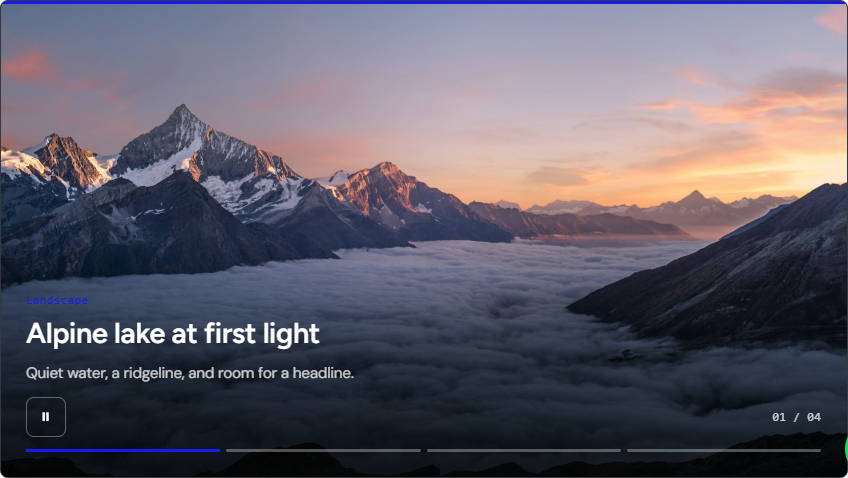
After the module is published and assigned, open that page like a visitor.
Checklist
- Status is Published, Position is correct, and Menu Assignment matches the page.
- At least one slide has a real image.
- Clear Joomla cache, then hard-refresh (Ctrl+F5).
- Focus the slideshow and use the arrow keys. On a phone, swipe.
Live demo variants
The public hub at demo.joomlax.com/demo/utilities/diapo-slideshow includes Overlay, Split, Stacked, Folder, and Articles.
Several modules on one page
Each instance uses its own root id (diapo-{moduleId}). Two slideshows on one page run independently.