Installation
Unzip the download package. Inside you will find the module zip and this documentation set.
- Install file: mod_cookiealert_3.x_vX.x.zip (Joomla 4 / 5 / 6)
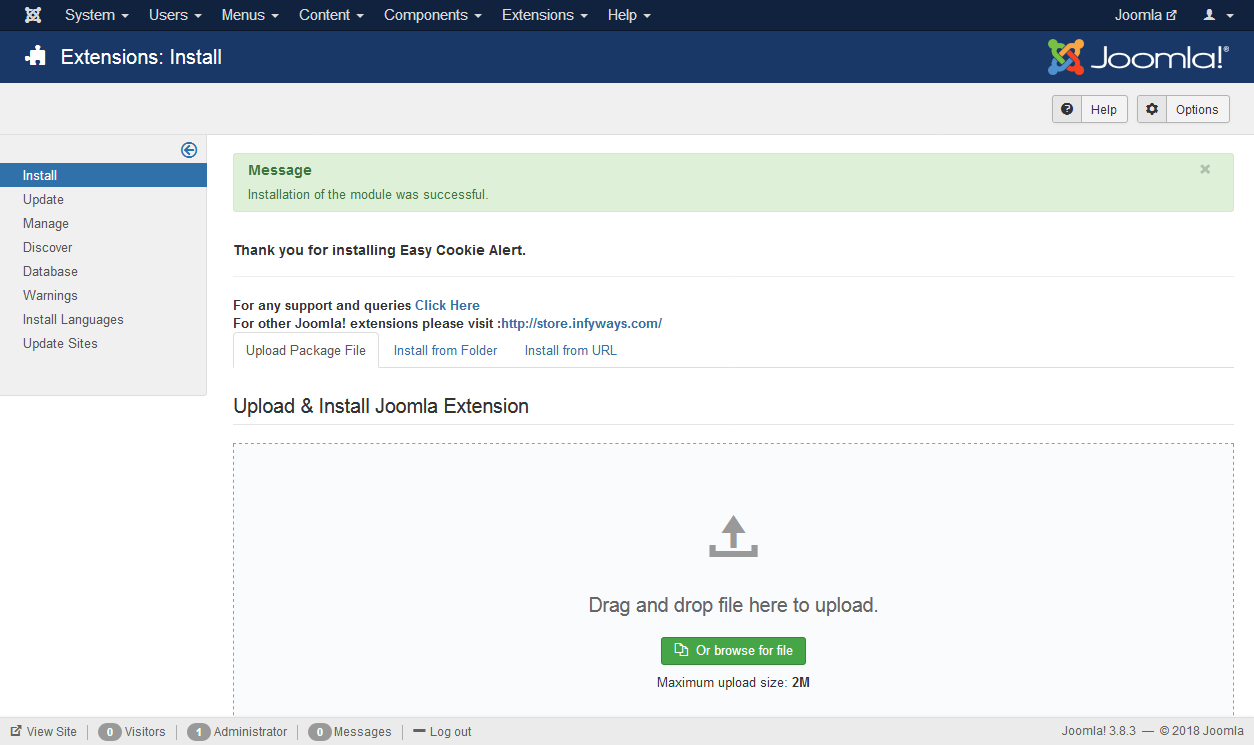
Go to System > Install > Extensions, open the Upload Package File tab, choose the module zip, then click Upload & Install.
After install, open Content > Site Modules, find Easy Cookie Alert, set Status to Published, Hide Title, assign a position (debug is fine), and choose the menu items where the banner should appear.