First Setup
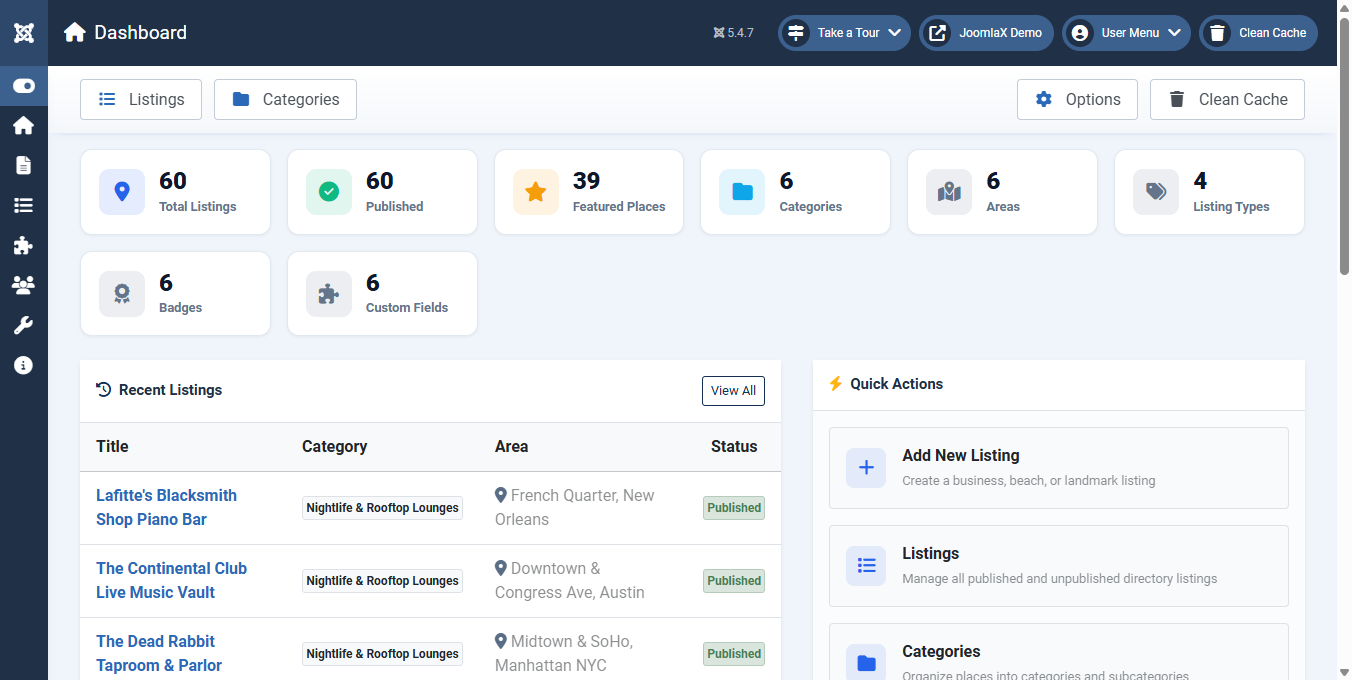
- Open Components > Easy Directory > Dashboard.
- Optionally click Install 60 US Sample Listings on the Dashboard to explore a fully populated demo setup.
- Create your primary categories under Components > Easy Directory > Categories.
- Define your geographic destinations under Areas (for example: South Beach, Downtown, Midtown).
- Create your listing classifications under Listing Types (for example: Business, Tourist Place, Arts).
- Add listings under Listings > New with photos, opening hours, coordinates, and contact details.
- Open Configuration to set your default map provider, theme colors, and layout preferences.
- Publish frontend pages by creating menu items under Menus > Main Menu > New selecting Easy Directory layouts.