What's new?
Version 1.2.16: 17 November 2026
- CAPTCHA stays on for registered users when Options is set to Built-in, the server has no PHP GD, and a Joomla captcha plugin is the site default. The form no longer silently drops the captcha in that case.
- Administrator publish, unpublish and related list messages, and some site menu labels, now use language strings (English and Croatian).
Version 1.2.15: 17 November 2026
- Guest CAPTCHA uses the same plugin fallback as upgrade requests, so guests still get a working captcha without GD when a global Joomla captcha plugin exists.
- The default listing plan can no longer be deleted or unpublished. If it is missing, the directory uses a most-restrictive stand-in so listings are not left ungated.
- CSV export writes an empty plan cell when the plan was deleted, so a later import stays safe.
- Updating the package no longer disables the scheduled task plugin if you had enabled it. The plugin is disabled only on a first install.
Version 1.2.14: 17 November 2026
- When CAPTCHA is set to a Joomla plugin but no usable plugin is available, guest and upgrade forms fall back to the built-in captcha (including the New code button).
- Listings whose plan was deleted use the default plan for field gating. Batch Set plan and CSV import reject unknown plan ids.
- CSV import: updating an existing listing by alias requires Edit or Edit Own permission; creating a listing still requires Create. Unauthorised rows are skipped and reported.
- Plans and upgrade-request actions in the administrator now require the dedicated Plans and Upgrades permissions.
- The upgrade-form honeypot is hidden. The Open Now filter ignores listings whose plan hides opening hours. Guest per-email rate limits treat letter case and plus-address tags as the same address.
Version 1.2.13: 17 November 2026
- Escaped a quotation mark in an administrator language string so the JED Checker stays clean.
Version 1.2.12: 14 November 2026
- The submit and edit forms use the earlier language keys again, so existing site language overrides still apply. Quick-action Website and WhatsApp buttons use separate keys.
- Emails to listing owners use the owner's language, then the site default, then English — never the administrator language.
- CSV import checks every row first. An invalid date or unknown plan rejects the whole file with line-numbered errors, and nothing is written.
- Frontend filters and AJAX ignore custom fields the visitor is not allowed to view.
Version 1.2.11: 14 November 2026
- Frontend labels no longer stay in English after a Croatian (or other) language pack is installed.
- CSV export includes plan start and end dates. Import keeps existing plan dates when the plan is unchanged and no date columns are given.
- Featured badges, ordering and filters require both the featured flag and a plan that allows featured (when plans are on).
- Upgrade requests: a new administrator action, Apply plan and notify owner, assigns the requested plan with its duration dates and emails the owner.
Version 1.2.10: 14 November 2026
- Guest contact and privacy fields on the submit form are shown once, so guests can submit again.
- The module categories layout and the category form no longer fail on PHP 8.1.
- When plans are on, directory filters ignore listings whose plan hides that custom field.
- Guest rate limits are checked only after CAPTCHA and form validation succeed.
Version 1.2.9: 14 November 2026
- Guest name, email and phone are kept when the submit form is validated, so they are stored, shown to moderators and used for guest confirmation emails.
- Submit form Type and Area labels no longer fall back to English when the site language is Croatian.
- When listing plans are enabled, search facets and custom-field filters ignore values that a listing's plan hides.
- Near Me geolocation errors use an inline message instead of a JavaScript alert. The dashboard warns if guest submissions are on but no public Submit menu item exists.
Version 1.2.8: 14 November 2026
- Guest submissions (off by default): visitors can use the Submit form without an account. Guests must give a name and email, CAPTCHA is required, listings are always moderated, and optional per-IP and per-email rate limits and privacy consent are available.
- Listing plans (off by default): create Free / Extended style plans that can limit gallery images, map, contact details, social links, opening hours, custom fields, featured status and an optional badge, with an optional duration in days. When a plan ends, the listing returns to the default plan and is never unpublished.
- Owners can request a plan upgrade (no payment). Requests appear under Upgrade requests. The dashboard shows listing counts per plan, and you can batch-assign a plan from the listings list. CSV import and export include the plan.
- Croatian translations for the new strings. Near Me, listing quick-actions and remaining frontend texts use language strings. Load More hides correctly at the last page and shows a cumulative result range. Copy-link feedback uses an inline message instead of a JavaScript alert.
Version 1.2.7: 14 November 2026
- Frontend texts that were hard-coded in English can now be translated and overridden, including result counts, opening-hours day names, tabs, Near Me, filters, pagination, lightbox labels and the map View Details button. Croatian translations are included.
Version 1.2.6: 13 November 2026
- Easy Directory now requires Joomla 5.1 or later (Joomla 5.1–5.x and Joomla 6). Installing or updating on Joomla 5.0 or 4.x is refused with a clear message, and nothing is installed or changed.
- Security: On servers without PHP GD, the built-in captcha uses a Joomla captcha plugin when one is available. If no image can be made, the form cannot be sent. Sites with GD are unchanged.
- CSV export and import keep a leading apostrophe when the value itself starts with one. Error messages name the log file in the log folder from Global Configuration.
Version 1.2.5: 13 November 2026
- Saving a listing from the frontend submit form no longer fails on Joomla 5.0–5.3 when the Smart Search plugin is enabled.
- Directory images keep their full width when the template limits all images. Map, marker and panorama styles apply only inside Easy Directory. Map scripts load only on pages that show a map.
- Security: CSV export prefixes formula-like values so spreadsheets do not run them as formulas. Built-in captcha on servers without GD is drawn as a distorted vector image, not as readable text in the page.
- Options > Design gains a Font setting (Plus Jakarta Sans, system font, or the template font). Options > Map shows OpenStreetMap Nominatim as the default geocoding service.
Version 1.2.4: 13 November 2026
- Security: Address look-ups give up after 5 seconds if the geocoding service does not answer, and are limited site-wide per user and per IP. IP addresses are stored only as a keyed hash and are deleted after a day.
- OpenStreetMap Nominatim is used at most once per second for the whole site, as its usage policy asks. Coordinates from the service are checked before they are saved.
- A Google key that cannot be used for server-side geocoding no longer makes every look-up fail: Easy Directory then uses OpenStreetMap Nominatim. Results are cached by address for 30 days.
Version 1.2.3: 13 November 2026
- Listings without a photo no longer load a stock image from the internet. They now use a local placeholder. Similar places no longer reuse the current listing's photo.
- The frontend submit form starts with empty opening hours, so visitors do not publish hours they never entered. Locked fields look clearly read-only.
- Options for listings without a photo, default opening hours on the submit form, and a Find address on map button on the location picker.
Version 1.2.2: 12 November 2026
- Map markers and the placeholder image for listings without a photo are included in the package, so they no longer appear as broken images.
Version 1.2.1: 12 November 2026
- CAPTCHA options for the submit form (off by default): none, a built-in image code, or a Joomla captcha plugin. The honeypot field stays in every case. Optional captcha on edits too.
- More submission options (all off or unchanged by default): allowed categories and types, hidden and required fields, always-review rules, locked fields after approval, optional text above the form, and a thank-you page.
- The Export CSV button in Import/Export works again. Uploaded photos are cleaned of embedded metadata before they are stored.
Version 1.2.0: 12 November 2026
- Frontend submissions (off by default): Submit a Listing and My Listings menu items for logged-in users, with safe image uploads, optional moderation, and notification emails.
- Each listing can have an owner. The listings list has an Owner column, a Set owner batch action, and CSV import/export of the owner and custom fields.
- Moderation compares a pending edit with the live listing and can approve or reject it with an optional reason. Custom fields can be marked Admin only or Show in submit form.
- The package description and installer mention Joomla 5 and 6 only. The component, module and Smart Search plugin use the same update server and download key as the package.
Version 1.1.10: 3 November 2026
- Images added with the gallery picker no longer fail Joomla's image path check, which could block saving.
- Selecting several images at once in the media dialog adds a row for each one.
- Removed a duplicate language string in the admin language file.
- The module and Smart Search plugin now share the package version.
Version 1.1.9: 3 November 2026
- "Add Multiple Images" no longer freezes Chrome.
- Selected images are now added as gallery rows on Joomla 5 and 6. Duplicates are skipped.
Version 1.1.8: 20 October 2026
- The Smart Search plugin works on Joomla 4.4-style and Joomla 5/6 plugin constructors.
- The installer stops on Joomla below 5.0 with a clear message. Supports Joomla 5 and 6 only.
Version 1.1.7: 20 October 2026
- Download Key support on the update site (dlid).
Version 1.1.6: 19 October 2026
- Runs on Joomla 5 and 6 with the Behaviour Backward Compatibility plugins disabled
- Admin assets load through the web asset manager; helpers use the current database API
Version 1.1.5: 14 September 2026
- Map module labels: Module options such as Area, Listing Type, Enable Near Me, and radius now show translated labels in English and Croatian instead of raw language keys.
- Map module language: Near Me and radius text on the frontend load Easy Directory language files, including Croatian.
Version 1.1.4: 12 September 2026
- Map + Near Me module: The module map now keeps the Map height you set. Split-map CSS no longer collapses it to a 0px strip, so the map, markers, and Near Me control are visible.
Version 1.1.3: 10 September 2026
- Mobile filters drawer: Fixed Filters tap so the sidebar opens as an overlay drawer on phones.
- Mobile map spacing: Removed the large blank area above the map caused by the closed filter column still taking layout space.
Version 1.1.2: 10 September 2026
- Panorama drag: Fixed 360° panorama panning on desktop and touch so Drag to look around works.
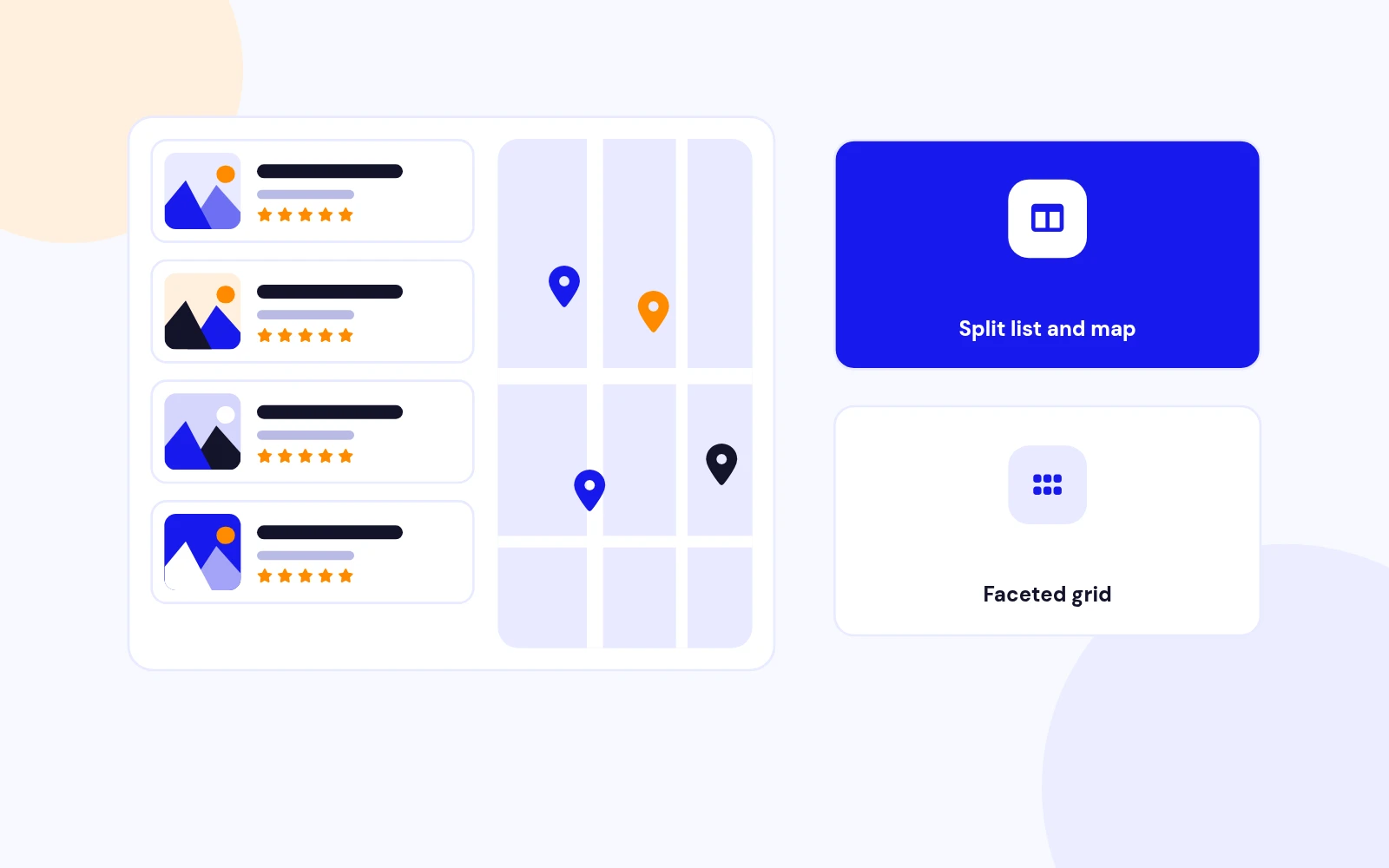
- Mobile filters: Split List + Map now shows a Filters control on phones to open the filter drawer.
- Near Me metres: Radius presets include 100 m, 250 m, 500 m, then 1 km and up.
- Map module: Easy Directory site module gains Map + Near Me mode for homepage and tourist pages, with category/type scope, map height, and optional link to the full directory.
Version 1.1.1: 9 September 2026
- Related articles: Pull from Article Category now includes None (do not auto-pull articles), so a listing can skip category auto-pull without selecting Uncategorised. Specific article picks still work as before.
Version 1.1.0: 9 September 2026
- Checkbox Group fields: New
checkboxes custom field type for multi-value attributes (for example cuisine). Selected values save as JSON, show as tags on cards and detail, and work with facet filters. Existing Yes/No checkbox amenities are unchanged.
- Hours by type and category: Listing Types and Categories can disable Working Hours. When either is set to No, the admin Hours tab and frontend hours hide. Menu and global
show_hours still act as an outer override.
- Gallery multi-select: Add several Media Manager images at once into gallery rows while keeping caption, alt text, and reorder.
- Listing logo: Separate
logo field, independent of the main image and gallery, with optional card and detail display toggles.
- 360° panorama field: New
panorama custom field for equirectangular images, scoped by category or type, with an interactive viewer on the listing detail page.
Version 1.0.0: 28 August 2026
- Initial public release for Joomla 4, 5, and 6.
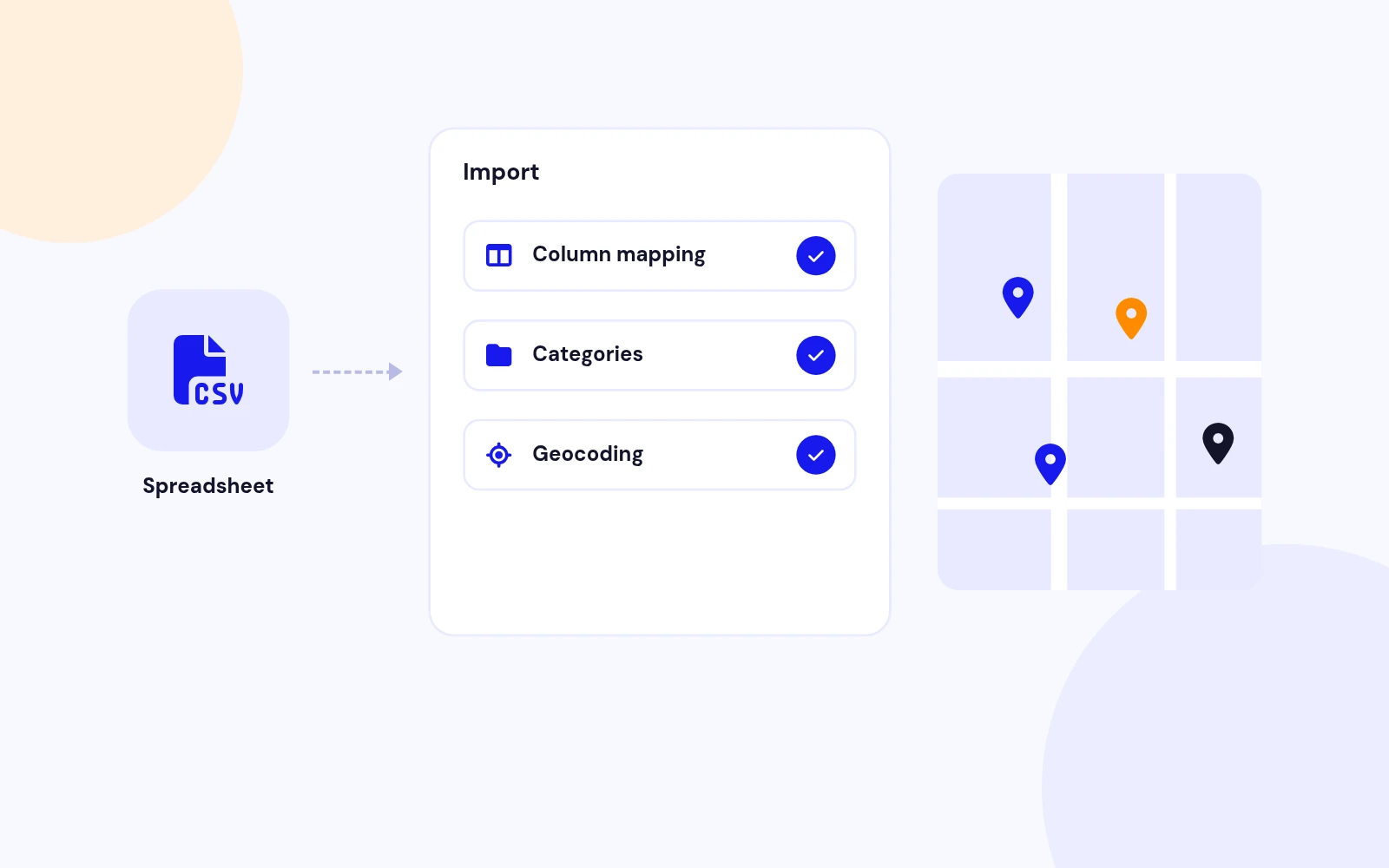
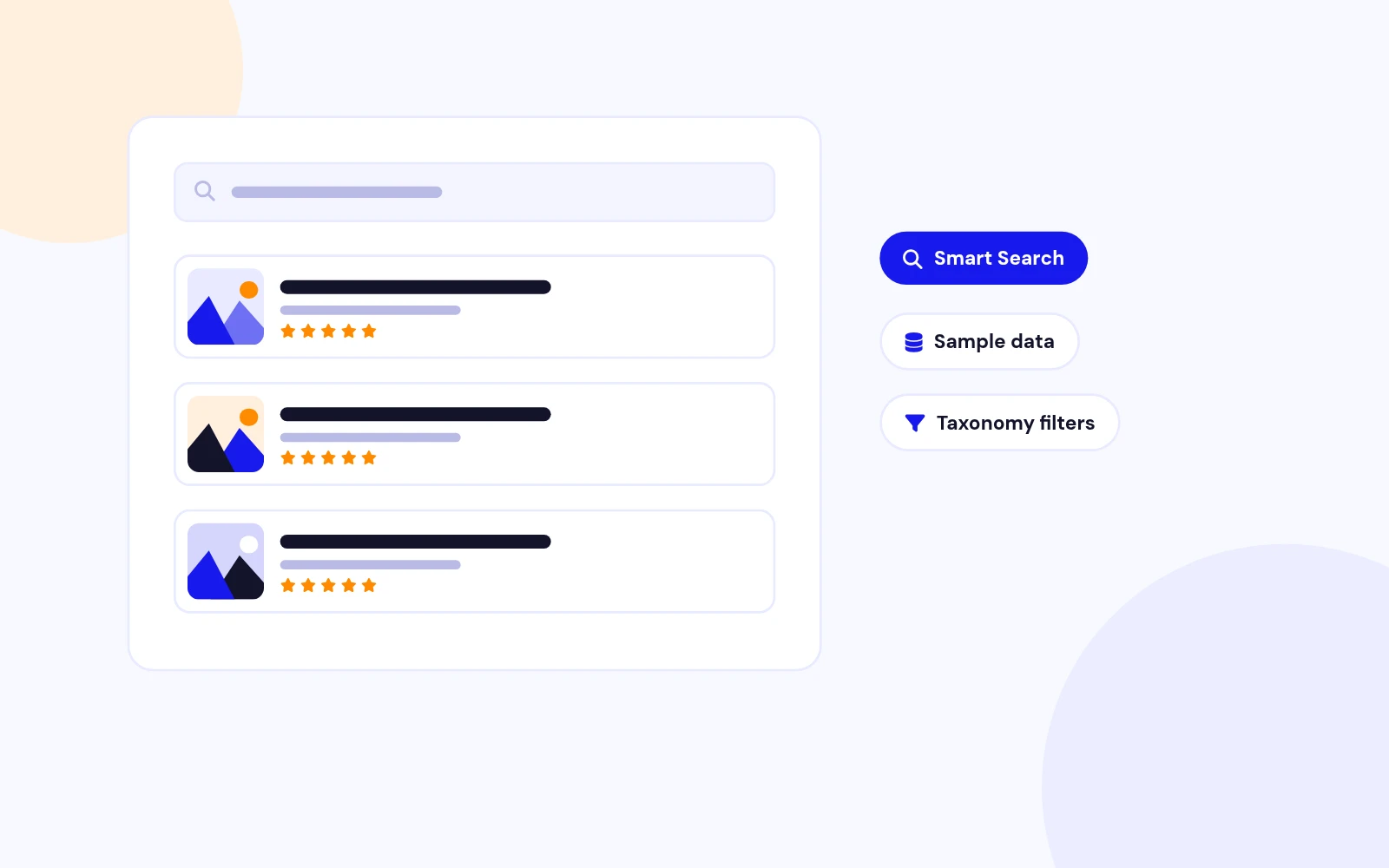
- Core listing management with categories, areas, listing types, maps, Near Me, custom fields, galleries, hours, Schema.org, and Smart Search plugin.
- One-click package installer for component and Finder plugin.