Installation
Easy Popup v2.6 is distributed as a single system plugin ZIP for Joomla 4.x, 5.x, and 6.x.
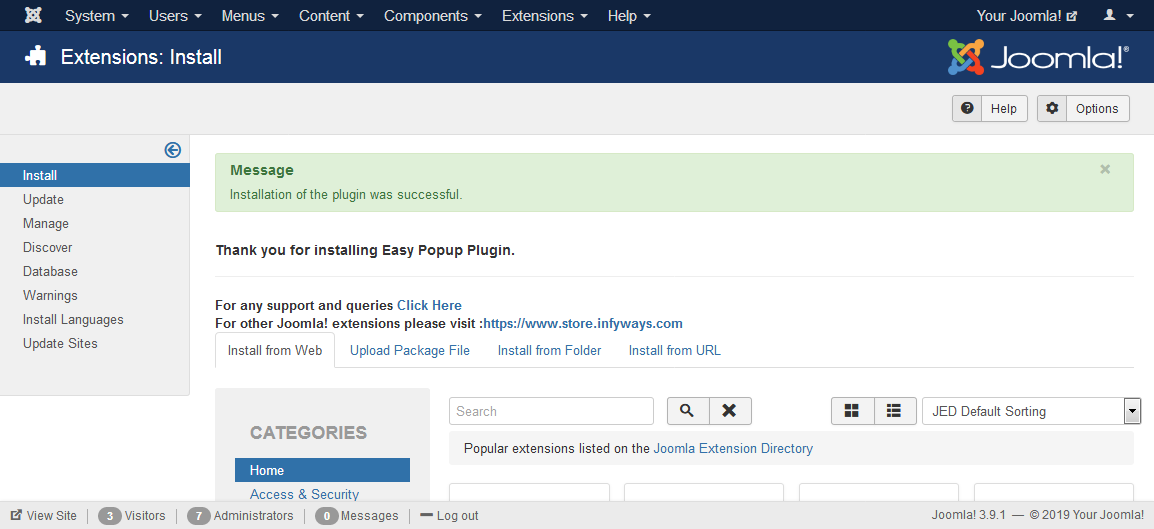
After downloading plg_popup_v2.6.zip, go to Extensions > Extension Manager (or System > Install > Extensions), open the Upload Package File tab, choose the file, and click Upload & Install.
- Plugin file:
plg_popup_v2.6.zip - CLI install:
php cli/joomla.php extension:install --path=/path/to/plg_popup_v2.6.zip
On success, enable System - Easy Popup under Extensions > Plugin Manager.