Setup
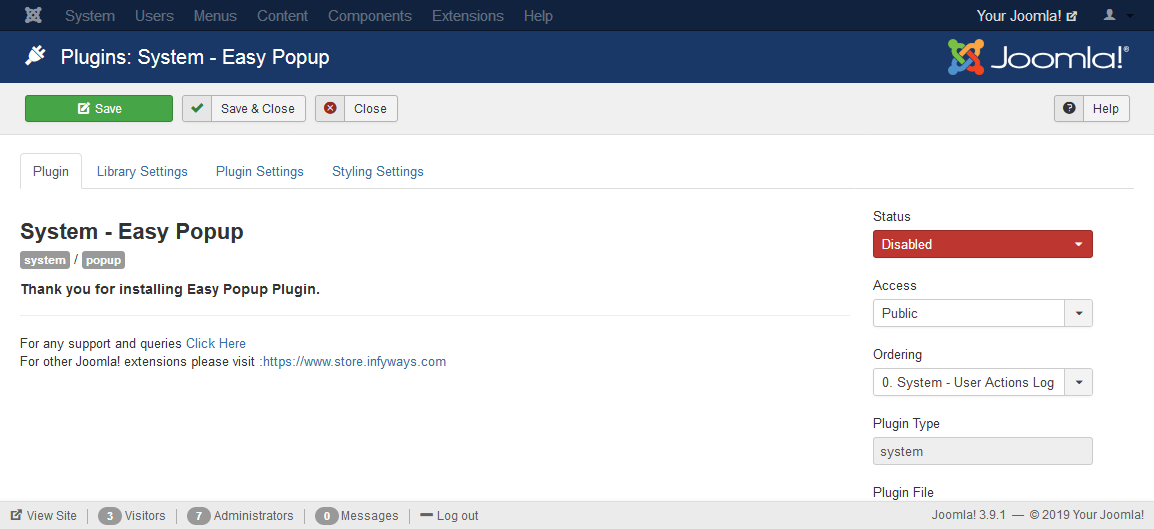
After installation go to Extensions > Plugin Manager. In the search bar type System - Easy Popup, then click the plugin name to open its settings. The default Plugin Settings tab opens first.
Set Status to Enabled and configure the other tabs. The default Modern (2026) theme is recommended for new sites; choose Classic (Legacy) under Styling Settings to keep the original Fancybox look.
Add {popup …} …your HTML… {/popup} shortcodes in articles, modules, or custom HTML. Assets load automatically only on pages that contain popup shortcodes. Use the Shortcode Examples tab to copy ready-to-use shortcodes.