Installation
Download
After purchase, download the package from your store account or the download link in your order email.
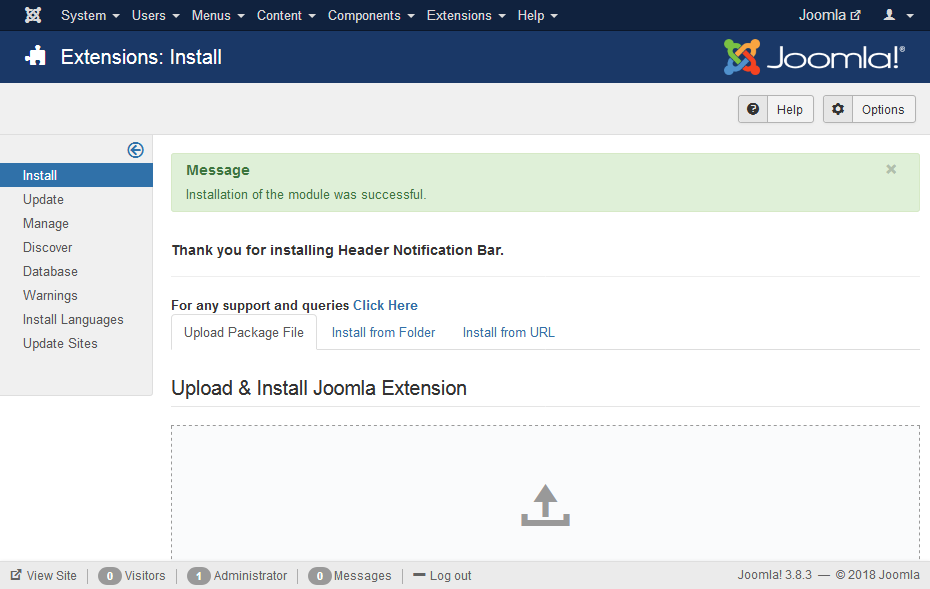
Install
- Go to System → Install → Extensions
- Upload
mod_header_bar_3.1.zip - Open Content → Site Modules and create/open Header Notification Bar
- Choose a module position (e.g.
debug), set Status to Published, and assign menu items
Requirements: Joomla 4.x, 5.x, or 6.x. Joomla 3 is not supported.