First-time setup
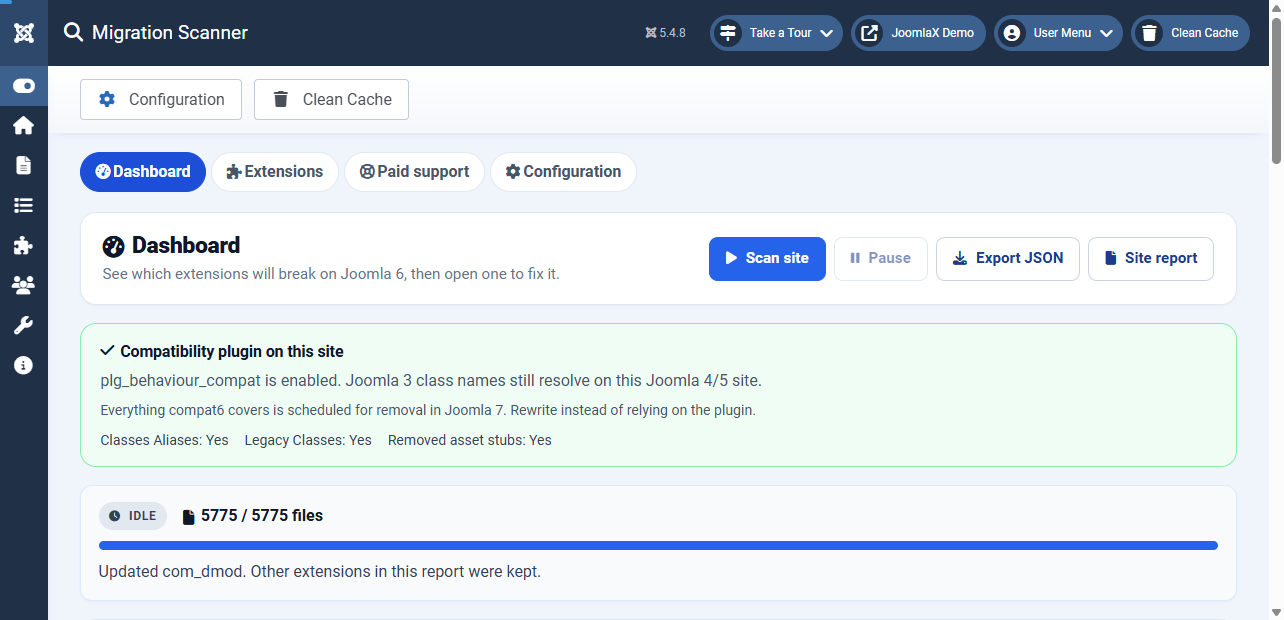
Open Components, Migration Scanner, then run a scan on a staging copy of the site.
- Click Components > Migration Scanner.
- Read the host banner for
plg_behaviour_compatorplg_behaviour_compat6. - Optional: open Configuration and set Target Joomla version (Auto is Joomla 6) and Files per step.
- Click Scan site and wait until the live pill shows Idle.
- Use the Dashboard plan, then open an extension that Will not run.
Student tip: If the scan stops early on cheap hosting, lower Files per step in Configuration and start again.