One Brand Kit
Enter Your Profiles Once
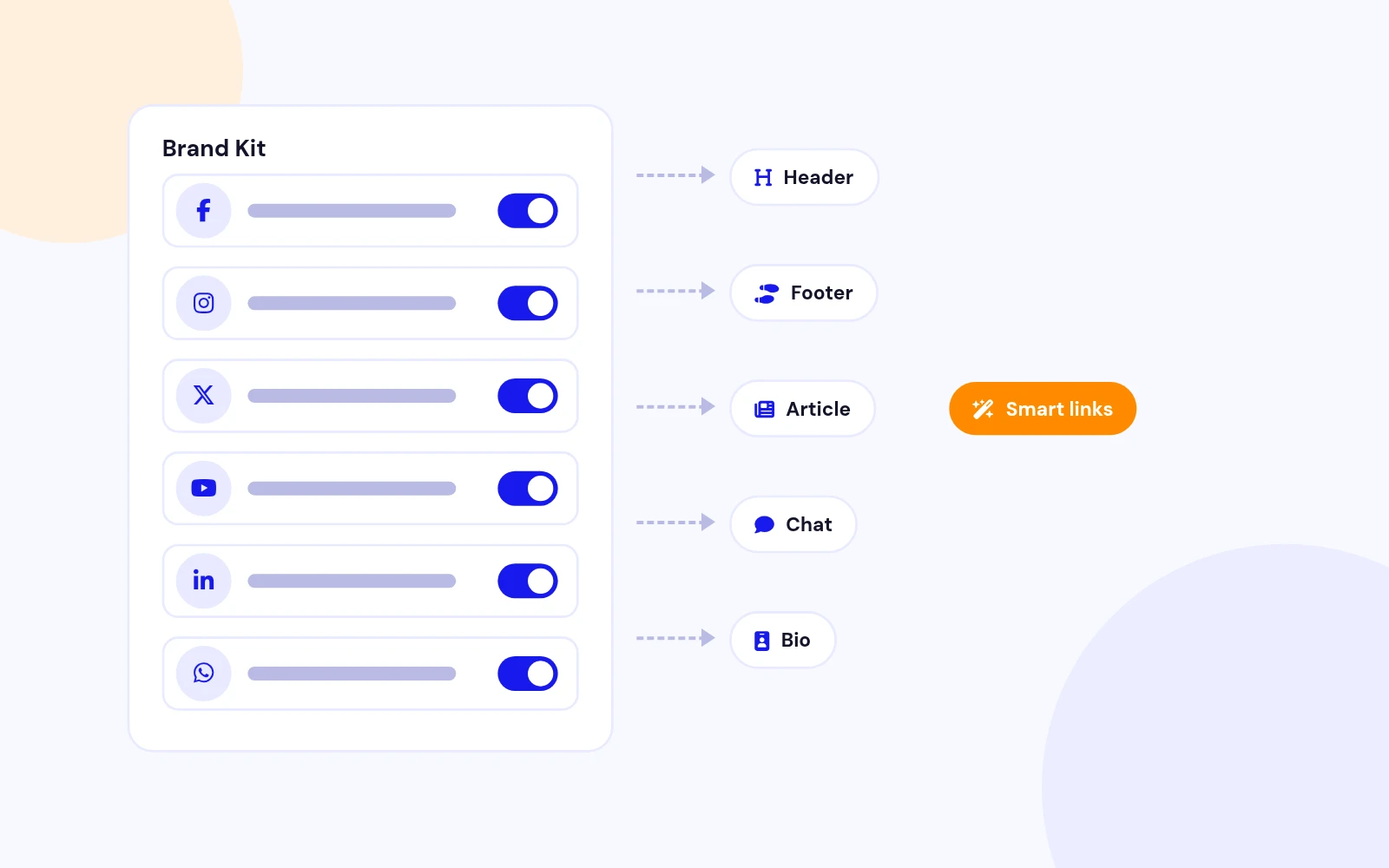
- Add Facebook, Instagram, X, YouTube, LinkedIn, WhatsApp and dozens more just once. Your header, footer, articles, chat button and bio page all use the same list.
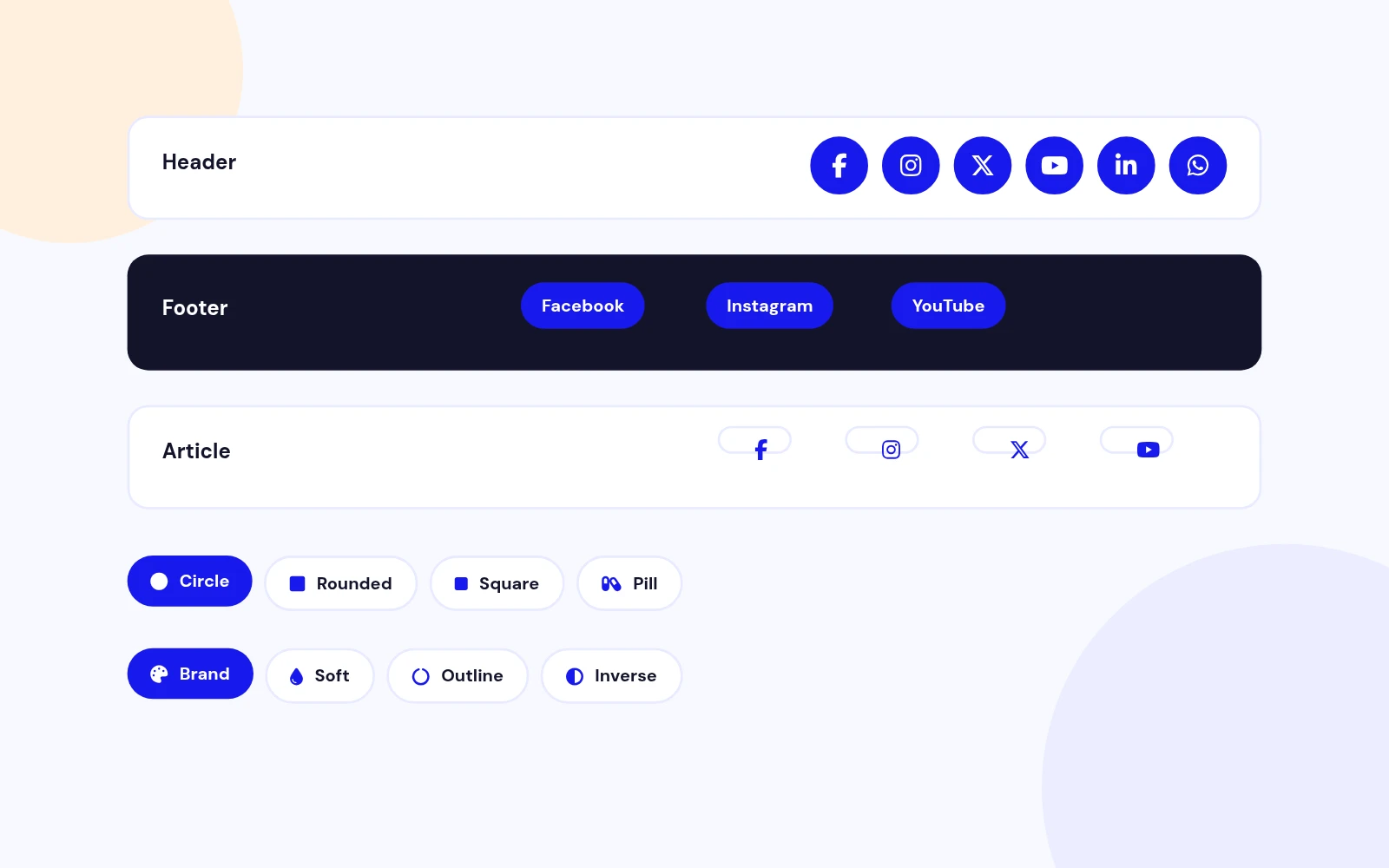
Enter each social profile once, then reuse it as a header, footer, article, WhatsApp button, or link-in-bio page.
Features
Six feature areas, one install package for Joomla 4, 5 and 6.
One Brand Kit
Named Sets
WhatsApp Chat
Anywhere
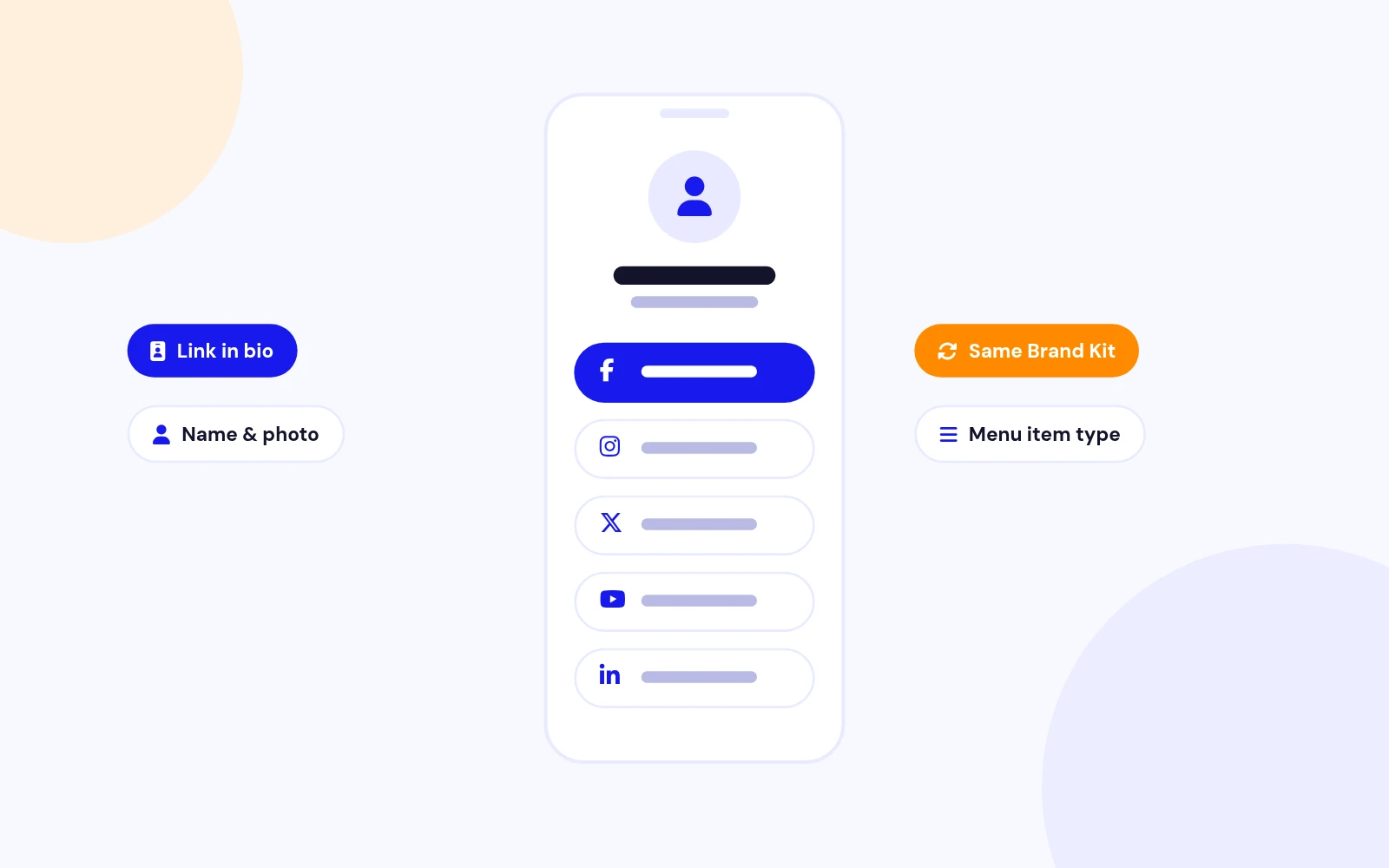
Link in Bio
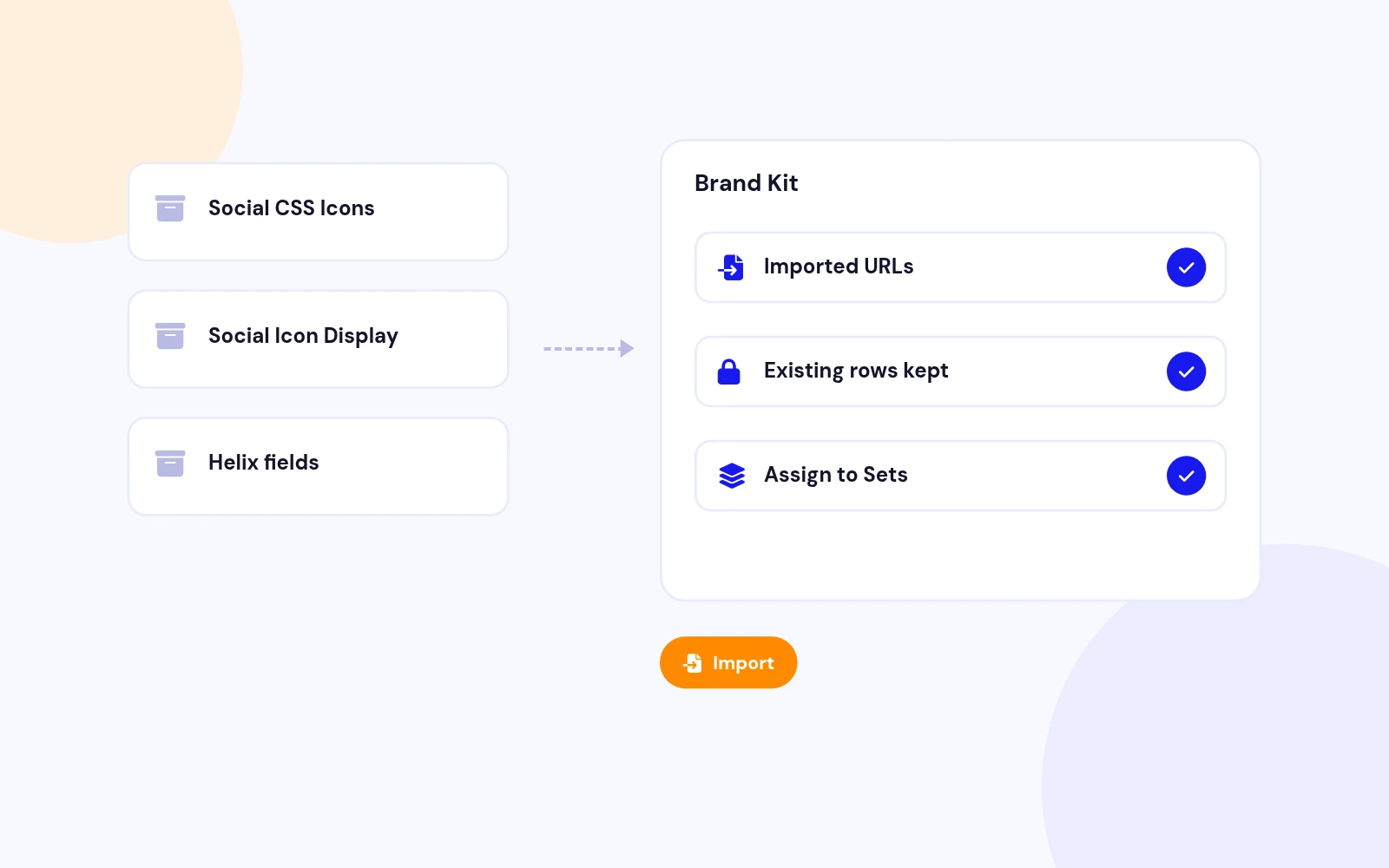
No Retyping
Changelog
4 releases since version 1.2. Updates install from the Joomla admin with a valid licence.
Docs & setup
Written guides for installing and configuring Easy Social Icons, from first setup to the options that matter.
Pricing
Save more as you scale — longer access means a bigger discount.
30-day money-back guarantee
30-day money-back guarantee
30-day money-back guarantee
30-day money-back guarantee
Why buy here
All-access bundle
Get all 126 extensions, new releases, ongoing updates and full-time support. Bought one by one, a year of updates for every extension costs over $4,700.
Ideal for small projects and personal sites
$249/ 6 months
Save 91% · $2,900+ value
30-day money-back guarantee
Best for growing businesses and web agencies
$349/ 1 year
Save 92% · $4,700+ value
30-day money-back guarantee
For professional developers and multi-client agencies
$749/ one-time
Pay once · keep forever
30-day money-back guarantee
FAQ
Still unsure? Our support team is one ticket away.
Easy Social Icons supports Joomla 4, 5, and 6. PHP 8.1 or later is required.
You enter each social profile once in a Brand Kit. Sets reuse that list as a header row, footer, article shortcode, WhatsApp chat button, or link-in-bio page.
Install the package. The component stores the Brand Kit. The system plugin draws the chat button. The content plugin runs the shortcode. The module places a Set in a template position. The package installs all of them.
Download EasySocialIcons_UNZIP.zip. Unzip it, then install the install package (the .zip inside your download) from System > Install > Extensions.
Open Components > Easy Social Icons > Configuration, Brand Kit tab. Paste each URL, phone, or email, then Save.
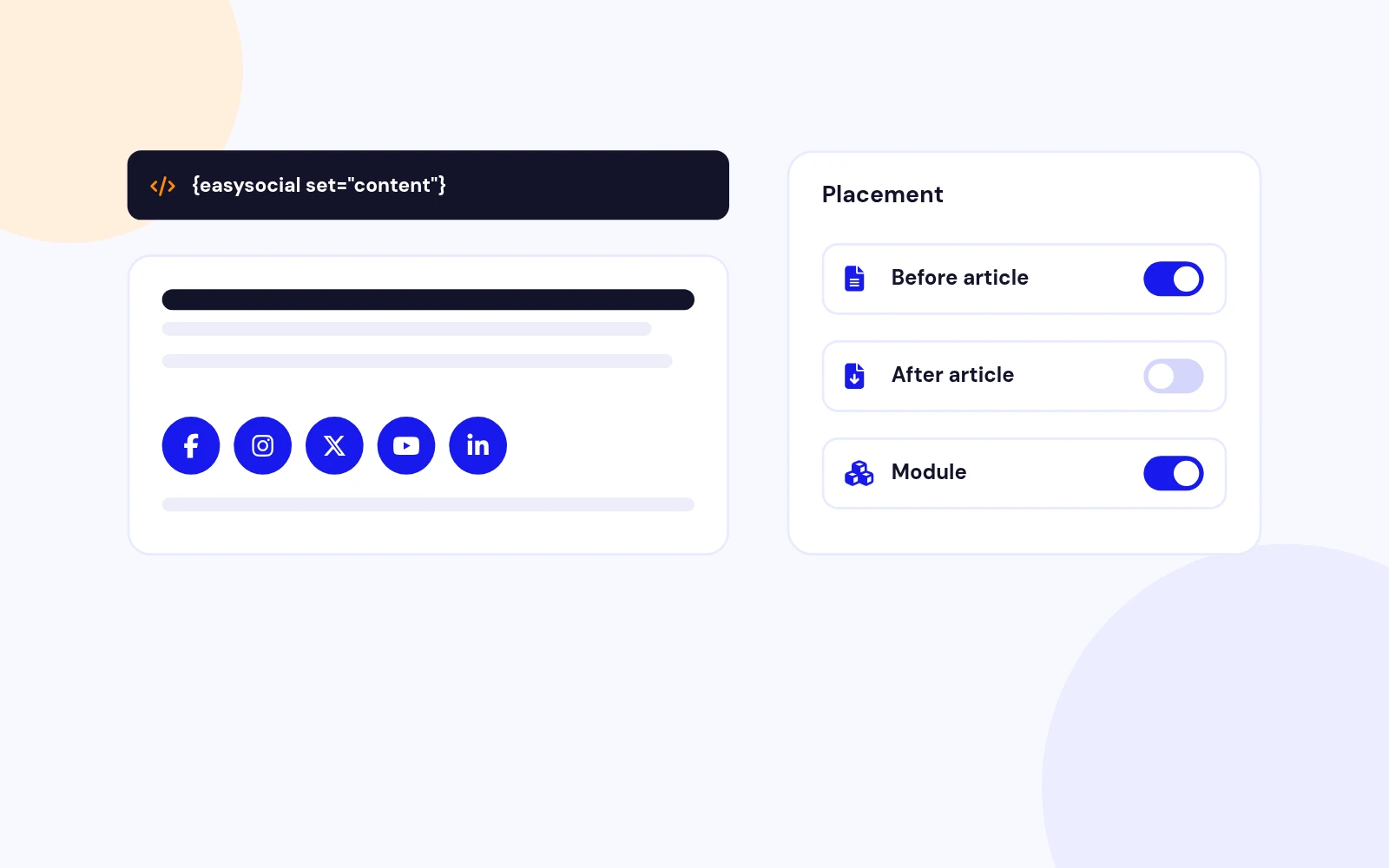
Paste {easysocial set="content"} in the article. Change content to another Set id such as header or footer.
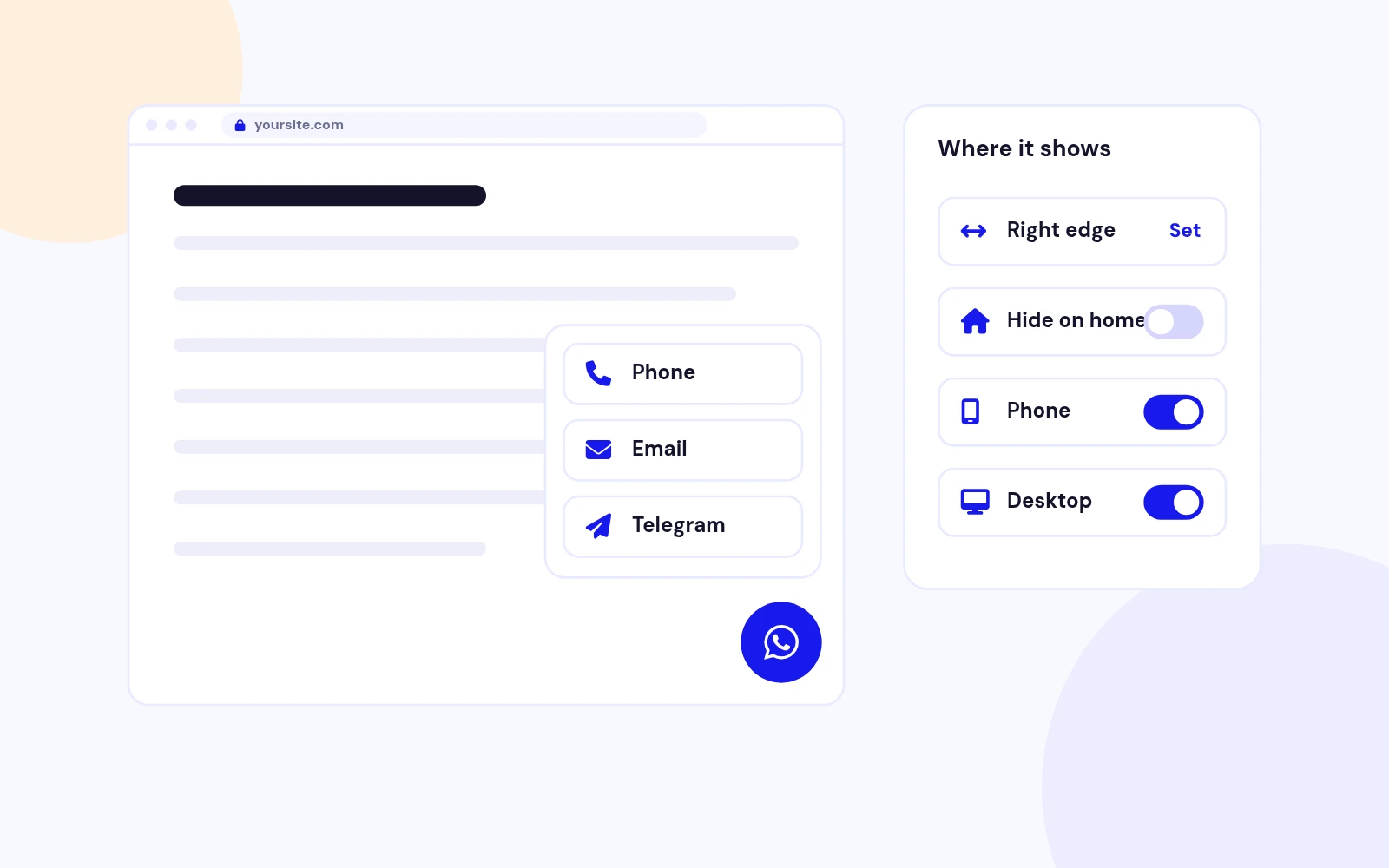
Open Configuration, Chat tab. Set Chat on to Yes, keep the Chat set id as chat, choose left or right, and Save. Add a WhatsApp number in the Brand Kit.
No. Easy Social Icons is follow and contact links. Use Easy Share if you need buttons that share the current page.
More like this

Module + Plugin
Share buttons for Joomla, with twelve networks and eleven styles.
v4.0.4 4,935 downloads
From $19

Module
Social Network Display Icons Module for Joomla
v2.2 3,532 downloads
From $9


Module
Multi-Agent WhatsApp Support Module for Joomla
v1.0.2 3,072 downloads
From $19