Module
Video

Youtube Video Gallery

Youtube Gallery Module for Joomla

  • Zero B/C pluginRuns without the B/C pluginRuns on Joomla 5 and 6 without the Behaviour - Backward Compatibility plugin, so you can keep it switched off.
  • Joomla 4, 5 & 6Tested and supported on Joomla 4, 5 and 6.
  • 5.0See the reviews
  • v3.4· Updated 5 days ago
  • 4.9K+downloads
  • PHP 8.1+
  • Instant accessReady to install right after checkout
  • One-click updatesNew releases install from the Joomla administrator
  • Lifetime optionPay once and keep future releases
  • 30-day guaranteeFull refund if it is not the right fit

Features

What can Youtube Video Gallery do for you?

Eight feature areas, one install package for Joomla 4, 5 and 6.

Five Gallery Layouts

YouTube Watch Page & More

Five Gallery Layouts

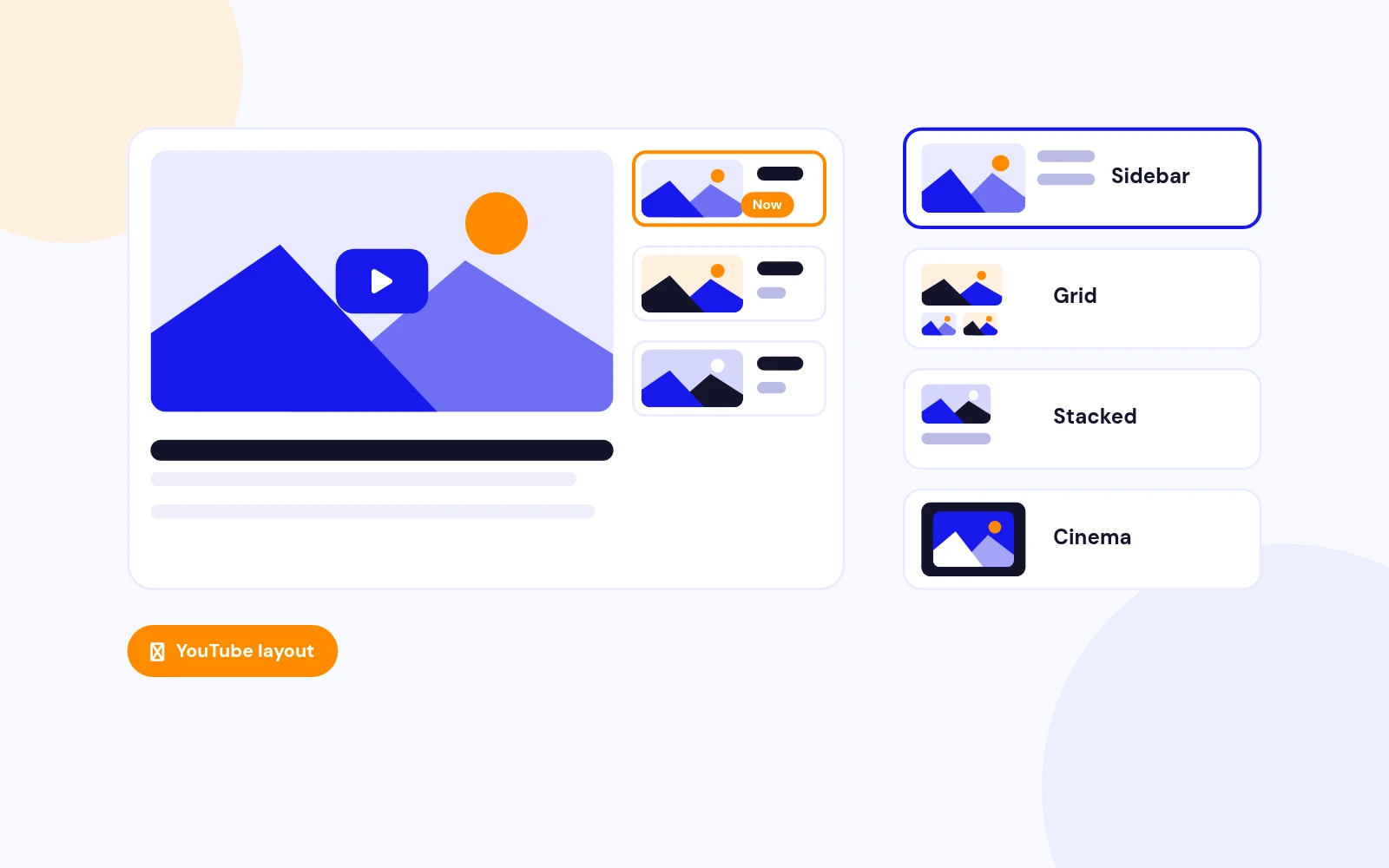
  • YouTube Layout: Authentic watch-page feel with a 16:9 player and scrollable playlist beside the video.
  • Sidebar, Grid, Stacked & Cinema: Pick a clean sidebar list, thumbnail grid under the player, vertical stacked list, or immersive Cinema widescreen with a framed stage.
Auto-fill from URL

Smart Video Management

Auto-fill from URL

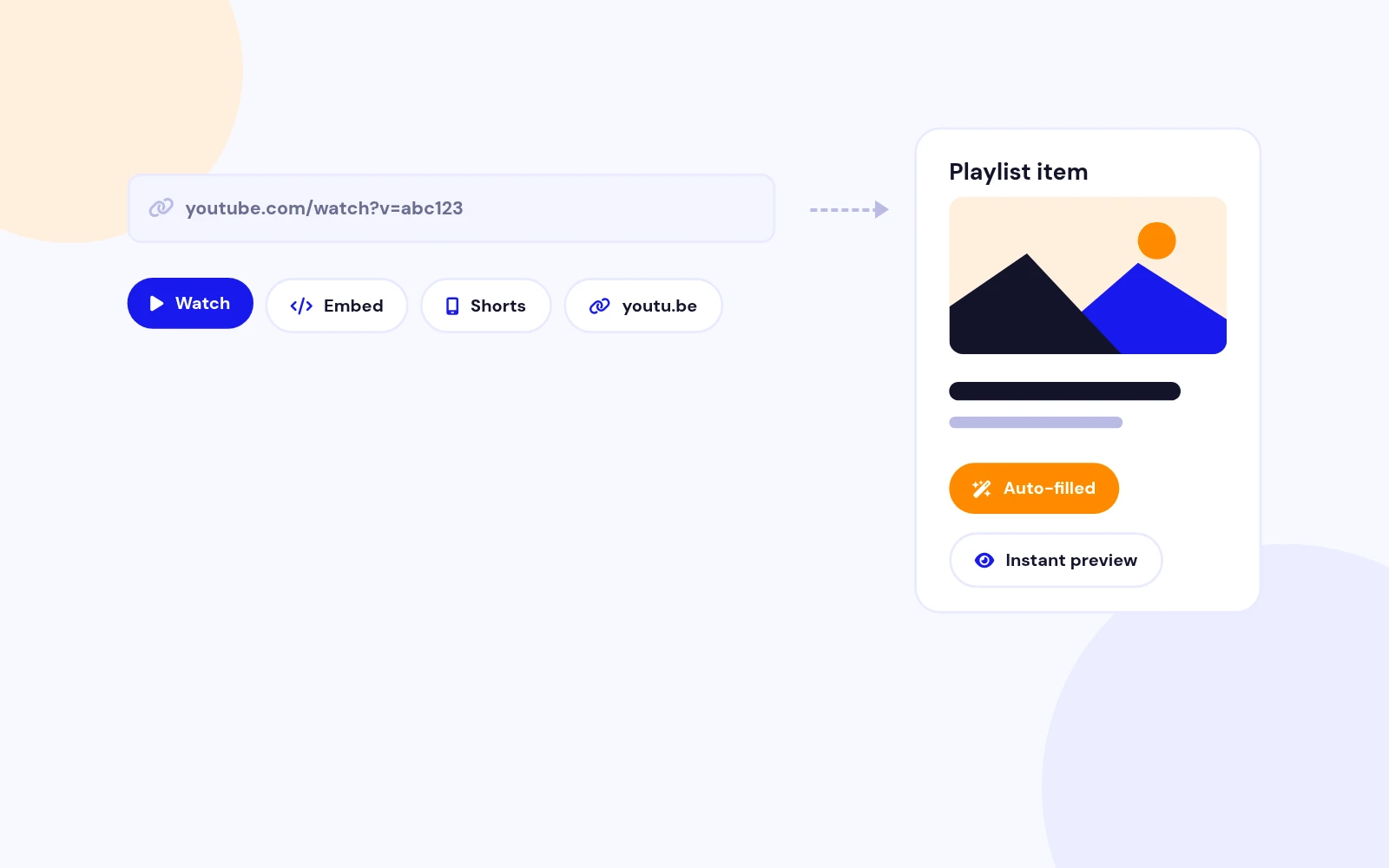
  • Paste Any YouTube Link: Watch, embed, Shorts, and youtu.be URLs are supported. Title and thumbnail auto-fill in the admin.
  • Instant Preview: See the thumbnail preview immediately when you add a video in the repeatable playlist field.
Playlist Search

Easy Content Discovery

Playlist Search

  • Filter by Title: Enable search so visitors can narrow a long playlist without leaving the page.
  • Active Video Highlight: The current item shows a “Now” badge and accent border so users always know what is playing.
Themes & Accent Colour

Match Your Brand

Themes & Accent Colour

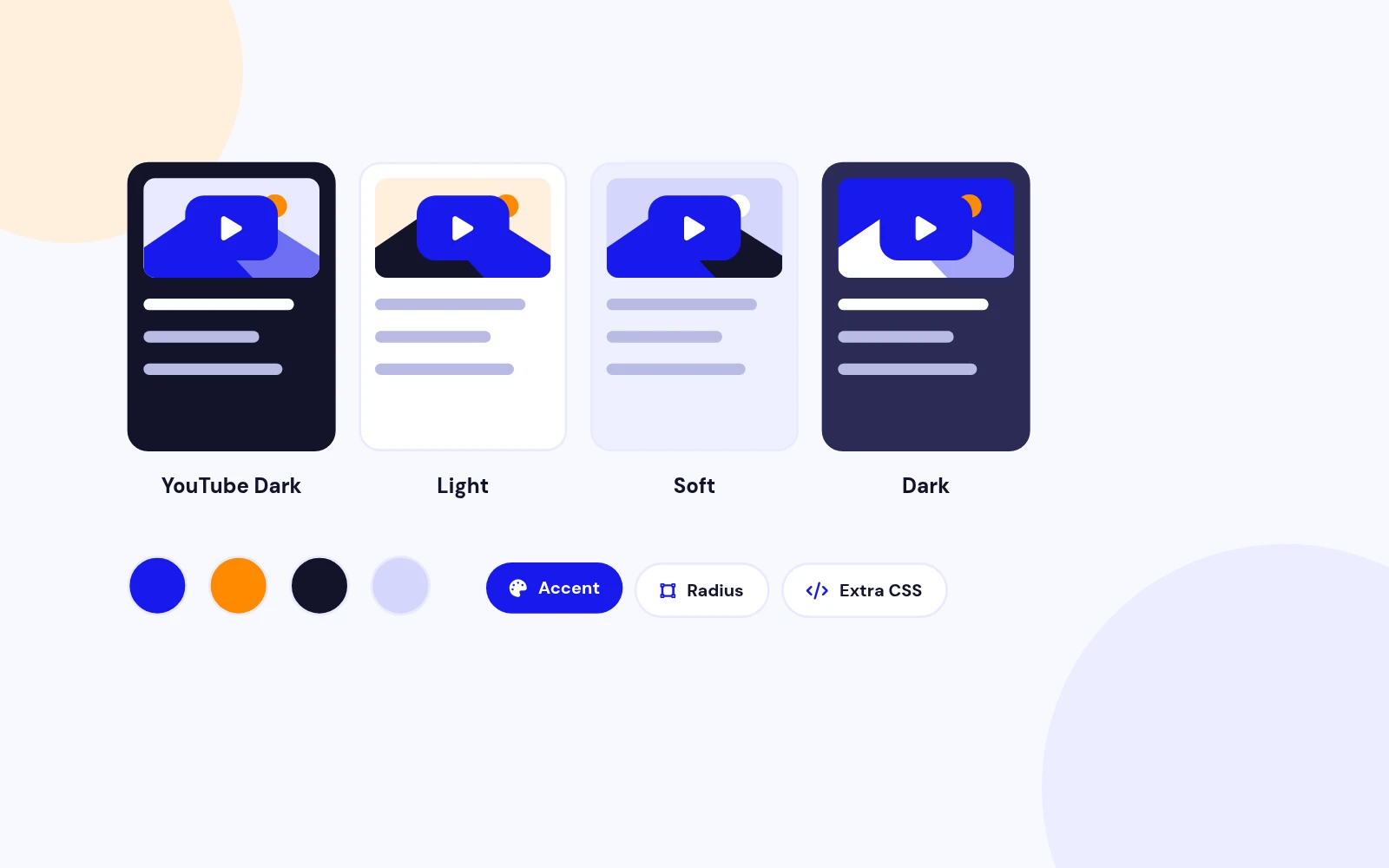
  • Four Built-in Themes: YouTube Dark, Light, Soft, and Dark — each tuned for readable playlists and search inputs.
  • Accent & Radius: Set accent colour, corner radius, gap, and optional Extra CSS for fine-tuning without editing core files.
Playback Controls

Modern Browser Friendly

Playback Controls

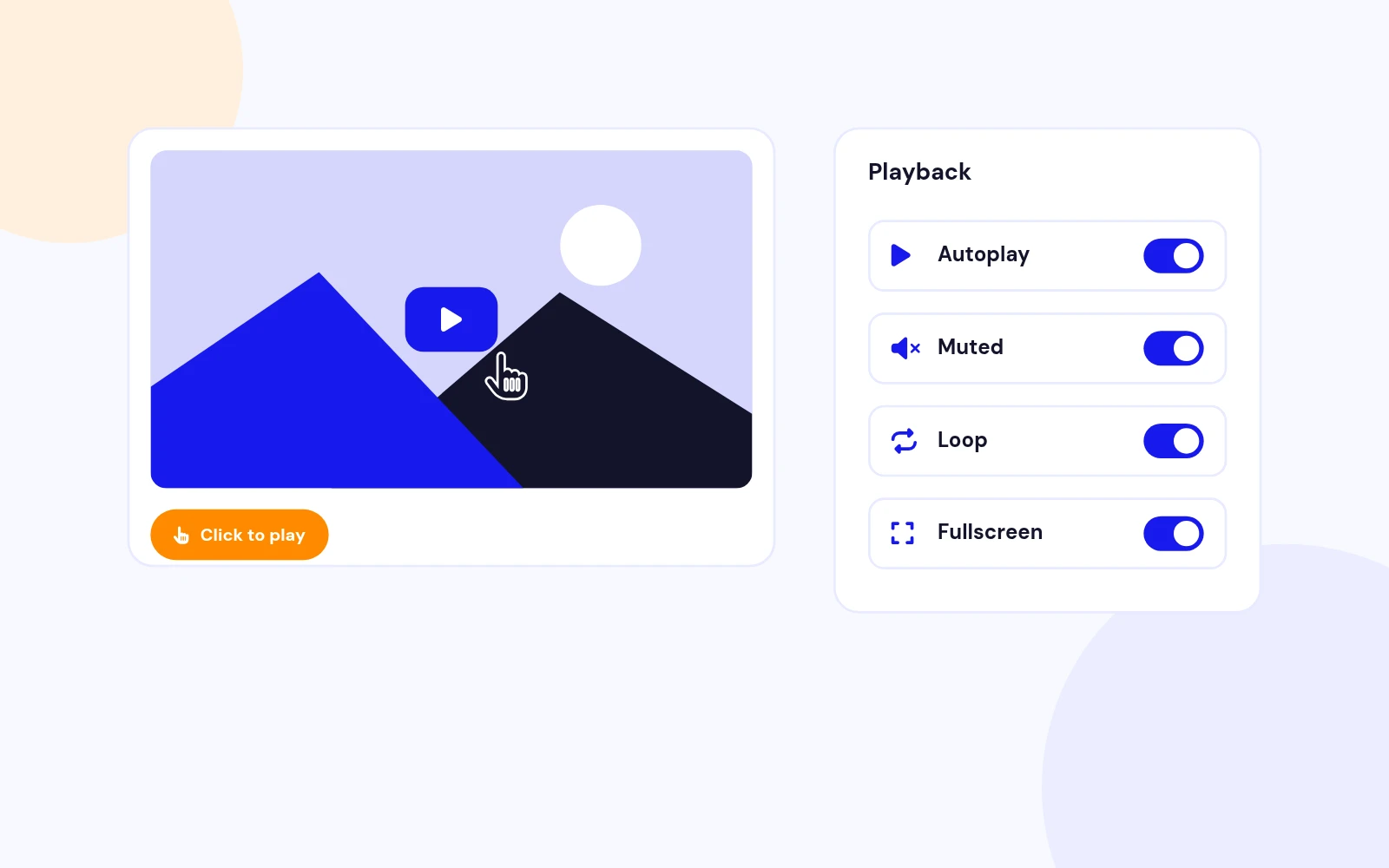
  • Click-to-Play Poster: Shows a thumbnail and play button first; the iframe loads only when the user chooses a video — faster and privacy-conscious.
  • Autoplay, Loop & Fullscreen: Autoplay with mute option, loop modes, fullscreen toggle, and related-video control via module settings.
Responsive Layout

Desktop & Mobile

Responsive Layout

  • Synced Playlist Height: On desktop, the playlist column matches the player height so the layout stays tight like youtube.com.
  • Mobile Stack: Player and playlist reflow on smaller screens for comfortable touch browsing.
Privacy-Enhanced Embed

youtube-nocookie.com

Privacy-Enhanced Embed

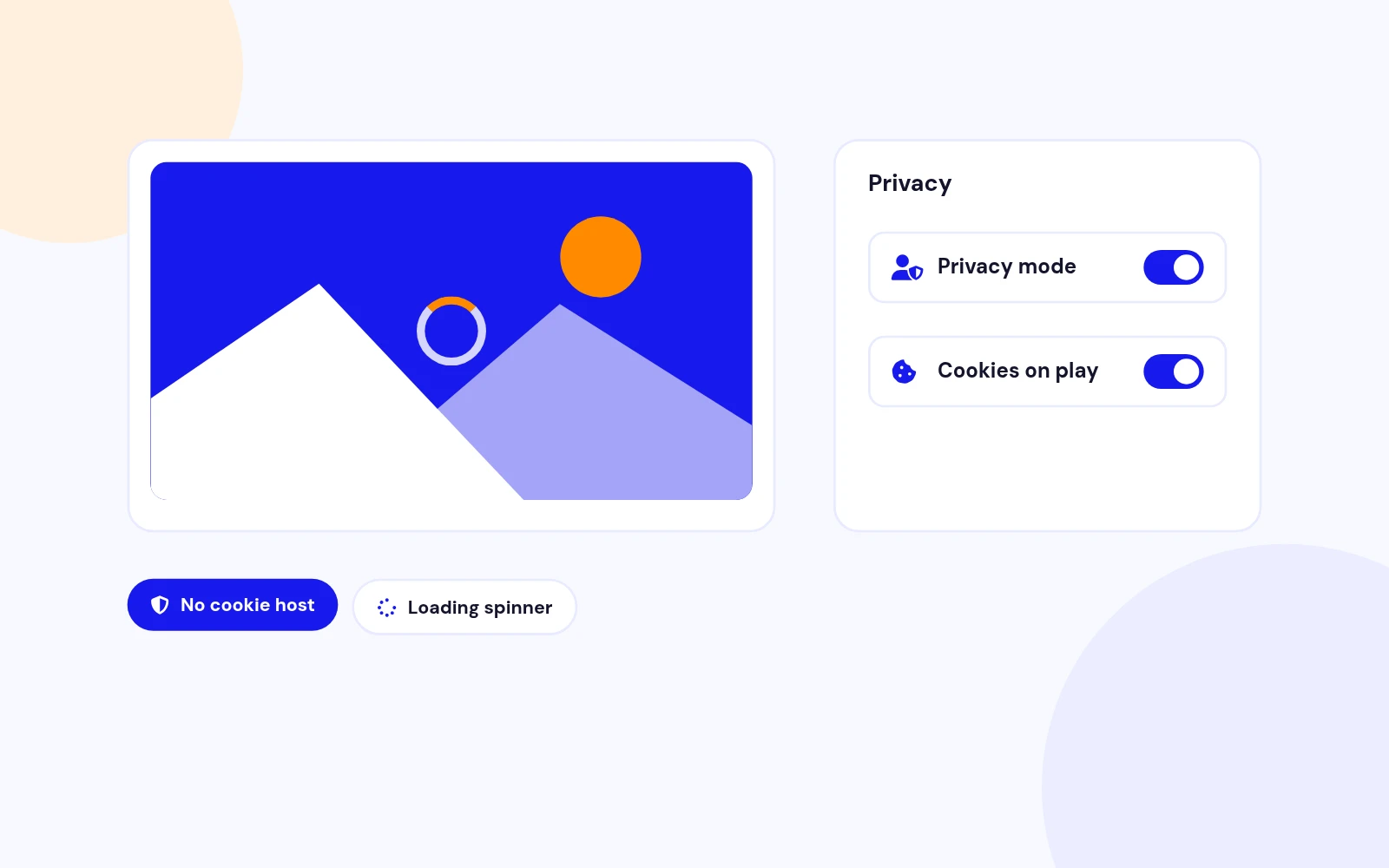
  • No Cookie Domain: Embeds use YouTube’s privacy-enhanced host until the visitor plays a video.
  • Loading Feedback: A spinner appears while the iframe initialises so users know playback is starting.
Joomla 4, 5 & 6

J5 Services Architecture

Joomla 4, 5 & 6

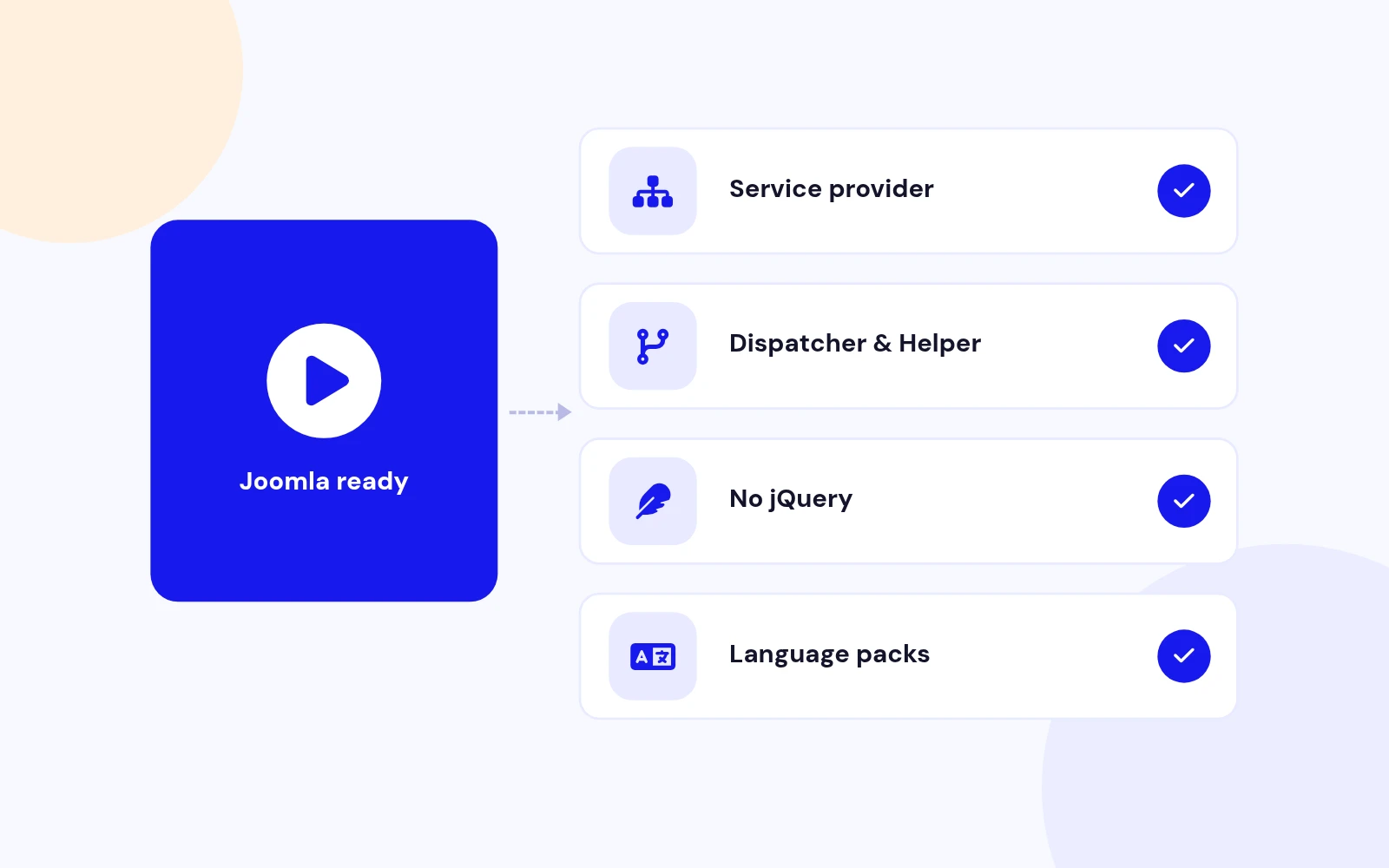
  • Modern Extension Structure: Service provider, Dispatcher, and Helper namespace — built for Joomla 5 best practices.
  • Vanilla JS & PHP 8+: No jQuery on the front end. Lightweight assets and 12 language packs included.

Changelog

What's new

11 releases since version 2.3. Updates install from the Joomla admin with a valid licence.

    • Runs on Joomla 5 and 6 with the Behaviour Backward Compatibility plugins disabled
    • The admin video field loads its script through the Web Asset Manager
Show 5 older releases

Docs & setup

Get up and running fast

Written guides for installing and configuring Youtube Video Gallery, from first setup to the options that matter.

  • Installation stepsOne install zip for Joomla 4, 5 and 6, installed from System, Install, Extensions.
  • Configuration optionsThe settings in the guide, from first setup to the options that matter.
  • Practical usage tipsShort examples you can adapt to your site.

Pricing

Choose the plan that fits

Save more as you scale — longer access means a bigger discount.

Compatible with
Joomla 4 Joomla 5 Joomla 6
Tester plan
30 Days
Basic testing plan. 30 days access only. No priority support. Access expires after 30 days - no future updates.
$9

$9

You save zero
Download Access - 30 Days
Support - 30 Days Email Support
1 Website License
Unlimited Downloads
No Priority Support
No Future Updates After 30 Days
Limited to Testing Only
30-Day Money Back Guarantee
Commercial Use License
6 Months
6 months access with priority support & bug fixes. Perfect for short-term projects and growing businesses.
$54

$19

You save $35
Download Access - 6 Months
Support - 6 Months + Priority Updates
2 Websites License
Unlimited Downloads
Priority Email Support
Priority Bug Fixes
6 Months Free Updates
30-Day Money Back Guarantee
Commercial Use License
Pay once
Lifetime
Lifetime access with dedicated support agent. Never pay again - unlimited updates & custom development support included.
$980

$49

You save 95%
Download Access - Lifetime
Support - Lifetime + Dedicated Support
Unlimited Websites License
Unlimited Downloads
Dedicated Support Agent
Lifetime Free Updates
Feature Request Priority
Custom Development Support
30-Day Money Back Guarantee
Commercial Use License

Why buy here

Why JoomlaX

  • Built, maintained and supported by one team Every product sold on JoomlaX is developed, maintained and supported by Infyways, building Joomla solutions since 2010.
  • Ready for Joomla 4, 5 and 6 118 extensions support Joomla 5 and 6, and 114 support Joomla 4. Each product page lists the versions it works with.
  • One-click Joomla updates Regular updates and feature improvements for licensed customers, delivered straight to your Joomla admin.
  • Support from the developers Tickets go straight to the developers. First replies within 24 business hours.

All-access bundle

Unlock every JoomlaX extension in one plan

Get all 126 extensions, new releases, ongoing updates and full-time support. Bought one by one, a year of updates for every extension costs over $4,700.

  • Basic

    Ideal for small projects and personal sites

    $249/ 6 months

    Save 91% · $2,900+ value

    • Access to 126 extensions
    • Access to new extensions during period
    • 3 websites license
    • 6 months support and updates
    • Unlimited downloads and domain activations
    • Full-time expert technical support
    Buy Basic plan

    30-day money-back guarantee

  • Most popular

    Premium

    Best for growing businesses and web agencies

    $349/ 1 year

    Save 92% · $4,700+ value

    • Access to 126 extensions
    • Access to new extensions during period
    • 5 websites license
    • 1 year support and updates
    • Unlimited downloads and domain activations
    • Priority full-time technical support
    Buy Premium plan

    30-day money-back guarantee

  • Developer

    For professional developers and multi-client agencies

    $749/ one-time

    Pay once · keep forever

    • Access to 126 extensions
    • Access to all future new extensions
    • Unlimited websites license
    • Lifetime support and updates
    • Unlimited downloads and domain activations
    • VIP priority full-time technical support
    Buy Developer plan

    30-day money-back guarantee

FAQ

Questions about Youtube Video Gallery

Still unsure? Our support team is one ticket away.

How do I add videos to the Youtube VideoList Gallery?

Open Content → Site Modules, edit your module, and go to the Videos tab. Click Add in the Video Playlist repeater, paste a YouTube URL (watch, embed, Shorts, or youtu.be link), and the title and thumbnail auto-fill. Drag rows to reorder the playlist.

Which gallery layout should I use?

For the familiar youtube.com watch experience, choose Layout → YouTube with Theme → YouTube Dark. Use Sidebar for a lighter editorial list, Grid for thumbnails under the player, Stacked for a vertical list, or Cinema for a widescreen framed player.

Can I enable autoplay for the first video?

Yes. In the Player tab, set Autoplay First Video to Yes. Modern browsers usually block sound on autoplay, so enable Mute on Autoplay as well. Without mute, many browsers show a black player until the user interacts.

Why does the video show a poster and play button first?

Version 3.3 loads the YouTube iframe only when a visitor clicks play or selects a playlist item. This improves page speed, reduces third-party cookies until playback, and avoids autoplay policy issues. Autoplay mode skips the poster and loads the iframe immediately.

Can I customize the player and playlist width?

Yes. On YouTube, Sidebar, and Cinema layouts, use Player Width (%) (40–85) to balance the player and playlist columns. Adjust Gap and Corner Radius on the Layout tab. Grid and Stacked layouts use a single full-width column.

Is the gallery responsive on mobile?

Yes. The module reflows on smaller screens so the player and playlist stack comfortably. Playlist search, thumbnails, and touch-friendly item targets work on phones and tablets.

Can I show or hide video titles in the playlist?

Yes. Use Show Titles in the Player tab. Thumbnails always display; titles can be hidden for a more compact list.

Can I embed multiple galleries on the same page?

Yes. Create separate module instances, each with its own playlist and settings. Every instance gets a unique ID and scoped CSS variables, so they do not conflict.

Which Joomla and PHP versions are supported?

Youtube VideoList Gallery 3.3 supports Joomla 4.x, 5.x, and 6.x with PHP 8.0+. Joomla 3.x is not supported in this release.

How do I match the YouTube website colours?

Set Gallery Layout to YouTube, Colour Theme to YouTube Dark, and leave the default accent #ff0000. Place the playlist on the right for the standard watch-page layout.

Help from the people who built it

Don't have an account yet? Register Now!

Sign in to your account