Cookie Consent
EU Cookie Consent Module for Joomla
- Joomla 4, 5 & 6Tested and supported on Joomla 4, 5 and 6.
- 5.0See the reviews
- v1.7· Updated 2 months ago
- 4.5K+downloads
- PHP 8.1+
- Instant accessReady to install right after checkout
- One-click updatesNew releases install from the Joomla administrator
- Lifetime optionPay once and keep future releases
- 30-day guaranteeFull refund if it is not the right fit
Features
What can Cookie Consent do for you?
Ten feature areas, one install package for Joomla 4, 5 and 6.
-
Vanilla JavaScript
Modern Cookie Banner
- Clean first impressionShow a polished consent banner with rounded shell, soft blur, and pill buttons that feel current without heavy libraries.
- No jQueryVersion 1.7 ships native JavaScript and CSS through Joomla Web Asset Manager.
- Upgrade friendlyKeeps the familiar cookieconsent_status cookie so existing visitor choices remain valid.
-
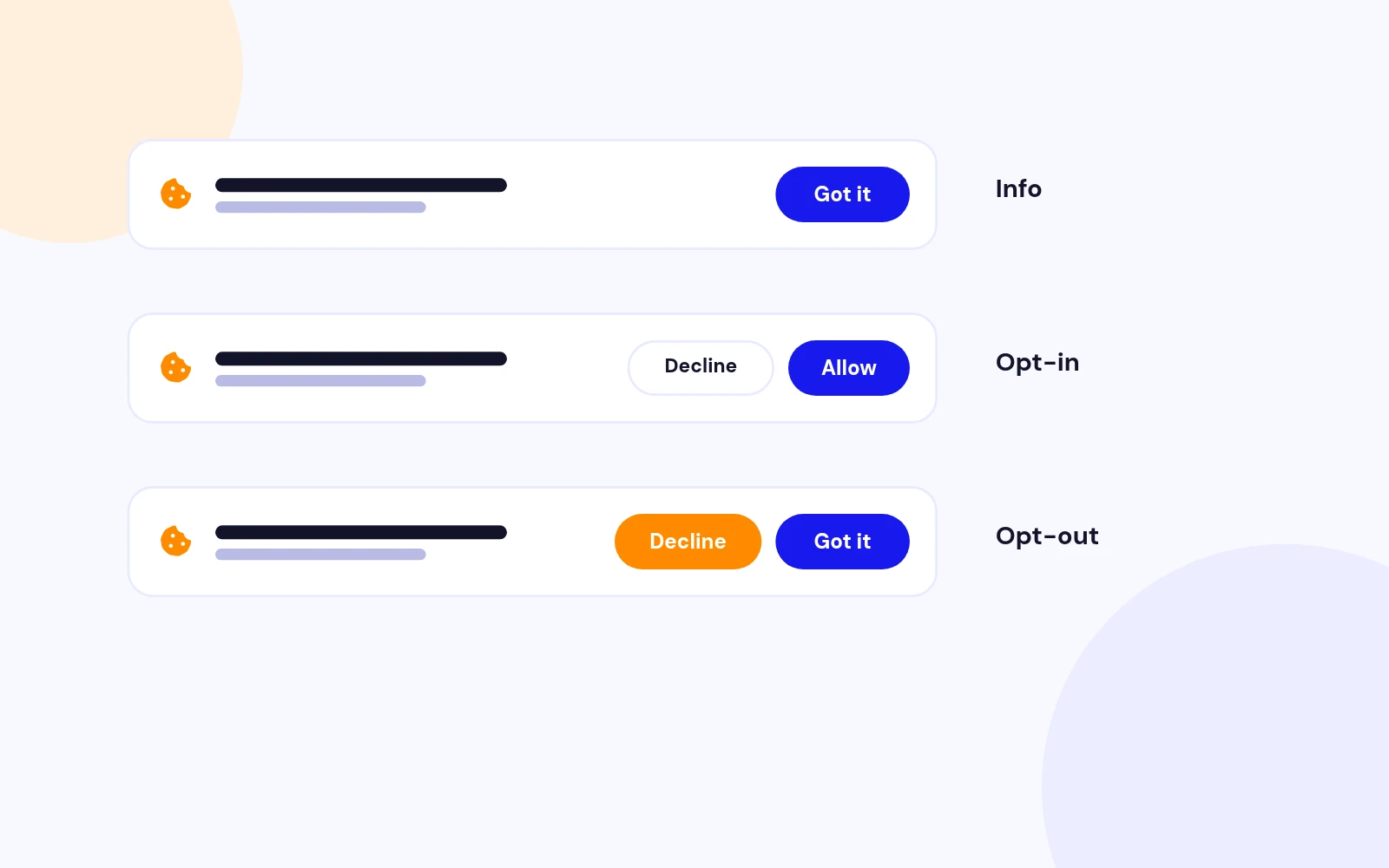
Info · Opt-in · Opt-out
Three Consent Modes
- InfoNotify visitors that cookies are used with a single acknowledge button.
- Opt-inAsk for explicit permission before treating cookies as allowed.
- Opt-outLet visitors decline while still offering a clear acknowledge action.
-
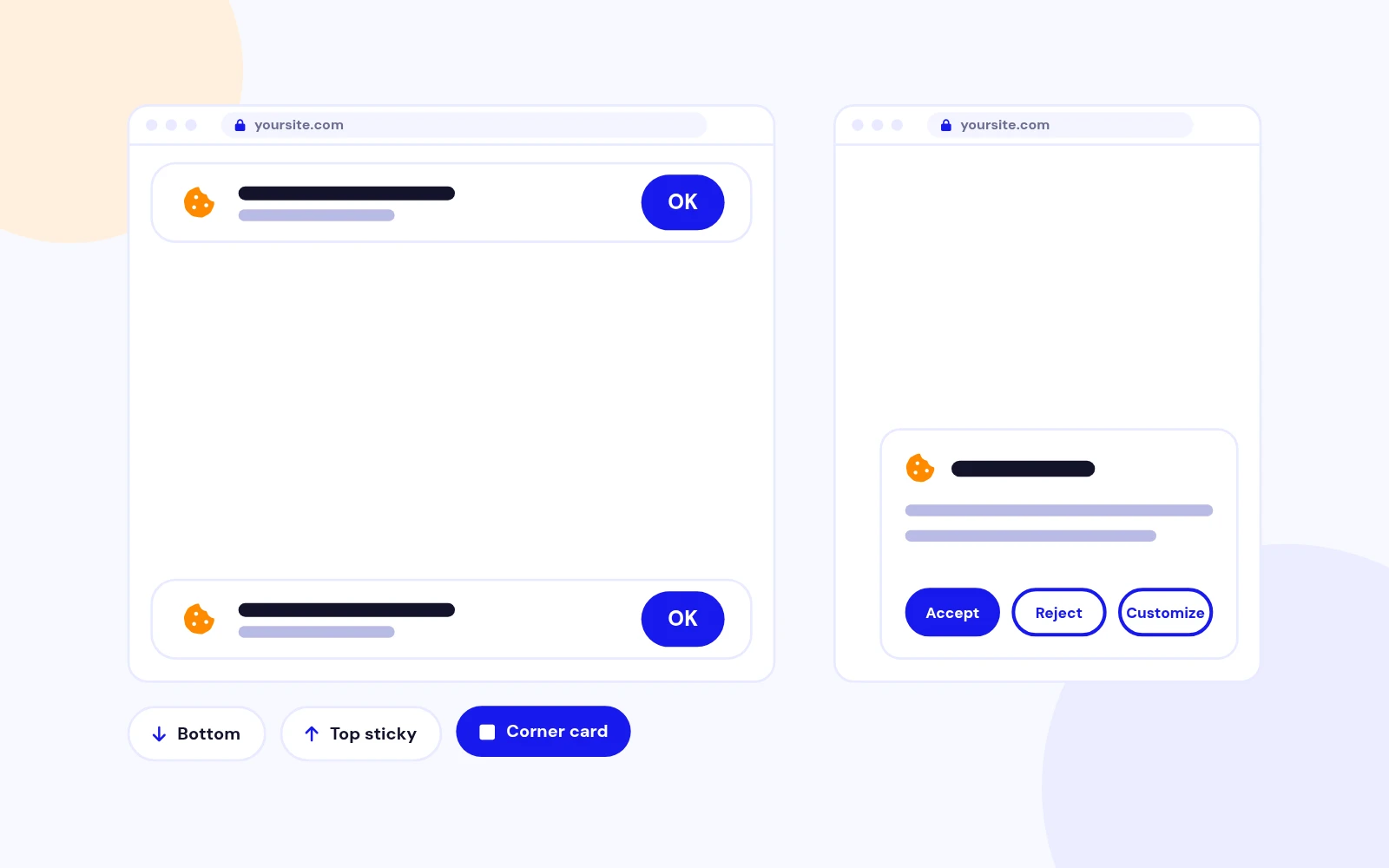
Banner · Float · Sticky
Flexible Placement
- Full-width bannersPlace the notice at the bottom or top of the viewport.
- Floating cardsUse corner positions for a compact notice that stays out of the way.
- Top stickyOptionally reserve space so the top banner does not cover page content.
-
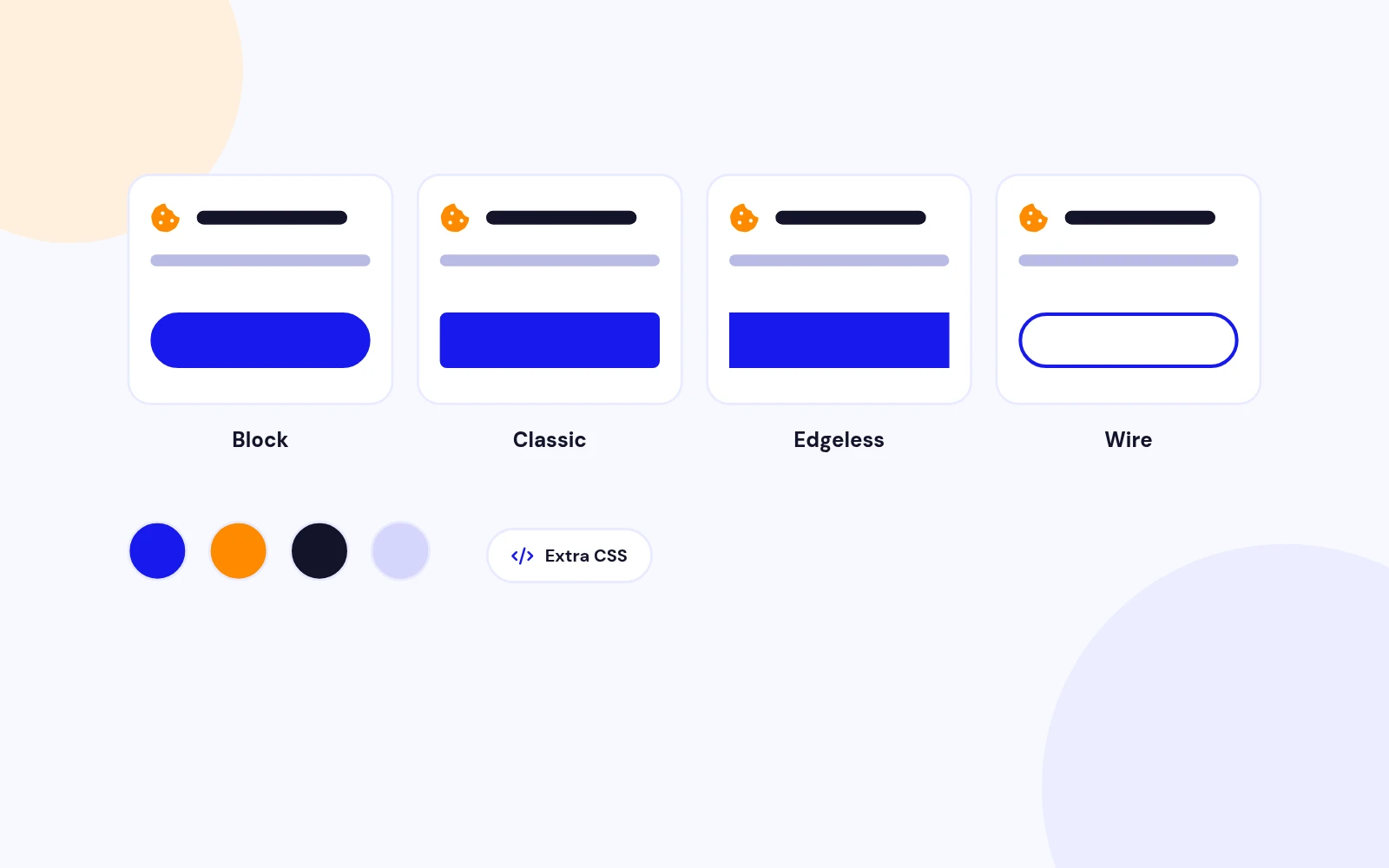
Block · Classic · Edgeless · Wire
Theme Presets
- Match the mood quicklySwitch between soft rounded Block, Classic, edge-to-edge Edgeless, and outlined Wire button styles.
- Brand colours on topOverride banner and button colours without custom coding.
- Extra CSS when neededTarget .jx-cc selectors for template-specific polish.
-
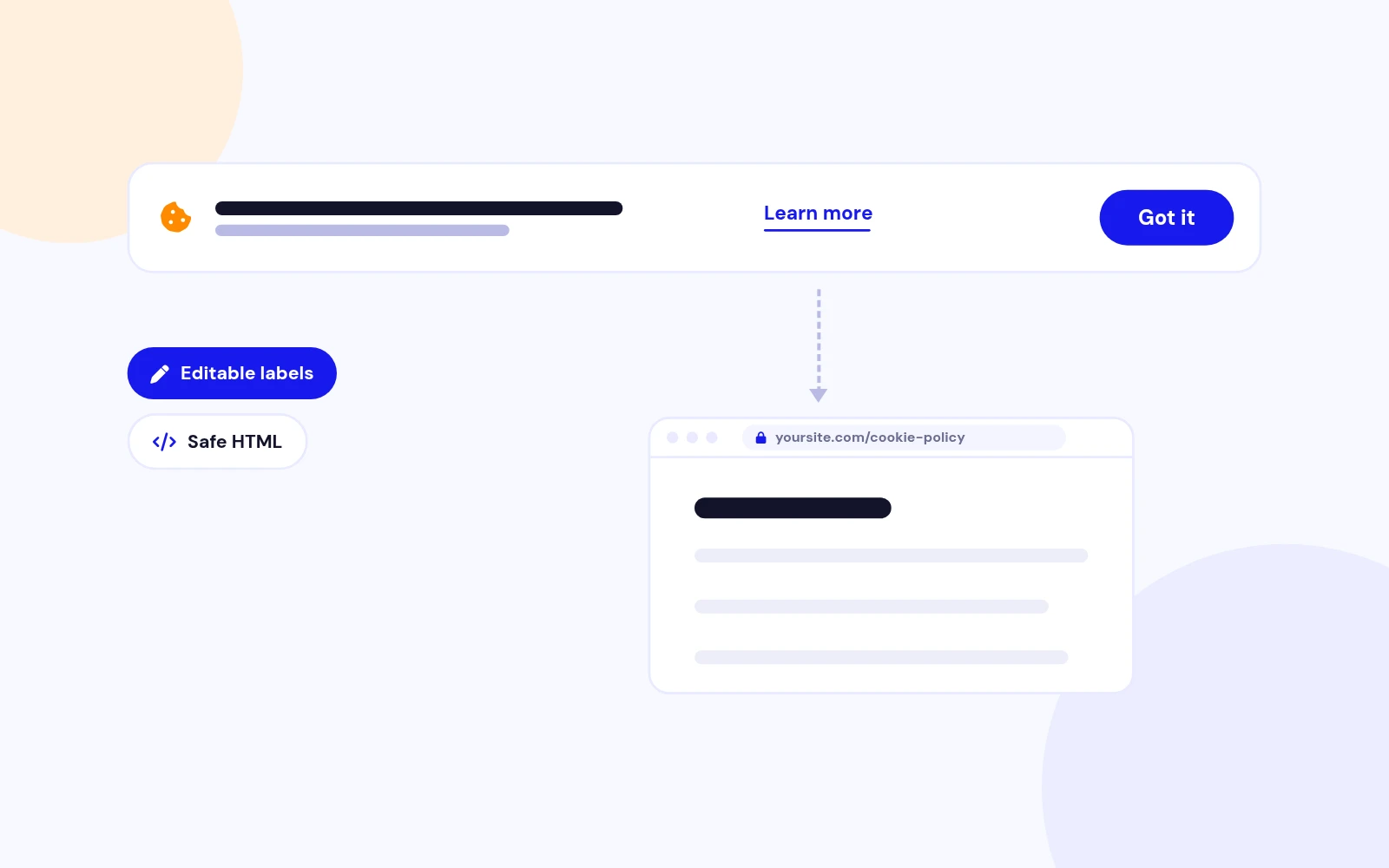
Learn More
Policy Link Ready
- Point to your policyEnable a Learn more link beside the message and send visitors to your cookie or privacy page.
- Editable labelsCustomise dismiss, accept, decline, and policy link text.
- Safe message HTMLAllow limited formatting in the cookie message editor.
-
Font · Size · Weight
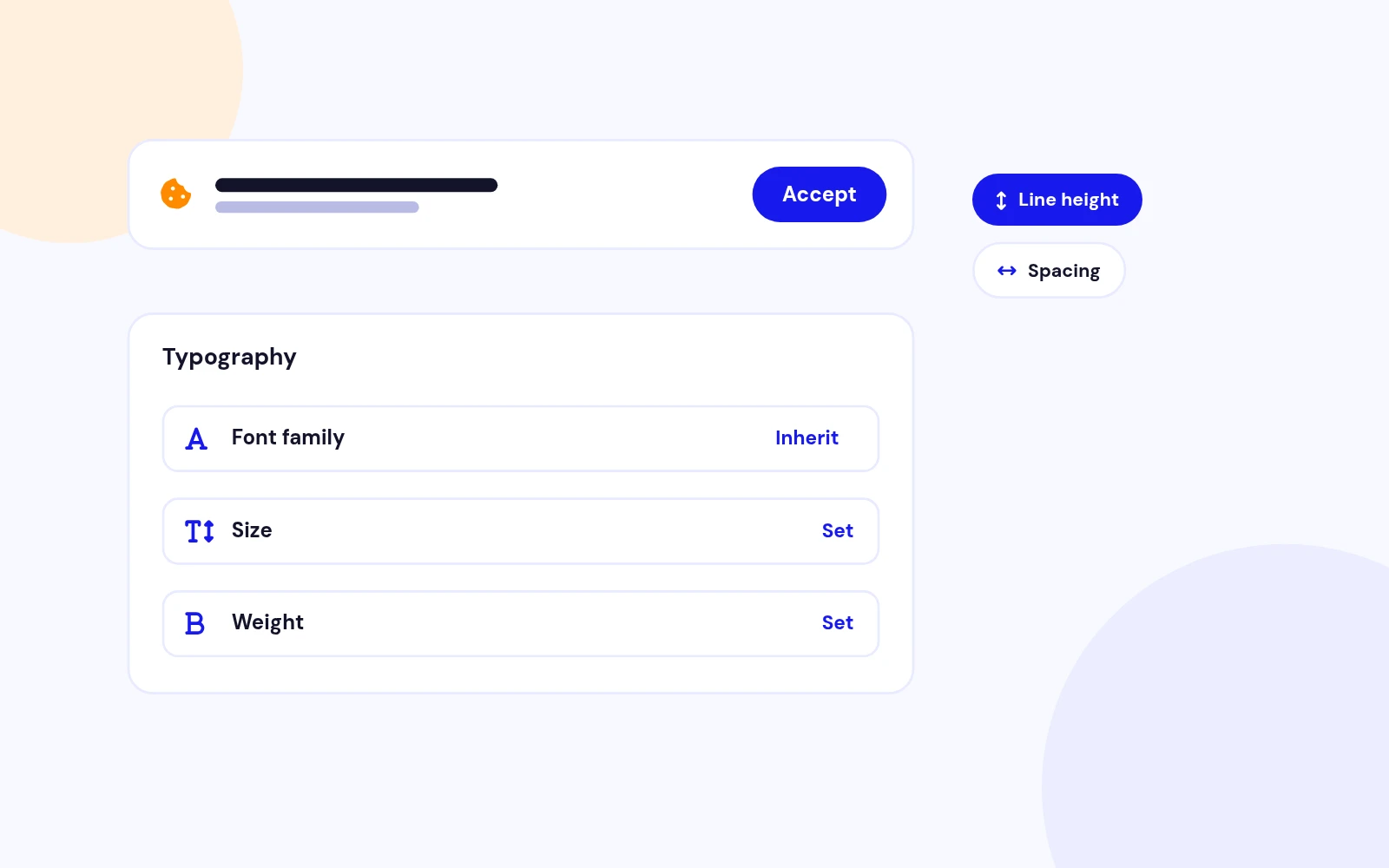
Typography Controls
- Optional custom fontLeave empty to inherit the template font, or load a Google font family.
- Readable defaultsTune size, weight, transform, line height, and letter spacing for the message.
- Accessible actionsButtons keep a comfortable tap target and visible focus styles.
-
Change Mind Later
Revoke Chip
- Cookie settingsAfter Opt-in or Opt-out choices, a small chip lets visitors reopen the banner.
- Clear and resetRevoking clears the status cookie and shows the banner again.
- Position awareThe chip follows the banner edge so it stays discoverable.
-
WAM · J4 / J5 / J6
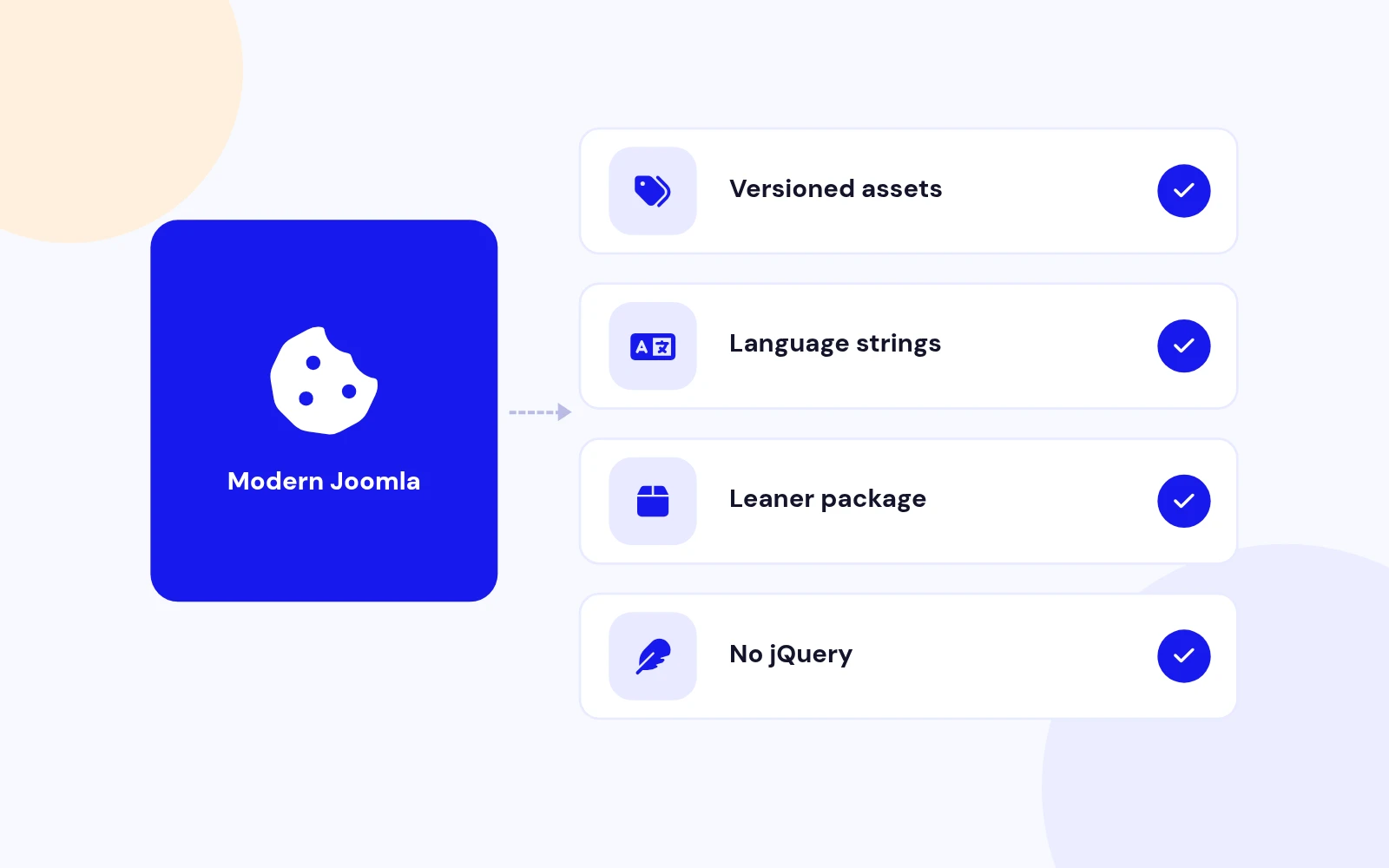
Modern Joomla Stack
- Versioned assetsCSS and JavaScript register at 1.7.0 for clean cache busting after upgrades.
- Language stringsEnglish admin labels ship inside the module package.
- Leaner zipLegacy third-party minified library files are removed from the package.
-
GDPR Notice · Brand Match
Built for Real Sites
- Compliance messagingPublish a clear notice site-wide without editing the template.
- Brand match in minutesWarm defaults look intentional; swap colours to match your palette.
- Works with demos and live sitesAssign to All Pages or selected menu items as needed.
-
Upload · Configure · Publish
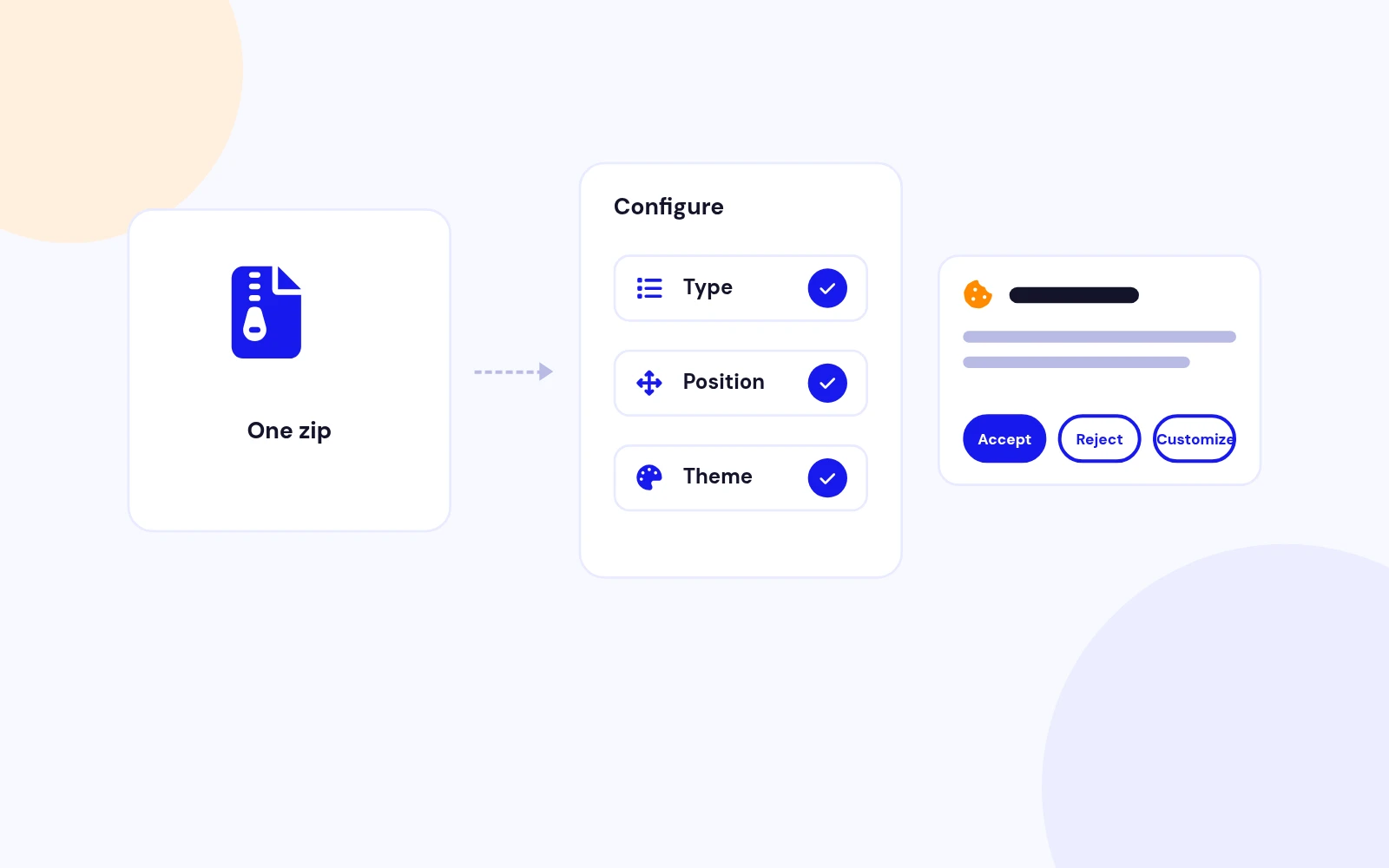
Simple to Install
- One zipInstall mod_cookieconsent_1.7.zip from System > Install > Extensions.
- Quick configurationChoose consent type, position, theme, message, and colours, then publish.
- Support when you need itHelp is available at support.joomlax.com.
Changelog
What's new
8 releases since version 1.1. Updates install from the Joomla admin with a valid licence.
- Added Always Show Banner and Cookie Name advanced options for demos and multi-instance setups
- Added six live demo variants: Opt-in, Info, Opt-out, Floating, Top Sticky, and Wire
- Added modern banner styling: rounded shell, soft blur, pill buttons, and smoother open/close motion
- Added a Cookie settings revoke chip for Opt-in and Opt-out after a choice is saved
- Added English language strings and refreshed defaults (warm stone banner, amber accent)
- Rebuilt the banner UI with vanilla JavaScript (no jQuery, no third-party cookieconsent library)
- Kept Info, Opt-in, and Opt-out consent modes with the same cookie name for upgrade compatibility
- Kept banner and floating positions, plus Block, Classic, Edgeless, and Wire themes
- Registered CSS and JavaScript through Web Asset Manager at version 1.7.0
- Removed the old Insites/Osano minified library assets from the package
- Improved security with proper JSON encoding
- Fixed underline issues on buttons and links
- Added radio switchers for better UX
- Joomla 4, 5 & 6 Compatibility
- Modern PHP 8.0+ Support
- JoomlaX Branding
- Reorganized parameters into clean, organized tabs
- Created assets folder with local CSS and JS files
- Optimized template code with JSON-based configuration
- Enhanced user-friendly descriptions and labels
- Code optimization and modernization
- Removed Typography custom field, replaced with normal module parameters
- Removed CDN dependencies - all assets now load locally
- Support Joomla 5.
- No need for a Backward Compatibility Plugin.
- Single file installation for both Joomla 3 and Joomla 4
- Removed unused CSS and JS files
- Add a valid license in the advanced settings of the module parameters.
- Supports Joomla 4
- Update the extension directly from the Joomla Update Manager.
- Download the license key from the Downloads section of the store by creating an account using the same email address which you have used to purchase the extension.
Show 2 older releases
- Option to edit the typography of the Cookie Message
- Additional CSS Parameters Added
- Support PHP version 7.8
- You can now add HTML into the Cookie message.
- Textarea has been updated to Editor
Docs & setup
Get up and running fast
Written guides for installing and configuring Cookie Consent, from first setup to the options that matter.
- Installation stepsOne install zip for Joomla 4, 5 and 6, installed from System, Install, Extensions.
- Configuration optionsThe settings in the guide, from first setup to the options that matter.
- Practical usage tipsShort examples you can adapt to your site.
Pricing
Choose the plan that fits
Save more as you scale — longer access means a bigger discount.
$9
30-day money-back guarantee
$19
30-day money-back guarantee
$29
30-day money-back guarantee
$99
30-day money-back guarantee
Why buy here
Why JoomlaX
- Built, maintained and supported by one team Every product sold on JoomlaX is developed, maintained and supported by Infyways, building Joomla solutions since 2010.
- Ready for Joomla 4, 5 and 6 118 extensions support Joomla 5 and 6, and 114 support Joomla 4. Each product page lists the versions it works with.
- One-click Joomla updates Regular updates and feature improvements for licensed customers, delivered straight to your Joomla admin.
- Support from the developers Tickets go straight to the developers. First replies within 24 business hours.
All-access bundle
Unlock every JoomlaX extension in one plan
Get all 120 extensions, new releases, ongoing updates and full-time support. Bought one by one, a year of updates for every extension costs over $4,700.
-
Basic
Ideal for small projects and personal sites
$249/ 6 months
Save 91% · $2,900+ value
- Access to 120 extensions
- Access to new extensions during period
- 3 websites license
- 6 months support and updates
- Unlimited downloads and domain activations
- Full-time expert technical support
30-day money-back guarantee
-
Most popular
Premium
Best for growing businesses and web agencies
$349/ 1 year
Save 92% · $4,700+ value
- Access to 120 extensions
- Access to new extensions during period
- 5 websites license
- 1 year support and updates
- Unlimited downloads and domain activations
- Priority full-time technical support
30-day money-back guarantee
-
Developer
For professional developers and multi-client agencies
$749/ one-time
Pay once · keep forever
- Access to 120 extensions
- Access to all future new extensions
- Unlimited websites license
- Lifetime support and updates
- Unlimited downloads and domain activations
- VIP priority full-time technical support
30-day money-back guarantee
FAQ
Questions about Cookie Consent
Still unsure? Our support team is one ticket away.
Which Joomla versions does Cookie Consent 1.7 support?
Cookie Consent 1.7 supports Joomla 4, 5, and 6 with Web Asset Manager assets and PHP 8.1 or later recommended.
What does Cookie Consent do?
It shows a GDPR-friendly cookie banner so you can notify visitors, ask them to opt in, or let them opt out, with themes, positions, colours, and a policy link.
Does version 1.7 require jQuery or a third-party library?
No. Version 1.7 uses vanilla JavaScript and a custom CSS banner. The old Insites/Osano cookieconsent files are removed.
Which consent modes are available?
Info (notify only), Opt-out (decline available), and Opt-in (explicit allow). Opt-in and Opt-out also show a Cookie settings revoke chip after a choice is saved.
Why is the banner not showing?
The visitor may already have a cookieconsent_status cookie. Clear that cookie, confirm the module is published and assigned, then reload.
Will visitor choices survive an upgrade from 1.6?
Yes. The cookie name stays cookieconsent_status, so existing allow, deny, and dismiss values continue to work.
Can I match my brand colours?
Yes. Set Banner Background, Banner Text, Button Background, and Button Text in the Colours fieldset. Use Additional CSS for deeper tweaks.
How do floating positions work?
Choose a floating corner (bottom left, bottom right, top left, or top right) to show a compact card instead of a full-width banner.
Where should I link the policy?
Enable Show Policy Link and point Policy Link URL to your privacy or cookie policy page. Keep the link text short, for example Learn more.
Where can I get support?
Visit support.joomlax.com. Include Joomla and PHP versions, page URL, and module settings.
Help from the people who built it
- Documentation Installation, configuration and usage guides for this extension. Read the docs →
- Support portal Open a ticket with the developers. We reply to your first request within 24 business hours. Open a ticket →
- Live demos Try this extension on a live demo before you buy. Open this demo →
- Support policy What support covers, response times and how to get the fastest answer. Read the policy →