Setup
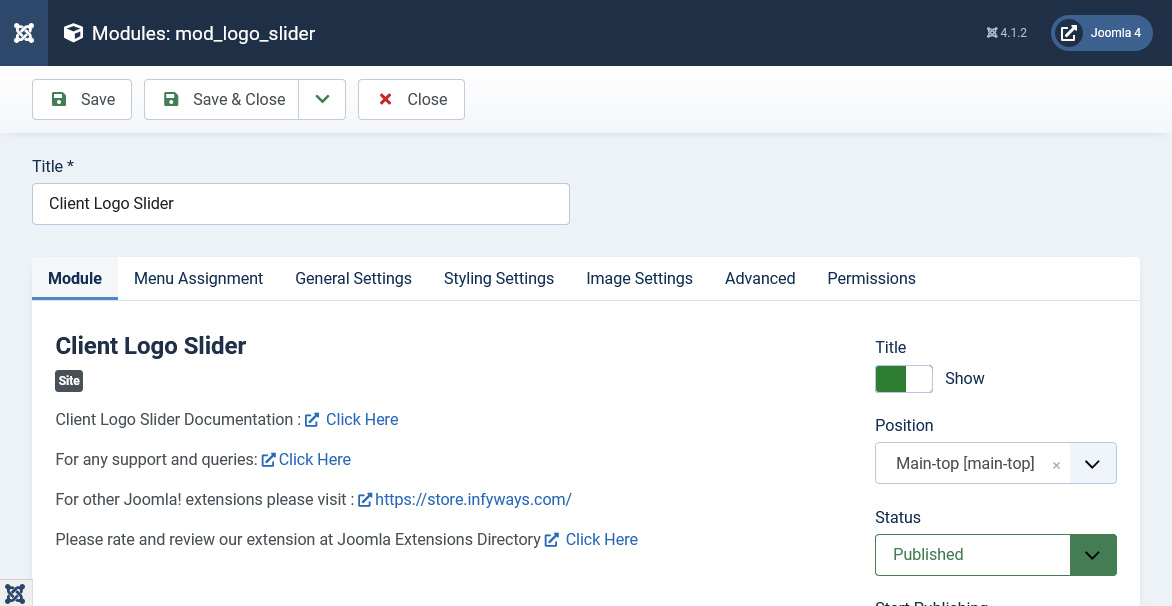
After successful installation
- For J3 - Go to Extensions > Module Manager
- For J4 - Go to Content > Site Modules.
- You will find Client Logo Slider listed. Clicked on it to configure.
Module Tab Options
Show Title : Set the title of the Module to Hide if you don't want the title to appear in the frontend.
Position : Set the position of the module where you would like the slider to appear.
Menu Assignment Tab
To assign the module to a particular menu or all the menu go through the following documentation.
https://docs.joomla.org/How_do_you_assign_a_module_to_specific_pages%3F