Brand Kit
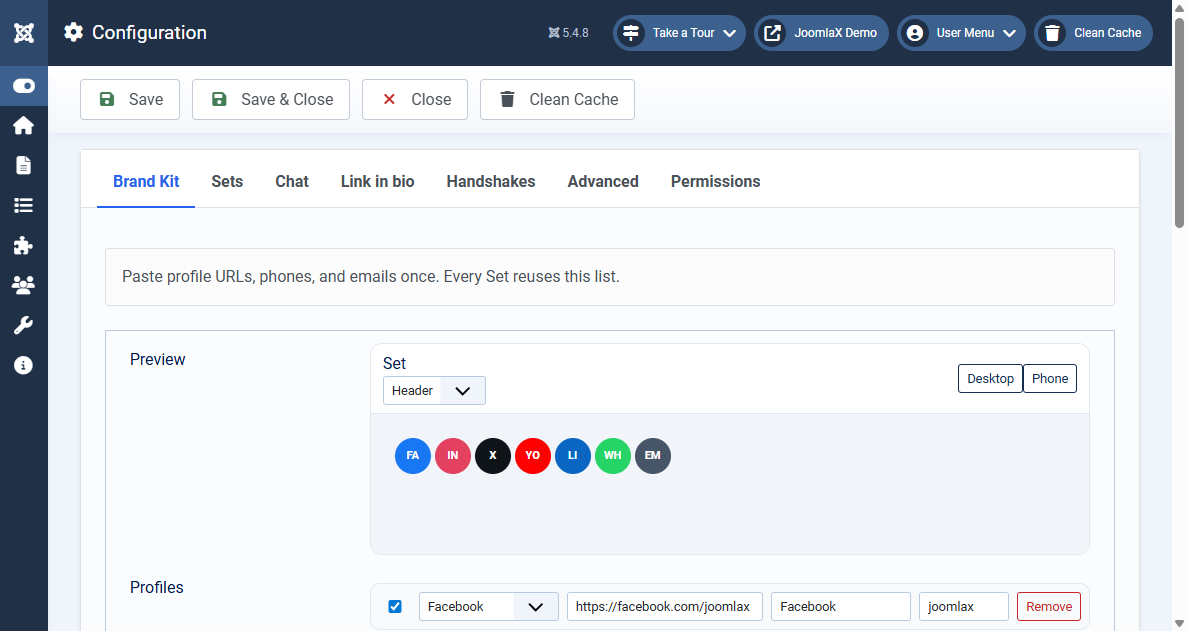
Paste each profile URL once in the Brand Kit.
- Open Components > Easy Social Icons.
- Open Configuration, then the Brand Kit tab.
- Add a row for each network. Paste the full profile URL, a phone number, or an email.
- Leave a row enabled if that profile should be available to Sets.
- Click Save.
A phone number can become a WhatsApp link or a call link. An email becomes a mailto link. You do not have to build those URLs yourself.