Chat button
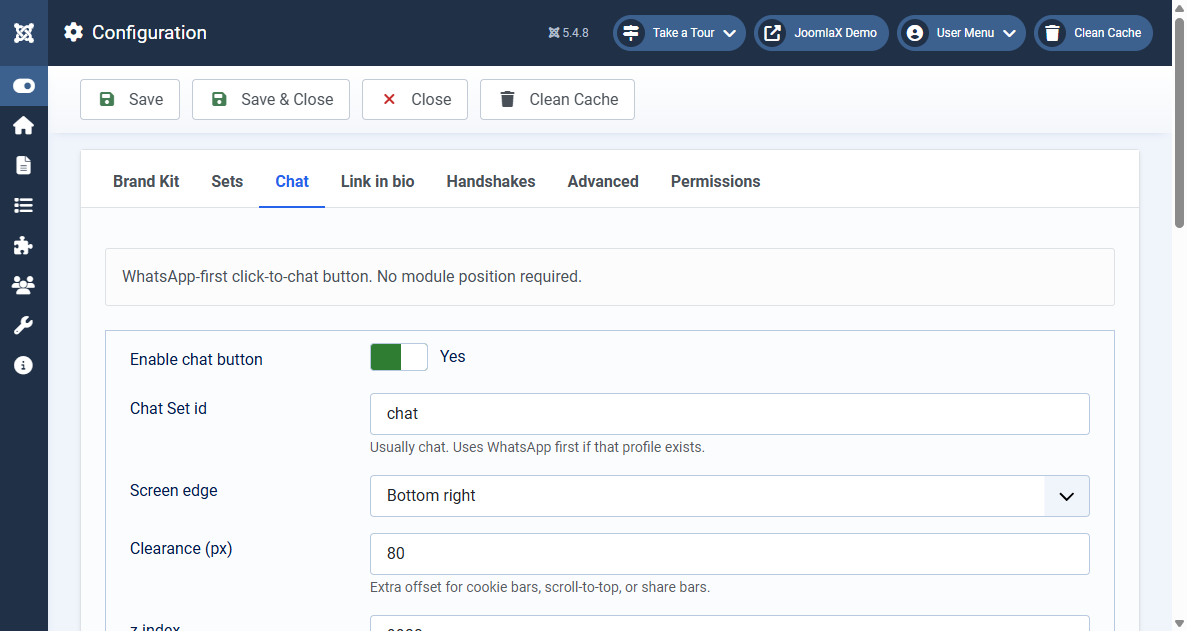
The chat button is a floating WhatsApp button with no module position.
- Put a WhatsApp number or wa.me link in the Brand Kit.
- Open Configuration > Chat.
- Set Chat on to Yes.
- Leave Chat set as
chatunless you made a different Set. - Choose the left or right edge, and add clearance if a cookie bar covers the button.
- Optional: hide it on the home page, on a device, or on selected menu items.
- Click Save, then clear the site cache.
The system plugin draws the button. Confirm System - Easy Social Icons is enabled under System > Plugins.