Mail appearance
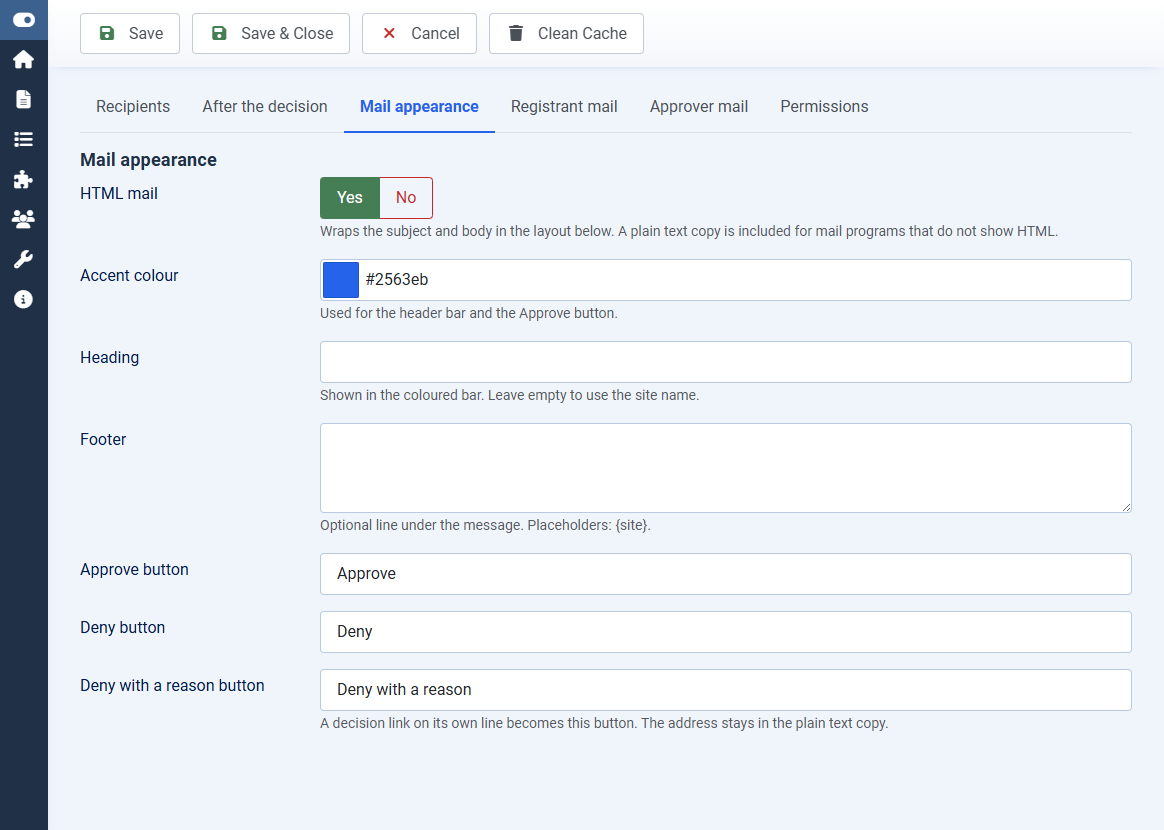
Mail appearance controls the card around every message this extension sends.
Open Configuration > Mail appearance.
- HTML mail: on by default. A plain text copy is included for programs that do not show HTML
- Accent colour: the header bar and the Approve button
- Heading: leave empty to use the site name
- Footer: optional.
{site}is replaced with the site name - Button labels: Approve, Deny, and Deny with a reason
Put each decision link on its own line in the approver body. That line becomes a button. The address stays in the plain text copy.
Subjects and bodies for the waiting, approved, denied, expired, and approver mails are on the Registrant mail and Approver mail tabs. Placeholders are {name}, {username}, {email}, {reason}, and {site}. Approver mail also accepts {approve}, {deny}, and {denyreason}.