

Hold Sign-Ups
Approve New Members Before They Join
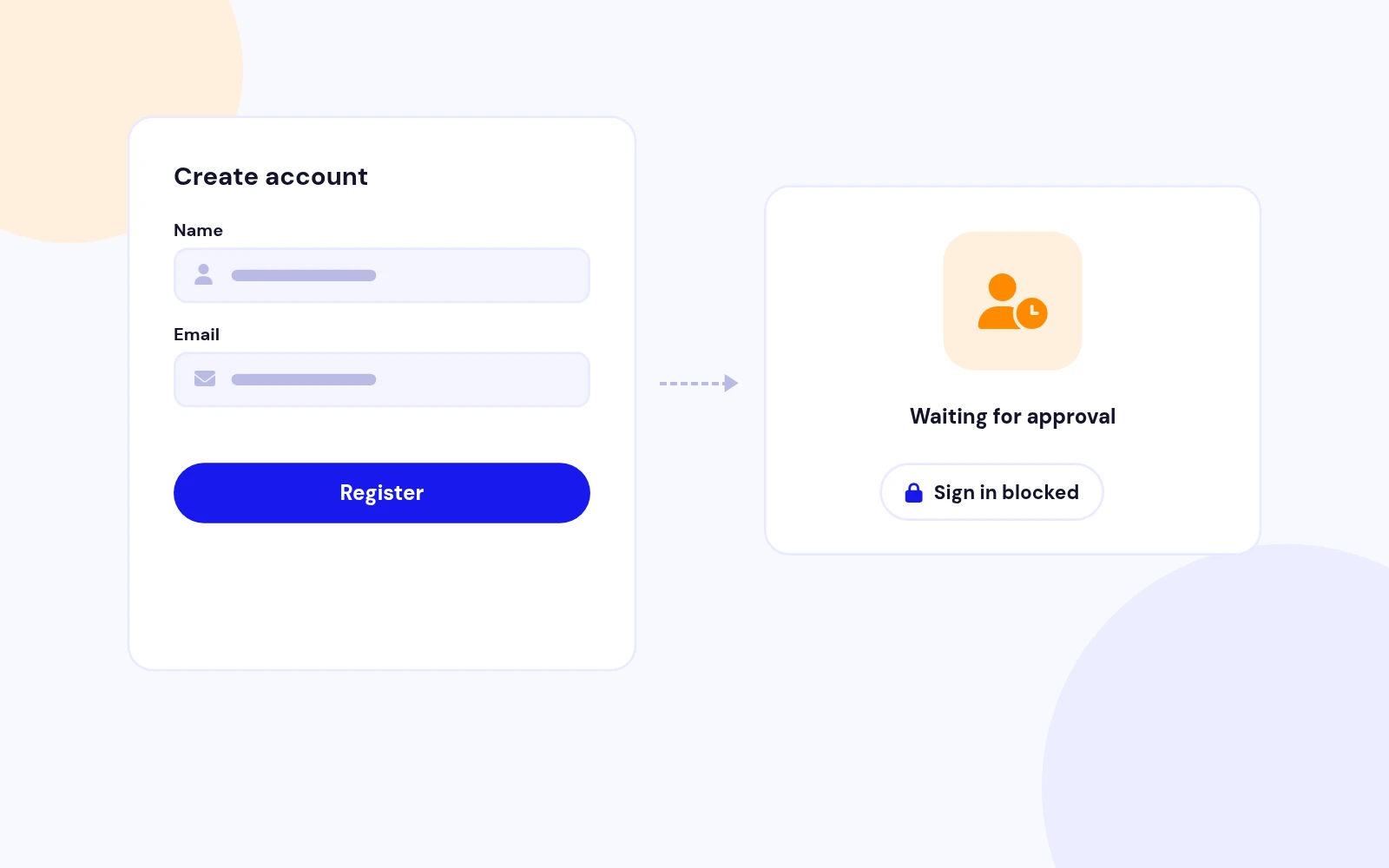
- New registrations wait for approval before anyone can sign in. No confusing activation emails go out meanwhile.
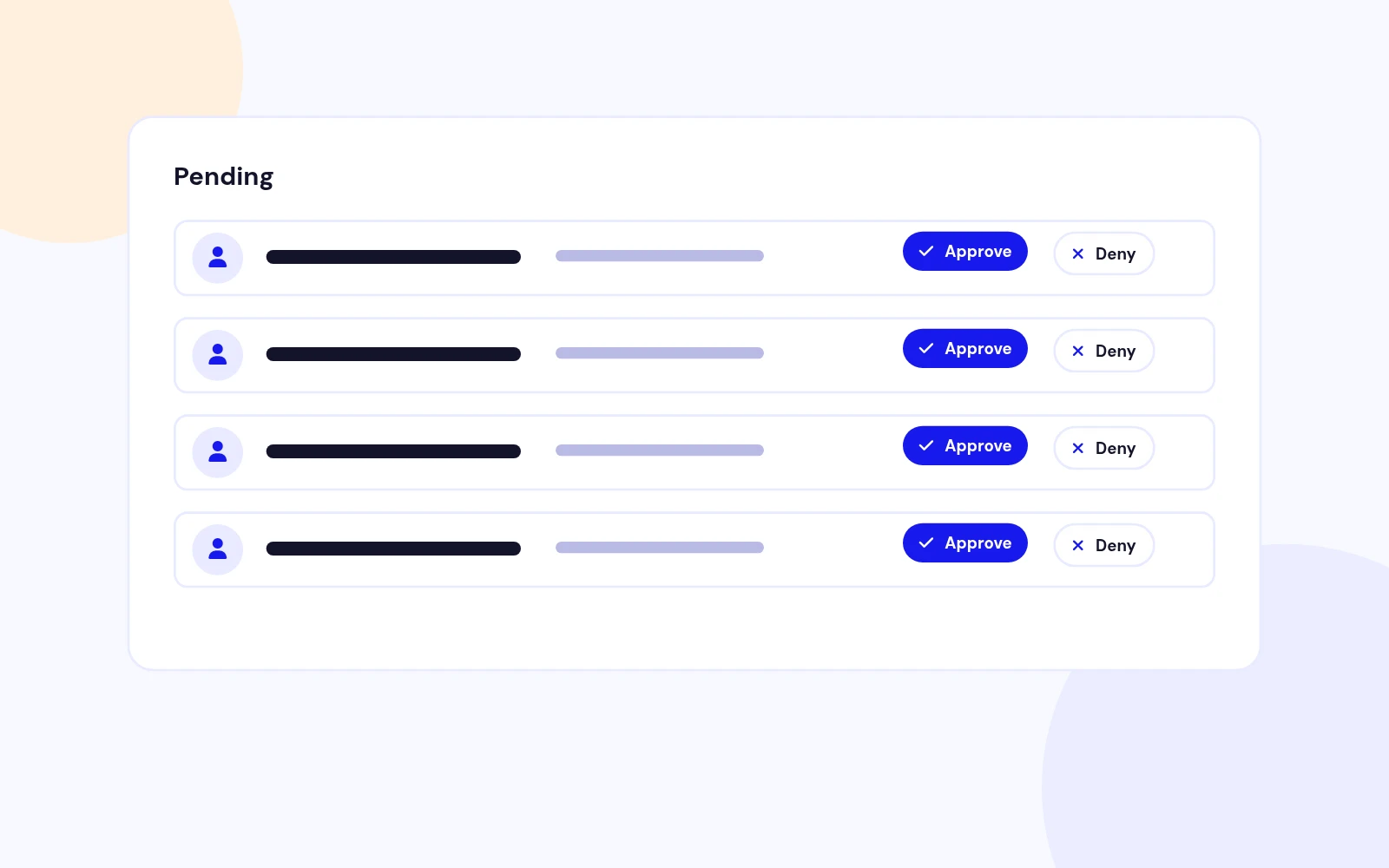
Hold public registrations until someone you trust allows the account. Decide from email, the queue, or the Users list.
Features
Six feature areas, one install package for Joomla 4, 5 and 6.
Hold Sign-Ups
Email Decisions
Reviewers
Approval Queue
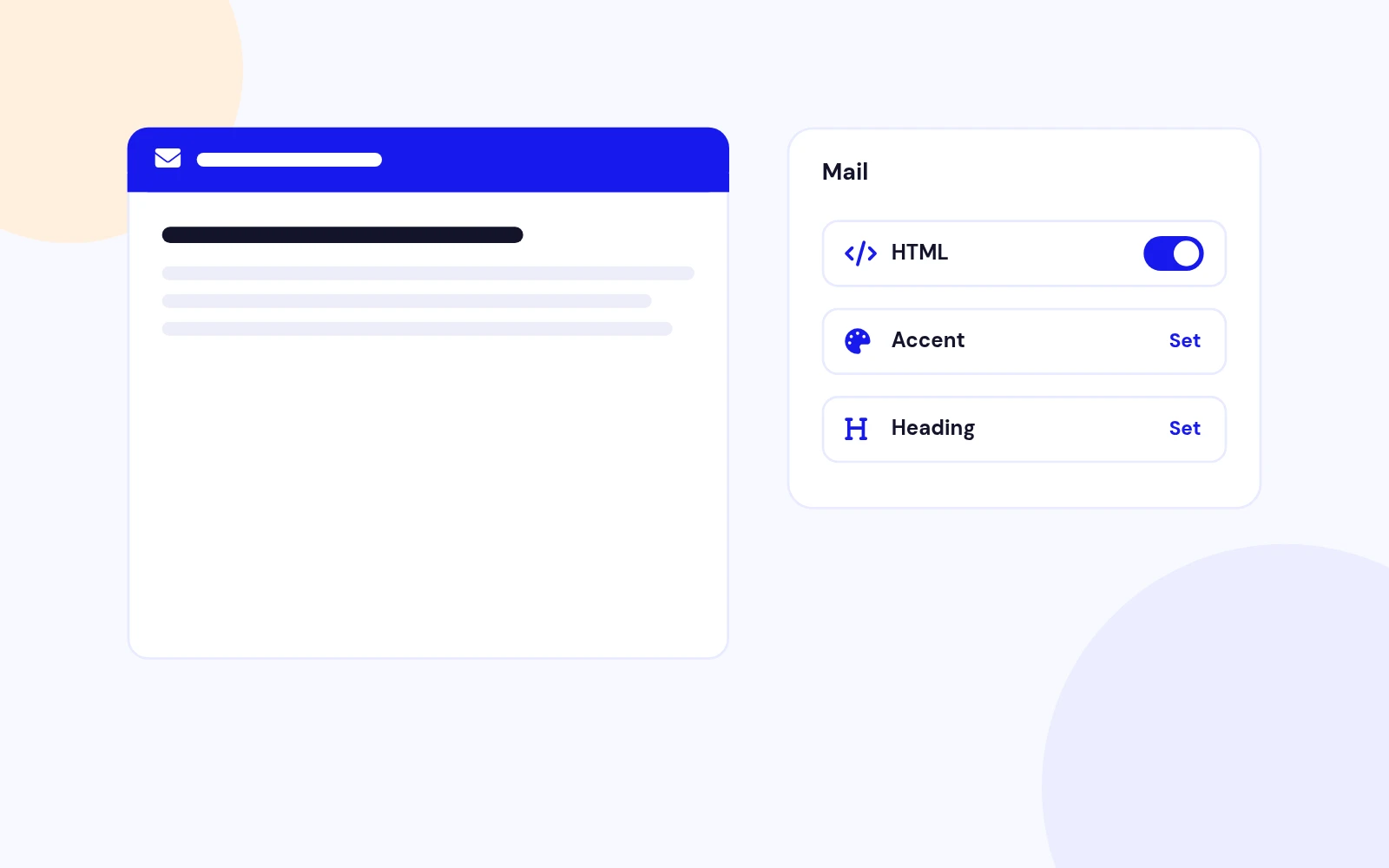
Branded Email
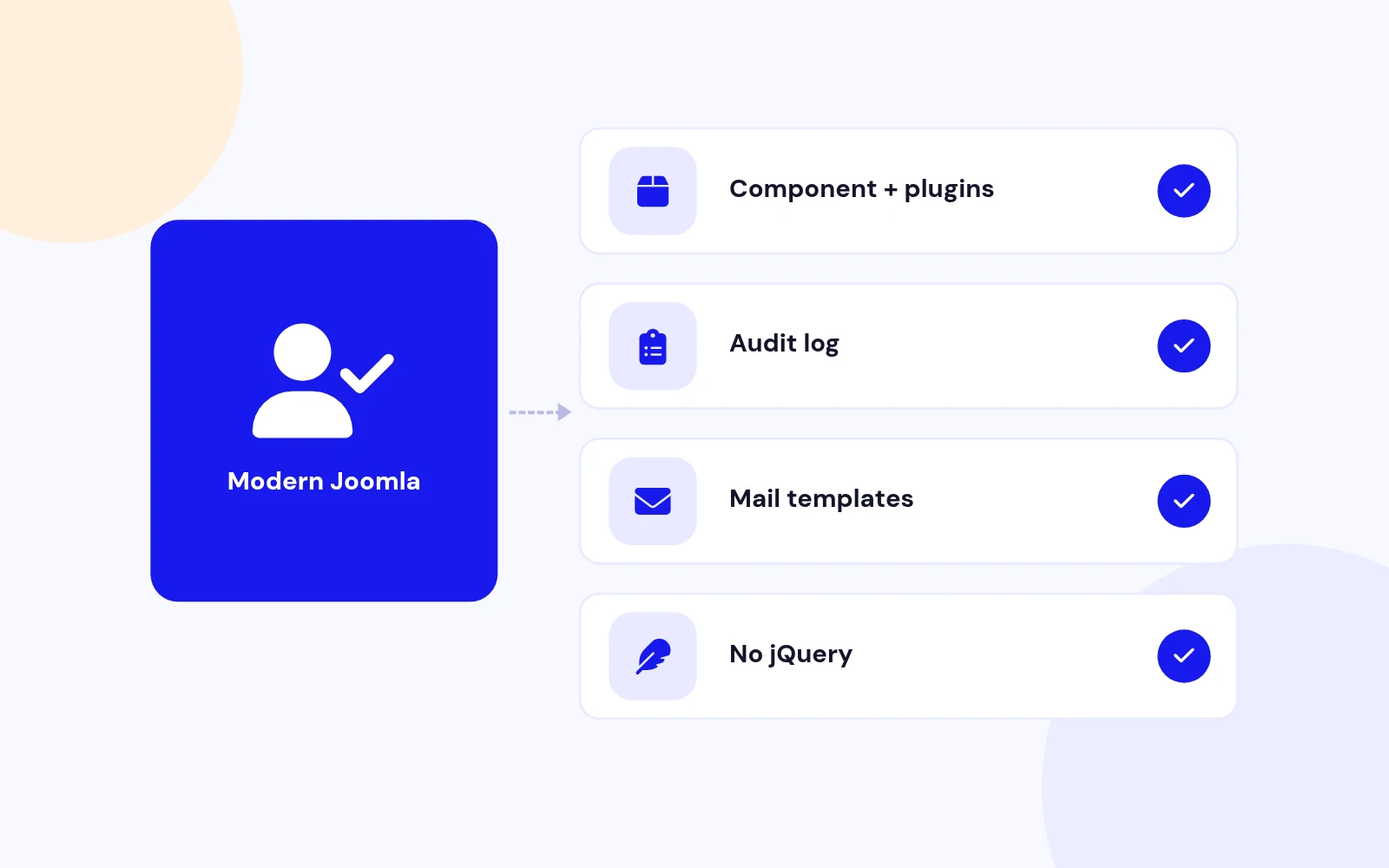
Future-Proof
Changelog
3 releases since version 1.0.0. Updates install from the Joomla admin with a valid licence.
Docs & setup
Written guides for installing and configuring Easy User Approval, from first setup to the options that matter.
Pricing
Save more as you scale — longer access means a bigger discount.
30-day money-back guarantee
30-day money-back guarantee
30-day money-back guarantee
30-day money-back guarantee
Why buy here
All-access bundle
Get all 126 extensions, new releases, ongoing updates and full-time support. Bought one by one, a year of updates for every extension costs over $4,700.
Ideal for small projects and personal sites
$249/ 6 months
Save 91% · $2,900+ value
30-day money-back guarantee
Best for growing businesses and web agencies
$349/ 1 year
Save 92% · $4,700+ value
30-day money-back guarantee
For professional developers and multi-client agencies
$749/ one-time
Pay once · keep forever
30-day money-back guarantee
FAQ
Still unsure? Our support team is one ticket away.
Easy User Approval supports Joomla 4, 5, and 6. PHP 8.1 or later is required.
Download EasyUserApproval_UNZIP.zip, unzip it, and install the package zip inside. That installs the component, the user plugin, and the system plugin together.
No. A public registration stays blocked until the result is Approved. They sign in with the username and password they chose.
While the plugin is enabled, Joomla does not send its activation mail or its administrator activation mail for that registration. Easy User Approval sends the waiting mail instead.
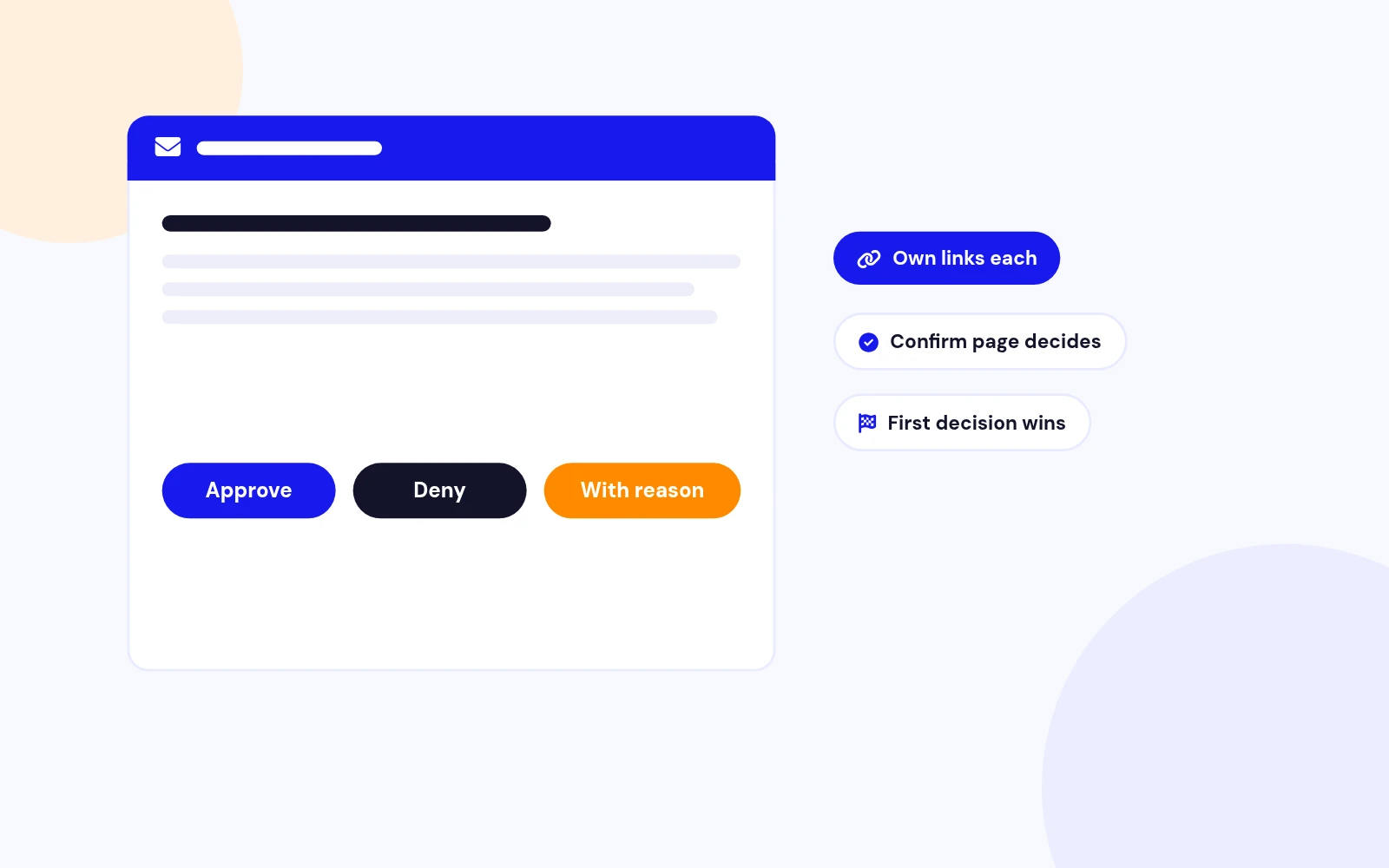
No. The link opens a confirm page. Approve and Deny are posted from that page. Deny with a reason asks for the reason first.
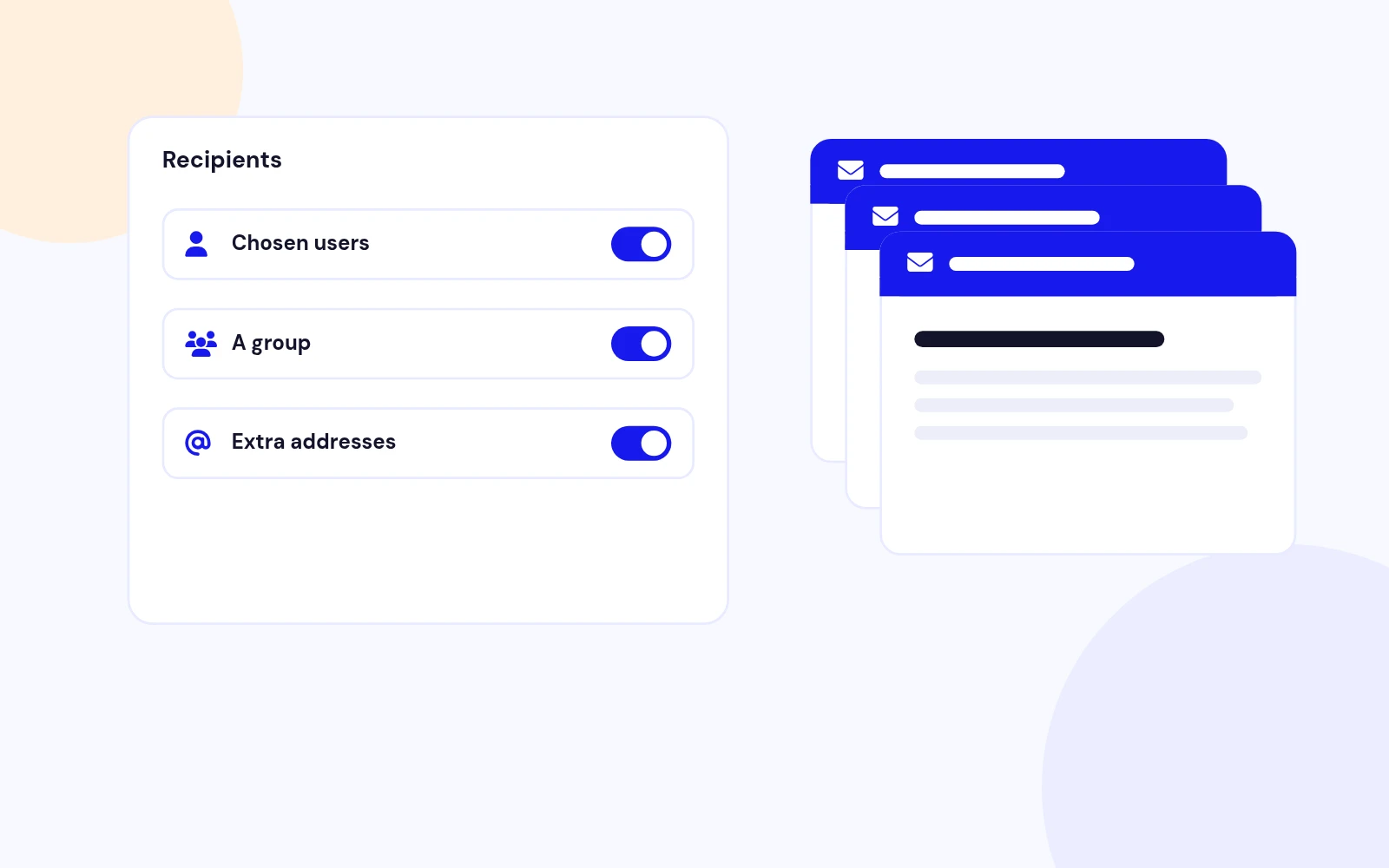
Yes. Add the address under Extra addresses, one per line. The audit stores that address when they decide.
Open Components > Easy User Approval > Configuration > Mail appearance. You can turn HTML mail on or off, set the accent colour, heading, footer, and the three button labels.
They stay active and are not added to the queue. Only a registration from the public site is held.
More like this

Module + Plugin
Joomla Extension to Disable Right Click on Mouse
v2.6.1 6,022 downloads
From $9


Plugin + Component
Code Highlighter Plugin for Joomla
v2.2.1 3,537 downloads
From $9


Plugin
Plugin to Include Javascript or CSS files to Joomla
v2.1.1 10,538 downloads
Free


Module
Show Joomla Modules and Articles Randomly in a Position
v1.5.1 3,128 downloads
From $19


Plugin
Joomla plugin for typewriter text effect with adjustable speed and cursor.
v1.4.1 4,412 downloads
From $9