Setup
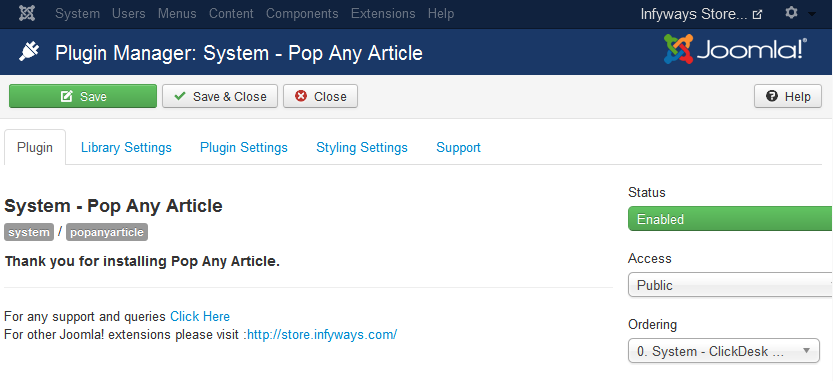
After installation, confirm both plugins are enabled:
- Go to System → Manage → Plugins
- Search for Pop Any Article
- Enable System - Pop Any Article (required)
- Enable Editor Button - Pop Any Article (recommended for the article editor)
Click System - Pop Any Article to open plugin settings. The default Modern (2026) theme is recommended for new sites.
When editing an article, look for the Pop Any Article button in the editor toolbar (TinyMCE / JCE / etc.). It opens a tabbed shortcode builder with live preview.