Checkout
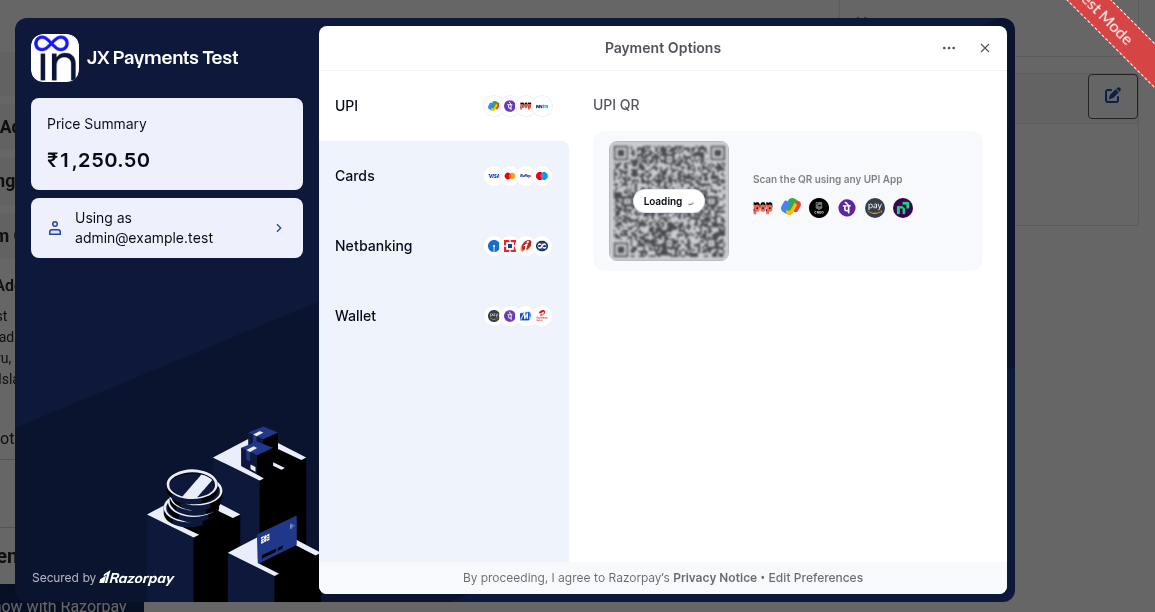
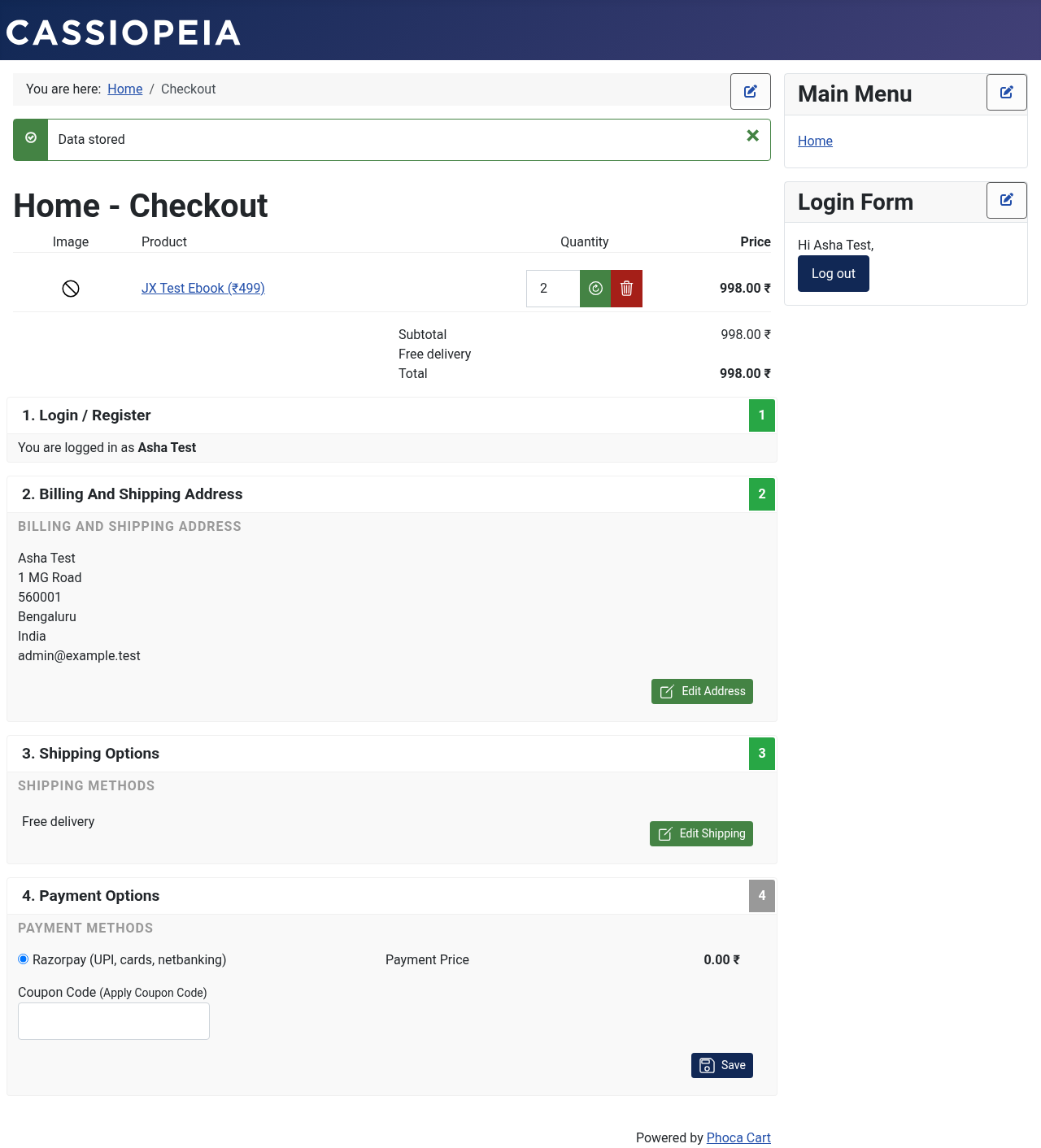
Phoca Cart lists Razorpay in the Payment Options step of its checkout, using the Title you gave the method. Phoca Cart hides it when its current currency isn't in Accepted currencies. After the customer confirms the order, Phoca Cart moves on to its payment page. The plugin draws the Razorpay form there, with the customer's billing name, email and phone filled in. By default the Razorpay window opens on its own, or the customer clicks Pay now with Razorpay. A Cancel link goes to Phoca Cart's payment-cancel page. After a verified payment, the plugin sets Order status when paid, empties the cart, ends a guest checkout session and shows Phoca Cart's payment-received page. If Razorpay hasn't captured the payment yet, that page says Your payment is being confirmed by Razorpay. instead of Phoca Cart's usual message.
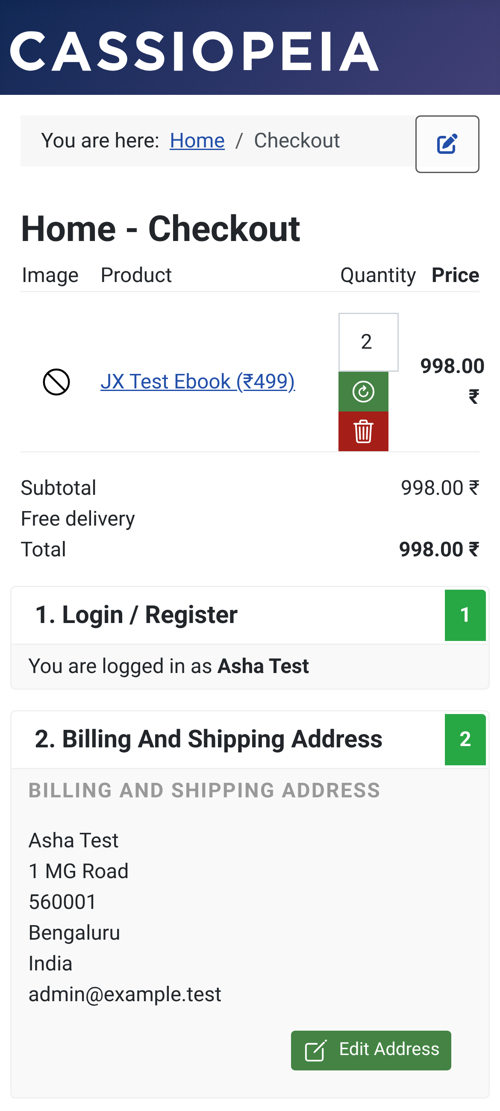
On a desktop the Razorpay window opens over your checkout. On a phone it redirects instead.
Desktop
- The customer chooses Razorpay (UPI, cards, netbanking) and places the order.
- The Razorpay window opens. If Open Razorpay window automatically is No, the customer clicks Pay now with Razorpay.
- The customer pays by UPI, card, netbanking, or wallet.
- Your server verifies the payment and the customer lands on the thank-you page. The order now has your paid status.
If the customer closes the window, they see a message that they can click Pay now to try again, or cancel.
Phones and tablets
On iPhone, iPad, and Android the plugin uses Razorpay redirect checkout instead of a popup. The customer pays on Razorpay and comes back through a signed return link. That avoids blank or blocked bank and 3-D Secure pages on iOS Safari, and the customer stays logged in.
UPI
UPI is often approved in another app such as Google Pay, PhonePe, Paytm, or BHIM. If the customer approves the payment and does not return to the browser, the payment.captured or order.paid webhook still confirms the order.
Messages the customer may see
- Razorpay does not accept payments in this currency on this store. The cart currency is not in Accepted currencies.
- We could not start the Razorpay payment. Razorpay refused to create the order, usually because of wrong keys or a network problem.
- We could not verify your payment. The browser confirmation failed the check. A webhook confirms the order if the payment was real. Razorpay refunds payments it never captures.
- Your payment is being confirmed by Razorpay. The payment is authorised but not yet captured. It updates automatically.