Installation
Unzip the download on your computer first, then install the inner package in Joomla.
Download
After purchase, download Razorpay_PhocaCart_UNZIP.zip from your joomlax.com account.
The outer zip contains the installable pkg_razorpaycheckout_phocacart_*.zip, plus CHANGELOG.txt and ReadMe.txt. Install the inner package. If you upload the outer file, Joomla reports that it cannot find an installable package.
Install
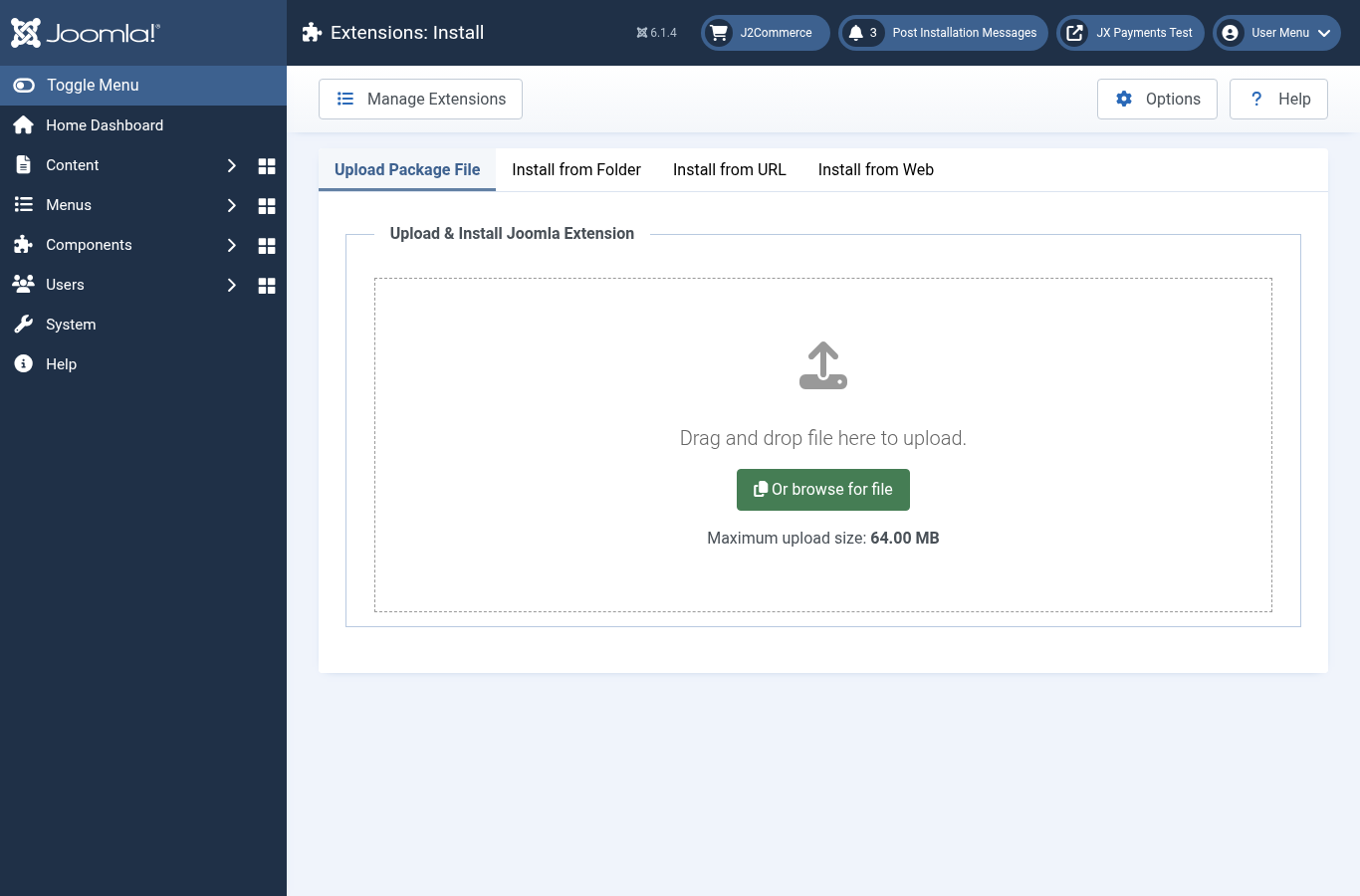
- Go to System > Install > Extensions.
- Upload
pkg_razorpaycheckout_phocacart_*.zip. - Joomla shows that installation of the package was successful.
What the package installs
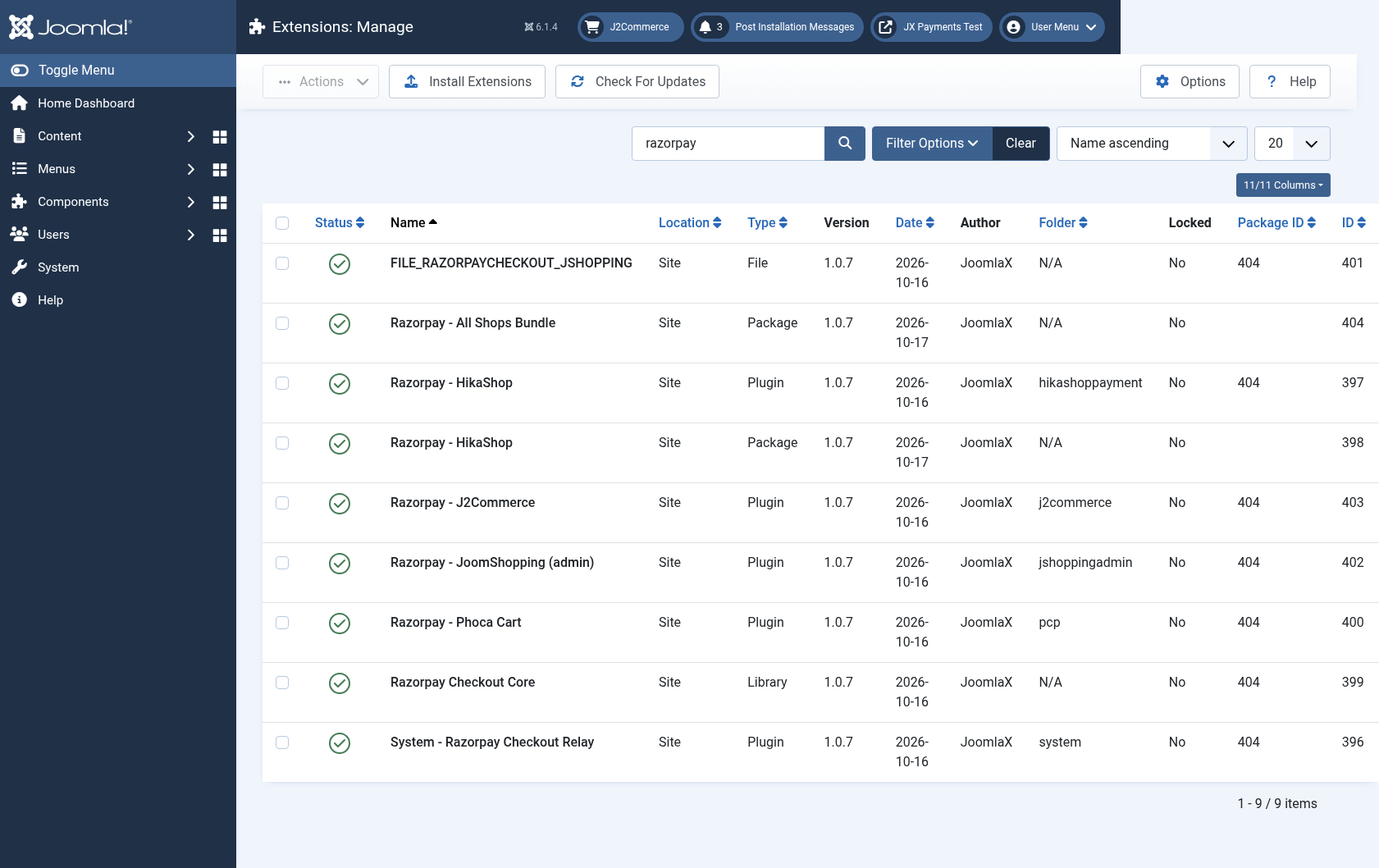
- Razorpay Checkout Core (library
lib_razorpaycheckout) - System - Razorpay Checkout Relay, which handles the signed return link. Keep it enabled.
- Razorpay - Phoca Cart (
plg_pcp_razorpaycheckout)
You can confirm them under System > Manage > Extensions by searching for razorpay. Products can sit side by side. They share the library and the relay plugin. Uninstalling one product keeps whatever another product still uses.
Download key for updates
- Copy the download key from your joomlax.com account.
- Go to System > Update > Update Sites and search for razorpay.
- Open Razorpay - Phoca Cart updates (RazorpayPhocaCart). If the row says the download key is missing, paste the key and save.
- New versions then appear under System > Update > Extensions.
The extension keeps working when the subscription ends. You stop receiving updates until you renew.