Plugin
Image Gallery

Easy Cloud Zoom

Image Gallery with Zoom Effects Joomla Plugin

  • Zero B/C pluginRuns without the B/C pluginRuns on Joomla 5 and 6 without the Behaviour - Backward Compatibility plugin, so you can keep it switched off.
  • Joomla 4, 5 & 6Tested and supported on Joomla 4, 5 and 6.
  • 5.0See the reviews
  • v2.1.1· Updated 5 days ago
  • 3.3K+downloads
  • PHP 8.1+
  • Instant accessReady to install right after checkout
  • One-click updatesNew releases install from the Joomla administrator
  • Lifetime optionPay once and keep future releases
  • 30-day guaranteeFull refund if it is not the right fit

Features

What can Easy Cloud Zoom do for you?

Eight feature areas, one install package for Joomla 4, 5 and 6.

Let Shoppers See Every Detail

Product Zoom

Let Shoppers See Every Detail

  • A classic magnifier follows the pointer or finger. Or zoom right inside the main frame, great on dark themes and mobile.
Thumbnails Wherever You Want

Flexible Layout

Thumbnails Wherever You Want

  • Place thumbnails on any side or hide them. Visitors switch images with buttons or arrow keys.
Themes and Accent Color

On-Brand

Themes and Accent Color

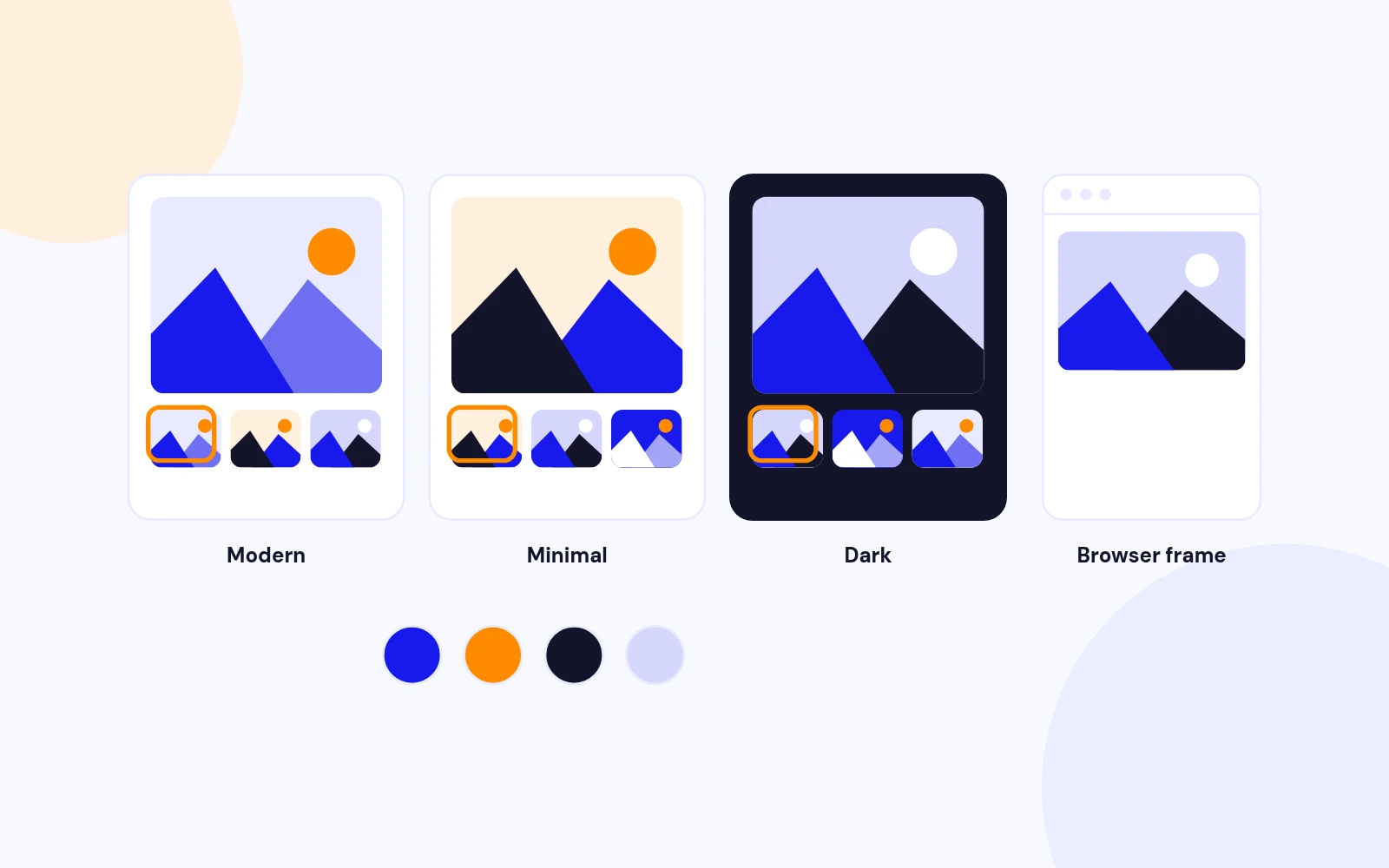
  • Match your brand with a theme and accent color. Add an optional browser-window frame for a premium product look.
Fast Images, Sharp Thumbnails

Fast Loading

Fast Images, Sharp Thumbnails

  • Main images and crisp square thumbnails are resized and cached. Load a whole folder or pick images in one shortcode.
No jQuery Needed

Lightweight

No jQuery Needed

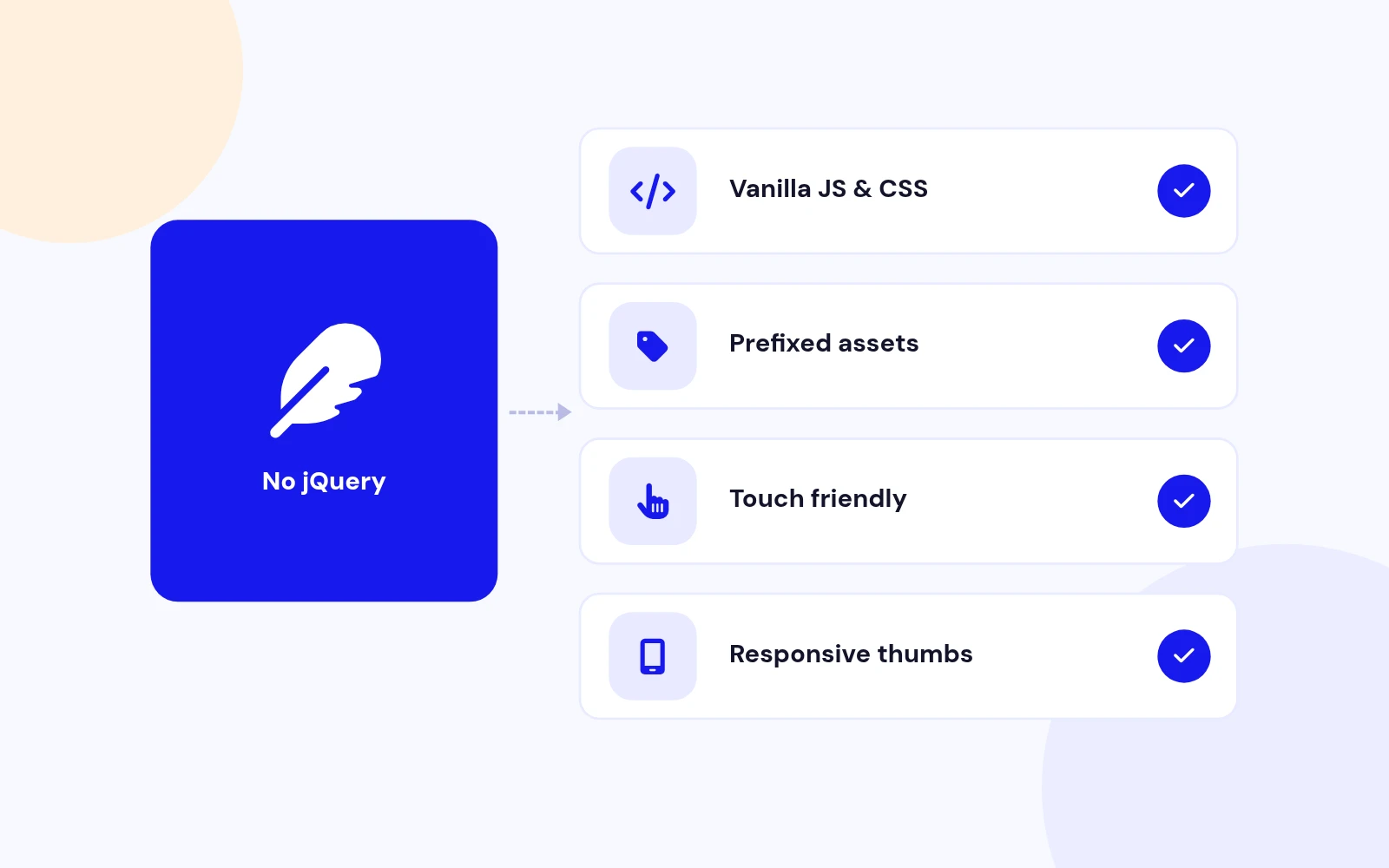
  • Lightweight, modern code with no legacy dependencies. Works great on phones and tablets.
Build Zoom Galleries From the Editor

Easy to Insert

Build Zoom Galleries From the Editor

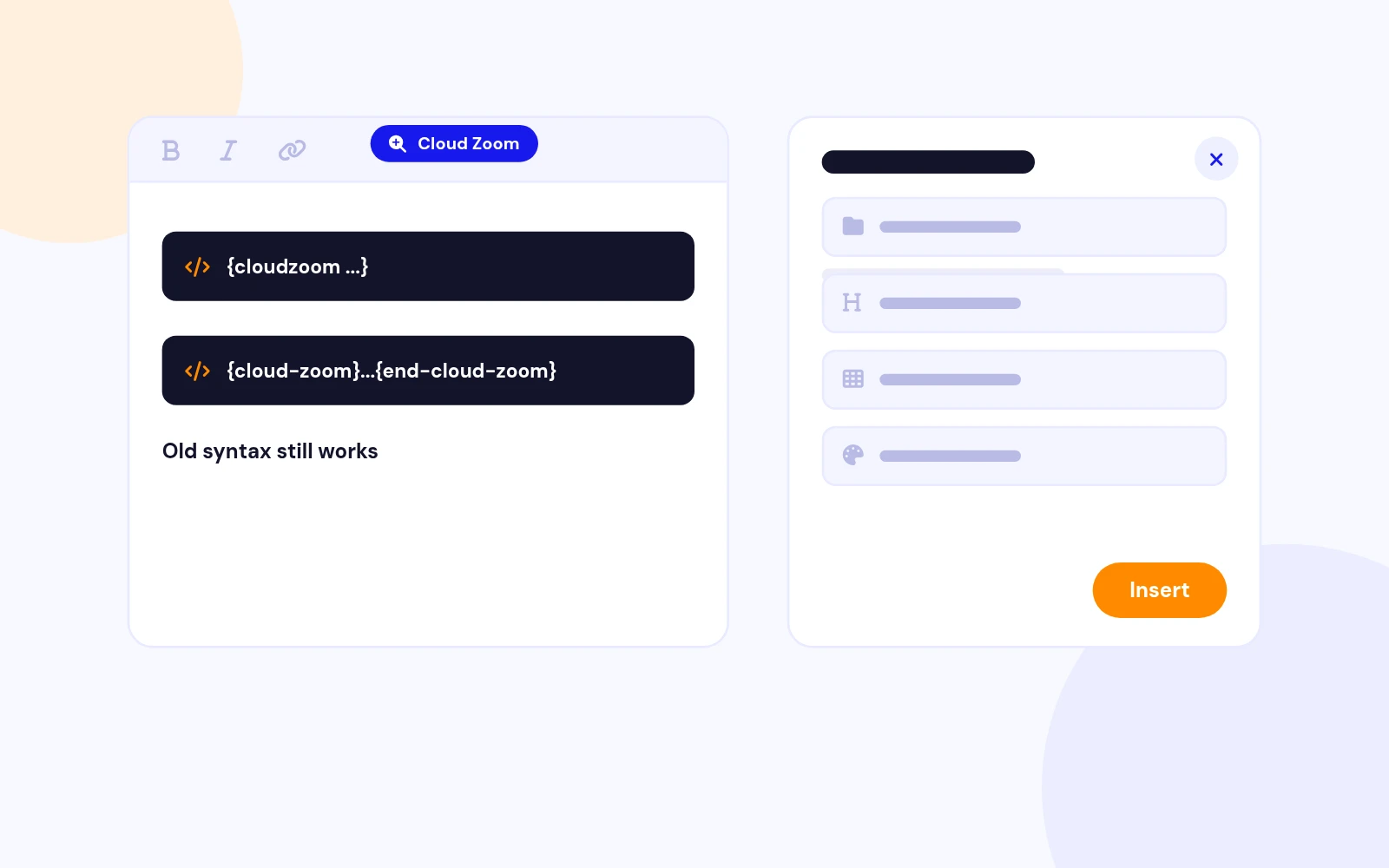
  • A simple builder sets folder, title, thumbnails, mode and theme. Older shortcodes keep working.
Built for Modern Joomla

Future-Proof

Built for Modern Joomla

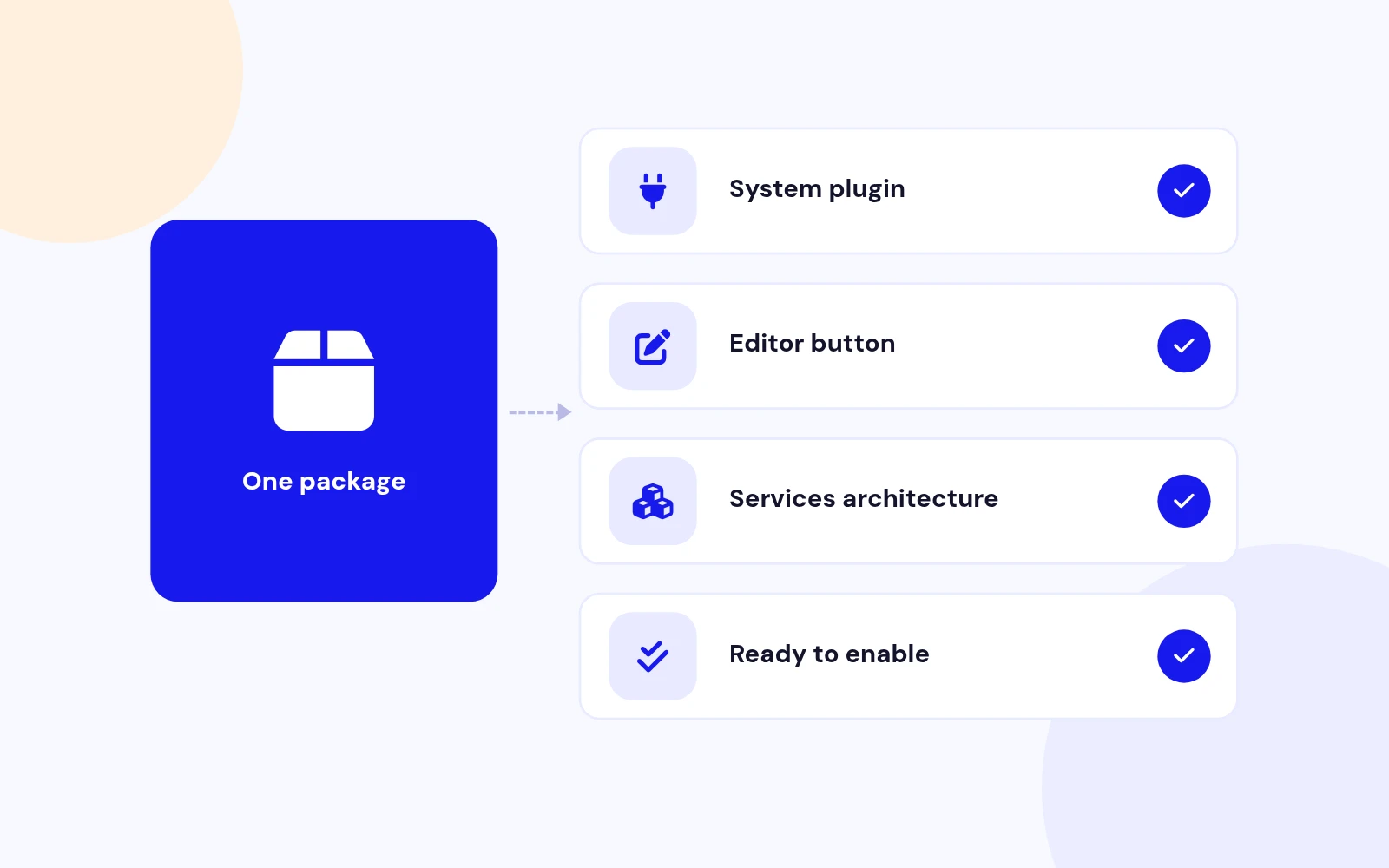
  • A modern system plugin and editor button in one package. Both are ready to enable after install.
Zoom That Matches the Real Product

True to Life

Zoom That Matches the Real Product

  • The magnifier maps to the image exactly as shown. Thumbnails are sized for sharp retina displays.

Changelog

What's new

5 releases since version 1.2. Updates install from the Joomla admin with a valid licence.

    • Runs on Joomla 5 and 6 with the Behaviour Backward Compatibility plugins disabled
    • Image folder helpers use Joomla Filesystem

Docs & setup

Get up and running fast

Written guides for installing and configuring Easy Cloud Zoom, from first setup to the options that matter.

  • Installation stepsOne install zip for Joomla 4, 5 and 6, installed from System, Install, Extensions.
  • Configuration optionsThe settings in the guide, from first setup to the options that matter.
  • Practical usage tipsShort examples you can adapt to your site.

Pricing

Choose the plan that fits

Save more as you scale — longer access means a bigger discount.

Compatible with
Joomla 4 Joomla 5 Joomla 6
Tester plan
30 Days
Basic testing plan. 30 days access only. No priority support. Access expires after 30 days - no future updates.
$9

$9

You save zero
Download Access - 30 Days
Support - 30 Days Email Support
1 Website License
Unlimited Downloads
No Priority Support
No Future Updates After 30 Days
Limited to Testing Only
30-Day Money Back Guarantee
Commercial Use License
6 Months
6 months access with priority support & bug fixes. Perfect for short-term projects and growing businesses.
$54

$19

You save $35
Download Access - 6 Months
Support - 6 Months + Priority Updates
2 Websites License
Unlimited Downloads
Priority Email Support
Priority Bug Fixes
6 Months Free Updates
30-Day Money Back Guarantee
Commercial Use License
Pay once
Lifetime
Lifetime access with dedicated support agent. Never pay again - unlimited updates & custom development support included.
$980

$49

You save 95%
Download Access - Lifetime
Support - Lifetime + Dedicated Support
Unlimited Websites License
Unlimited Downloads
Dedicated Support Agent
Lifetime Free Updates
Feature Request Priority
Custom Development Support
30-Day Money Back Guarantee
Commercial Use License

Why buy here

Why JoomlaX

  • Built, maintained and supported by one team Every product sold on JoomlaX is developed, maintained and supported by Infyways, building Joomla solutions since 2010.
  • Ready for Joomla 4, 5 and 6 118 extensions support Joomla 5 and 6, and 114 support Joomla 4. Each product page lists the versions it works with.
  • One-click Joomla updates Regular updates and feature improvements for licensed customers, delivered straight to your Joomla admin.
  • Support from the developers Tickets go straight to the developers. First replies within 24 business hours.

All-access bundle

Unlock every JoomlaX extension in one plan

Get all 126 extensions, new releases, ongoing updates and full-time support. Bought one by one, a year of updates for every extension costs over $4,700.

  • Basic

    Ideal for small projects and personal sites

    $249/ 6 months

    Save 91% · $2,900+ value

    • Access to 126 extensions
    • Access to new extensions during period
    • 3 websites license
    • 6 months support and updates
    • Unlimited downloads and domain activations
    • Full-time expert technical support
    Buy Basic plan

    30-day money-back guarantee

  • Most popular

    Premium

    Best for growing businesses and web agencies

    $349/ 1 year

    Save 92% · $4,700+ value

    • Access to 126 extensions
    • Access to new extensions during period
    • 5 websites license
    • 1 year support and updates
    • Unlimited downloads and domain activations
    • Priority full-time technical support
    Buy Premium plan

    30-day money-back guarantee

  • Developer

    For professional developers and multi-client agencies

    $749/ one-time

    Pay once · keep forever

    • Access to 126 extensions
    • Access to all future new extensions
    • Unlimited websites license
    • Lifetime support and updates
    • Unlimited downloads and domain activations
    • VIP priority full-time technical support
    Buy Developer plan

    30-day money-back guarantee

FAQ

Questions about Easy Cloud Zoom

Still unsure? Our support team is one ticket away.

What is Easy Cloud Zoom 2.0?

A Joomla product-zoom gallery plugin. Point it at a folder (or image list) and visitors can magnify details with lens or inner zoom.

Version 2.0 is a full rebuild for Joomla 4 / 5 / 6: vanilla JS/CSS (no jQuery), themes, WebP cache, and an editor button.

What is included in the install package?

The install package (the .zip inside your download) installs two extensions:

  • System plugin: System - Easy Cloud Zoom
  • Editor button: Editor Button - Easy Cloud Zoom
Which Joomla versions are supported?

Joomla 4, 5, and 6. PHP 8.0+ is required.

How do I add a zoom gallery?

Enable System - Easy Cloud Zoom, then insert a shortcode in an article or Custom HTML module.

Example: {cloudzoom folder="images/cloud" title="Product Zoom" thumbs="right" mode="lens"}

Or click the Cloud Zoom editor button and fill in the form.

Does the old shortcode still work?

Yes. Legacy syntax still works after upgrade:

{cloud-zoom}images/cloud/{title}Title{end-cloud-zoom}

What zoom modes are available?

Lens — a magnifier box follows the pointer.

Inner — the zoom fills the main image frame.

Can I change thumbnail position?

Yes — right, left, top, bottom, or none.

Set the default in plugin settings, or override per gallery with thumbs="left".

Is it mobile friendly?

Yes. On smaller screens, side thumbnail strips stack and scroll horizontally.

Touch drag works for zoom; nav chevrons match the scroll direction.

What image formats are supported?

JPG, JPEG, PNG, GIF, and WebP.

Where should I upload my photos?

Use Content → Media and store files under images/.

Example folder: images/cloud.

Tip: name files like Shoes__running-sneaker.jpg for clean captions.

Where are cached images stored?

Under images/cloud_zoom_cache/ (large/ and thumb/, plus WebP subfolders when enabled).

Delete that folder to force a rebuild.

How do I use the editor button?

Enable Editor Button - Easy Cloud Zoom.

In the article editor, click Cloud Zoom, set folder / title / thumbs / mode / theme, then Insert shortcode.

Can I show a browser chrome frame?

Yes — set browser="1" in the shortcode, or turn on Browser Chrome in plugin settings.

Leave it off if your page already wraps demos in a browser mockup.

Can I have multiple galleries on one page?

Yes. Use multiple shortcodes; each gallery runs independently.

Why do thumbnails look soft?

Raise Thumb Width / Height in plugin settings (160×160 is recommended), clear images/cloud_zoom_cache/, and hard-refresh the page.

Why isn’t anything rendering?

Confirm System - Easy Cloud Zoom is enabled, the folder path is correct, and images exist under images/.

Shortcodes inside <pre>/<code> are intentionally left as plain text.

Help from the people who built it

Don't have an account yet? Register Now!

Sign in to your account