

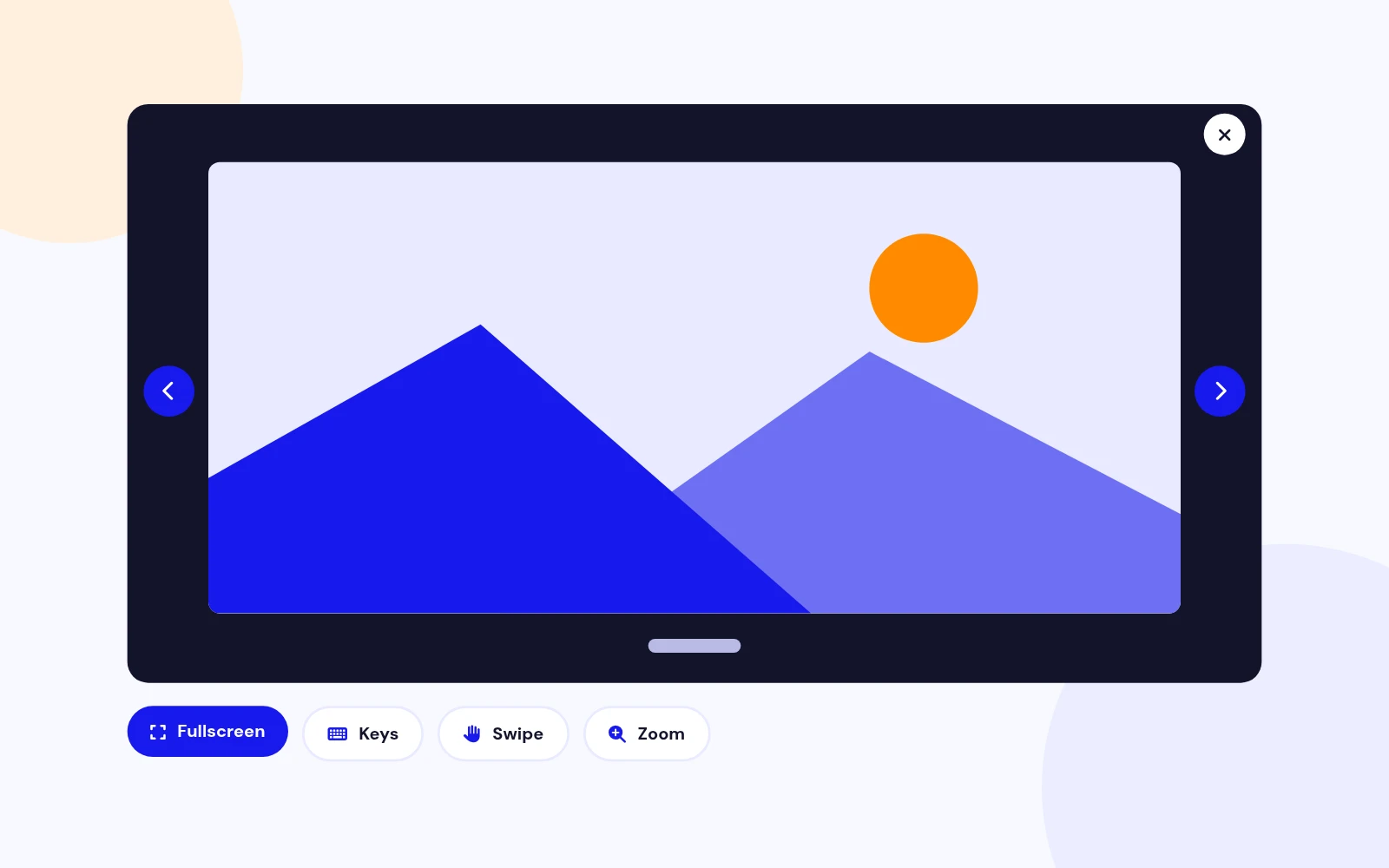
Immersive
True Fullscreen Viewing
- Photos fill the entire screen, not just the browser window. Arrows, slideshow, pinch-zoom and scroll zoom included.
Fullscreen Image Gallery Extension for Joomla
Features
Twelve feature areas, one install package for Joomla 4, 5 and 6.
Immersive
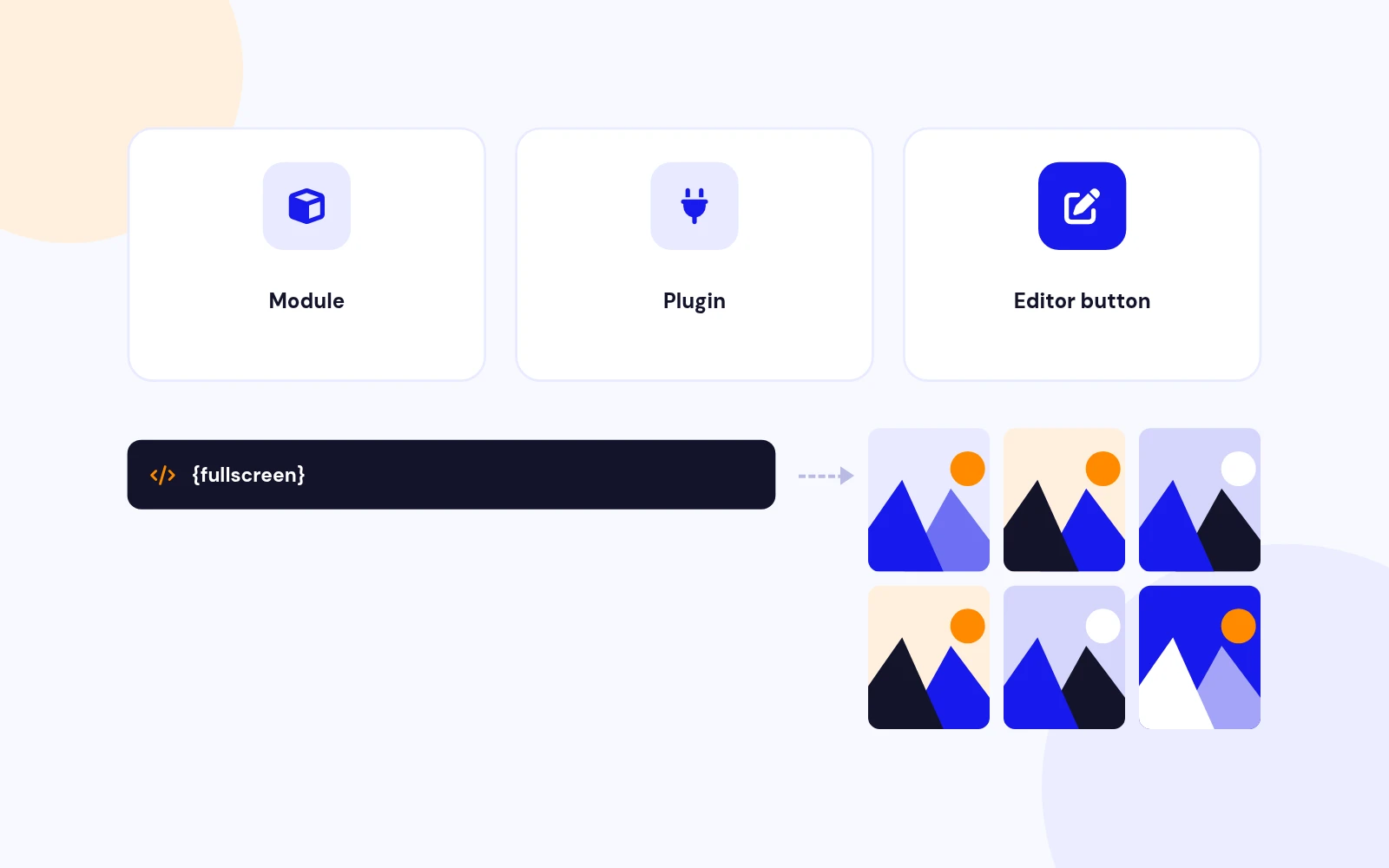
Use It Anywhere
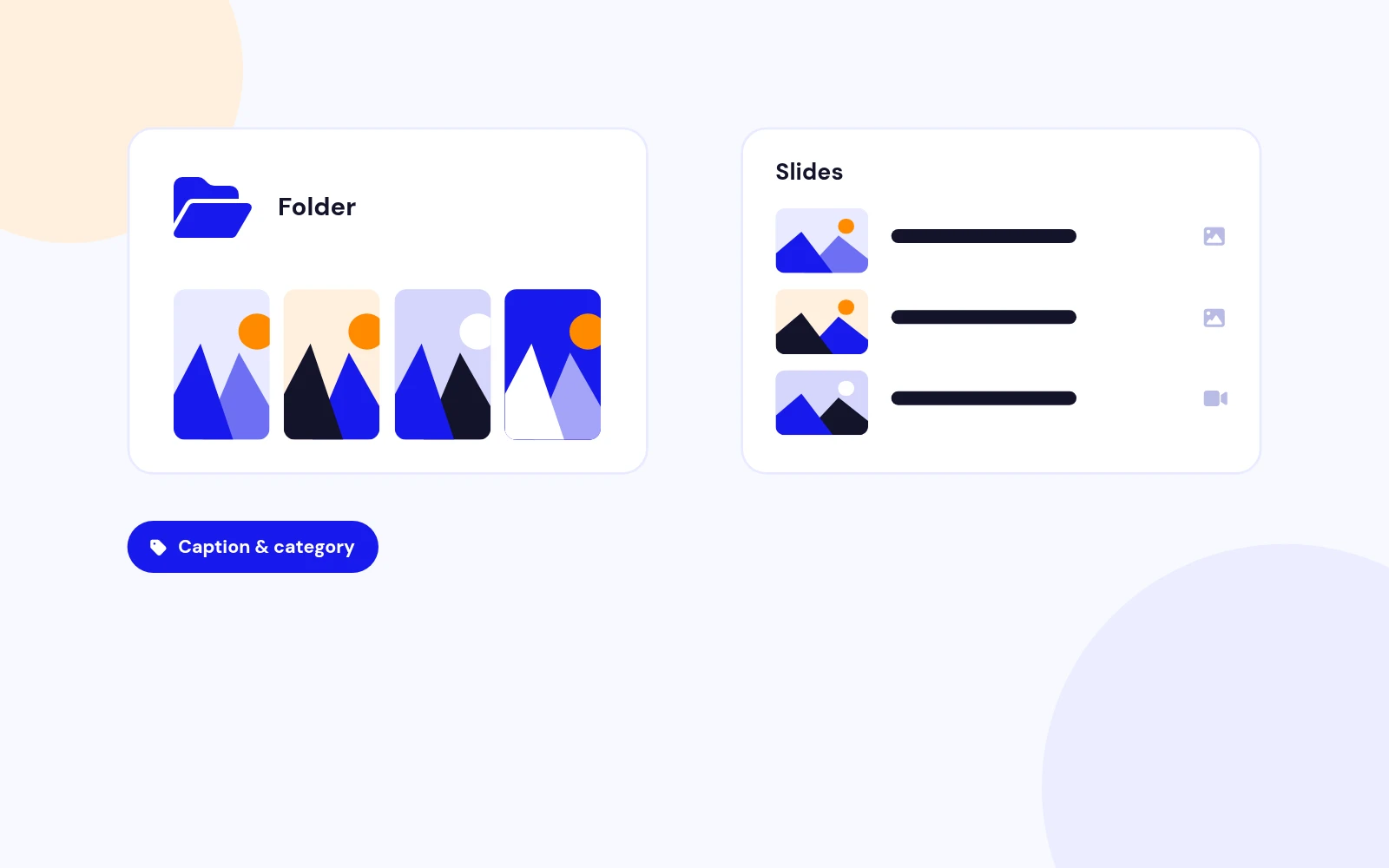
Flexible Sources
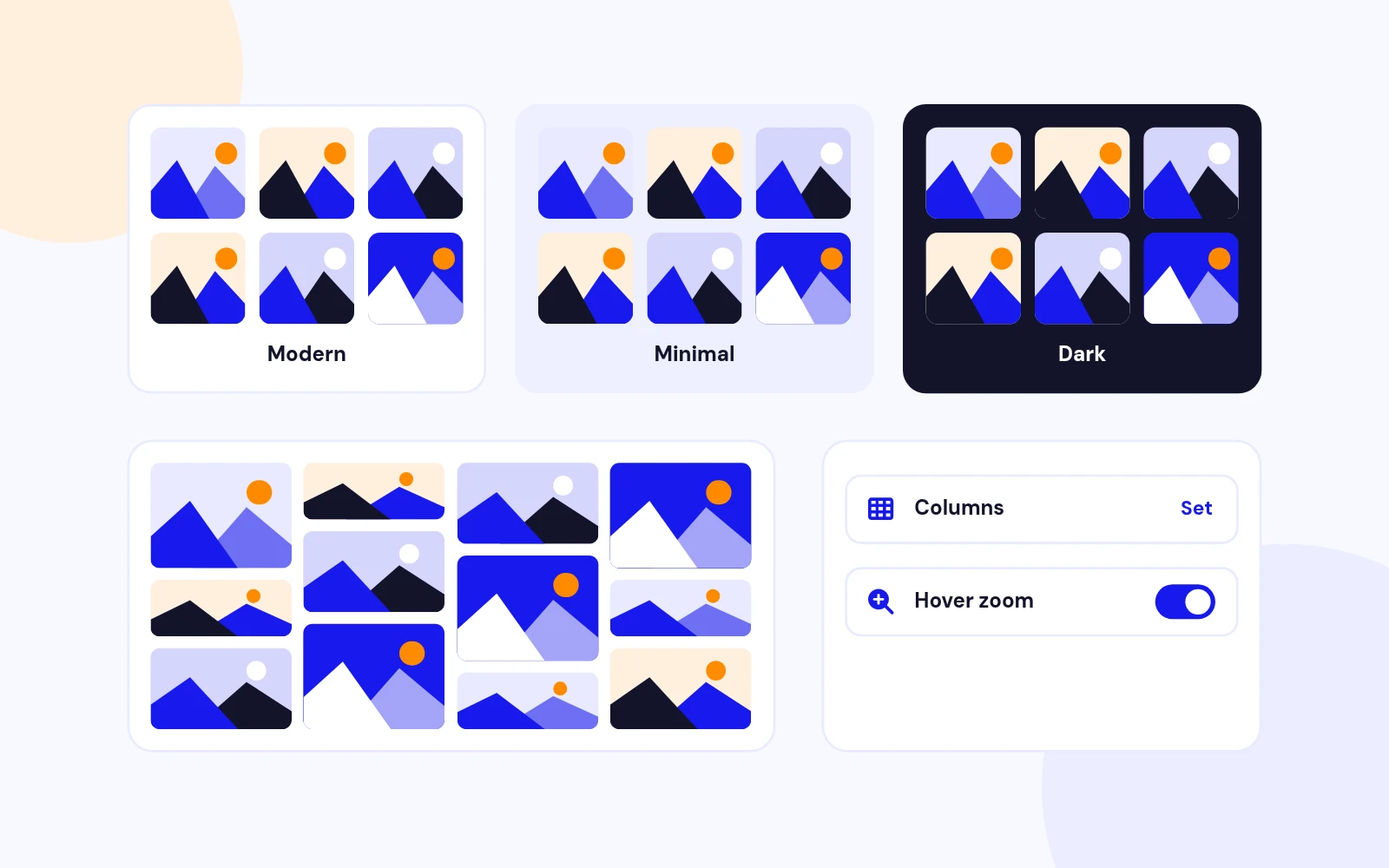
On-Brand
Organized

Rich Lightbox
Fast Loading
Accessible and SEO

Polished Controls
Future-Proof
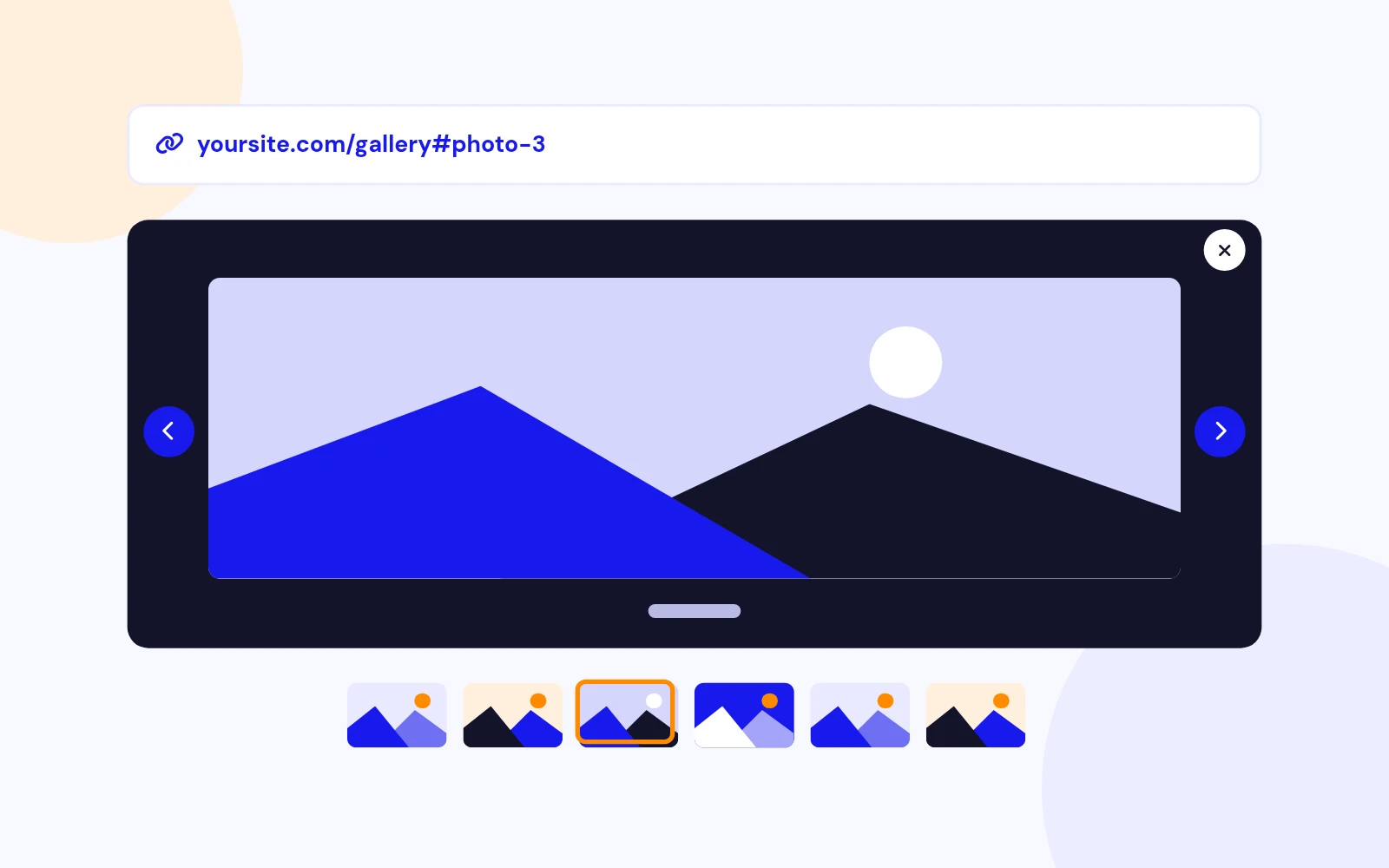
Share Exact Shots

Light Protection
Changelog
11 releases since version 1.5. Updates install from the Joomla admin with a valid licence.
Docs & setup
Written guides for installing and configuring Fullscreen Image Gallery, from first setup to the options that matter.
Pricing
Save more as you scale — longer access means a bigger discount.
30-day money-back guarantee
30-day money-back guarantee
30-day money-back guarantee
30-day money-back guarantee
Why buy here
All-access bundle
Get all 126 extensions, new releases, ongoing updates and full-time support. Bought one by one, a year of updates for every extension costs over $4,700.
Ideal for small projects and personal sites
$249/ 6 months
Save 91% · $2,900+ value
30-day money-back guarantee
Best for growing businesses and web agencies
$349/ 1 year
Save 92% · $4,700+ value
30-day money-back guarantee
For professional developers and multi-client agencies
$749/ one-time
Pay once · keep forever
30-day money-back guarantee
FAQ
Still unsure? Our support team is one ticket away.
Most galleries open inside the page. This one uses the browser Fullscreen API so visitors experience your photos across the entire screen — immersive, distraction-free, and built for portfolios that need to impress.
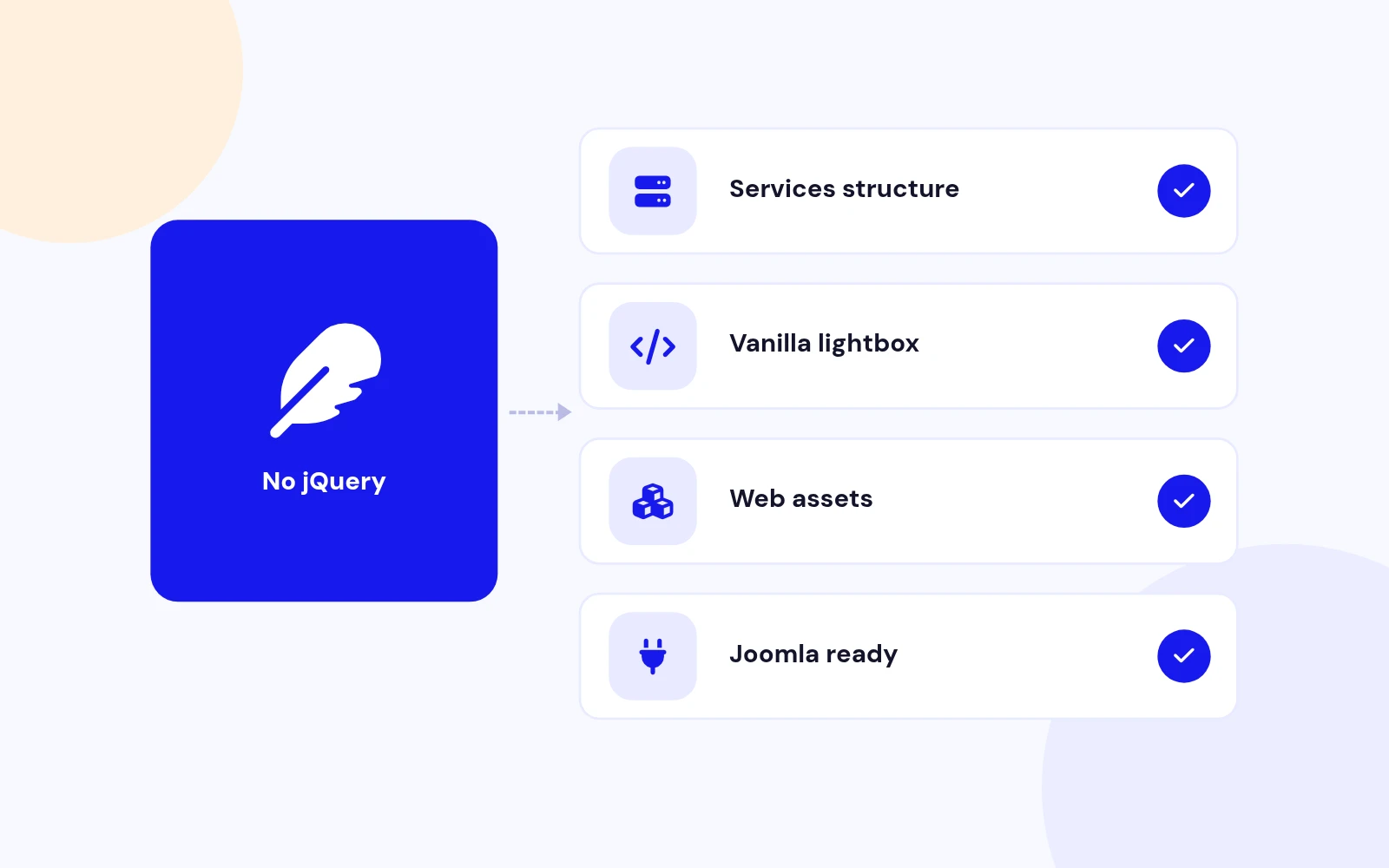
Yes. It runs on Joomla 4, 5, and 6 with a clean vanilla JavaScript lightbox — no jQuery dependency — so your galleries stay fast and future-ready.
Absolutely. Place it in any module position, embed galleries in articles with shortcodes, or insert them from the editor button. One package, three ways to showcase your work.
Mix YouTube, Vimeo, and MP4 with still images in the same gallery. Perfect for photographers, agencies, and brands that tell stories with both media.
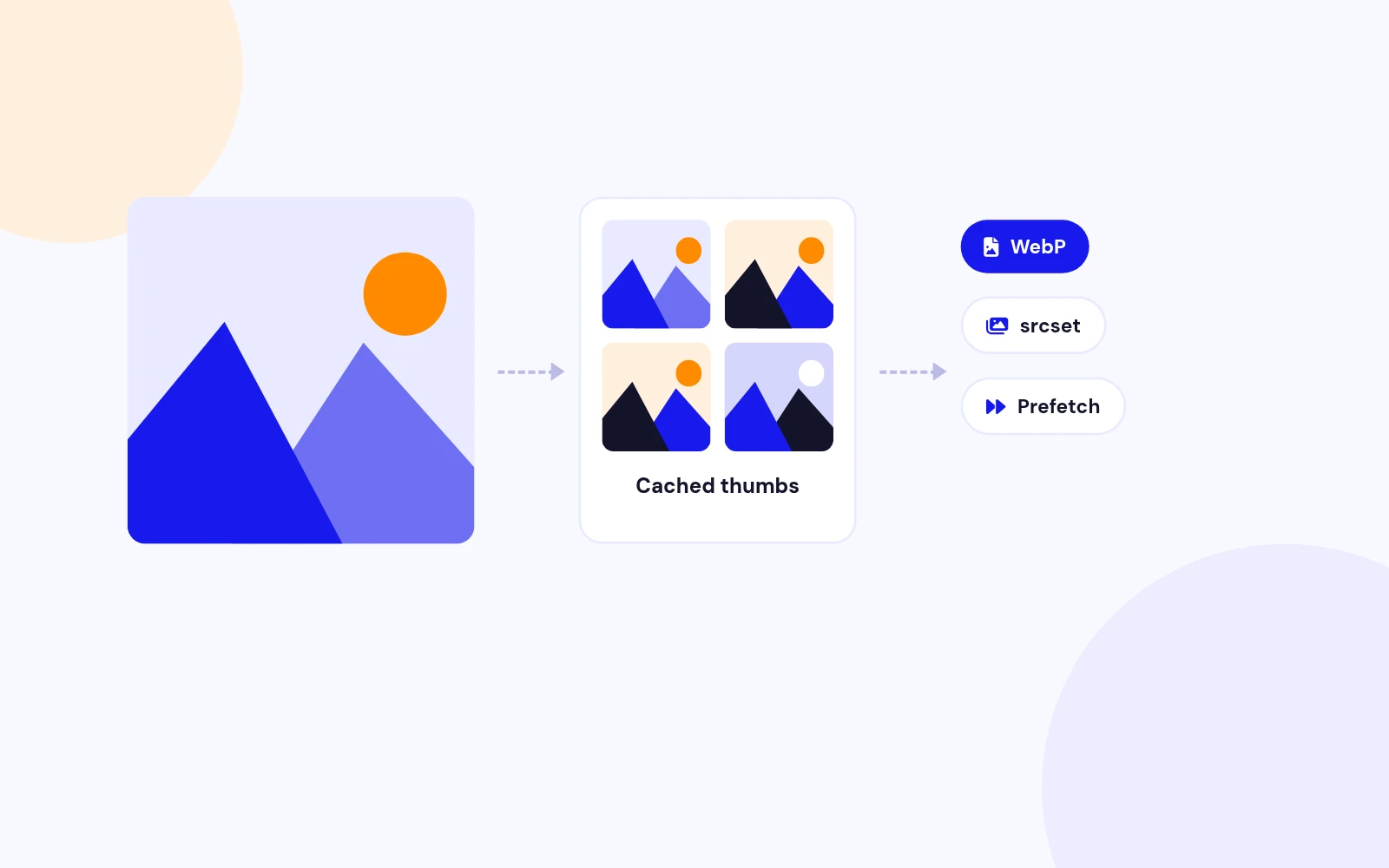
Yes. Smart thumbnails, optional WebP, responsive srcset, lazy loading, and image prefetch keep browsing smooth even with big folders.
Choose Modern 2026, Minimal, or Dark themes, set your accent colour, and pick grid or masonry layouts so the gallery feels like part of your site — not a bolt-on widget.
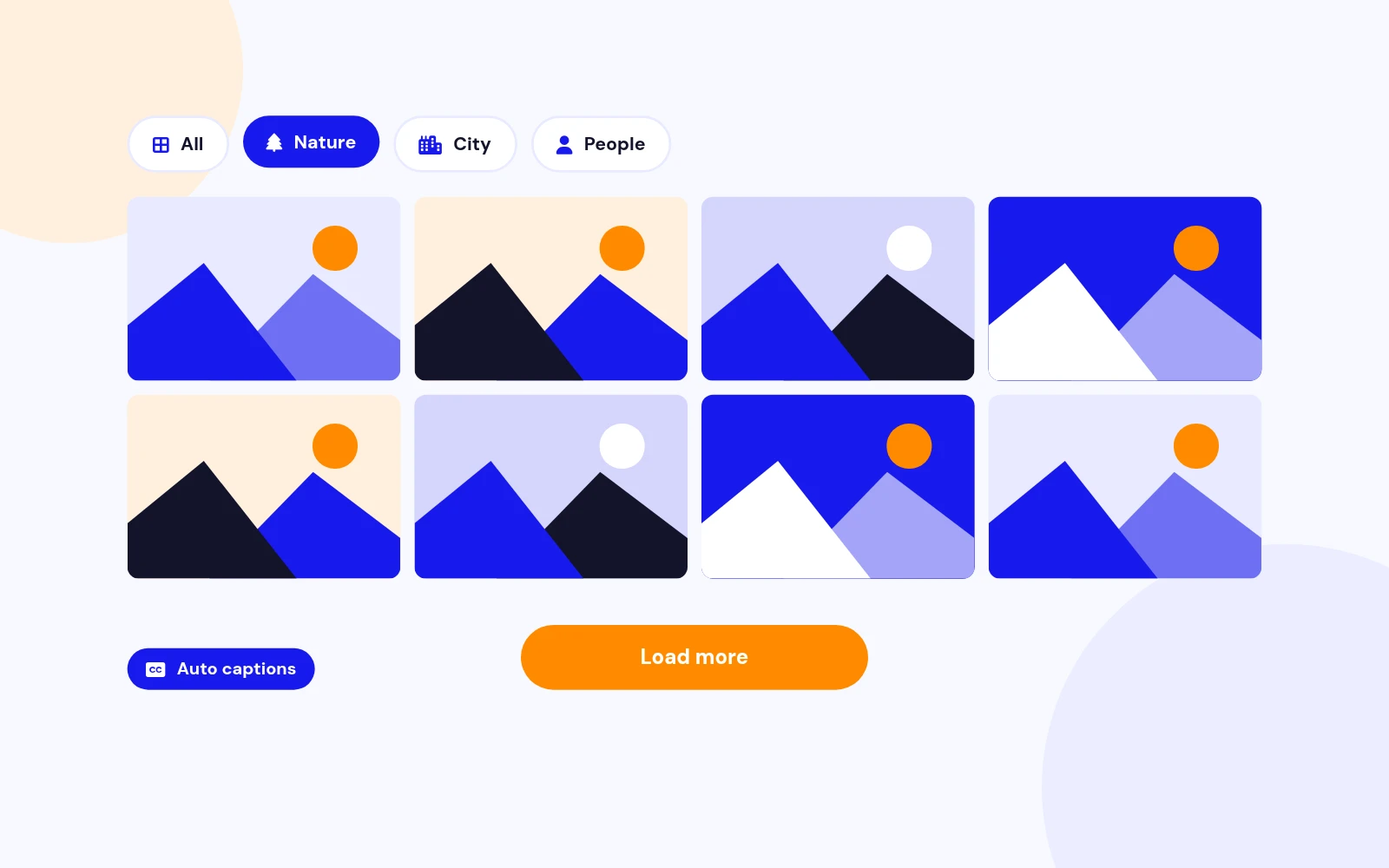
Category filters, auto-captions, folder-based categories, and Load more pagination turn large libraries into clear, browsable experiences visitors actually enjoy.
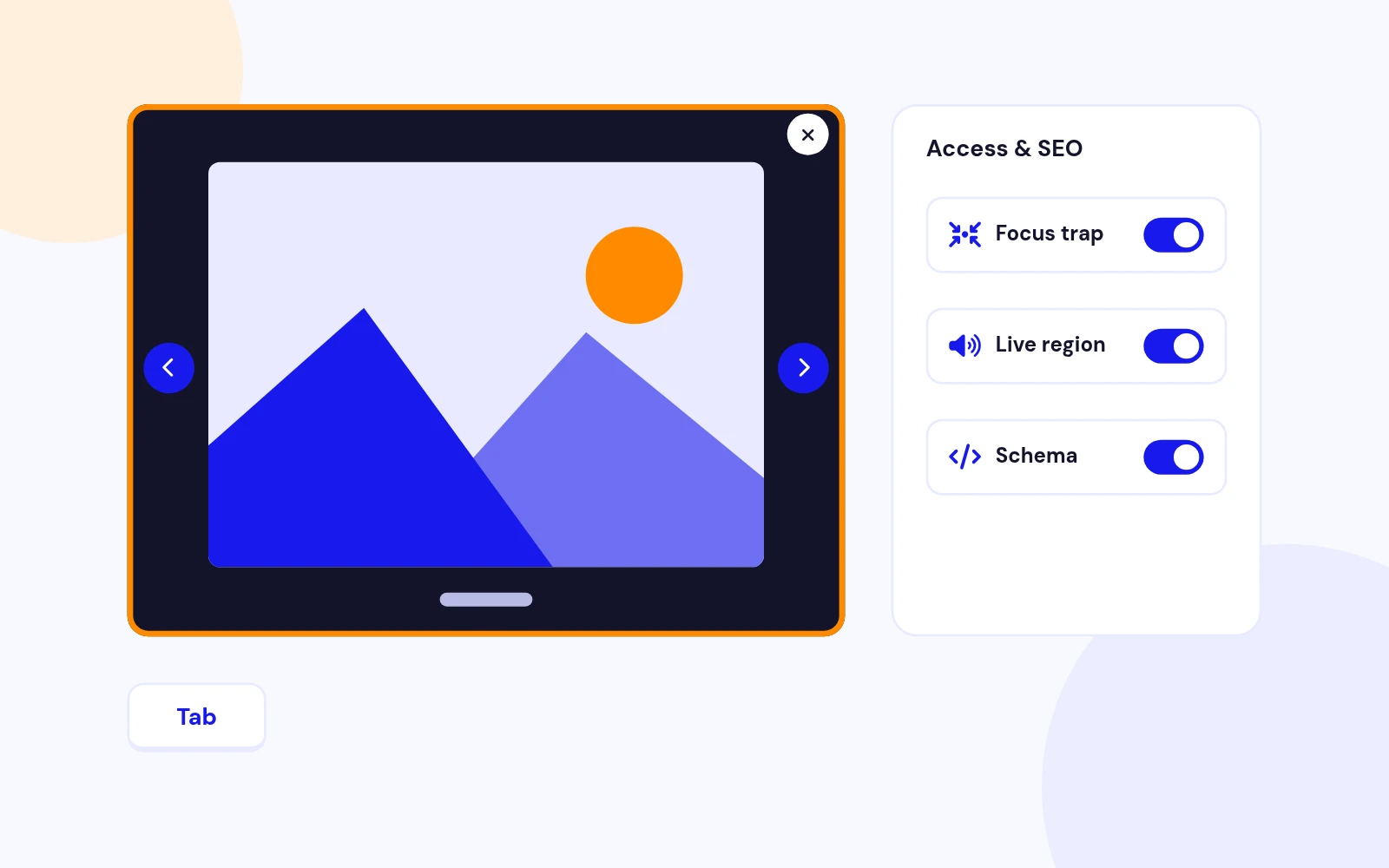
Optional Schema.org ImageGallery markup helps search engines understand your gallery. Focus trap, keyboard controls, and screen-reader announcements make the lightbox usable for everyone.
Deep-link URLs open the exact slide, and a share menu covers copy-link, WhatsApp, X, and Facebook — ideal for portfolios and social campaigns.
Point it at a Media folder and publish — or build individual slides with captions and video. Install once, configure in minutes, and your fullscreen gallery is ready.
More like this

Module + Plugin
Grid Based Image Gallery Extension for Joomla
v2.7.1 4,330 downloads
From $19

Module
Responsive Image Gallery Extension for Joomla
v2.3 3,919 downloads
From $9


