

Story Panels
Let Visitors Pick a Topic
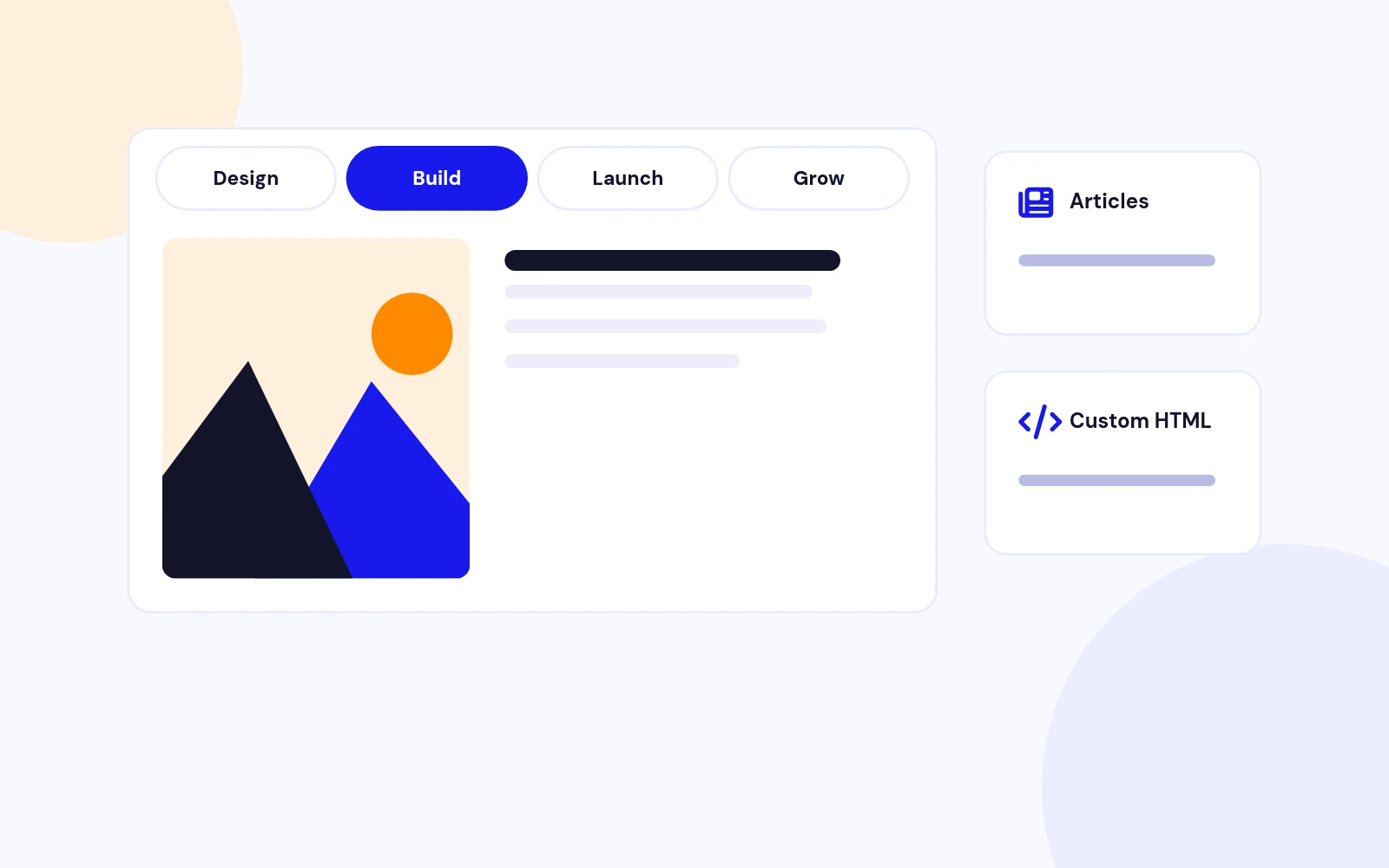
- Clear tabs let visitors choose a topic and dive in. Use Joomla articles or your own custom slides.
Content Slider Module for Joomla
Features
Six feature areas, one install package for Joomla 4, 5 and 6.
Story Panels
Five Themes
Your Motion

Responsive
Future-Proof
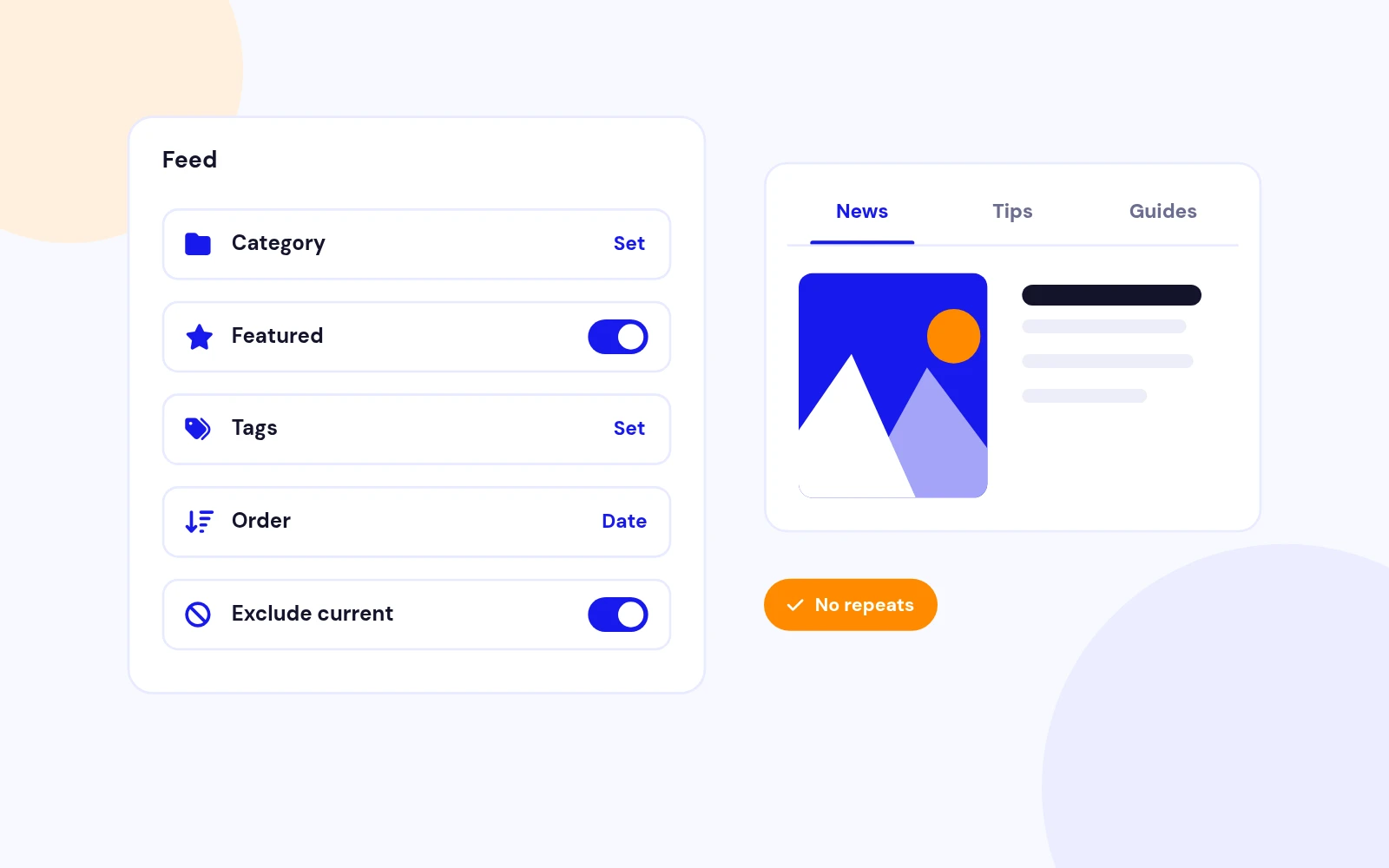
Smart Filters
Changelog
8 releases since version 2.5. Updates install from the Joomla admin with a valid licence.
Docs & setup
Written guides for installing and configuring Coda Slider, from first setup to the options that matter.
Pricing
Save more as you scale — longer access means a bigger discount.
30-day money-back guarantee
30-day money-back guarantee
30-day money-back guarantee
30-day money-back guarantee
Why buy here
All-access bundle
Get all 126 extensions, new releases, ongoing updates and full-time support. Bought one by one, a year of updates for every extension costs over $4,700.
Ideal for small projects and personal sites
$249/ 6 months
Save 91% · $2,900+ value
30-day money-back guarantee
Best for growing businesses and web agencies
$349/ 1 year
Save 92% · $4,700+ value
30-day money-back guarantee
For professional developers and multi-client agencies
$749/ one-time
Pay once · keep forever
30-day money-back guarantee
FAQ
Still unsure? Our support team is one ticket away.
Coda Slider shows articles or custom panels in a tabbed content layout.
Visitors switch panels with tabs, arrows, keyboard, or swipe.
Coda Slider 2.8 supports Joomla 4, Joomla 5, and Joomla 6.
PHP 8.1 or newer is recommended.
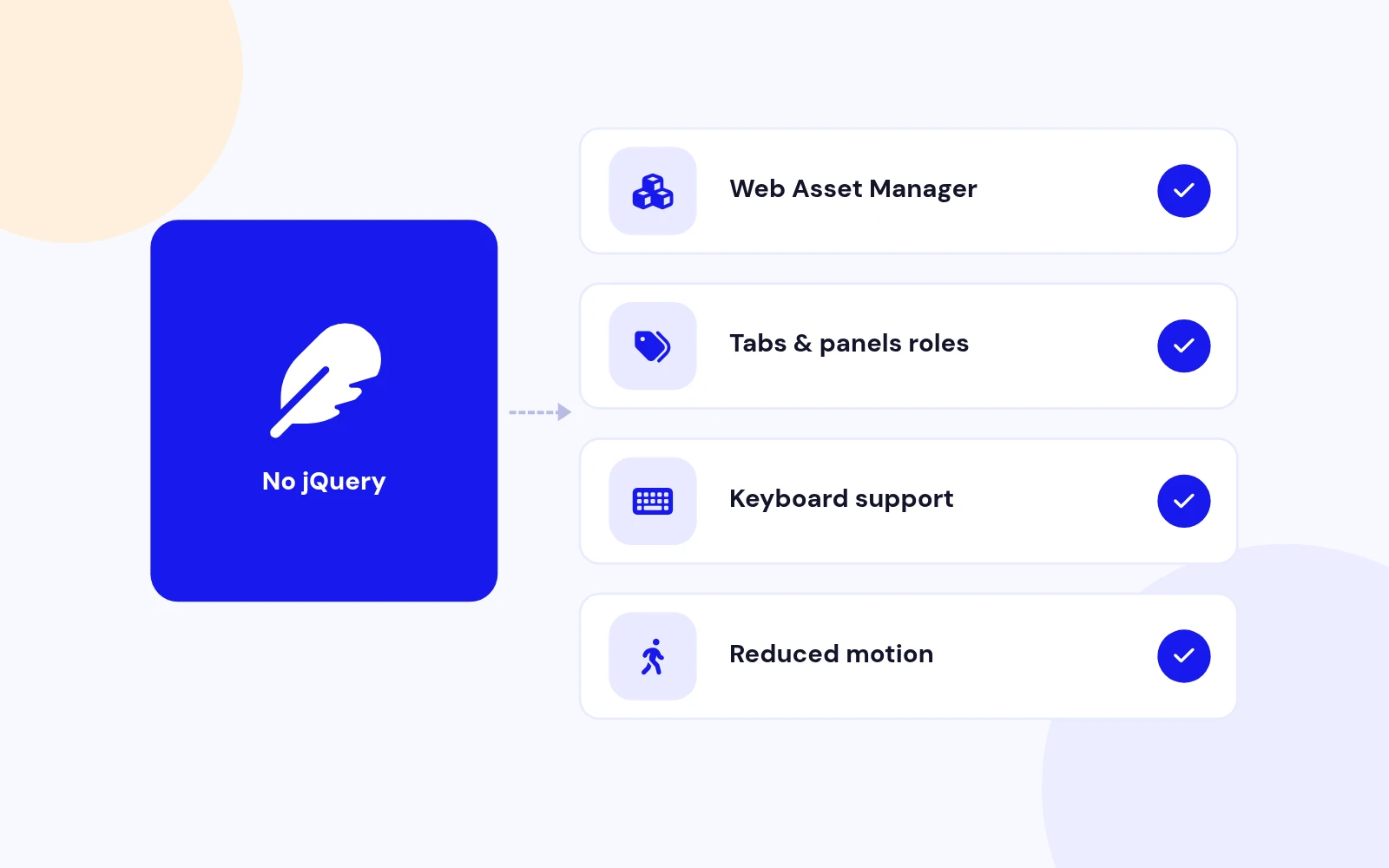
No. Version 2.8 uses vanilla JavaScript and Joomla's Web Asset Manager.
jQuery, Liquid Slider, easing, and TouchSwipe libraries are no longer bundled.
Yes. Set Content Source to Custom Slides and add title + content rows.
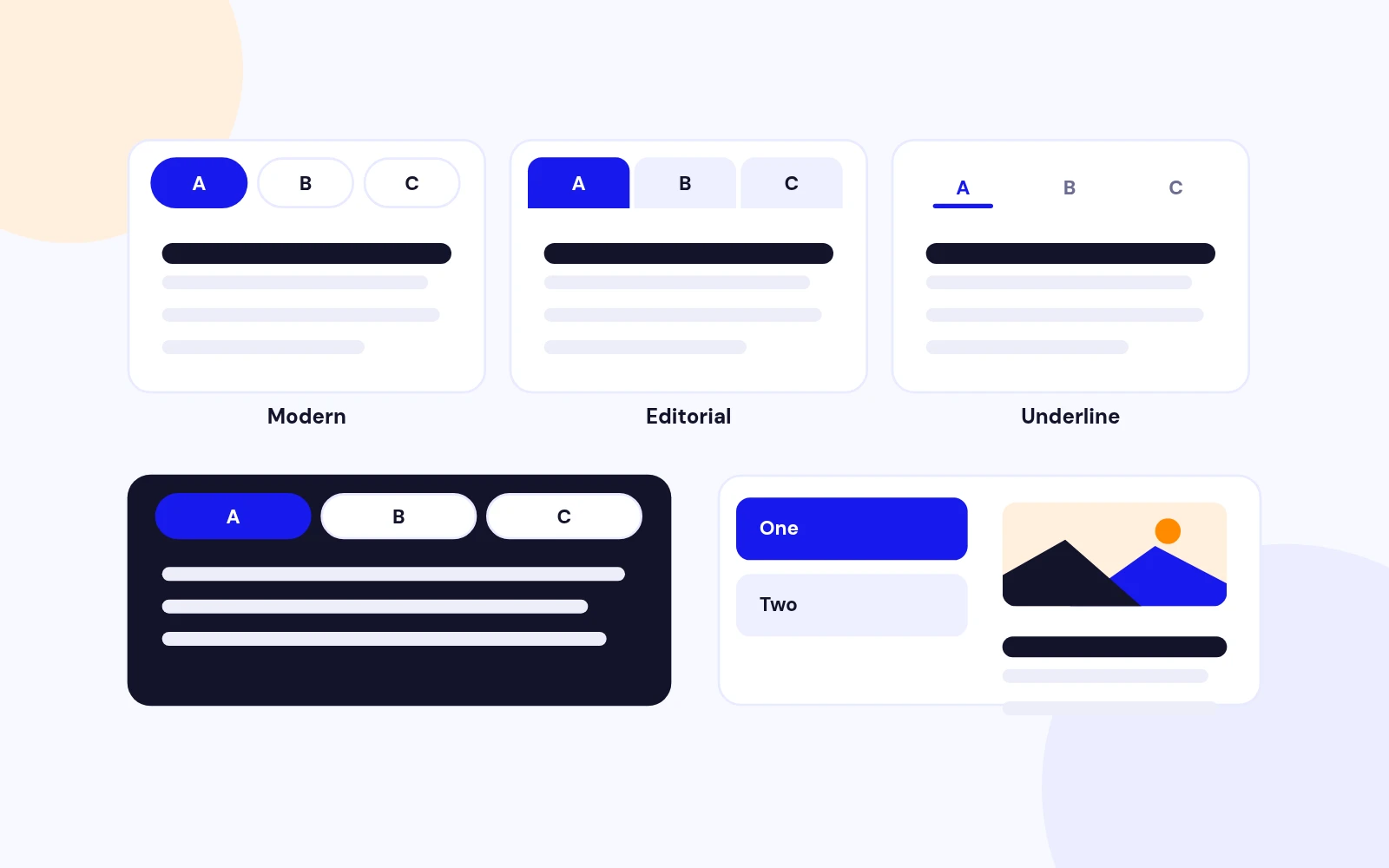
Five themes ship in 2.8: Modern, Editorial, Pill Nav, Underline, and Dark.
You can also set navigation style, position, accent colour, and corner radius.
Yes. Set Navigation Position to Left for a side tab strip.
On small phones the tabs stack above the panel automatically.
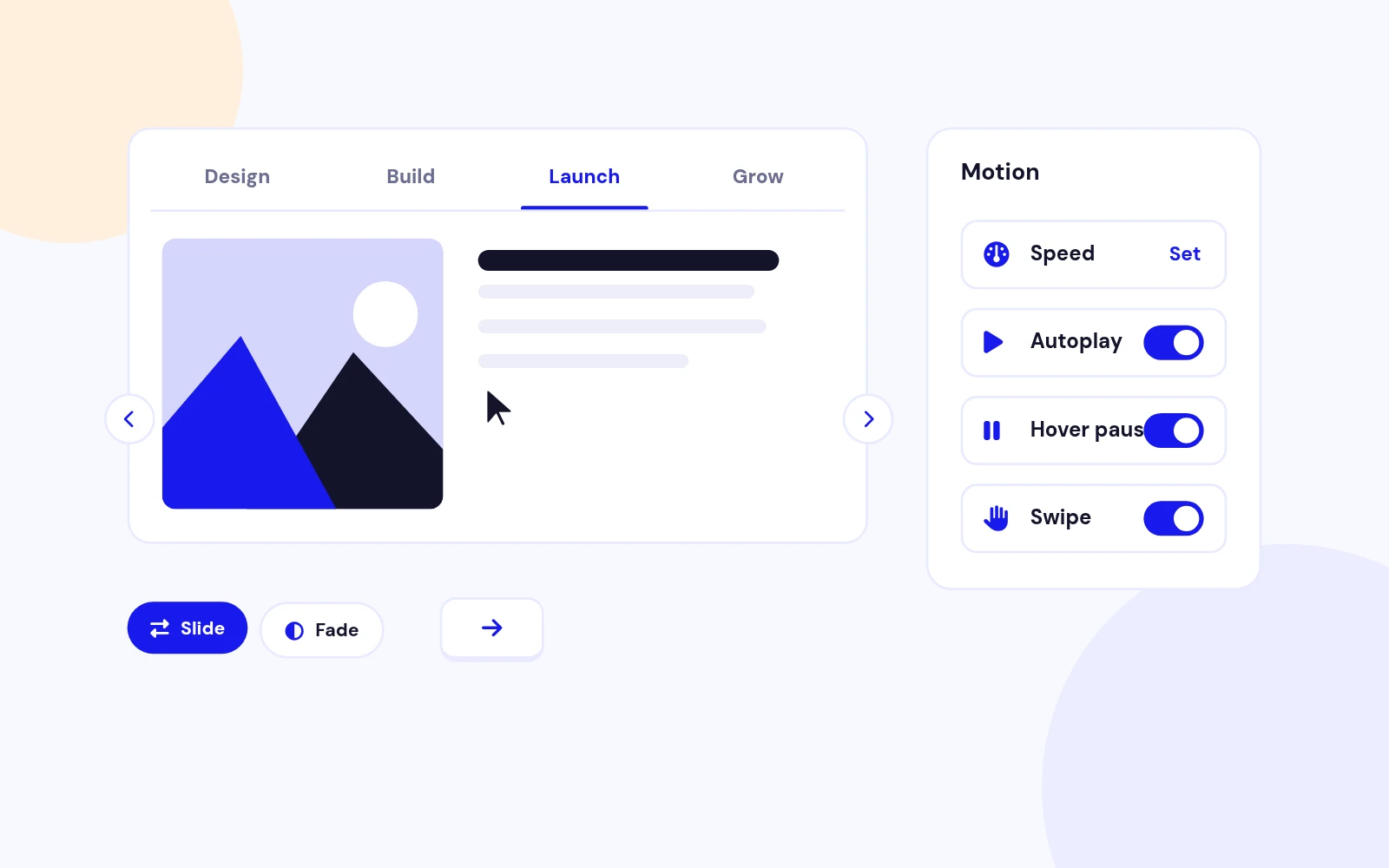
Choose Slide or Fade under Motion Settings.
Optional autoplay pauses on hover when enabled.
Yes. Tabs wrap so labels stay visible, arrows move below the panel on phones, and swipe is built in.
Yes. Use Featured Articles (Show / Only / Hide) and Filter by Tags in Content Settings.
Exclude Current Article is useful on single-article pages.
Visit support.joomlax.com or open a ticket from your store account.
More like this


Module
AJAX-powered Joomla article filtering with beautiful, flexible content cards.
v1.6.2 3,472 downloads
From $19


Module + Plugin + Component
Local events. Month, dashboard, cards, and clean detail pages. No tickets.
v1.2.13
From $19

Module + Plugin
Polished DOCman downloads in articles and modules. Tables, lists, galleries, and nested folder trees with a modern 2026 UI.
v5.0.3
From $29