

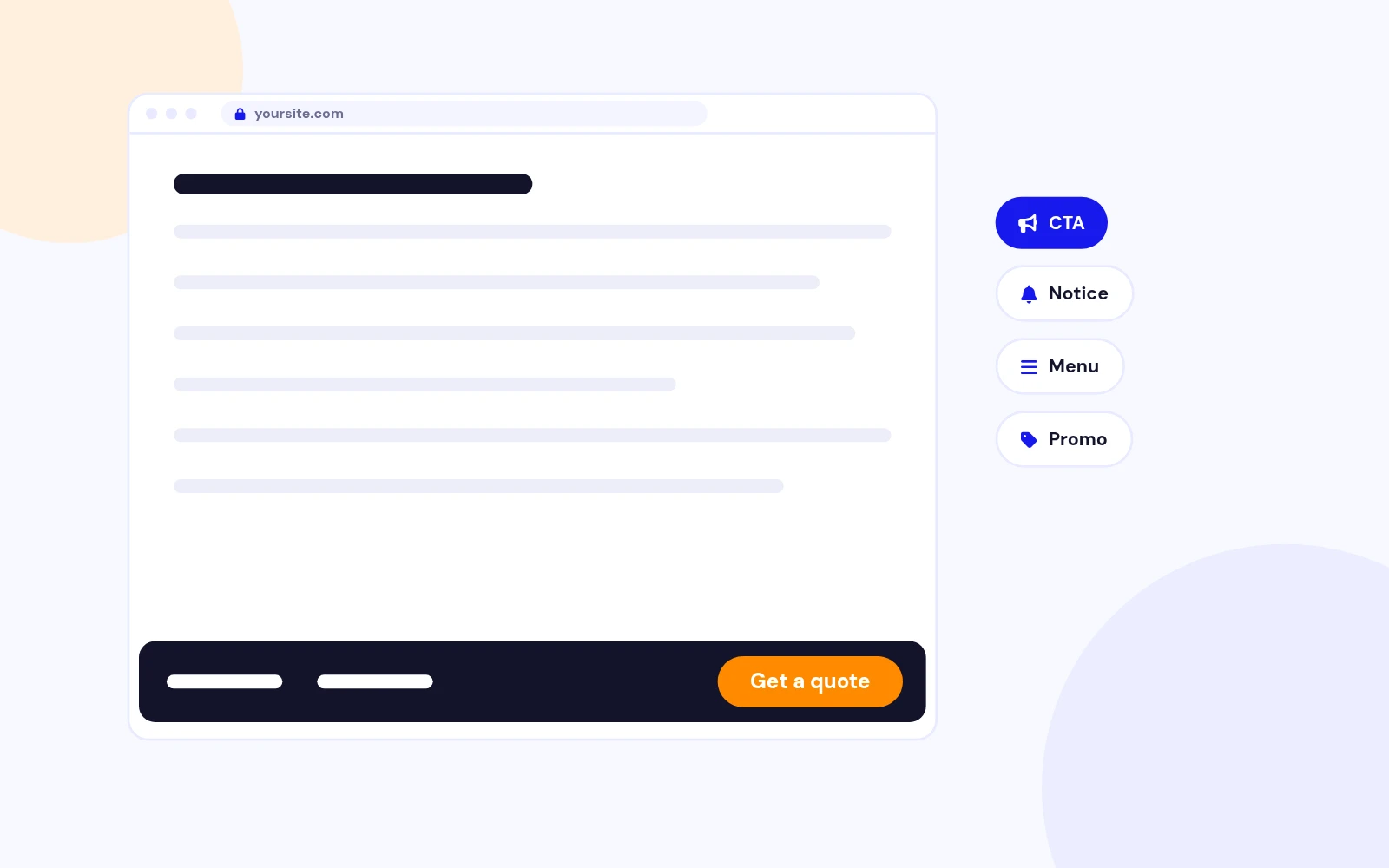
Always Visible
Keep Your Call to Action in View
- Pin calls to action, notices, menus or promos to the bottom of the screen as visitors browse. Pick your modules, assign pages and publish.
Fix content to the bottom Module for Joomla
Features
Ten feature areas, one install package for Joomla 4, 5 and 6.
Always Visible
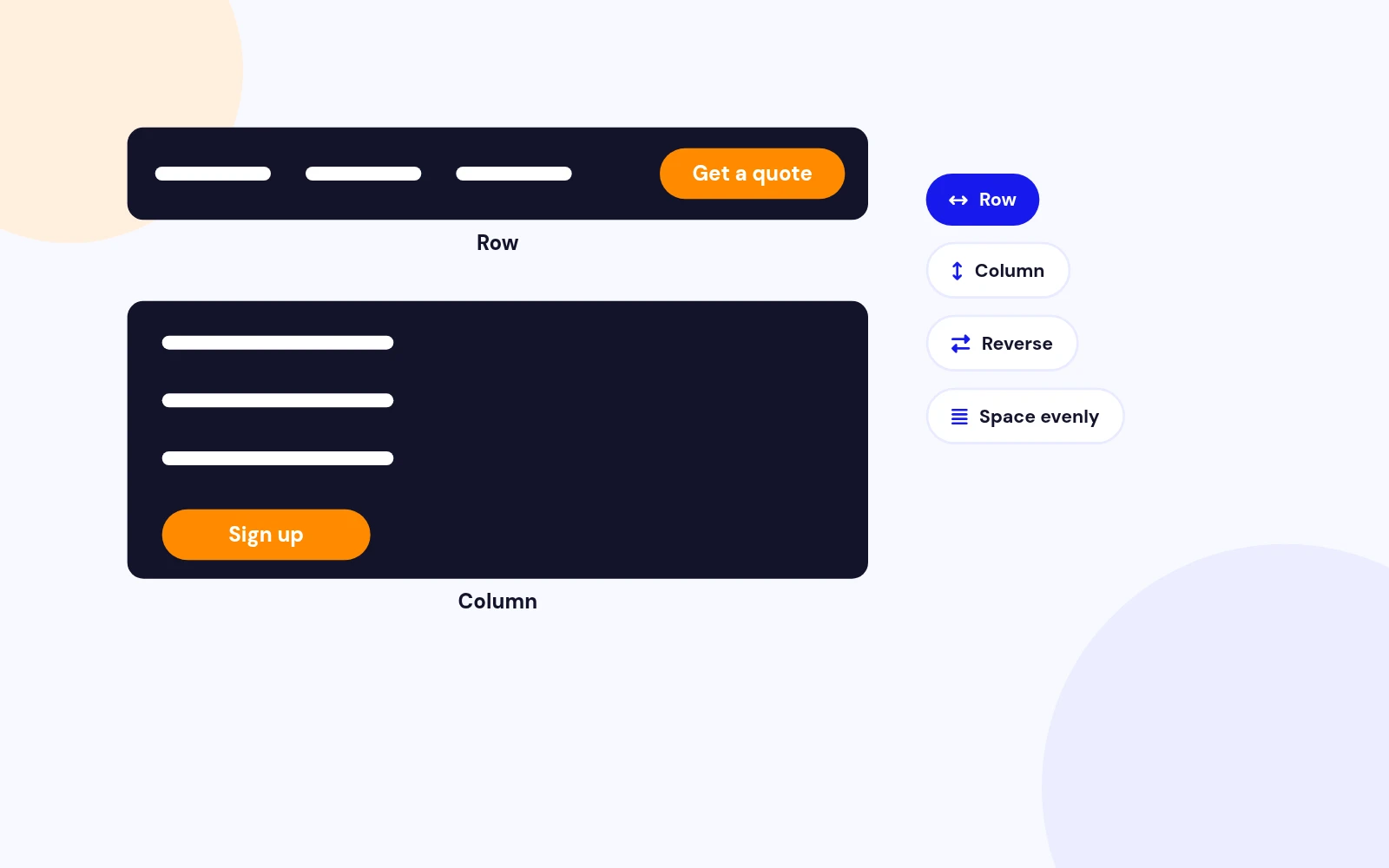
Flexible Layout
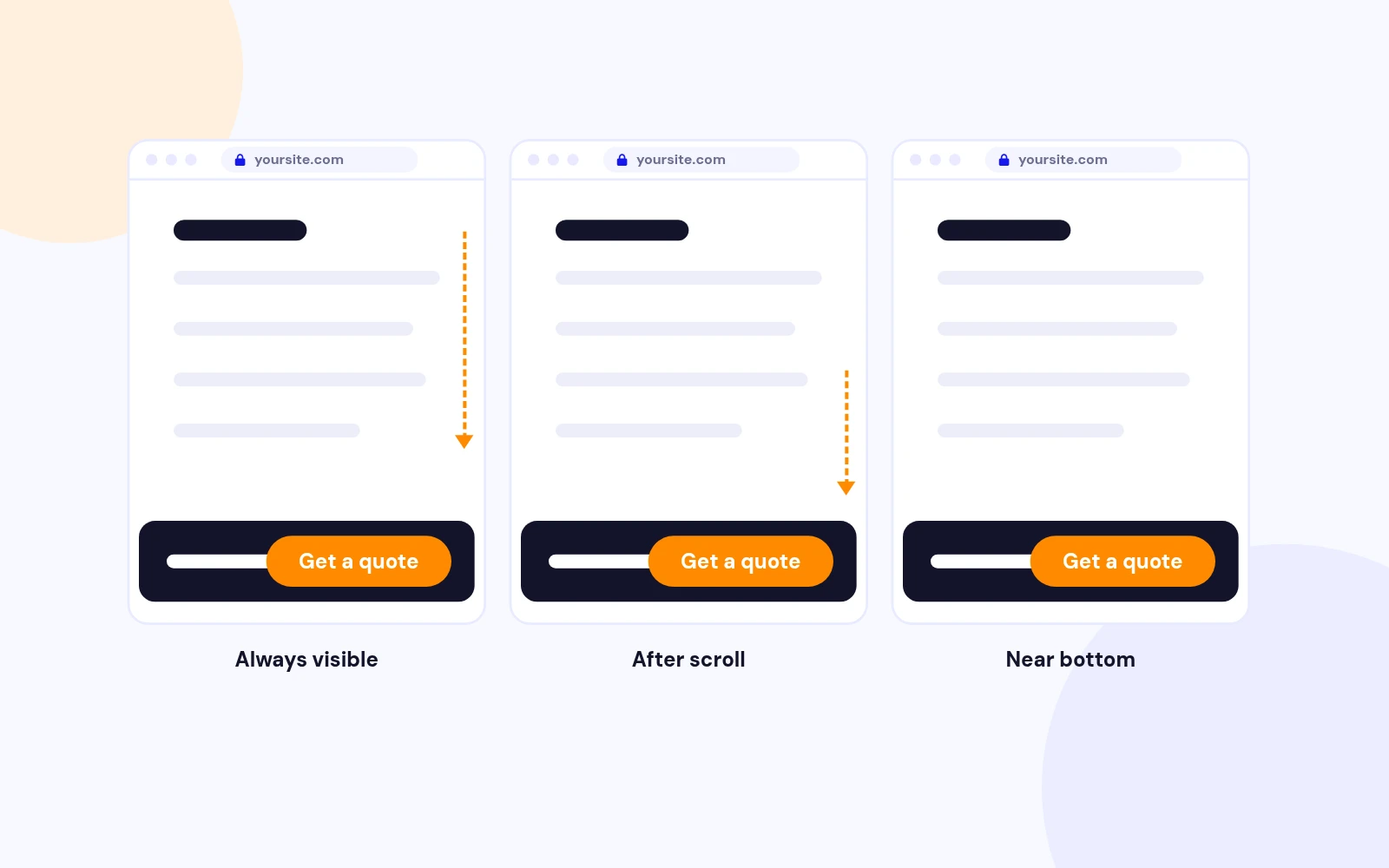
Display Modes
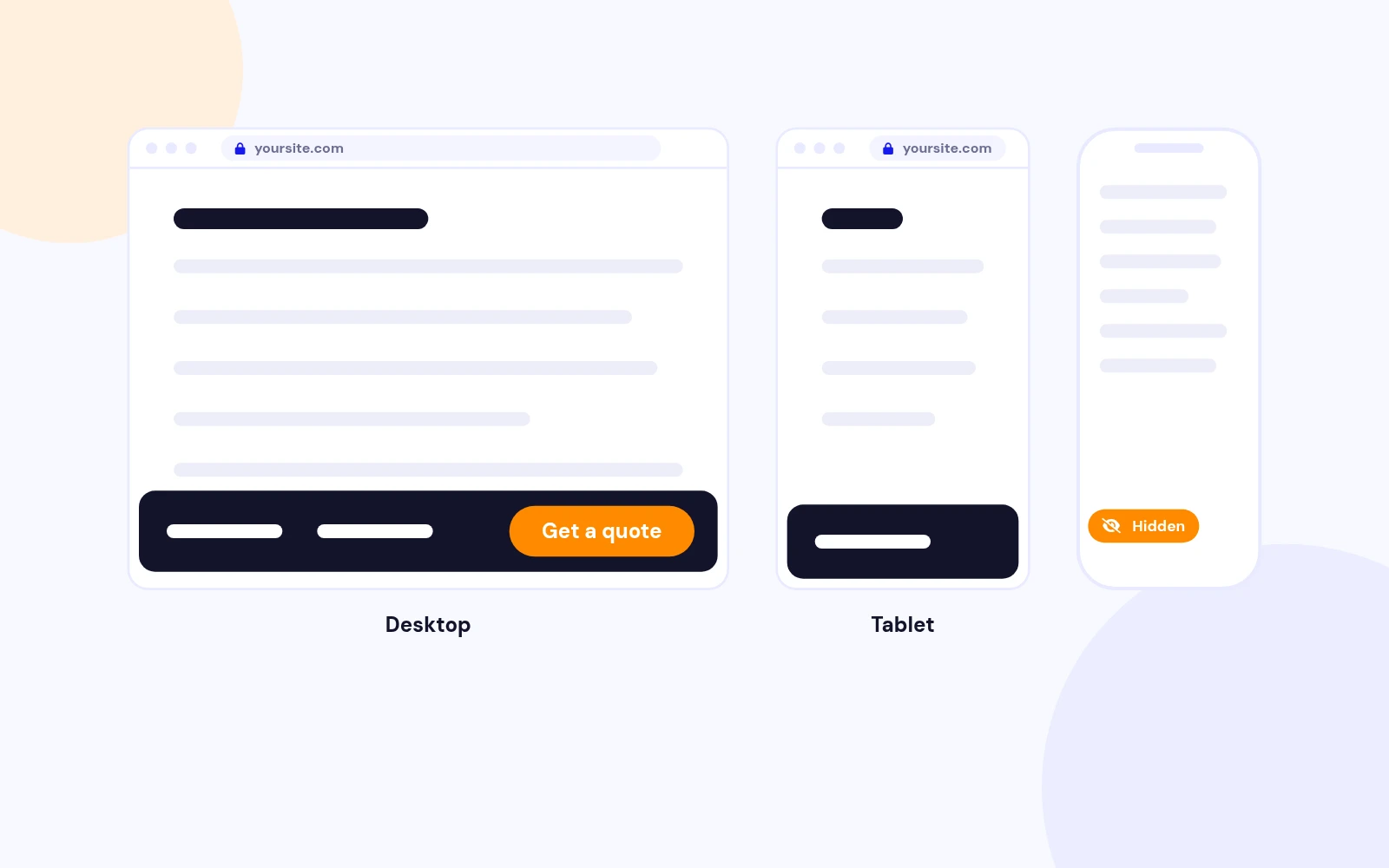
Device Control
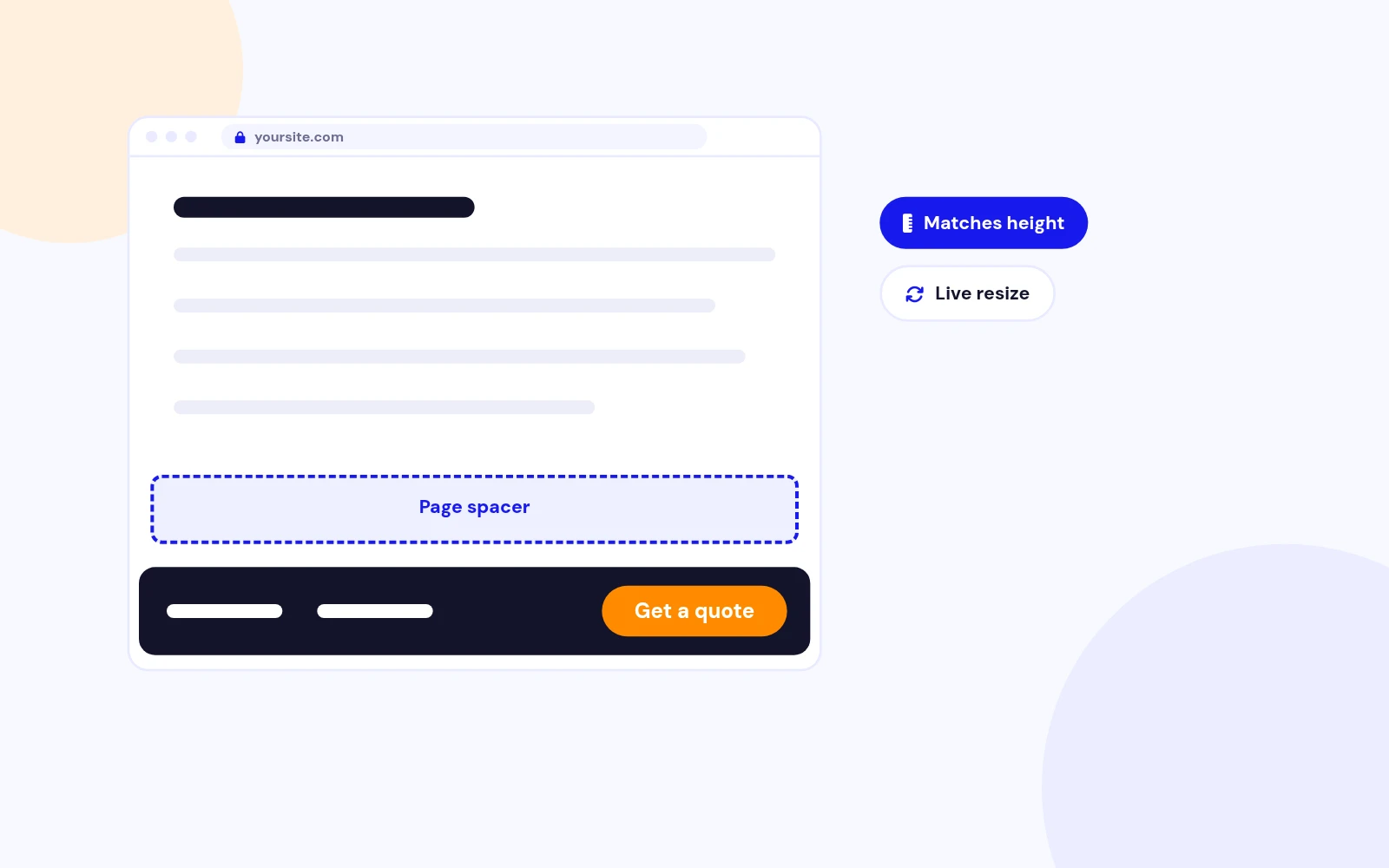
Readable Pages
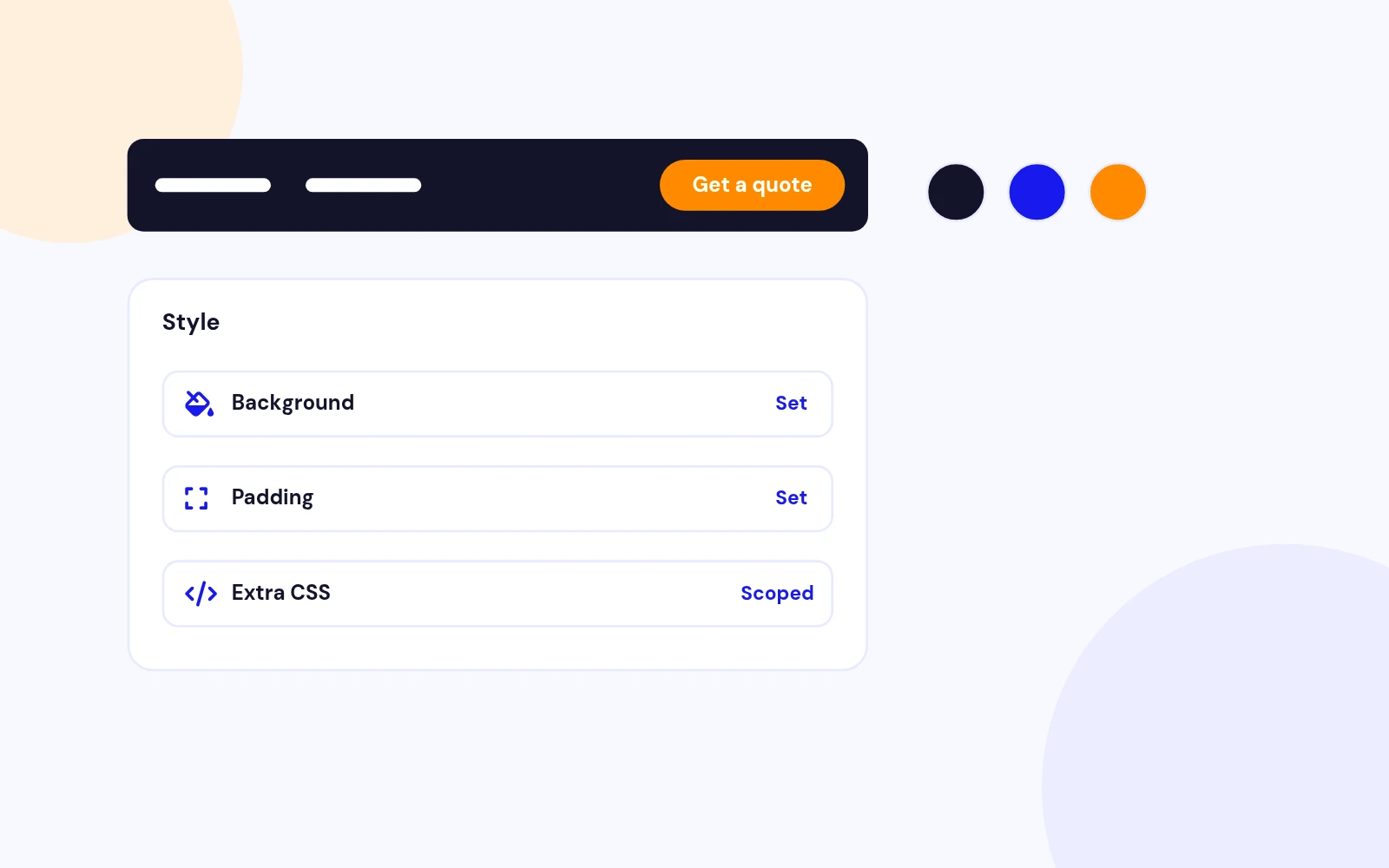
Simple Styling
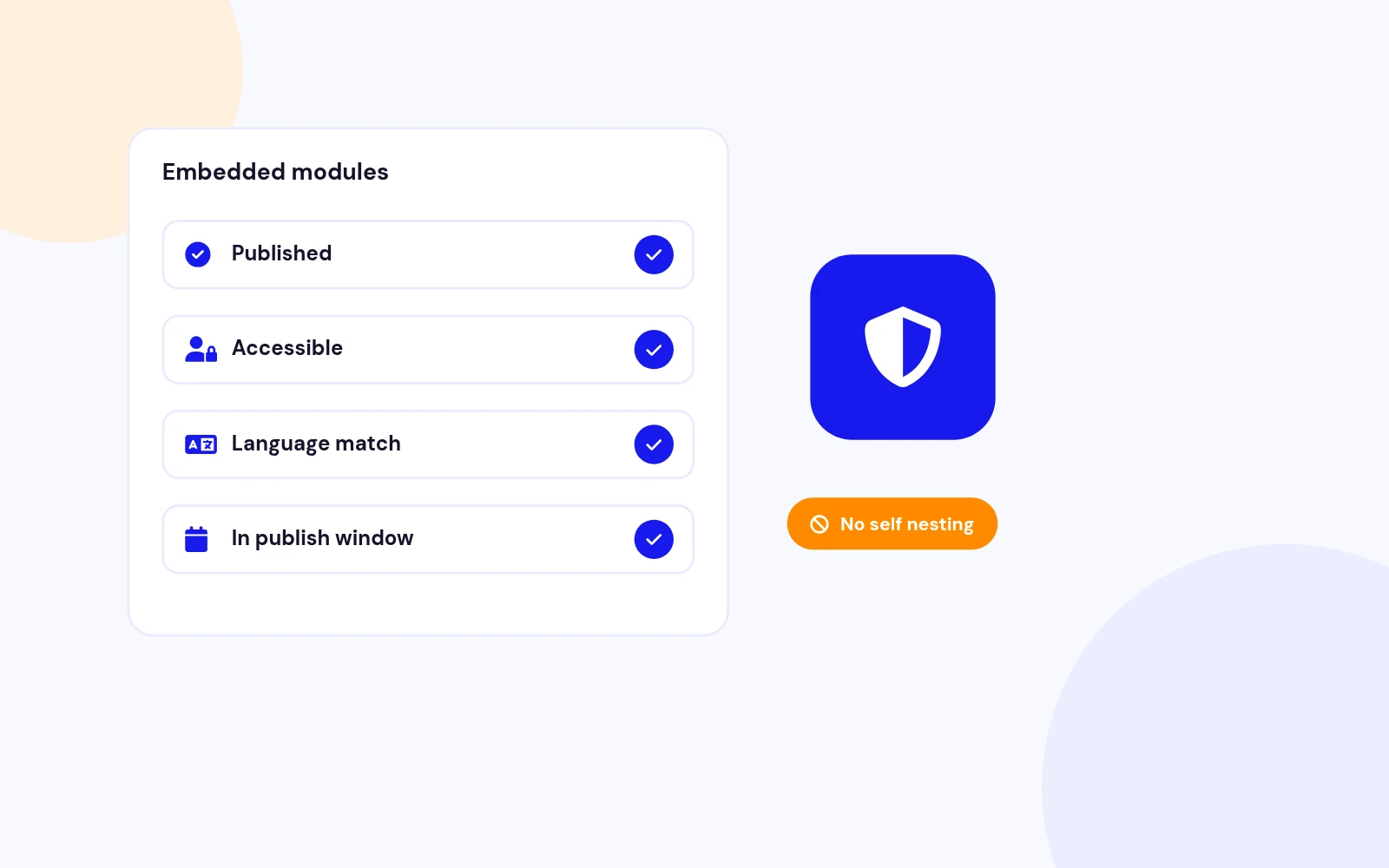
Safe Loading
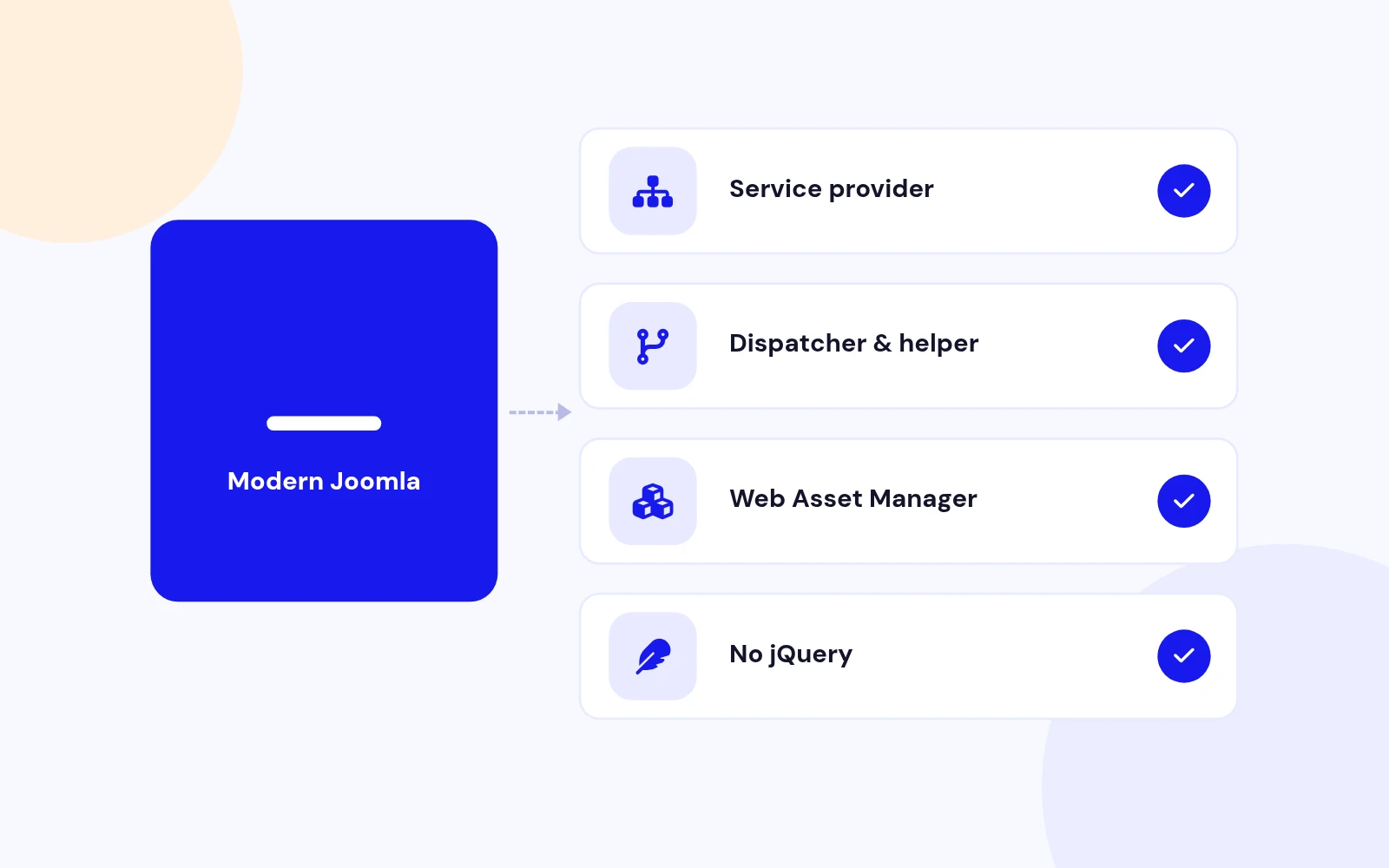
Modern Build
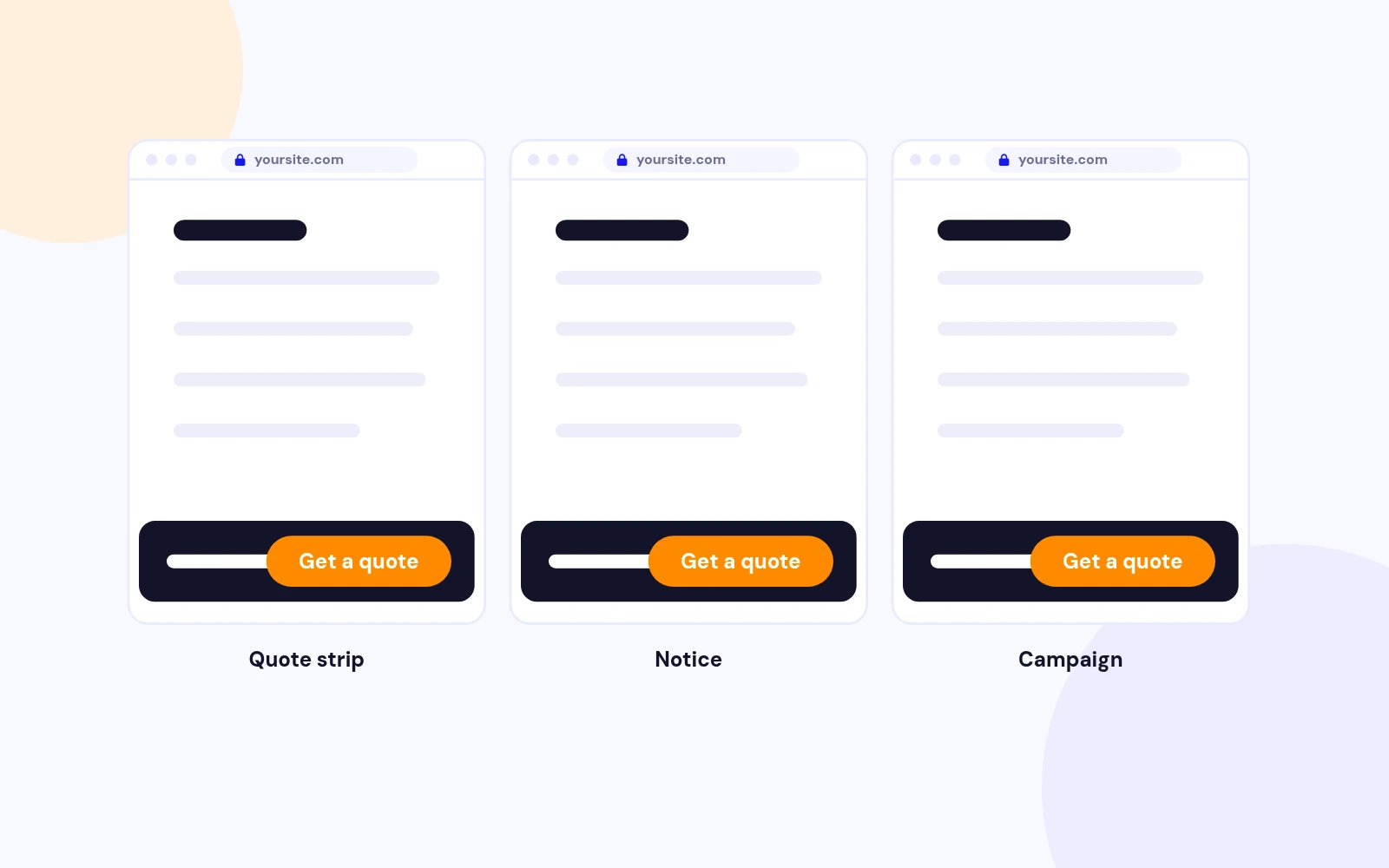
Real-World Ready
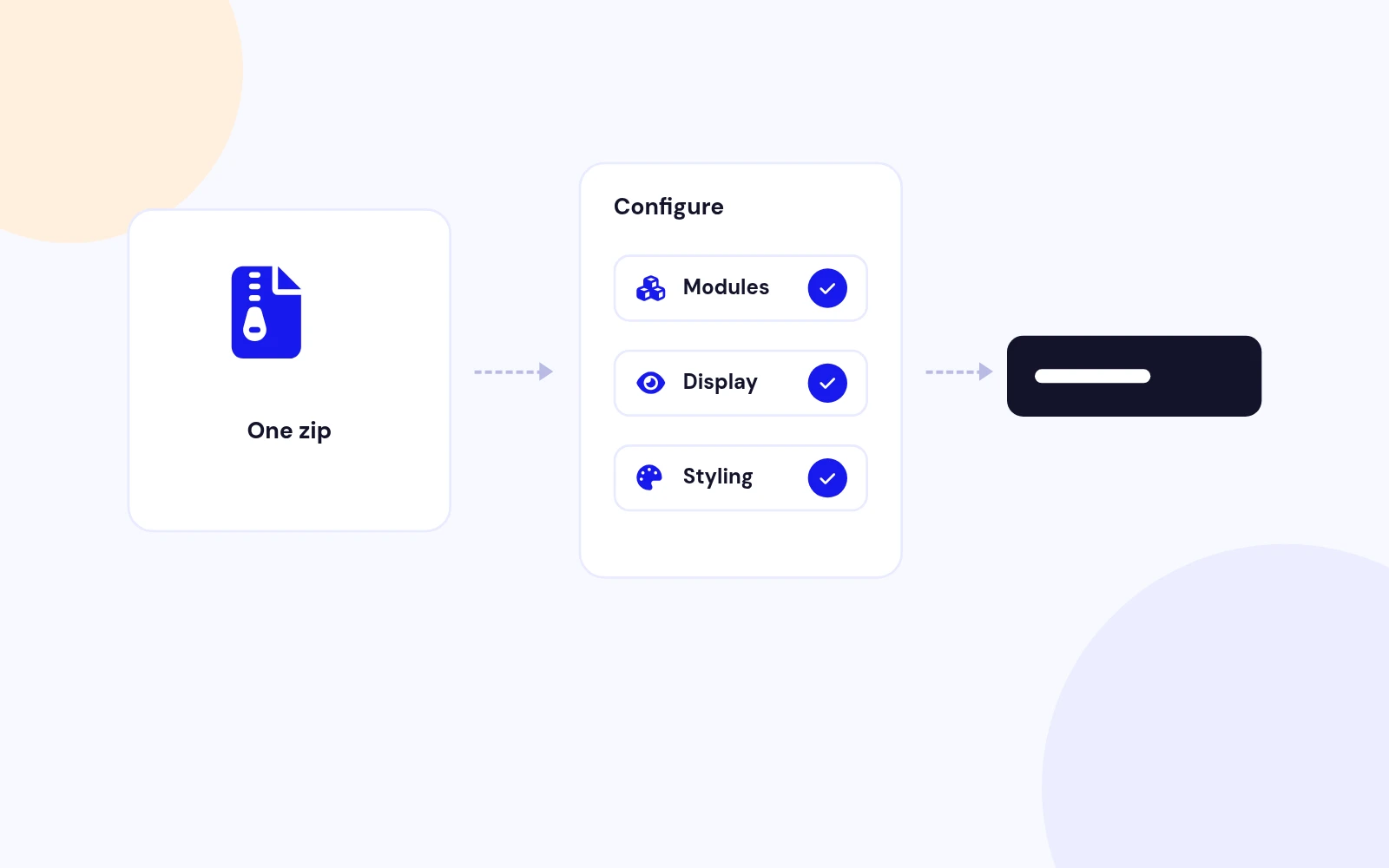
Simple Install
Changelog
7 releases since version 1.1. Updates install from the Joomla admin with a valid licence.
Docs & setup
Written guides for installing and configuring Easy Fixed Footer, from first setup to the options that matter.
Pricing
Save more as you scale — longer access means a bigger discount.
30-day money-back guarantee
30-day money-back guarantee
30-day money-back guarantee
30-day money-back guarantee
Why buy here
All-access bundle
Get all 126 extensions, new releases, ongoing updates and full-time support. Bought one by one, a year of updates for every extension costs over $4,700.
Ideal for small projects and personal sites
$249/ 6 months
Save 91% · $2,900+ value
30-day money-back guarantee
Best for growing businesses and web agencies
$349/ 1 year
Save 92% · $4,700+ value
30-day money-back guarantee
For professional developers and multi-client agencies
$749/ one-time
Pay once · keep forever
30-day money-back guarantee
FAQ
Still unsure? Our support team is one ticket away.
Easy Fixed Footer 1.6 supports Joomla 4, 5, and 6 with a service provider, dispatcher, namespace, Web Asset Manager assets, and PHP 8.1 or later recommended.
It pins one or more published site modules in a fixed bottom bar using flex layout, optional device hiding, styling controls, and scroll display modes.
Always visible, Show after scroll, and Show near page bottom. Scroll Offset controls the threshold in pixels.
Yes. Use the Add Module subform to add multiple published site modules, then set Content Layout, Wrap, and Alignment.
Enable Add Page Spacer. Version 1.6 inserts a spacer matching the footer height so page content stays readable.
Earlier 1.5 builds could briefly render the bar in the module position before fixed CSS applied. Version 1.6 applies fixed positioning inline and moves the footer to document.body immediately so it stays at the bottom from the first paint.
Select Desktop, Tablet, and/or Mobile to hide the footer at those breakpoints: desktop from 1025px up, tablet 768px to 1024px, mobile 767px and below.
Rules are scoped to the footer instance. Unsafe patterns such as script tags, expression(), and javascript: URLs are stripped.
No. Version 1.6 uses native JavaScript and CSS with Joomla Web Asset Manager.
Visit support.joomlax.com. Include Joomla and PHP versions, page URL, and module settings.
More like this


Module
AJAX-powered Joomla article filtering with beautiful, flexible content cards.
v1.6.2 3,472 downloads
From $19


Module + Plugin + Component
Local events. Month, dashboard, cards, and clean detail pages. No tickets.
v1.2.13
From $19

Module + Plugin
Polished DOCman downloads in articles and modules. Tables, lists, galleries, and nested folder trees with a modern 2026 UI.
v5.0.3
From $29