

Many Layouts
Layouts for Every Page
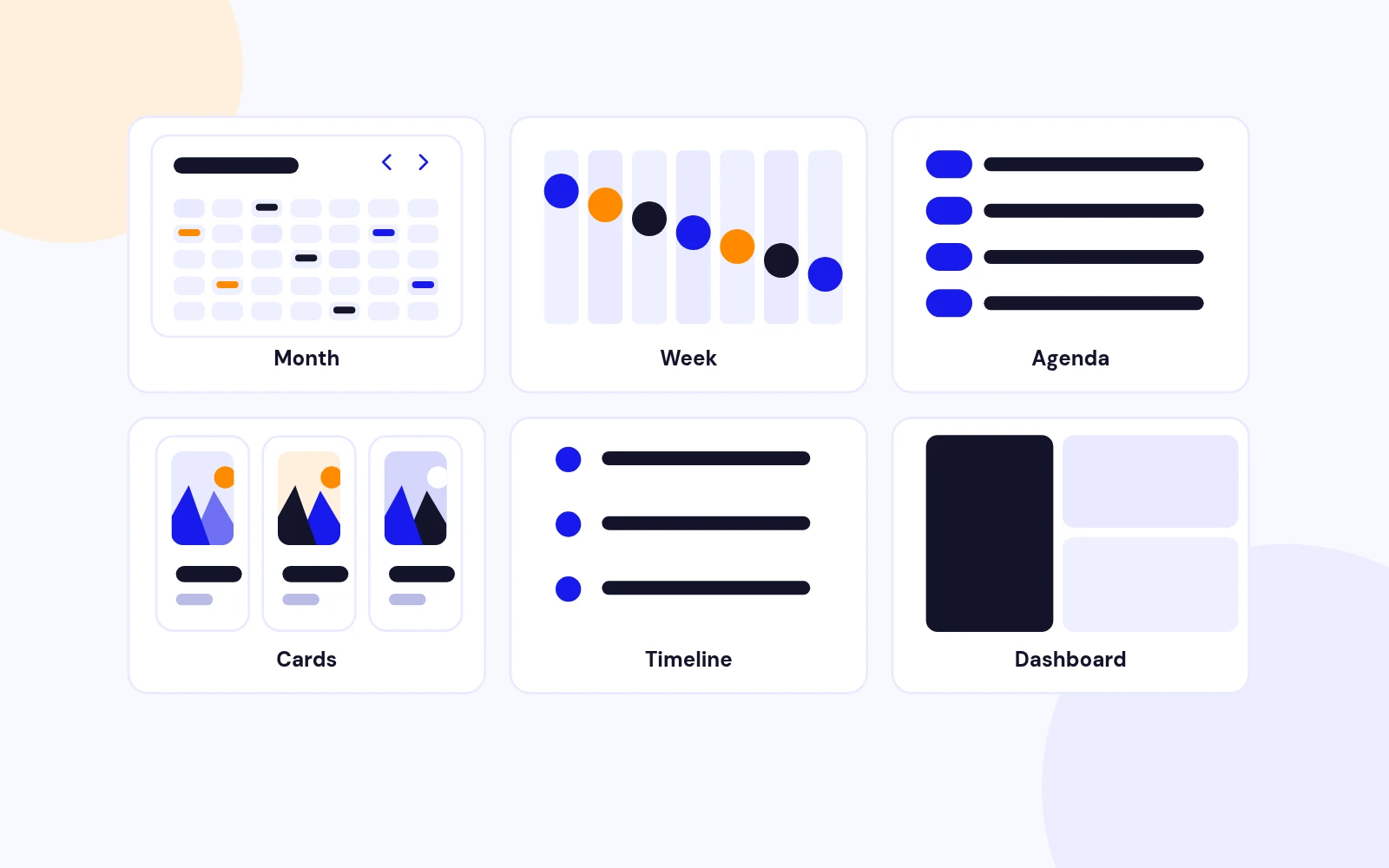
- Classic grids and lists, a month view with side filters, timelines and card browsing. Pick the view that suits each page.
Local events. Month, dashboard, cards, and clean detail pages. No tickets.
Features
Nine feature areas, one install package for Joomla 5 and 6.
Many Layouts

Popup or Page
Filters
Fast Images
Homepage Module
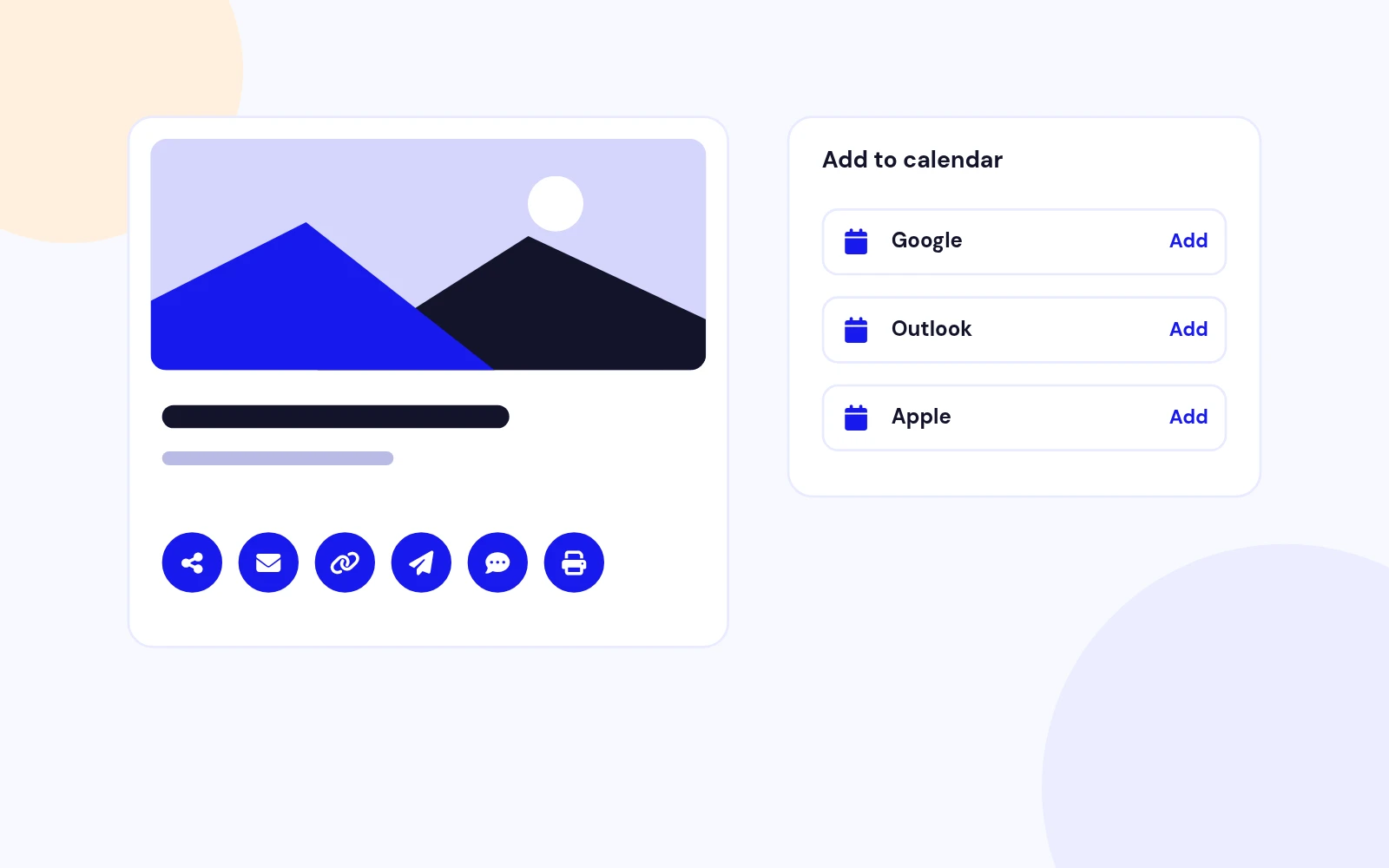
Add to Calendar
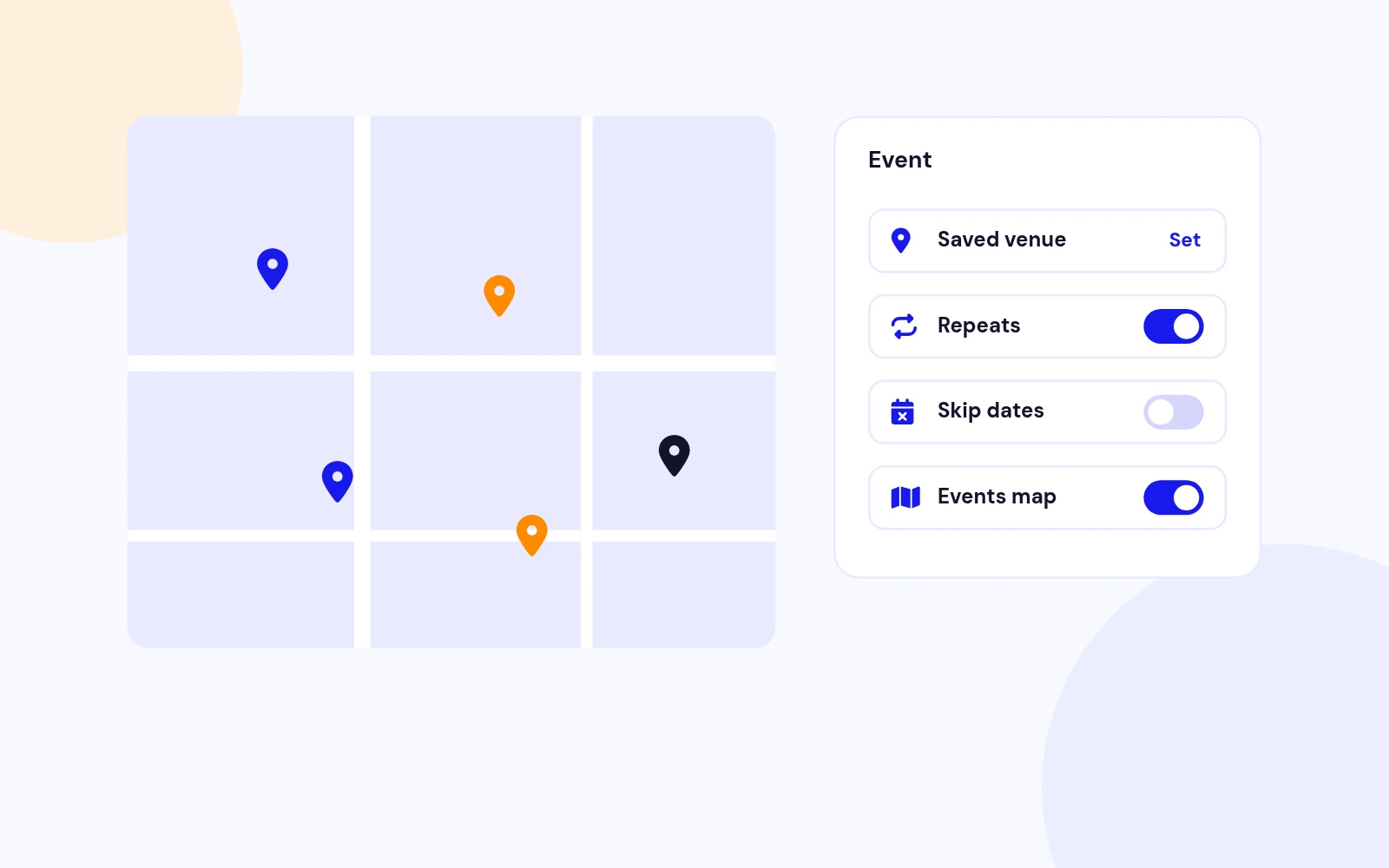
Less Retyping
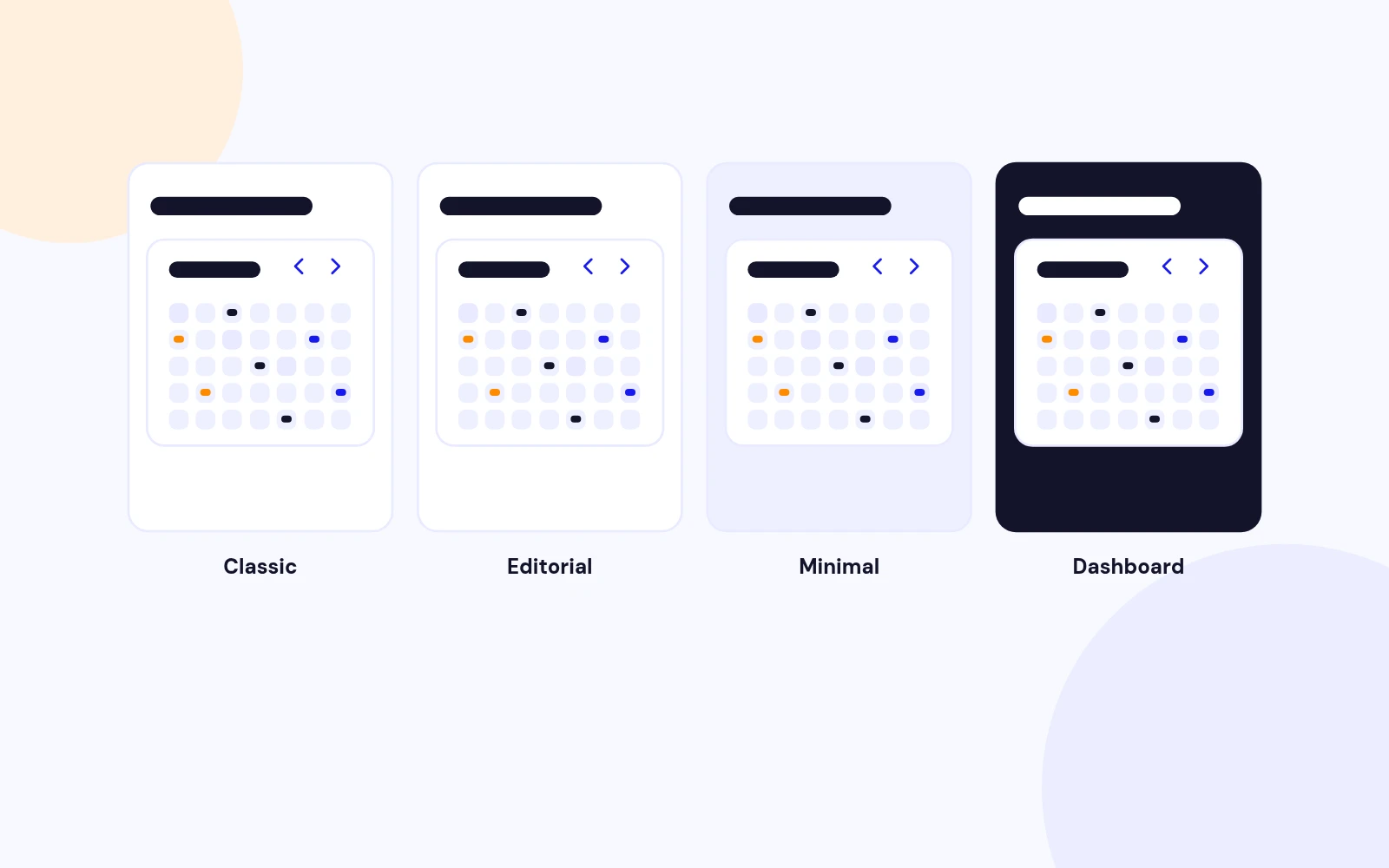
Match Your Site

Event Pages
Changelog
19 releases since version 1.0.0. Updates install from the Joomla admin with a valid licence.
Docs & setup
Written guides for installing and configuring Easy Events Calendar, from first setup to the options that matter.
Pricing
Save more as you scale — longer access means a bigger discount.
30-day money-back guarantee
30-day money-back guarantee
30-day money-back guarantee
30-day money-back guarantee
Why buy here
All-access bundle
Get all 126 extensions, new releases, ongoing updates and full-time support. Bought one by one, a year of updates for every extension costs over $4,700.
Ideal for small projects and personal sites
$249/ 6 months
Save 91% · $2,900+ value
30-day money-back guarantee
Best for growing businesses and web agencies
$349/ 1 year
Save 92% · $4,700+ value
30-day money-back guarantee
For professional developers and multi-client agencies
$749/ one-time
Pay once · keep forever
30-day money-back guarantee
FAQ
Still unsure? Our support team is one ticket away.
Easy Events Calendar is a modern events showcase for Joomla. Editors publish dates, venues, images, and write-ups. Visitors browse month, week, agenda, cards, timeline, events map, and a three-panel dashboard, then open a popup or a full event page. It is built for display and discovery, not ticket sales.
News and city “what’s on” sites, tourism boards, churches, schools, clubs, councils, agencies, and any Joomla site that needs polished local events without a booking engine. If you already sell tickets elsewhere, link out from each event.
You get beautiful layouts, reusable locations, maps, share and Add to calendar, recurrence, and CSV tools without carts, seats, or payment complexity. Editors stay focused on content. Visitors stay focused on discovering what is happening.
Joomla 4.4+, Joomla 5, and Joomla 6 with PHP 8.1 or later. Native JavaScript and the Web Asset Manager keep it light on modern templates. No jQuery required.
Three tools in one install: the Easy Events Calendar component for events, categories, locations, and menu pages; a site module for homepage and sidebar blocks (including Map mode); and a Smart Search Finder plugin so events can appear in site search.
Month, Week, Agenda, Cards, Timeline, Events Map, Monthly Cards, Month with side filters, Dashboard (dark or light), and Single event. Classic, Editorial, Minimal, and Dashboard skins help each page match your brand.
Dashboard shows three panels side by side: a month rail, a month grid, and event cards. It feels like a modern calendar app on the web, and you can place the same experience as a homepage module.
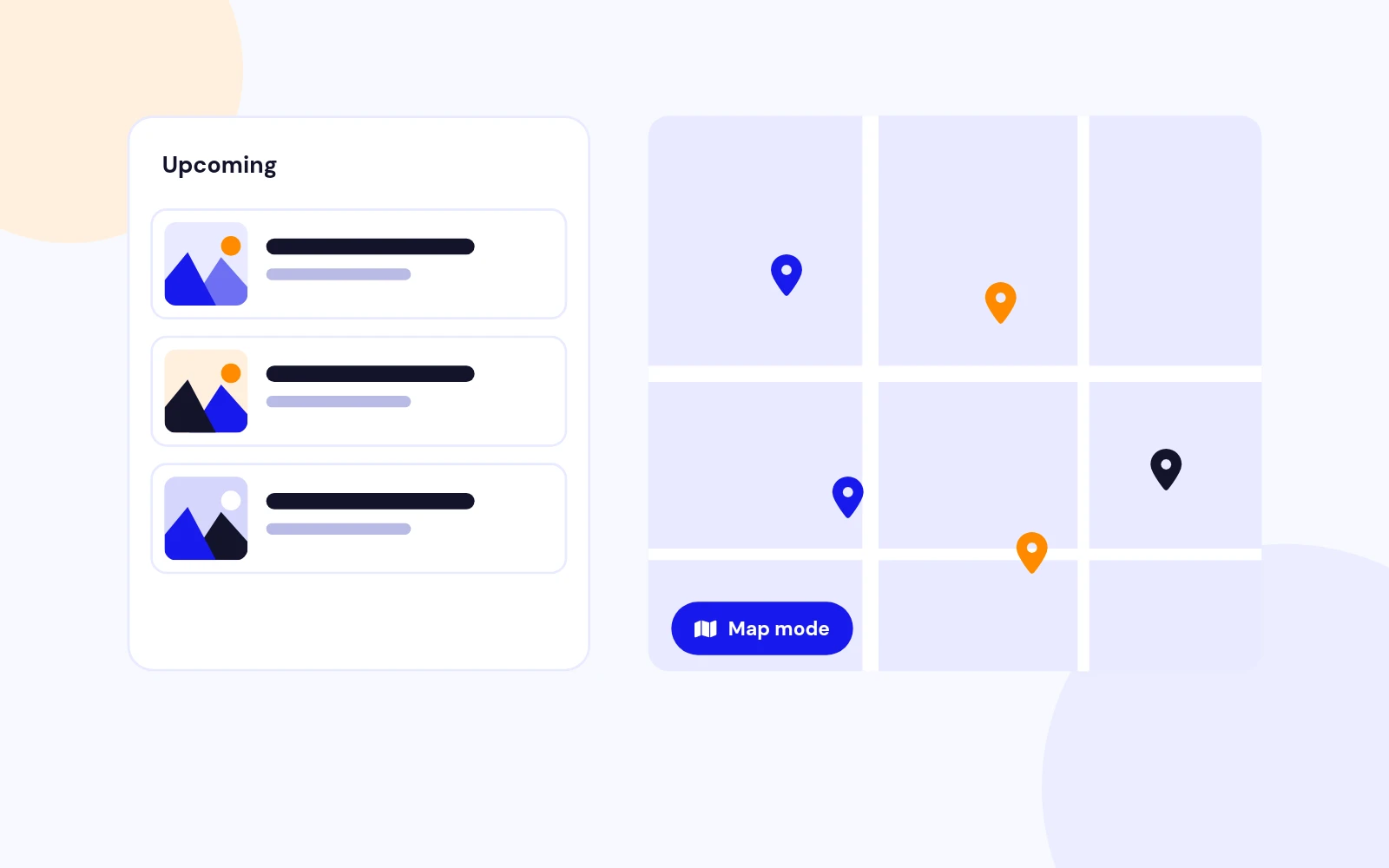
Yes. Events Map places markers at saved venues with a searchable list beside or below the map. OpenStreetMap works out of the box. Choose Google Maps when you prefer that look and add a Maps JavaScript API key. The site module also has a Map mode for homepage strips.
Full page is ideal when you want shareable event URLs and richer detail pages.
Popup is ideal for fast browsing on What’s On grids. Set the choice per menu item so each section of the site can behave differently.
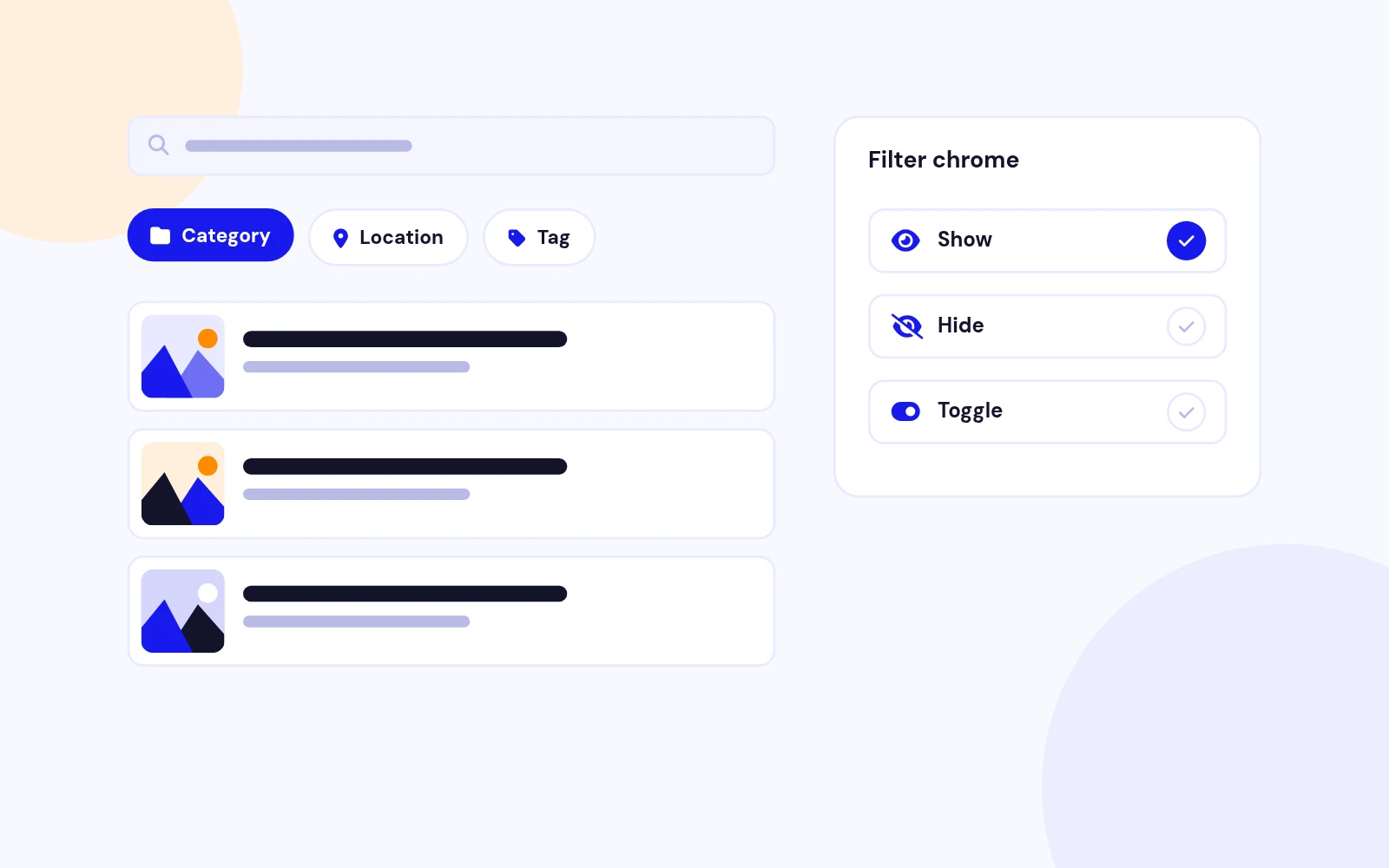
Upcoming lists, Cards (grid, slide, or fade), Timeline, Mini month, Featured, Dashboard, and Map. Limit count, filter by category, show or hide card fields, and link through to a full calendar page when visitors want more.
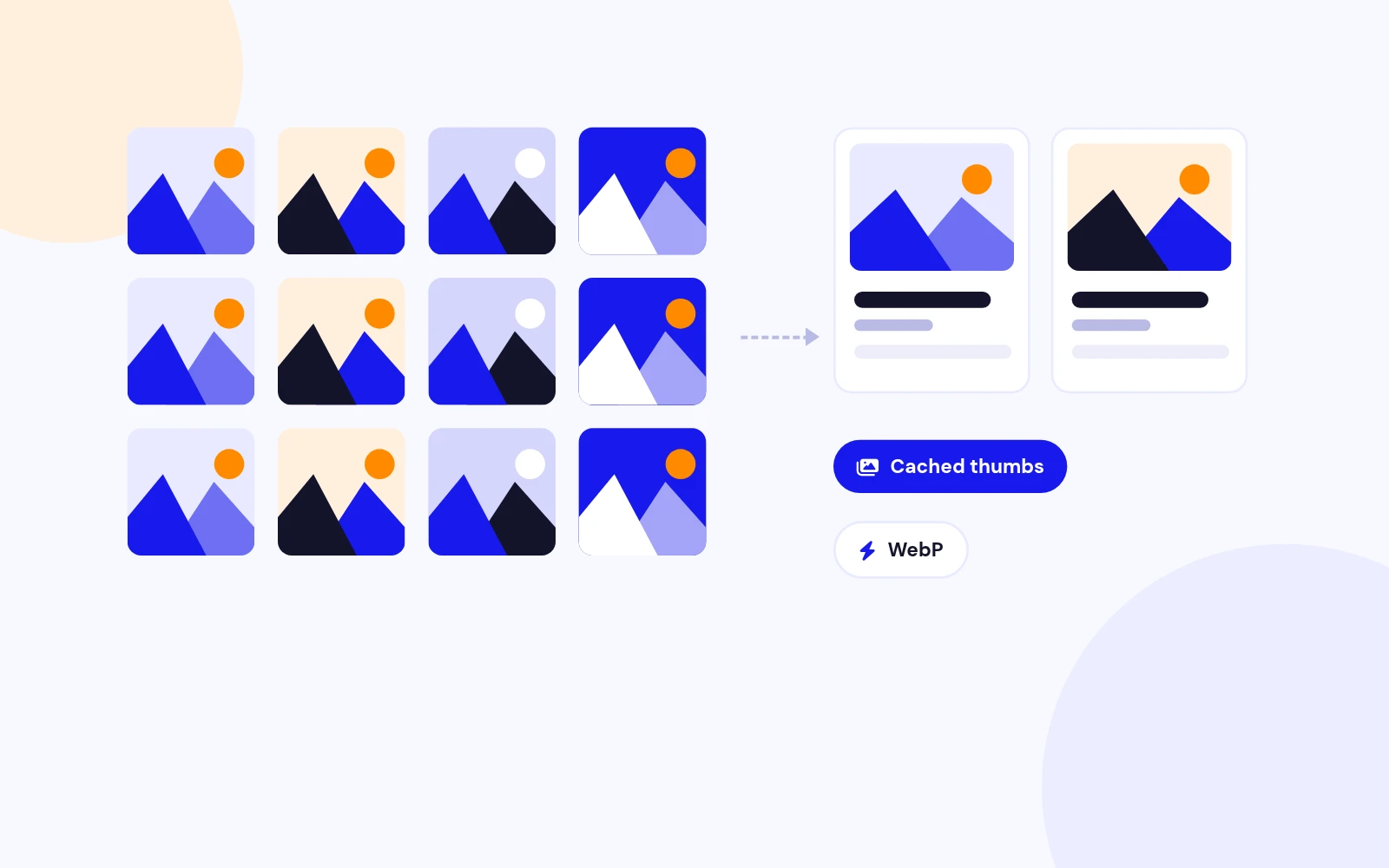
Yes. Cards, Timeline, Dashboard, Similar events, and Upcoming lists use cached resized thumbnails, with optional WebP. Event heroes and galleries keep full-size images so detail pages stay sharp.
Yes. Use daily, weekly, monthly, or custom-date recurrence for series. Download a sample CSV, import batches for city and agency sites, and export anytime for a full backup spreadsheet.
No. There is no cart, seats, or payment system. When tickets live on another site, use the external URL field so visitors can buy from the organiser while your calendar stays clean and fast.
Yes. Share buttons and Add to calendar (Google, Outlook, Apple/ICS) help events travel further. An iCal subscribe feed lets people follow your upcoming list in their calendar app.
Open the live demo at demo.joomlax.com/demo/content-display/easy-events-calendar and explore Month, Agenda, Cards, Timeline, Events Map, Dashboard, module carousels, and Module Map.
Visit support.joomlax.com. Documentation lives at joomlax.com/documentation/easy-events-calendar. JoomlaX support covers setup questions, configuration advice, and updates for your subscription.
More like this


Module
AJAX-powered Joomla article filtering with beautiful, flexible content cards.
v1.6.2 3,472 downloads
From $19


Module + Plugin
Polished DOCman downloads in articles and modules. Tables, lists, galleries, and nested folder trees with a modern 2026 UI.
v5.0.3
From $29