If you already have an account then login or else you create an account if you are new to our store..
Create an account using the same email address which you have used while purchasing the extension. (This isn't your Paypal email address but the address which you have provided in our store while purchasing)
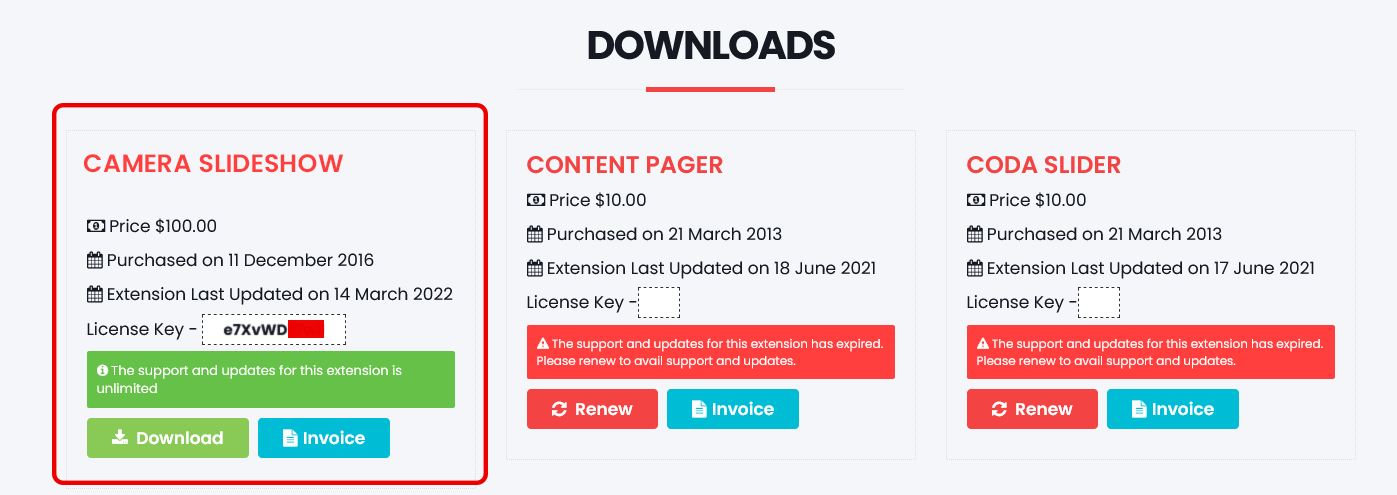
Once you login to the Download section you can find the License Key for the extension.