Setup
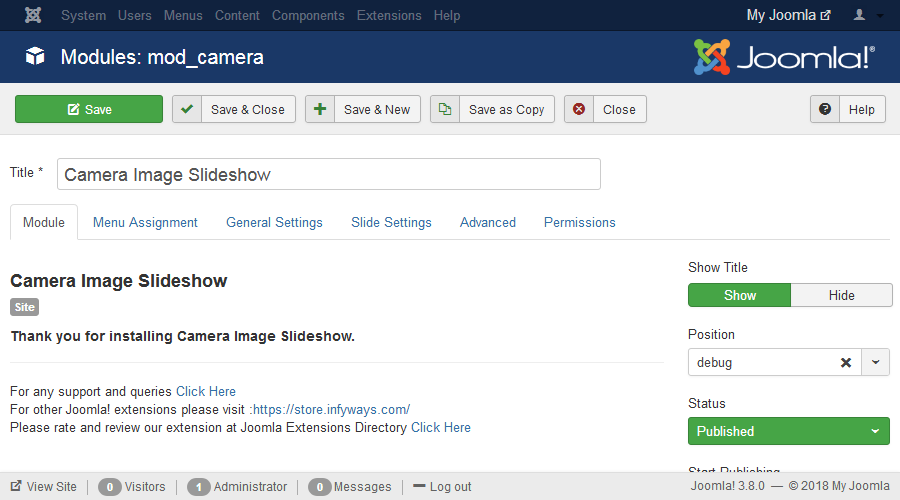
- After successful installation of the module, go to Extension > Modules and Search for Camera Slideshow. If you don't find it in the modules page then click on the New button in the top left corner of the page and add Camera Slideshow Module.
- After opening or adding a New instance of the Camera Slideshow module you can find different tabs with different parameters to set.
Module Tab Options
Show Title : Set the title of the Module to Hide if you don't want the title to appear in the frontend.
Position : Set the position of the module where you would like the slideshow to appear.
Menu Assignment Tab
To assign the module to a particular menu or all the menu go through the following documentation.
https://docs.joomla.org/How_do_you_assign_a_module_to_specific_pages%3F