First-time setup
- Open Components > Easy AI Writer > Configuration.
- On the Provider tab, choose your provider. The address and the model fill in. Paste the key and click Connect. When it says connected, click Save.
- Open an article. In TinyMCE the button is under CMS Content > AI Writer. Other editors show an AI Writer button under the text area. Or press Ctrl+Alt+W with the cursor in the editor.
- Select a paragraph, choose Rewrite, and click Generate. Read the result, then click Replace selection.
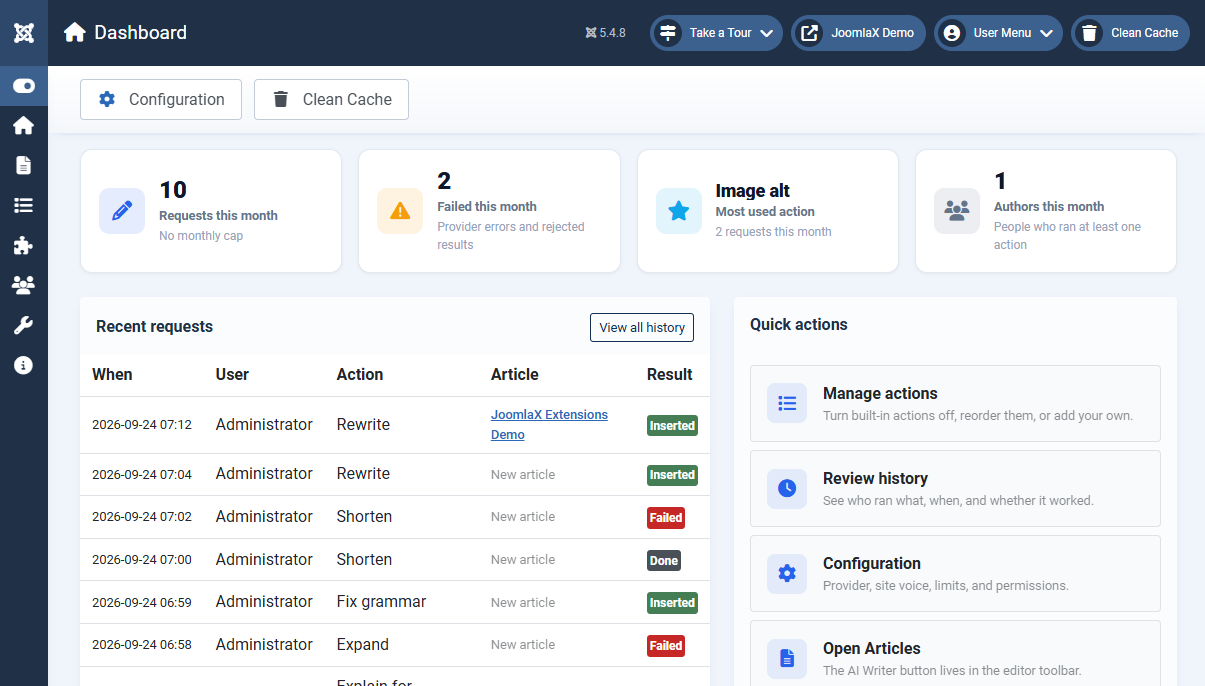
The dashboard shows requests this month, failures, the most used action, and how many authors used the button, plus the latest requests and quick links.