Appearance
- Layout Style: Plain, Card, or Soft Panel
- Accent Colour and button text colour
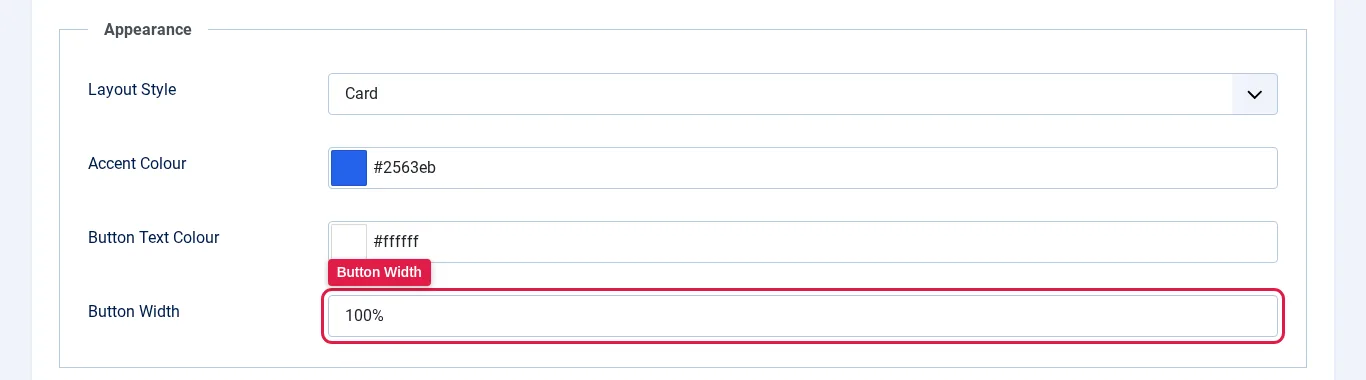
- Button Width: see below
- Maximum Form Width
- Additional CSS for template-specific tweaks
Frontend markup uses accessible labels, live status messaging, visible focus, large touch targets, and reduced-motion support.
Set the submit button width
- Open the module and click the Appearance tab.
- Enter a value in Button Width and save the module.
| Value | Result |
|---|---|
auto (default) | The button is as wide as its text. |
100% | The button fills the width of the form. |
180px, 12rem, 10em, 50%, 40vw | A fixed or relative width. Use a whole number (up to 4 digits) followed by px, rem, em, %, or vw. |
Both 100% and 100px are valid. Any other value, such as a bare number like 100, a decimal like 12.5rem, or a space between the number and unit, is ignored and the button falls back to auto.