Submissions & CAPTCHA
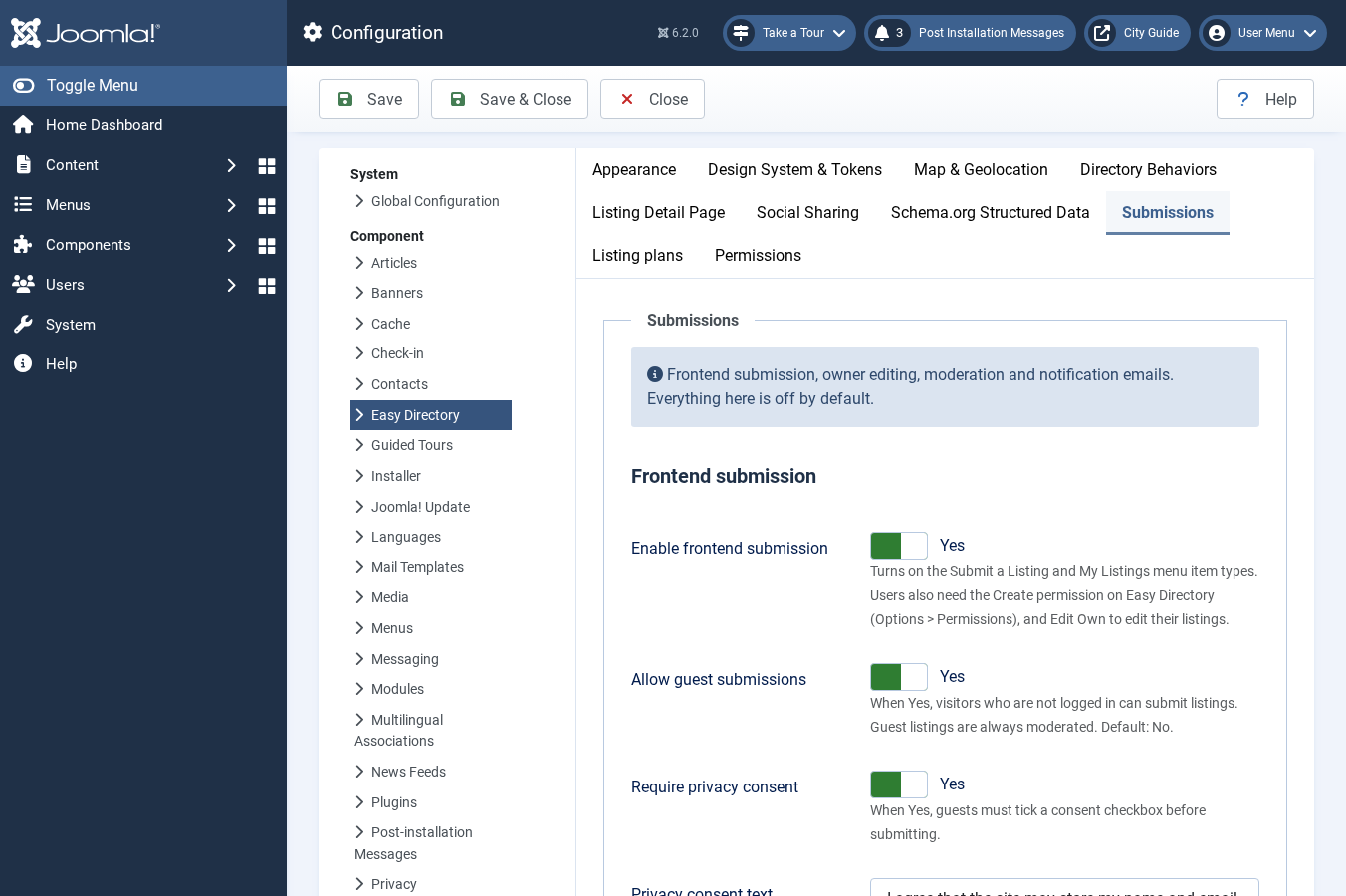
Open Components > Easy Directory > Options > Submissions. Every switch on this tab is off by default. Existing sites stay unchanged until you enable the options you need.
- Enable frontend submission: Turns on the Submit a Listing and My Listings menu item types. Users also need the Create permission, and Edit Own to change their listings.
- Allow guest submissions: Visitors who are not logged in can submit a listing. They must give a name and email (phone is optional). Guest listings are always moderated. You can add per-IP and per-email rate limits and an optional privacy consent checkbox.
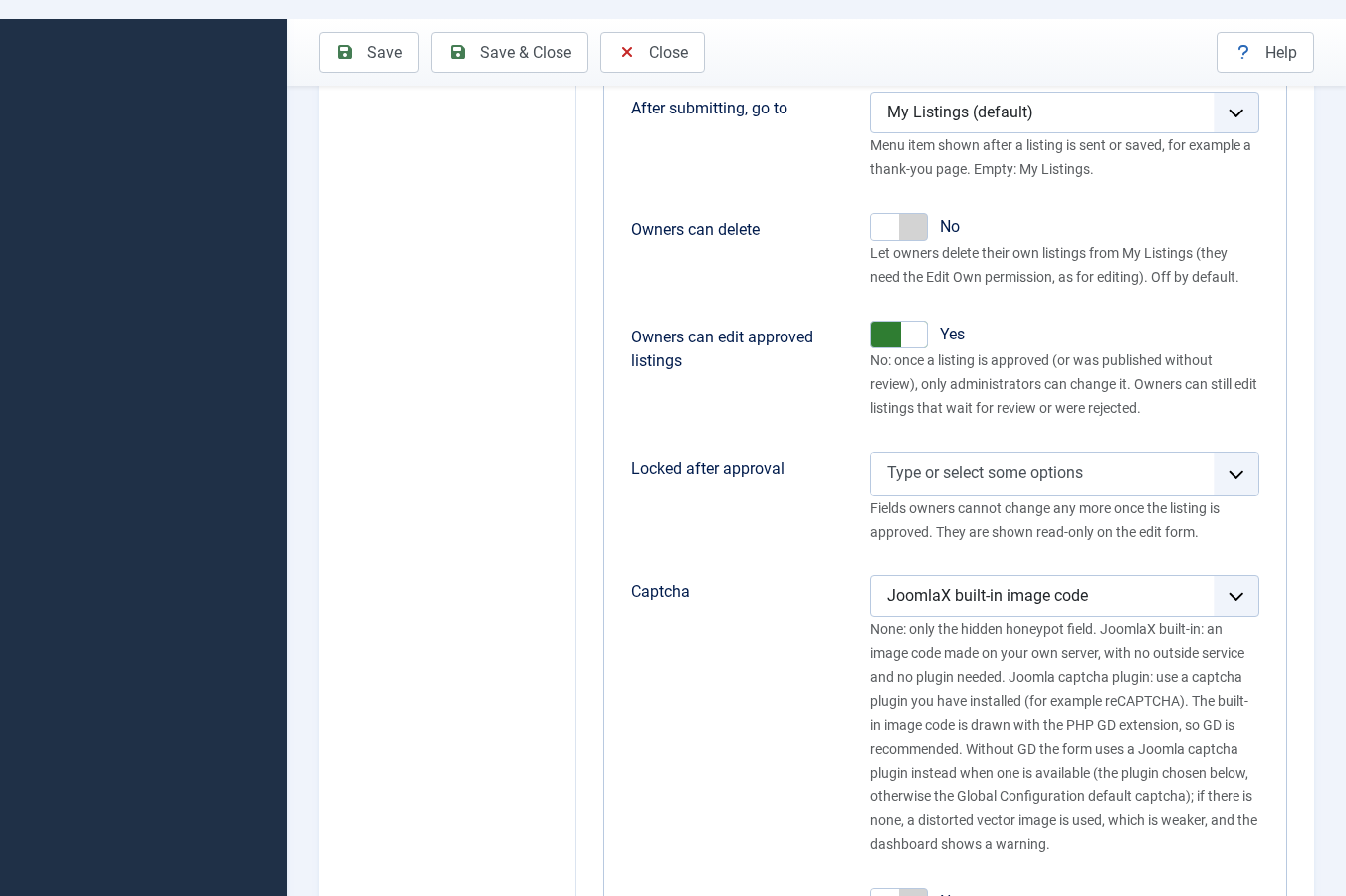
- CAPTCHA: Choose none, the built-in image code, or a Joomla captcha plugin. The hidden honeypot field is always present. Guest submissions and upgrade requests always require CAPTCHA.
- If you choose the built-in image code and the server has no PHP GD, Easy Directory uses a Joomla captcha plugin when one is available (the plugin selected here, or the site default). If no captcha image can be made, the form cannot be sent.
- You can also require CAPTCHA when owners edit their listings, choose which form sections to show, set upload limits, and switch moderation and notification emails on or off.