Upgrade Requests
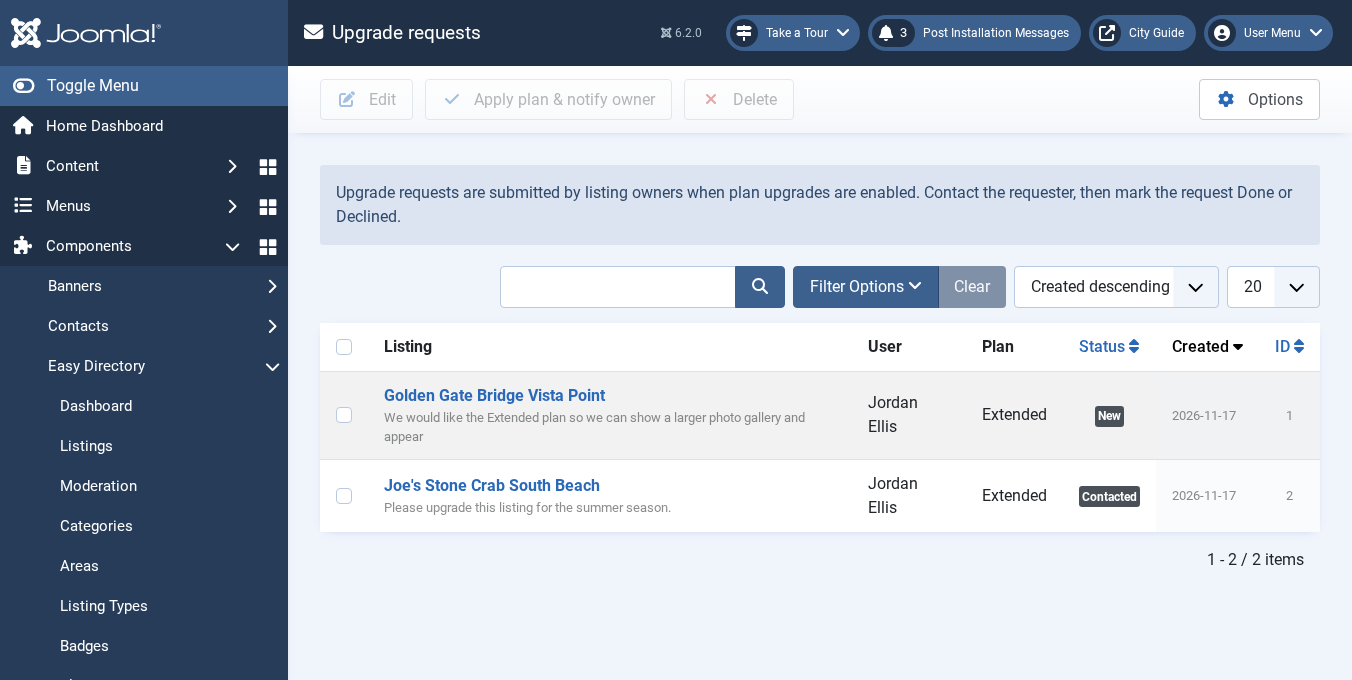
With listing plans enabled, turn on Enable upgrade requests under Options > Listing plans (also off until you switch it on). Owners can then request a higher plan from My Listings, and optionally from the listing page.
Requests appear under Components > Easy Directory > Upgrade requests, with statuses such as new, contacted, done and declined. There is no payment. Use Apply plan & notify owner to assign the requested plan, set its duration dates, and email the owner.
The upgrade form includes CAPTCHA and a hidden honeypot field.