Configuration
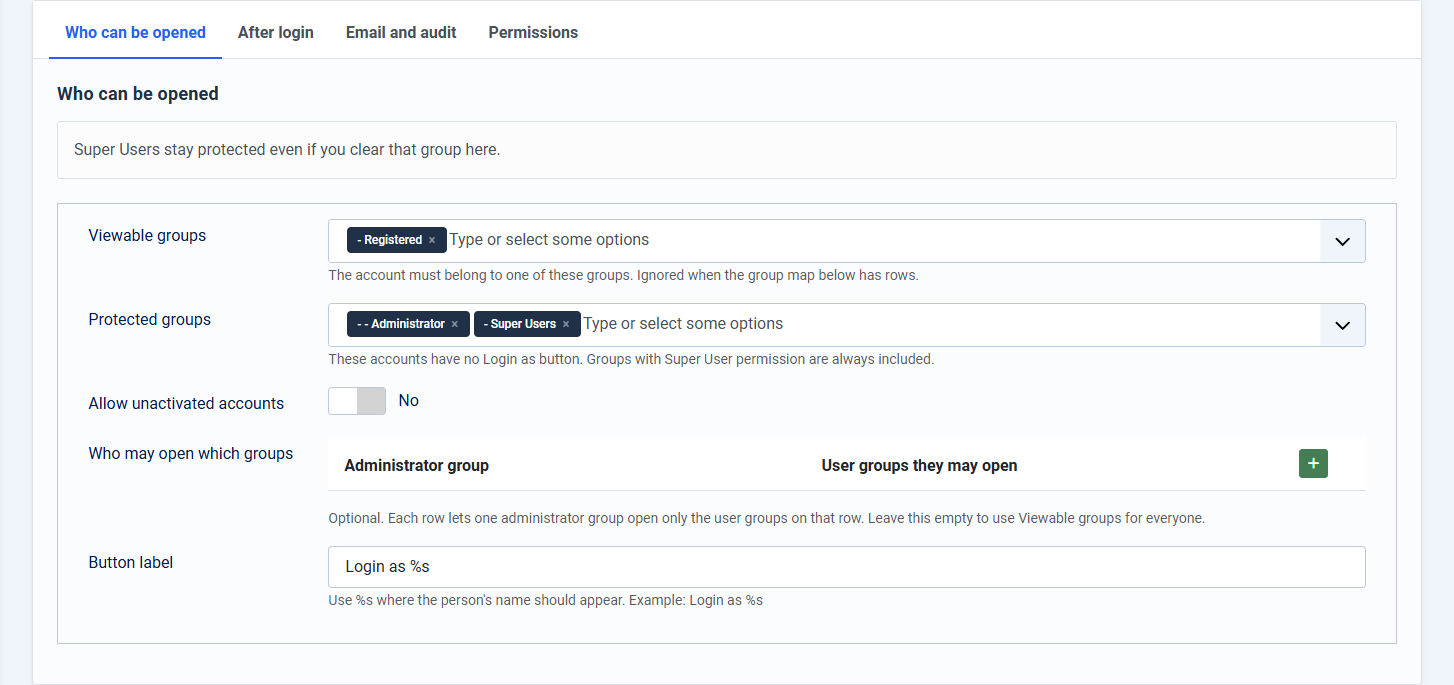
Configuration decides who can be opened, where they land, and whether you are emailed.
Open Components > Easy Login As > Configuration.
Who can be opened
- Viewable groups: user groups that may be opened. Used when the map below is empty.
- Protected groups: never opened. Super Users are always included.
- Allow unactivated accounts: off by default
- Who may open which groups: optional rows. Each administrator group gets its own target groups. An empty map keeps the single viewable list.
- Button label: default
Login as %s
Permissions
The Login as user action is what allows the button. Super Users already have it. Grant it to other groups only when you intend them to open accounts.