Plugin Component
Utilities

Easy Login As

Open the public site as a chosen user from the Users list, with a one-time link and an audit log.

  • Zero B/C pluginRuns without the B/C pluginRuns on Joomla 5 and 6 without the Behaviour - Backward Compatibility plugin, so you can keep it switched off.
  • Joomla 5 & 6Tested and supported on Joomla 5 and 6.
  • Instant accessReady to install right after checkout
  • One-click updatesNew releases install from the Joomla administrator
  • Lifetime optionPay once and keep future releases
  • 30-day guaranteeFull refund if it is not the right fit

Features

What can Easy Login As do for you?

Six feature areas, one install package for Joomla 5 and 6.

See Your Site as Any User

One Click

See Your Site as Any User

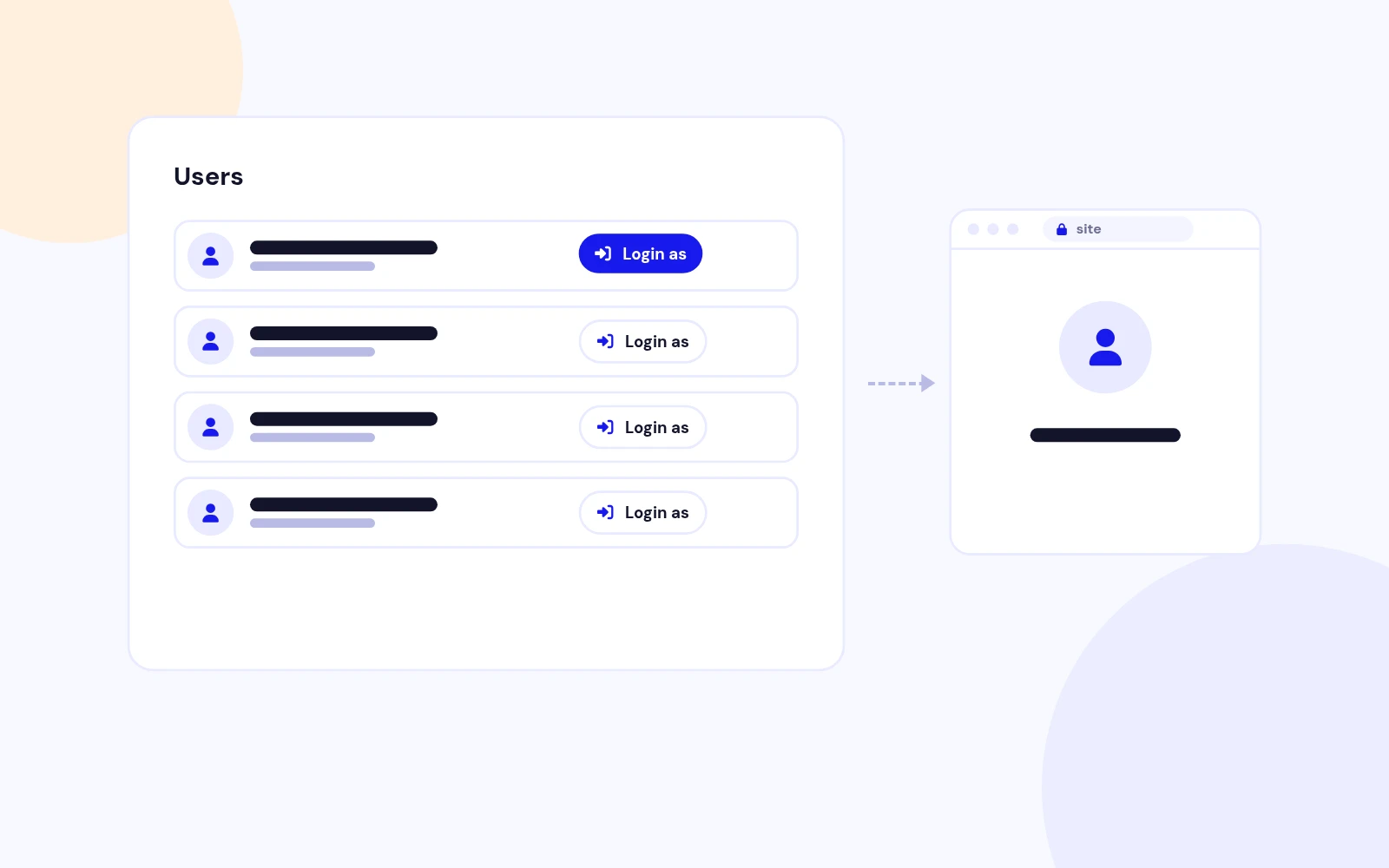
  • A Login As button opens the site as that user. Secure one-time links never reveal or change passwords.
Choose Who Support Can Open

Safe Access

Choose Who Support Can Open

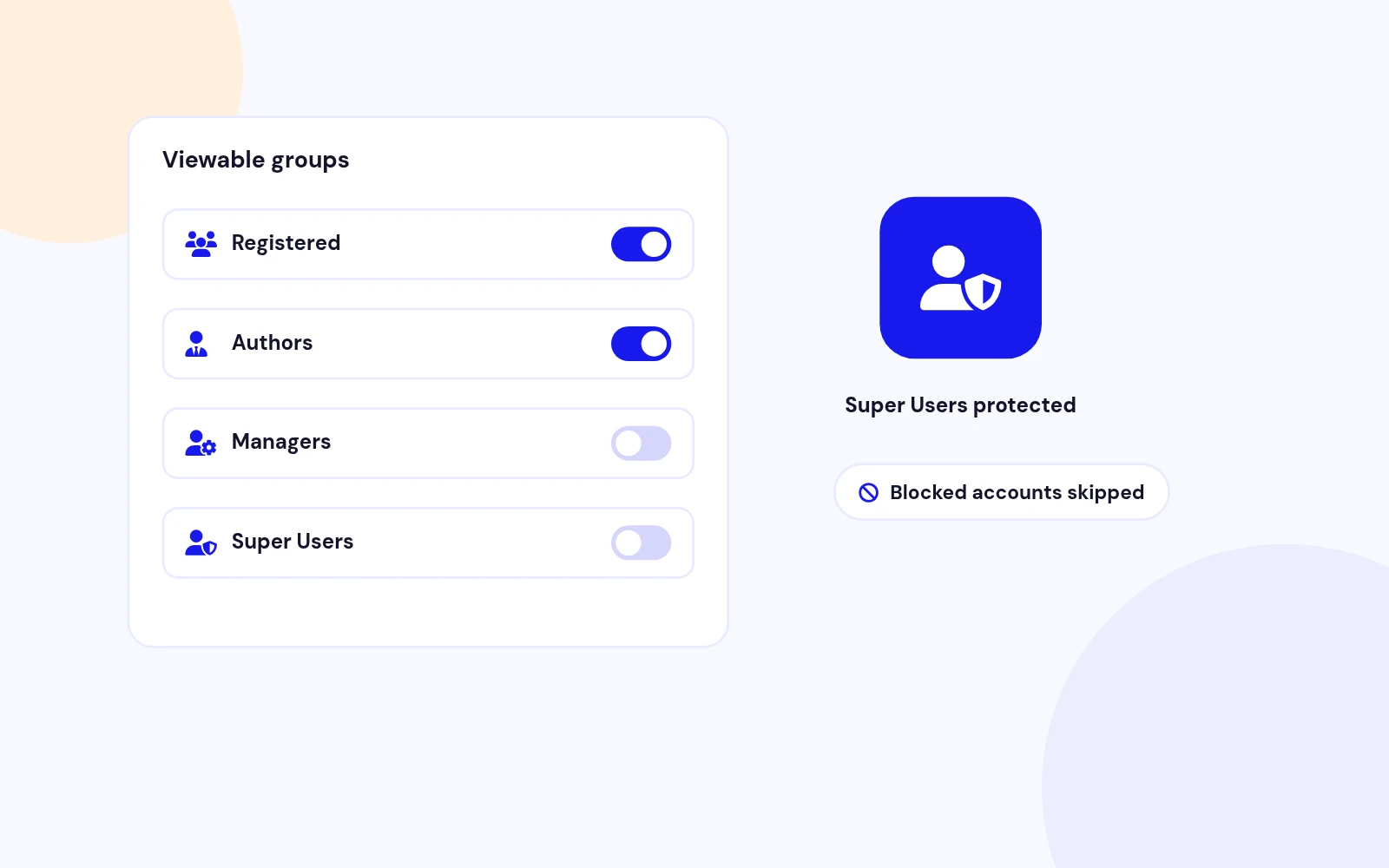
  • Pick which user groups your support team can open. Super Users always stay protected.
Land on the Right Page

Redirect

Land on the Right Page

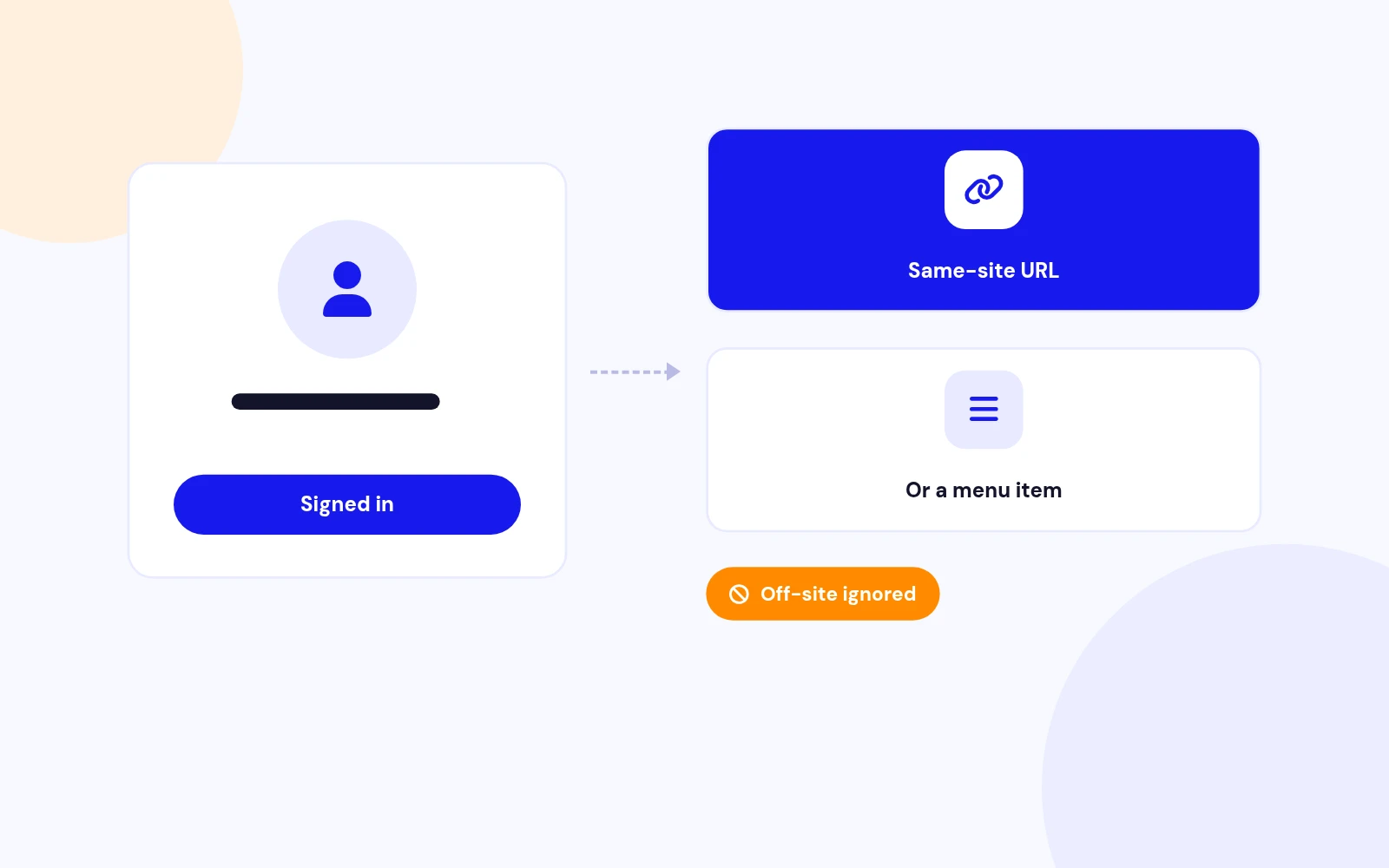
  • Send the session to a page or menu item on your site. Otherwise it opens the homepage.
A Record of Every Session

Audit Trail

A Record of Every Session

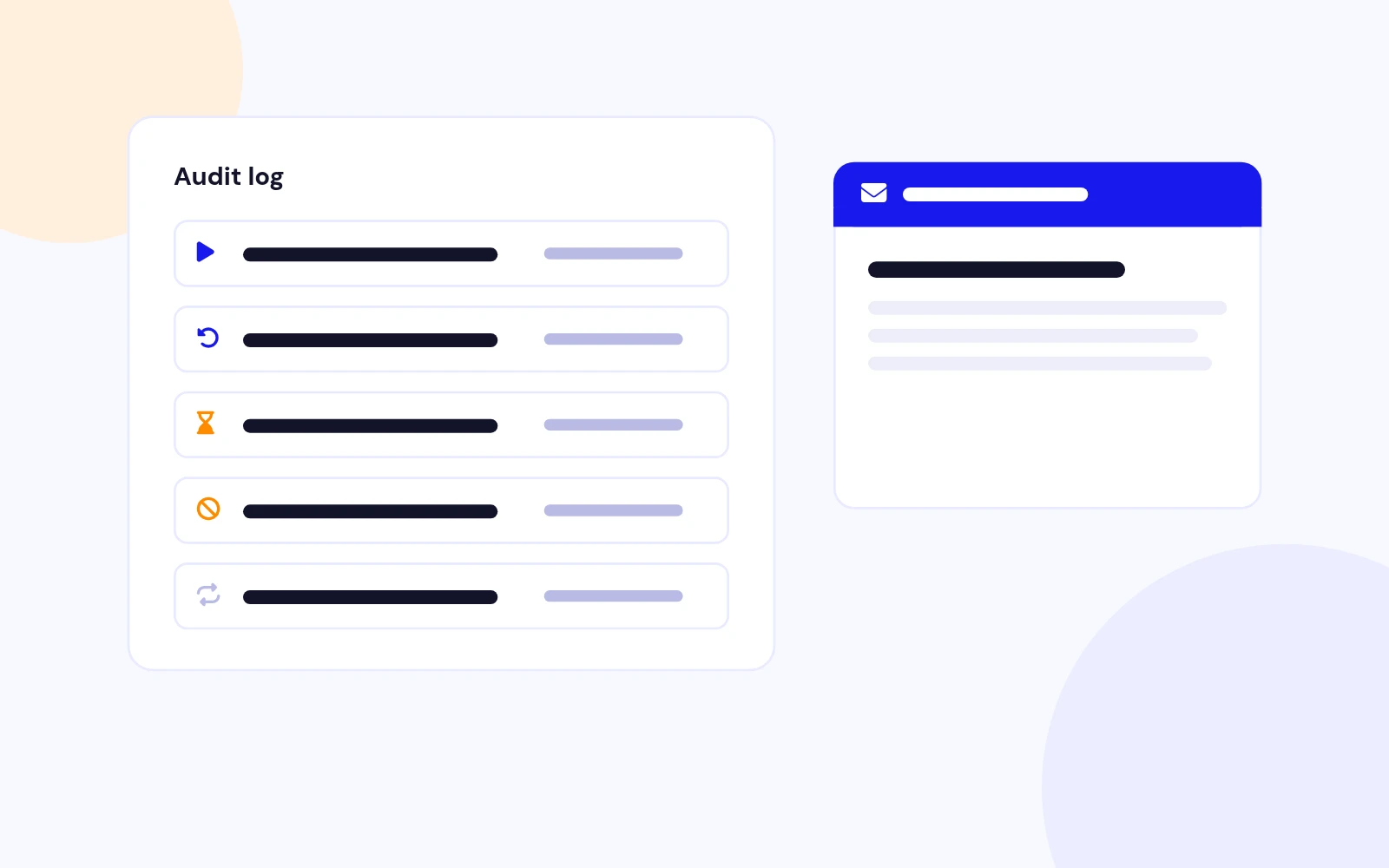
  • Every attempt is logged, and you can get email alerts. Login links are never included in emails.
Works With Your Shop and Community

Integrations

Works With Your Shop and Community

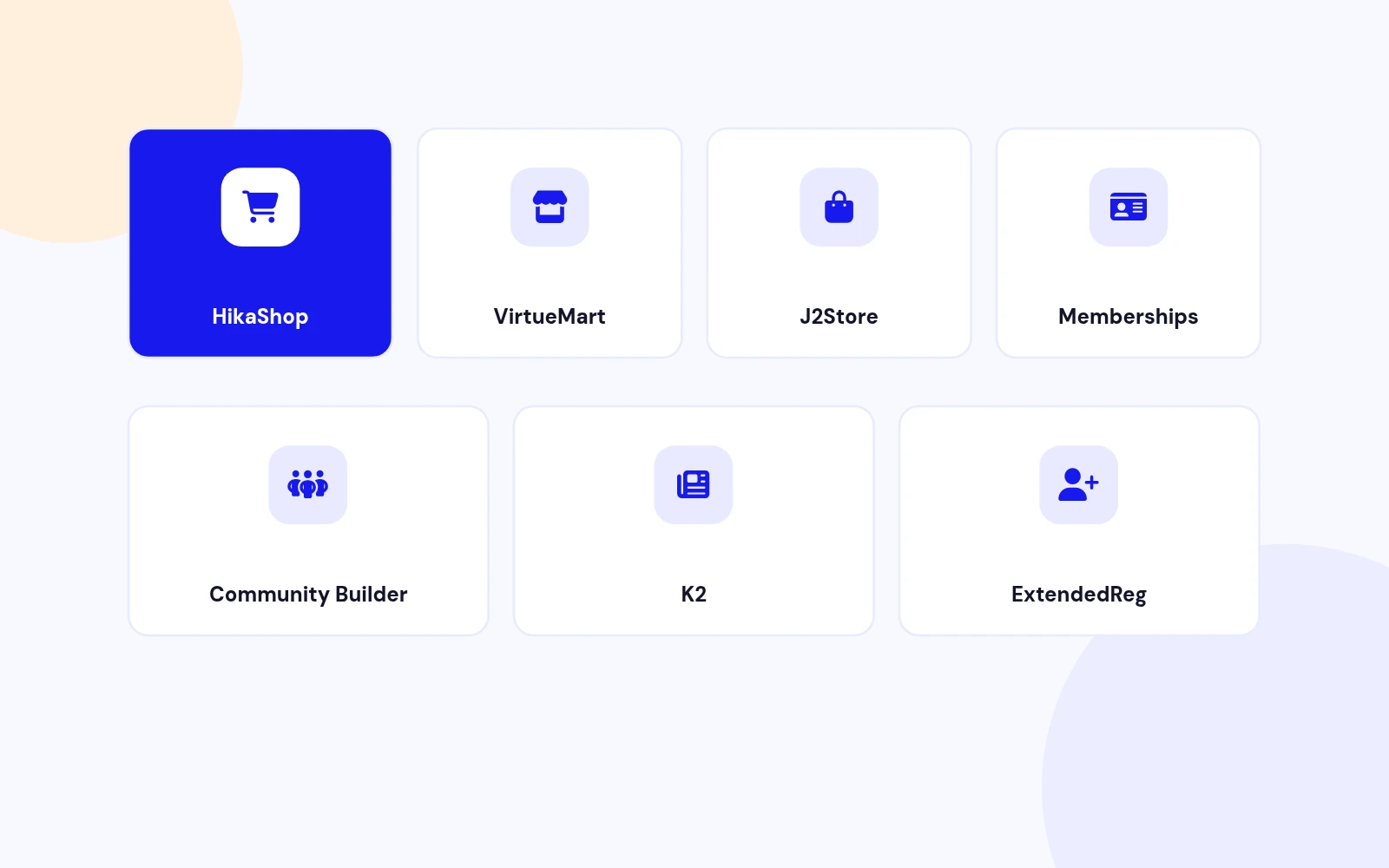
  • Buttons appear in HikaShop, VirtueMart, J2Store and OS Membership lists. Also Community Builder, K2 and ExtendedReg.
Built for Modern Joomla

Future-Proof

Built for Modern Joomla

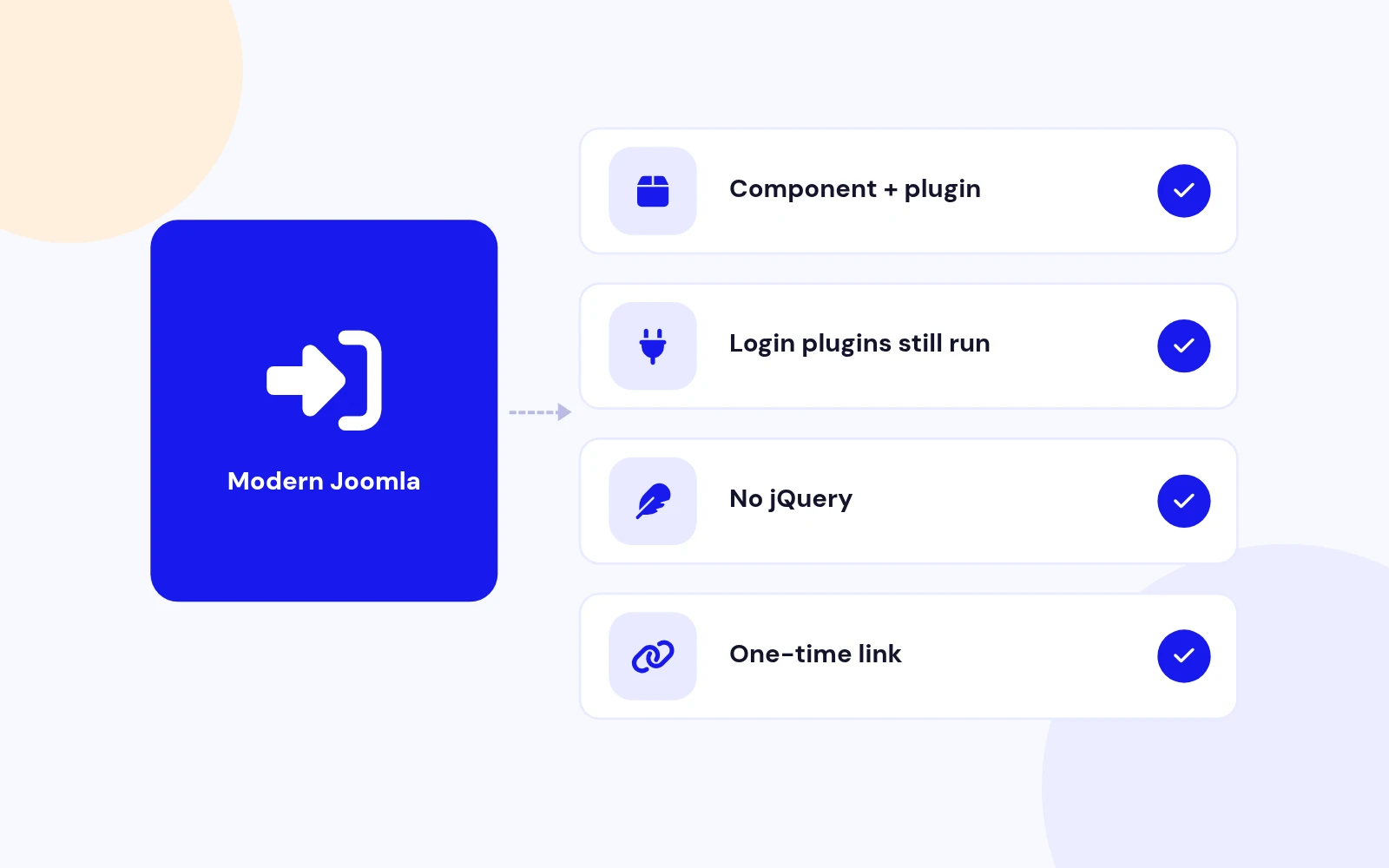
  • One package installs everything. Uses Joomla's normal login, so other extensions behave as expected.

Changelog

What's new

3 releases since version 1.0.0. Updates install from the Joomla admin with a valid licence.

    • Download Key support on the update site (dlid).

Docs & setup

Get up and running fast

Written guides for installing and configuring Easy Login As, from first setup to the options that matter.

  • Installation stepsOne install zip for Joomla 5 and 6, installed from System, Install, Extensions.
  • Configuration optionsThe settings in the guide, from first setup to the options that matter.
  • Practical usage tipsShort examples you can adapt to your site.

Pricing

Choose the plan that fits

Save more as you scale — longer access means a bigger discount.

Compatible with
Joomla 5 Joomla 6
Tester plan
30 Days
Basic testing plan. 30 days access only. No priority support. Access expires after 30 days - no future updates.
$19

$19

You save zero
Download Access - 30 Days
Support - 30 Days Email Support
1 Website License
Unlimited Downloads
No Priority Support
No Future Updates After 30 Days
Limited to Testing Only
30-Day Money Back Guarantee
Commercial Use License
6 Months
6 months access with priority support & bug fixes. Perfect for short-term projects and growing businesses.
$114

$29

You save $85
Download Access - 6 Months
Support - 6 Months + Priority Updates
2 Websites License
Unlimited Downloads
Priority Email Support
Priority Bug Fixes
6 Months Free Updates
30-Day Money Back Guarantee
Commercial Use License
Pay once
Lifetime
Lifetime access with dedicated support agent. Never pay again - unlimited updates & custom development support included.
$1,980

$99

You save 95%
Download Access - Lifetime
Support - Lifetime + Dedicated Support
Unlimited Websites License
Unlimited Downloads
Dedicated Support Agent
Lifetime Free Updates
Feature Request Priority
Custom Development Support
30-Day Money Back Guarantee
Commercial Use License

Why buy here

Why JoomlaX

  • Built, maintained and supported by one team Every product sold on JoomlaX is developed, maintained and supported by Infyways, building Joomla solutions since 2010.
  • Ready for Joomla 4, 5 and 6 118 extensions support Joomla 5 and 6, and 114 support Joomla 4. Each product page lists the versions it works with.
  • One-click Joomla updates Regular updates and feature improvements for licensed customers, delivered straight to your Joomla admin.
  • Support from the developers Tickets go straight to the developers. First replies within 24 business hours.

All-access bundle

Unlock every JoomlaX extension in one plan

Get all 126 extensions, new releases, ongoing updates and full-time support. Bought one by one, a year of updates for every extension costs over $4,700.

  • Basic

    Ideal for small projects and personal sites

    $249/ 6 months

    Save 91% · $2,900+ value

    • Access to 126 extensions
    • Access to new extensions during period
    • 3 websites license
    • 6 months support and updates
    • Unlimited downloads and domain activations
    • Full-time expert technical support
    Buy Basic plan

    30-day money-back guarantee

  • Most popular

    Premium

    Best for growing businesses and web agencies

    $349/ 1 year

    Save 92% · $4,700+ value

    • Access to 126 extensions
    • Access to new extensions during period
    • 5 websites license
    • 1 year support and updates
    • Unlimited downloads and domain activations
    • Priority full-time technical support
    Buy Premium plan

    30-day money-back guarantee

  • Developer

    For professional developers and multi-client agencies

    $749/ one-time

    Pay once · keep forever

    • Access to 126 extensions
    • Access to all future new extensions
    • Unlimited websites license
    • Lifetime support and updates
    • Unlimited downloads and domain activations
    • VIP priority full-time technical support
    Buy Developer plan

    30-day money-back guarantee

FAQ

Questions about Easy Login As

Still unsure? Our support team is one ticket away.

Which Joomla versions does Easy Login As support?

Easy Login As supports Joomla 5 and 6. PHP 8.1 or later is required.

Does this use a master password?

No. A Super User (or someone with the Login as user permission) clicks a button. The site opens with a one-time link that expires in two minutes. The password is never shown or changed.

What do I install?

Download EasyLoginAs_UNZIP.zip, unzip it, and install the package zip inside. That installs the component and the system plugin together.

Where is the Login as button?

Open Users > Manage. Allowed accounts show a Login as button in the last column. Blocked accounts, protected groups, and your own account do not.

Can I stop staff from opening Super Users?

Yes. Super User groups stay protected even if you remove them from the protected list. You can also map each administrator group to the user groups that group may open.

Can the opened session land on a specific page?

Yes. In Configuration, set a Redirect URL on this site, or choose a menu item. An address on another site is ignored.

Will I get an email each time?

Only if you turn Email on each login on. You can set the subject and body. Placeholders are {admin}, {user}, {username}, and {audit}. The one-time link is not included.

Does it add buttons on shop customer lists?

When that extension is installed, yes: HikaShop, VirtueMart, J2Store, OS Membership, Community Builder, K2, and ExtendedReg. If it is not installed, the list is left alone.

Help from the people who built it

Don't have an account yet? Register Now!

Sign in to your account