Find the plugin
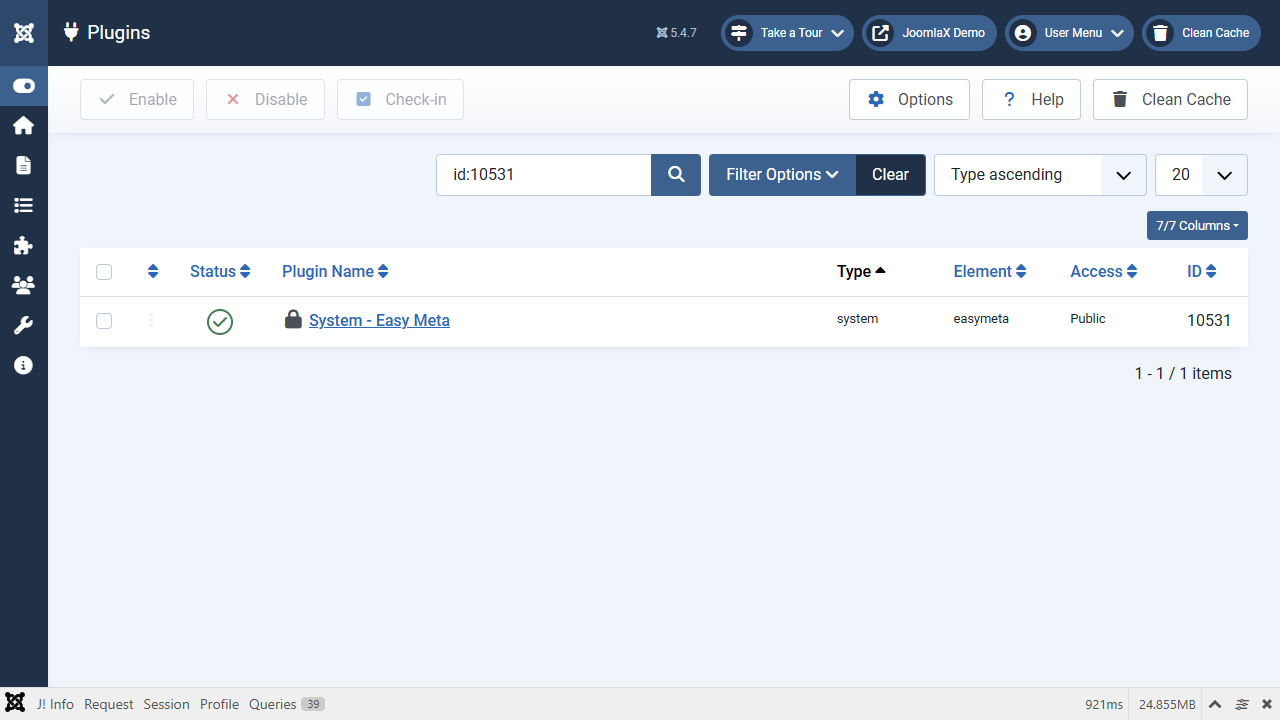
- Open System > Plugins.
- In the search box type Easy Meta and press Enter.
- You should see System - Easy Meta.
- The status icon should be a tick (enabled). The installer turns it on for you.
- Click the name System - Easy Meta to open the settings.
Tip: if search does nothing, click the blue search button next to the box.