First-time setup
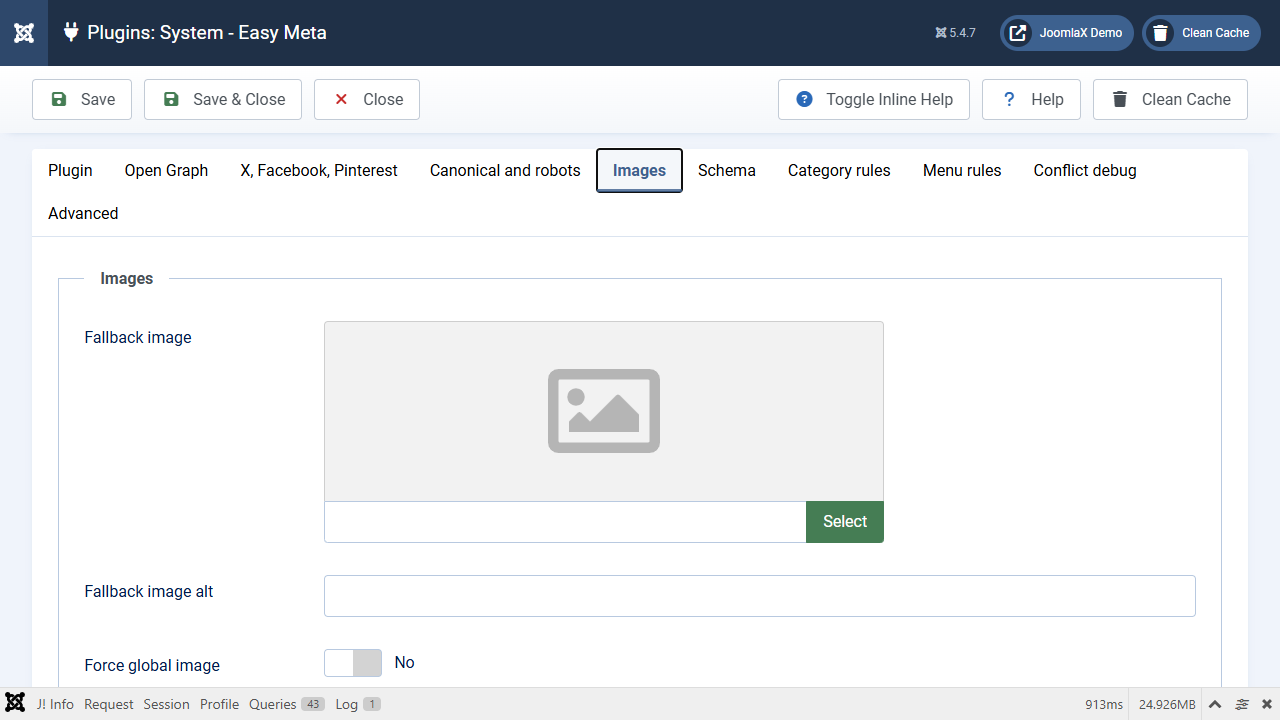
Do these five things once. Then most articles will share correctly.
- Open System - Easy Meta (see the previous tab).
- On the first tab, leave Enable Easy Meta and Overwrite existing social tags set to Yes.
- Click the Images tab.
- Click Fallback image and pick a picture from Media. A wide photo works well (about 1200 by 630 pixels).
- Leave Generate 1200 by 630 JPEG on Yes if your server has GD.
- Click Save (top toolbar).
- Open System > Clear Cache and delete the cache.
That fallback picture is used when an article has no intro image of its own.