Installation
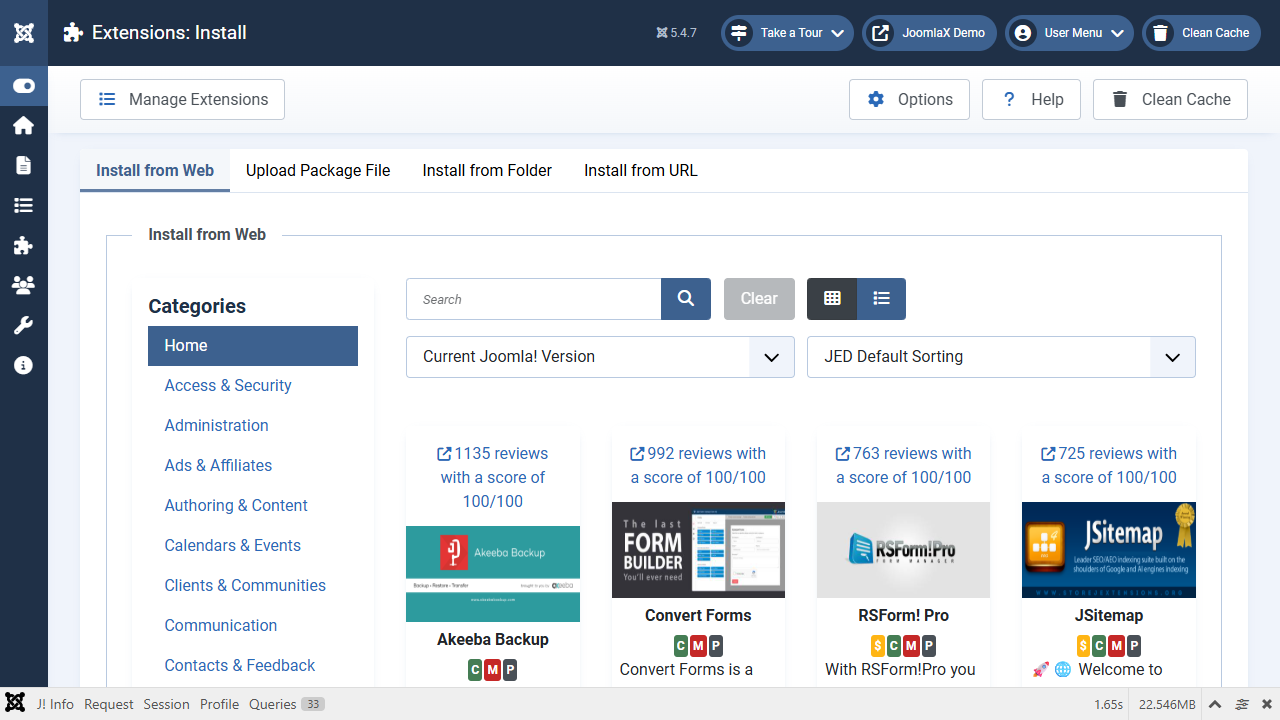
Step 1: Get the file
- Download EasyMeta_UNZIP.zip from your email or Downloads.
- On your computer, unzip it (right-click, Extract All).
- Inside you will see plg_system_easymeta_1.0.0.zip and ReadMe.txt.
Step 2: Install in Joomla
- Log in to the Joomla administrator.
- Open System (left menu).
- Click Install, then Extensions.
- Click Upload Package File.
- Choose
plg_system_easymeta_1.0.0.zip(the inner zip, not the UNZIP wrapper). - Wait until you see a green success message.
If the message shows a code like PLG_SYSTEM_EASYMETA_INSTALL_SUCCESS, install this 1.0.0 zip again so language files are in place.