Assistants
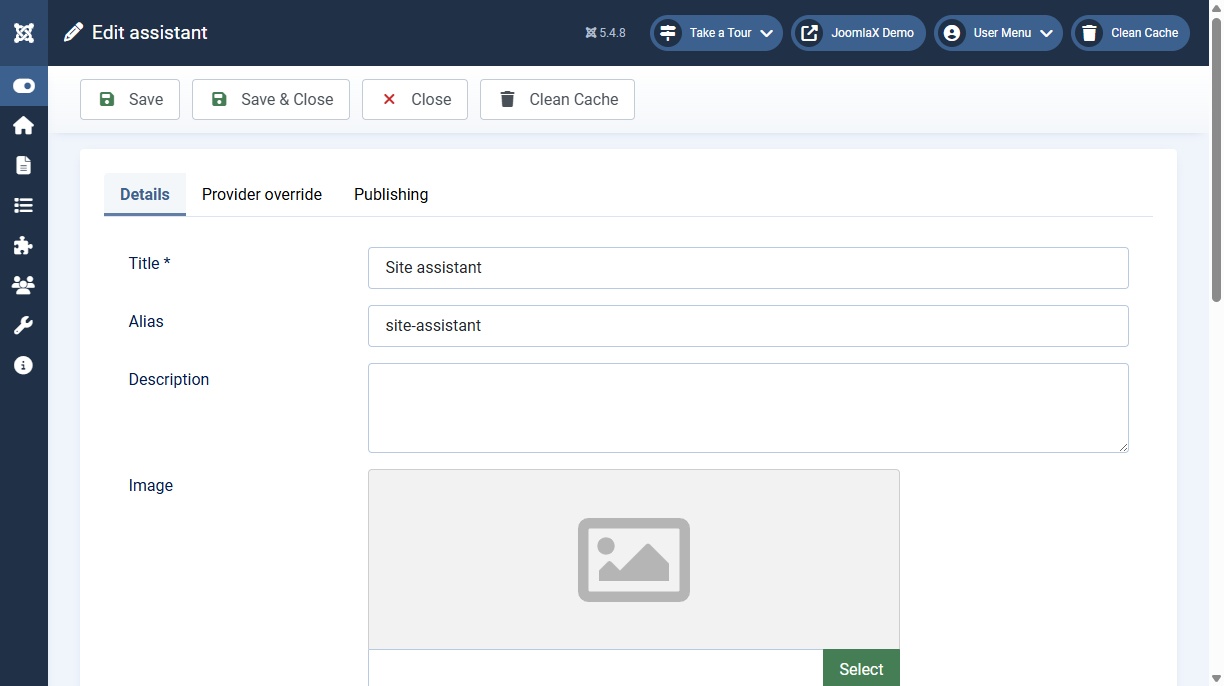
Each assistant has instructions, a welcome message, suggested prompts, a model, and a tool list.
Instruction starter
On the assistant edit screen, choose a starter to copy a prompt into Instructions. You can edit the text after. The starter is not saved by itself.
- Site assistant: answer only from the Knowledge Base and retrieved pages
- Directory and events: use those tools before saying nothing was found
- Reply in the visitor language: answer in the language of the question
Leave Tools empty to use site search plus every enabled connector. List tool names when an assistant should only use some of them.
Stay within site sources
In Components > Easy AI Assist > Configuration > Behaviour, Stay within site sources is on by default. The chat then answers only from the Knowledge Base, connectors, and published articles, and says so when they do not contain the answer instead of guessing.
Municipal, administrative, legal, and similar official questions that your site does not cover get the Out of scope reply, which points the visitor to the relevant authority. Write that reply in your site language. Leave it empty to use the default text.
Article search looks through the whole archive for a person, place, organisation, or event, and follow-up questions such as "and earlier?" keep the subject of the previous question. Questions about the latest news still start with the newest articles.