Chat module
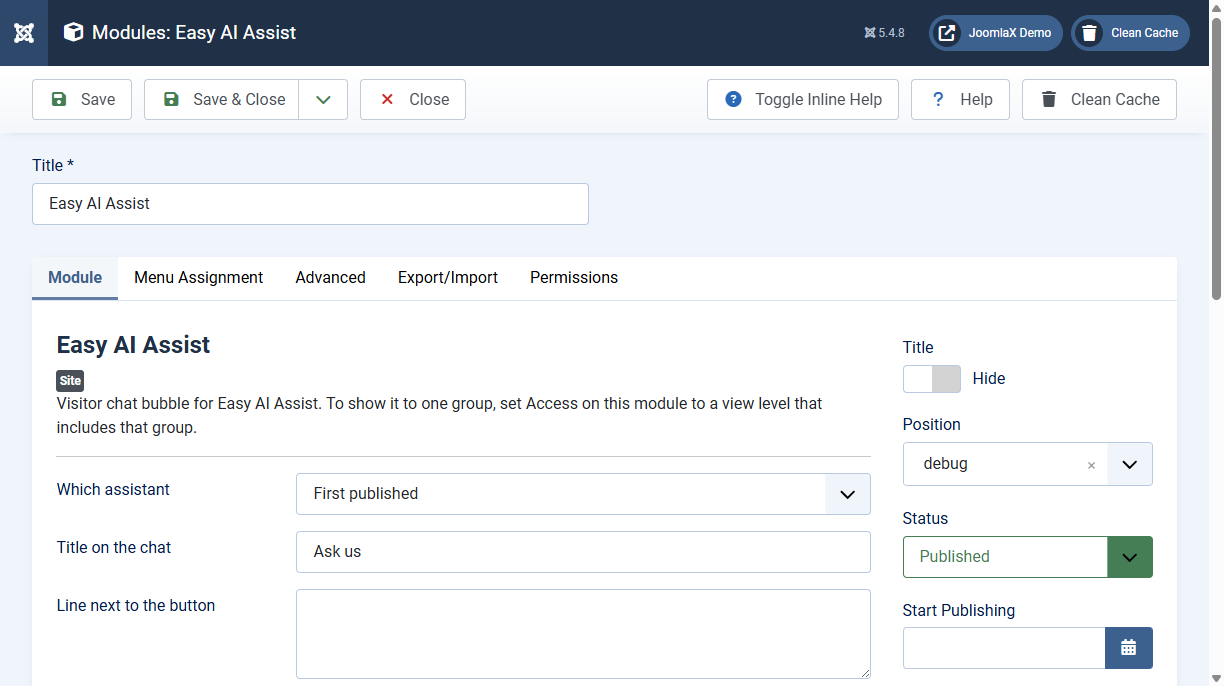
The floating chat is a site module. Module position and menu assignment control where it appears.
- Content > Site Modules > Easy AI Assist (or New > Easy AI Assist).
- Choose the assistant, panel title, colours, launcher size, and left or right position.
- Optional: write a short line next to the button. It shows briefly, then hides. The button stays.
- Set Status to Published and assign menus. Clear the site cache.
Duplicate the module for another language or another assistant. Access on the module limits who can see the chat.
Full-page chat
For a page that is only the chat, for example an Ask us item in the main menu or a link from a mobile app:
- Menus > your menu > New.
- Menu Item Type: Easy AI Assist > Easy AI Assist chat.
- Choose the assistant, save, and open the page on the site.
The page uses the same assistant, Knowledge Base, and connectors as the floating chat.