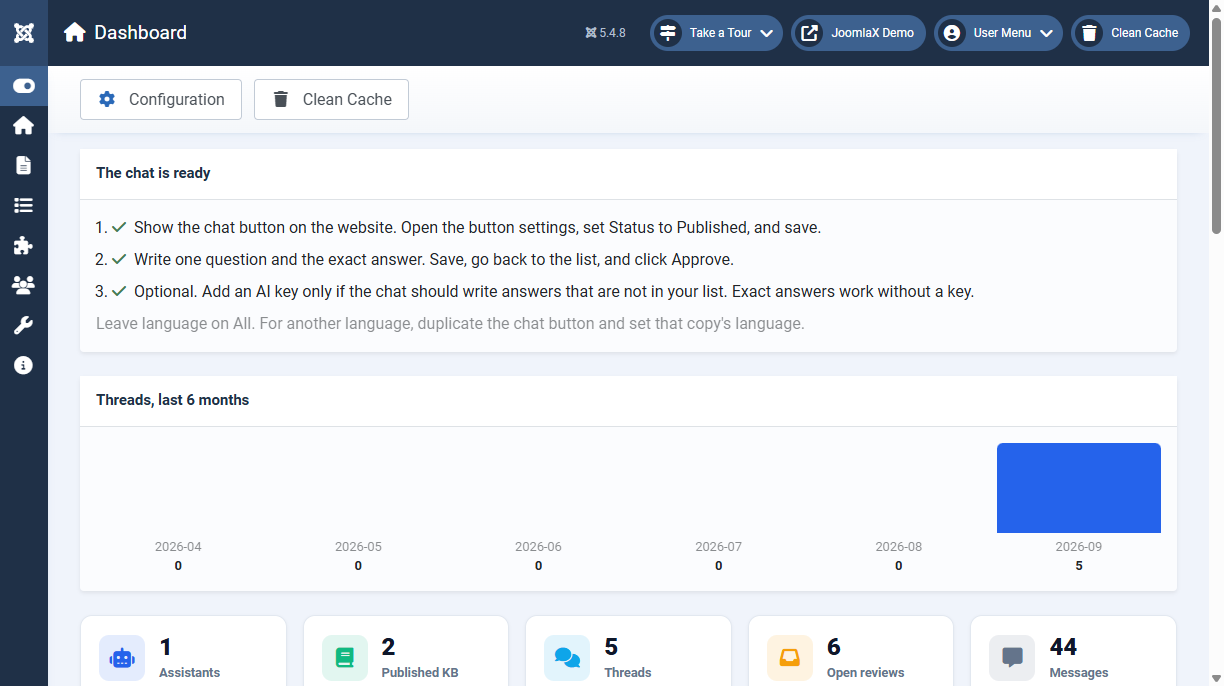
Open Components > Easy AI Assist. Follow Set up the chat.
Open the chat button, set Status to Published, and save. Optional: write a line next to the button. It shows for a few seconds, then hides. The button stays.
Write one question and the exact answer. Save, then click Approve.
Add an AI key under Configuration only if the chat should write answers that are not in your list. The API keys and models tab has the steps.
Leave language on All. For another language, duplicate the chat button and set that copy's language.